Introduction
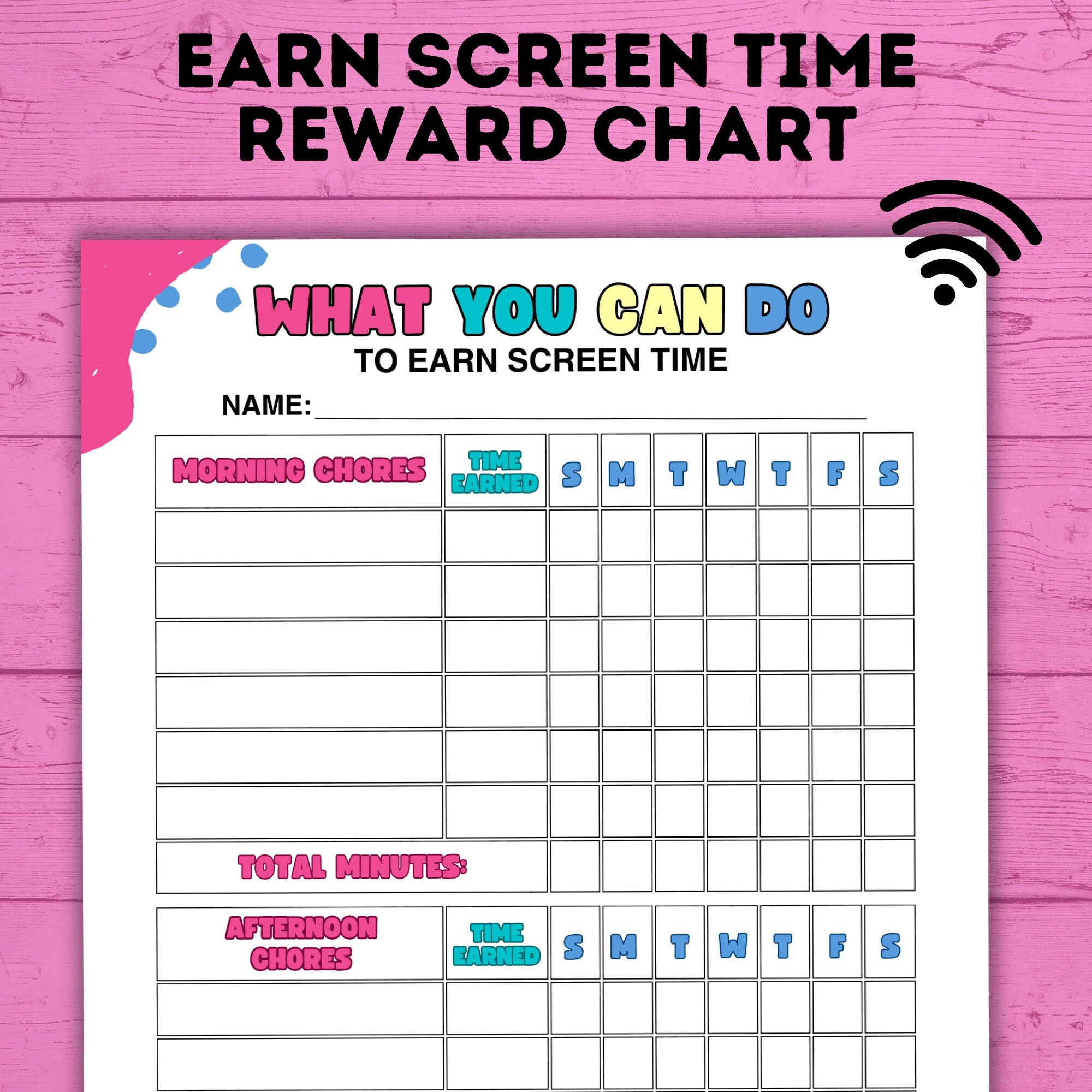
The establishment of clear digital boundaries represents a foundational element of contemporary child development. Safewiredschools.org proudly presents a critical educational tool: the “free screen time rules checklist for kids.” This resource is specifically designed to support children in Elementary (grades 1-5) and early Middle School (grades 6-8) in navigating their digital lives responsibly, though its principles are adaptable for learners across the 5-18 age spectrum. Reinforcing internet safety concepts through hands-on, printable learning offers an invaluable method for fostering digital awareness. Printable worksheets are trusted tools by educators and parents for their tangible nature, providing a physical anchor for abstract concepts. They facilitate active engagement, allowing children to internalize rules and behaviors through writing, discussion, and direct interaction, thereby building responsible online habits that extend far beyond the screen itself. The checklist format, in particular, offers a structured, visual framework for understanding and adhering to guidelines, promoting consistent practice in the home and classroom environment. Effective digital citizenship begins with a clear understanding of personal responsibilities and limits, a principle this resource aims to solidify.
💡 Educational Key Takeaways:
- Core Skill: Structured Free Screen Time Rules Checklist For Kids focused on developing pencil grip, stroke control, and early literacy/math confidence.
- Target Scope: Suited for homeschoolers, preschool, kindergarten, and elementary learners.
- Best Recommendation: Practice 10–15 minutes daily with ergonomic writing tools to reinforce muscle memory without hand fatigue.
What This Worksheet Covers
This “free screen time rules checklist for kids” directly addresses the crucial topic of responsible screen time management and the development of healthy digital habits. It encompasses practical guidelines for establishing boundaries around digital device usage, focusing on various facets of digital well-being. The checklist covers essential concepts such as setting appropriate time limits, evaluating content for age-appropriateness, understanding the importance of safe and respectful online interactions, and recognizing the necessity of balancing screen time with physical activity, sleep hygiene, and offline engagement. The resource encourages a holistic approach to digital life, emphasizing that technology is a tool to be used thoughtfully rather than a constant companion. Its content aligns with recognized digital citizenship and child safety education standards, which advocate for empowering children with the knowledge and skills to make informed decisions in their online environments. The checklist provides a tangible framework for families and educators to discuss and implement these vital principles, ensuring a consistent message about responsible technology use. Related guide: Worksheets For Kindergarten Pdf.
Key Learning Outcomes
By engaging with the “free screen time rules checklist for kids,” students and children will develop several critical skills and knowledge areas:. Browse more guides on Safe Wired Schools.
- An understanding of what constitutes balanced screen time and its impact on overall well-being.
- The ability to identify and articulate personal screen time rules relevant to their age and daily routines.
- Improved self-regulation skills in digital environments, fostering greater control over device usage.
- A recognition of the importance of offline activities, including physical play, creative pursuits, and social interaction.
- Enhanced communication skills regarding digital device use within family or classroom settings, promoting open dialogue.
How to Use This Worksheet
Educators and parents can effectively integrate the “free screen time rules checklist for kids” into their digital safety curriculum or family routines. The worksheet typically features a combination of activity types designed for engagement: fill-in-the-blank sections for personalizing rules, checkboxes for affirming agreement, and reflection prompts encouraging critical thought about digital choices. Its difficulty level is moderate, making it accessible for independent work with some guidance or as a collaborative activity. Instructions are clearly presented, scaffolding learning progressively by guiding users through the process of defining and committing to screen time boundaries. This resource functions exceptionally well as a standalone activity to initiate discussions about digital habits. It can also be seamlessly integrated as a core component of a broader lesson plan on digital citizenship or assigned as homework to encourage family-wide participation and agreement on household screen time policies. Its adaptable format allows for use in various educational contexts, from a classroom setting to a kitchen table discussion.
Practical Tips for Parents and Teachers
- Prepare the Environment: Before introducing the checklist, ensure a calm, focused setting. Explain the purpose of the activity to create a shared understanding of healthy screen habits, not to impose strict limitations without context.
- Facilitate Collaborative Rule-Setting: Instead of dictating rules, involve children in the process of identifying and defining them. This fosters a sense of ownership and increases adherence. Ask open-ended questions like, “What feels like a fair amount of time for games?” or “When should devices be put away?”
- Model Desired Behavior: Adults are powerful role models. Demonstrate responsible screen time habits, such as putting away devices during meals or family time, and discussing online content thoughtfully. Actions speak volumes in reinforcing the checklist’s principles.
- Display and Review Regularly: Once completed, print and prominently display the checklist in a common area. Schedule regular, perhaps weekly or monthly, reviews to discuss how well the rules are working, make adjustments as needed, and celebrate successes.
- Extend Learning with Offline Alternatives: Use the checklist as a springboard for exploring enriching offline activities. Brainstorm a list of non-screen activities together, encouraging children to discover new hobbies and interests that balance their digital engagement.
Age-Appropriate Recommendations
Utilizing the “free screen time rules checklist for kids” effectively requires tailoring its application to the developmental stage of the learners.
For Ages 5-8 (Early Elementary), the focus should be on simplicity and direct adult guidance. Teachers or parents should lead the discussion, using very clear, concise language and visual aids. Rules should be few and easy to understand, such as “No screens at dinner” or “Always ask before watching.” Activity pacing should be brief, perhaps breaking the checklist discussion into shorter segments. Parental or teacher involvement is crucial for explaining concepts, writing down responses, and providing consistent reinforcement.
For Ages 9-12 (Late Elementary/Early Middle School), children can participate more actively in defining the rules. Encourage them to articulate why certain rules are important, connecting screen time to schoolwork, friendships, and physical health. Vocabulary can be slightly more advanced, and discussions can explore scenarios where rules might be challenged. This age group benefits from opportunities to negotiate and understand the rationale behind boundaries. The checklist can serve as a personal contract, with increasing expectations for self-management.
For Ages 13-18 (Middle/High School), the checklist transforms from a prescriptive tool into a framework for self-reflection and responsible digital citizenship. Discussions should center on self-regulation, time management, and the long-term impacts of digital habits on mental health, academic performance, and future opportunities. While strict rules may be less effective, the checklist can initiate conversations about personal digital wellness goals, setting self-imposed limits, and understanding the nuances of online interactions. Parental or teacher involvement shifts to a supportive, mentoring role, guiding adolescents toward informed decision-making and fostering critical thinking about their digital footprint.
Frequently Asked Questions
Q: What is a “screen time rules checklist” and why is it important?
A: A screen time rules checklist is a printable resource designed to help families and classrooms establish clear, consistent guidelines for digital device usage. It is important because it promotes healthy habits, supports mental well-being, and fosters responsible online behavior by setting boundaries for engagement with technology.
Q: How can this checklist be customized for different family or classroom needs?
A: The “free screen time rules checklist for kids” includes customizable sections, allowing users to adapt rules, time limits, and content guidelines to suit specific age groups, family values, or classroom policies. Collaboration in rule-setting ensures relevance and increases commitment from children.
Q: Where can the “free screen time rules checklist for kids” be downloaded?
A: The printable “free screen time rules checklist for kids” is available for immediate, complimentary download from the SafeWiredSchools.org website. Navigate to the “Worksheets” section or search for the resource directly on the platform to access it.
Explore More Free Printable Worksheets
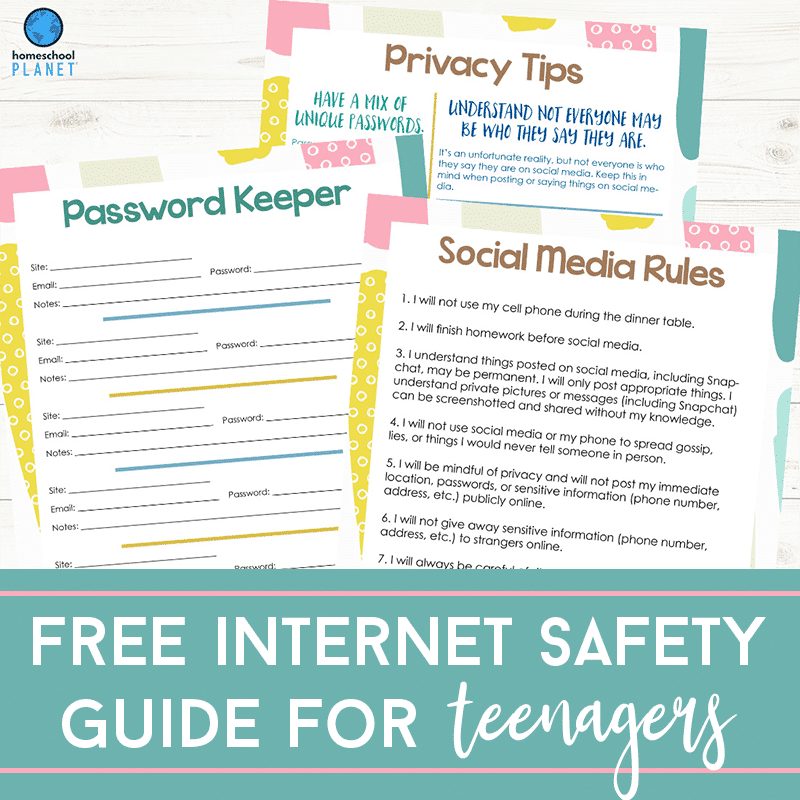
A single resource, while valuable, works best as part of a comprehensive digital safety learning routine. The “free screen time rules checklist for kids” contributes significantly to developing healthy digital habits, yet a broader collection of resources can address the full spectrum of online safety challenges. Safewiredschools.org invites educators and parents to explore a full collection of free printable internet safety worksheets, activity sheets, checklists, quizzes, and more. These resources cover every internet safety topic, from identifying phishing scams to understanding digital footprints, and are designed for every grade level and learning environment. Build a robust foundation for responsible digital citizenship by accessing these invaluable tools at SafeWiredSchools.org Worksheets.
Developmental Milestone & Activity Table
| Development Stage | Recommended Daily Duration | Primary Learning Objective |
|---|---|---|
| Preschool & Pre-K | 10 – 15 Minutes | Pencil grip development & basic pre-stroke lines |
| Kindergarten | 15 – 20 Minutes | Letter/number formation & spatial line awareness |
| Early Elementary (Grade 1–2) | 20 – 30 Minutes | Fluency, sentence construction & neatness |