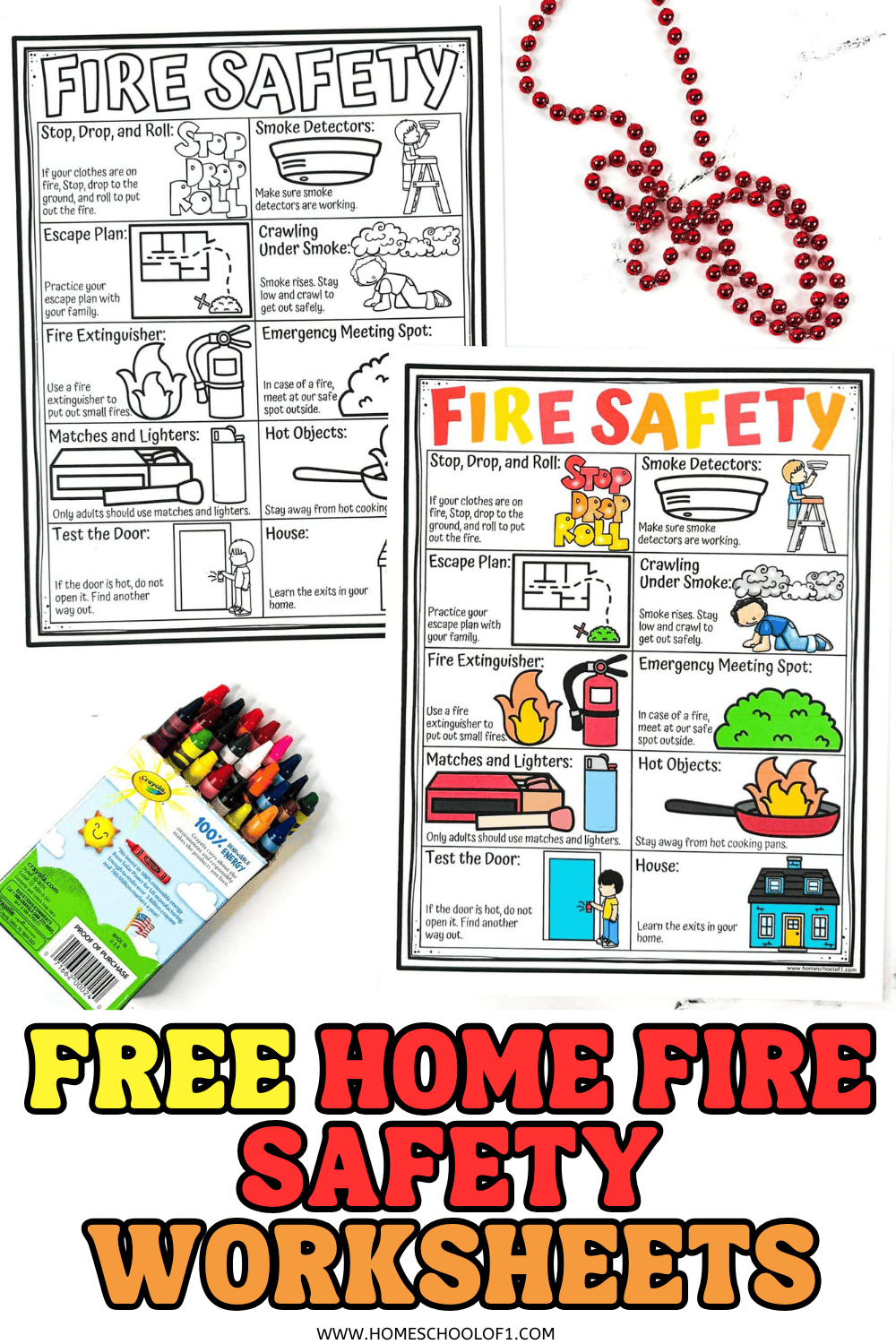
Blending Hands-On Learning with Digital Safety: Why Fire Safety Printable Activities Matter
In modern K-12 classrooms and digital-first households, emergency preparedness extends far beyond traditional evacuation drills. As students navigate interactive school portals and spend hours on personal devices, educators and parents face a unique challenge: keeping youth engaged with critical lessons while teaching smart online habits. Incorporating structured fire safety printable activities bridges this gap. By utilizing physical worksheets and digital templates, students learn vital life-saving procedures while practicing safe downloading behaviors. Aligning with guidance from organizations like ConnectSafely and CISA regarding safe file access and youth privacy, adults can transform routine emergency lessons into comprehensive digital citizenship teachable moments.
💡 Educational Key Takeaways:
- Core Skill: Structured Fire Safety Printable Activities focused on developing pencil grip, stroke control, and early literacy/math confidence.
- Target Scope: Suited for homeschoolers, preschool, kindergarten, and elementary learners.
- Best Recommendation: Practice 10–15 minutes daily with ergonomic writing tools to reinforce muscle memory without hand fatigue.
Assessing the Risk Landscape: Digital Vulnerabilities in Emergency Education
When searching for educational resources online, students and teachers frequently encounter risky domains, aggressive ad trackers, and unverified download links. Ensuring that printable materials come from trusted educational repositories prevents unnecessary exposure to malware and phishing attempts. The following breakdown illustrates common technical and behavioral vulnerabilities associated with downloading emergency lesson materials, along with immediate safeguards adults can implement across home networks and school-issued Chromebooks. Related guide: Internet Safety Worksheets Pdf.
| Setting / Context | Common Vulnerability | Practical Safeguard |
|---|---|---|
| Home Devices | Malicious pop-ups and fake download buttons on unvetted worksheet sites. | Install reputable ad-blockers and rely on curated resource hubs like Worksheets for safe downloads. |
| School Chromebooks | Unrestricted student searches yielding inappropriate or scam advertising links. | Enforce strict DNS filtering and direct students exclusively to bookmarked educational portals. |
| Interactive Platforms | Sharing personal details or creating unnecessary accounts to access free printables. | Teach children never to input email addresses or names on unverified third-party platforms. |
Building Safe Habits: Actionable Steps for Print and Digital Integration
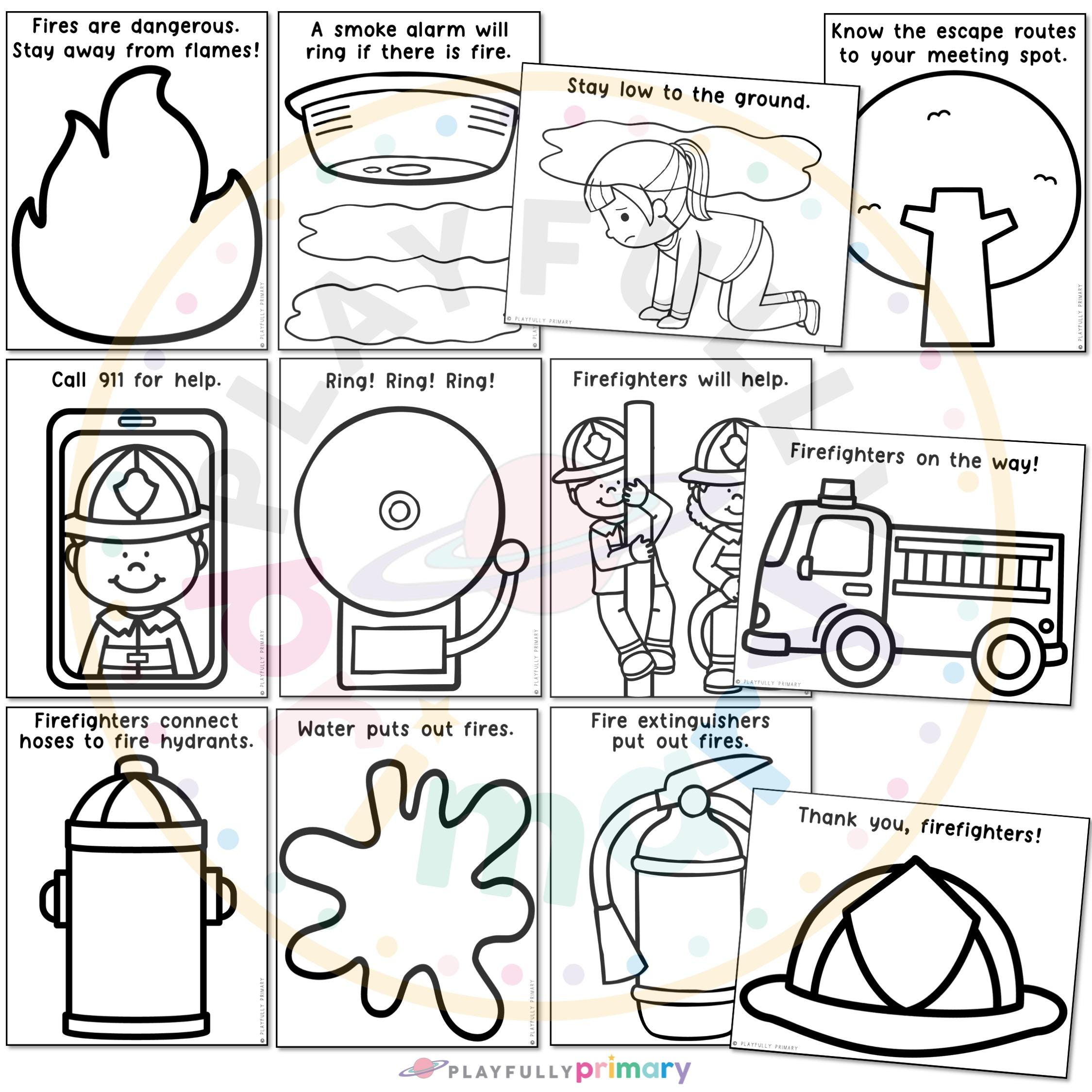
Integrating emergency readiness into a child’s routine requires clear, consistent boundaries that cover both physical safety and online behavior. Educators and parents should establish a collaborative environment where students understand why safety measures exist—both in the classroom and online. Start by setting up a centralized, verified resource folder on school networks or family computers so students never have to navigate unmonitored search engine results independently. When teachers introduce Coloring Pages focused on emergency helpers and escape routes, pair the activity with a quick reminder about safe device handling, such as keeping charging cords away from high-traffic escape paths and recognizing secure website indicators.
Children and teens naturally push back against restrictive digital filters or repetitive safety rules, sometimes attempting to bypass school firewalls or download unverified files from personal accounts. Overly punitive restrictions often drive students to seek workarounds in secret, which undermines open communication. Instead of relying solely on heavy-handed blocks, adults should explain the rationale behind network policies and safe downloading rules. Cultivate an environment where students feel comfortable reporting broken links, suspicious pop-ups, or accidental clicks on malicious advertisements without fear of punishment. Coupling technical controls with transparent, empathetic conversations ensures that digital safety rules become internalized habits rather than arbitrary obstacles.
Frequently Asked Questions About Emergency Education and Digital Safeguards
How can I ensure the worksheets and printables my child downloads are safe?
Always source materials from trusted, educational domains rather than random search engine results. Using established institutional repositories and maintaining active browser security extensions significantly reduces the risk of encountering malicious downloads.
What digital citizenship lessons can be taught alongside fire safety activities?
Emergency lessons provide a natural opening to discuss critical evaluation of online sources, privacy protection, and recognizing safe file formats versus dangerous executables. Teaching kids to question who published a resource and whether it requires personal information builds lifelong digital literacy.
How do I handle a student who tries to bypass web filters to find custom printables?
Address the behavior with curiosity rather than immediate discipline by asking what specific content they were trying to find. Guide them toward safe, approved alternatives and review the school policies governing network security and appropriate device use.
Explore More Digital Citizenship Resources and Safety Guides
Keeping students secure in a connected world requires ongoing education, proactive guardrails, and open dialogue between home and school. To discover additional strategies, classroom policies, and protective frameworks for your community, visit SafeWiredSchools.org for comprehensive tools designed to empower educators and parents alike.
Visual Reference Gallery