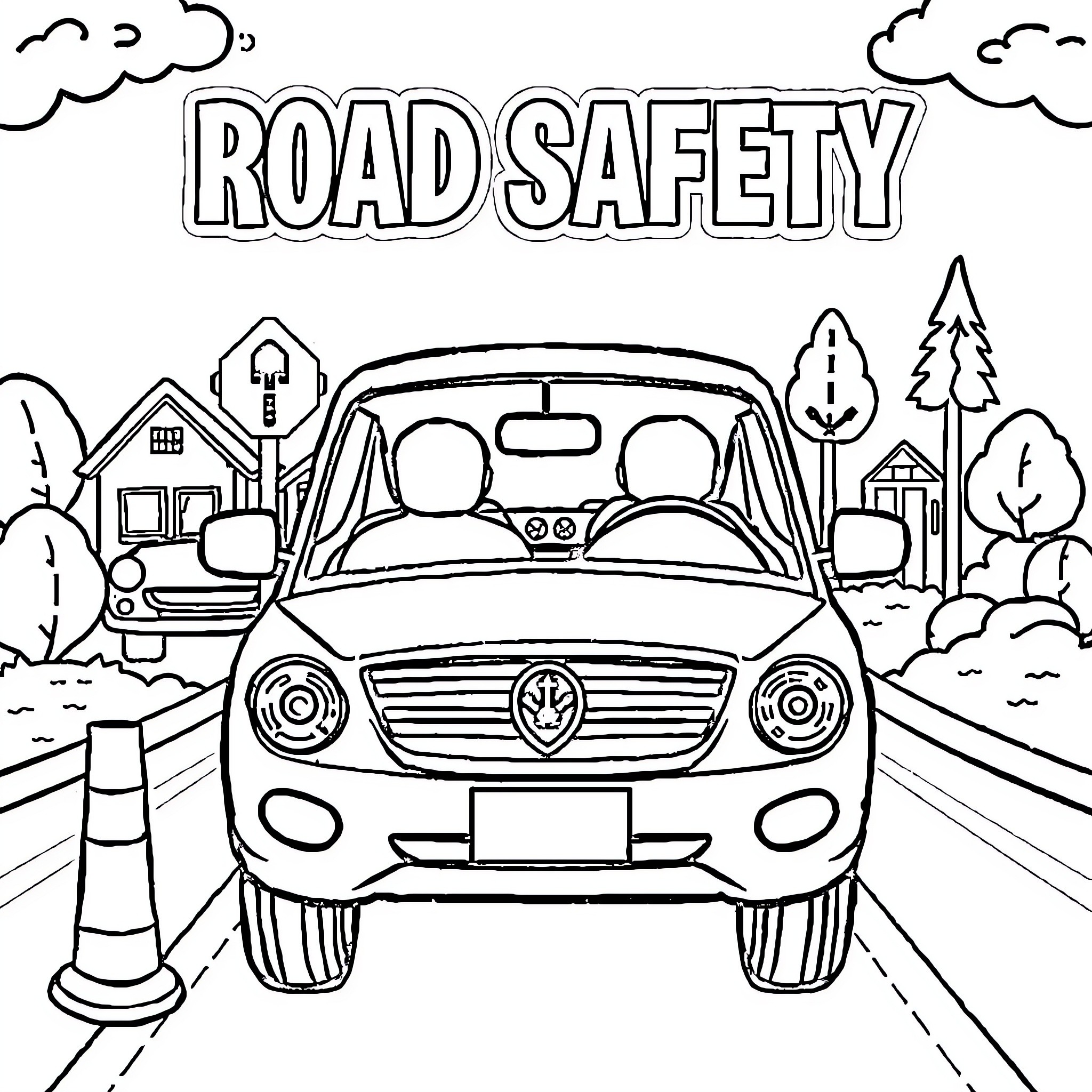
Blending Creativity with Digital Habits: Why Fire Safety Coloring Sheets Free Matter
Every October, classrooms and households buzz with activity as children search online for fire safety coloring sheets free of charge to celebrate Fire Prevention Week. While printing a coloring page seems entirely harmless, elementary and middle school students frequently navigate open web searches, accidental ad clicks, and unexpected pop-up windows during these digital art hunts. As digital citizenship coordinators, we must treat every simple download as a teachable moment. Aligning with guidance from ConnectSafely and the Cybersecurity and Infrastructure Security Agency (CISA), adults need to establish healthy boundaries that let children enjoy fun educational resources while shielding them from malicious links, aggressive trackers, and inappropriate online content.
💡 Activity Key Takeaways:
- Core Focus: Printable Fire Safety Coloring Sheets Free designed for creative expression and fine-motor coordination.
- Target Scope: Ideal for toddlers, preschool, kindergarten, and classroom art activities.
- Best Recommendation: Use standard heavy printer paper (24–28 lb) or cardstock for vibrant results with crayons, colored pencils, or washable markers.
Assessing the Digital Landscape: Risk Signals and Practical Guardrails
Downloading seasonal printables can inadvertently expose students to unwanted software or tracking cookies if safety features are neglected. Reviewing technical configurations across home networks and classroom devices ensures that a quick search for fire safety coloring sheets free does not lead to compromised privacy or malware infections.
| Setting / Context | Common Vulnerability | Practical Safeguard |
|---|---|---|
| Home Devices | Unfiltered search engines displaying deceptive third-party download ads. | Use kid-safe search engines and enforce strict browser content filters. |
| School Chromebooks/Tablets | Students bypassing district network boundaries via unauthorized proxy extensions. | Maintain IT-managed device policies and review Internet and Digital Safety protocols regularly. |
| Printable & Worksheet Hubs | Pop-up prompts asking for personal information or email sign-ups. | Teach children to consult an adult before submitting any forms on free resource sites. |
Establishing Healthy Classroom and Family Workflows for Online Searches
Proactive habits protect children far better than restrictive panic. When educators and parents collaborate, digital exploration remains constructive. Start by curating specific digital Worksheets and printable links ahead of time rather than letting children type random queries into open browsers. Designate common-area device stations where adult supervision is natural. If a student encounters a strange pop-up or a broken link while hunting for creative templates, reinforce a calm reporting workflow without shame so they never hide their digital mistakes out of fear.
Children are remarkably resourceful; if an adult blocks a favorite website or resource hub, students may try to find alternative mirrors or unmonitored devices. Instead of relying solely on heavy-handed restrictions that spark curiosity and defiance, pair technical filters with transparent conversations. Explain *why* certain file-sharing portals or ad-heavy art blogs pose cybersecurity risks. Grounding these rules in mutual respect helps students understand that device controls are designed to protect their privacy, not to ruin their fun.
Frequently Asked Questions About Safe Digital Resource Hunting
Are free printable websites safe for young children to use independently?
Many educational portals are wonderful, but third-party advertising networks on these sites often display misleading buttons or phishing links. Children should only download files with adult supervision or from pre-vetted institutional bookmarks.
How can teachers safely incorporate online printables into lesson plans?
Educators should download, review, and save PDF files to a shared classroom drive beforehand. This eliminates live web browsing during class time and keeps students focused on learning rather than navigating ads.
What should I do if a student clicks a suspicious ad by mistake?
Stay calm, disconnect the device from the internet if necessary, and clear the browser cache. Use the incident as a teachable moment about recognizing deceptive banner ads and pop-up tricks.
Continuing Your Digital Citizenship Journey
Guiding students safely through everyday internet activities requires ongoing education and reliable strategies. To discover more expert advice, lesson plans, and safety toolkits for parents and educators, visit SafeWiredSchools.org.
Printable Coloring Page Previews