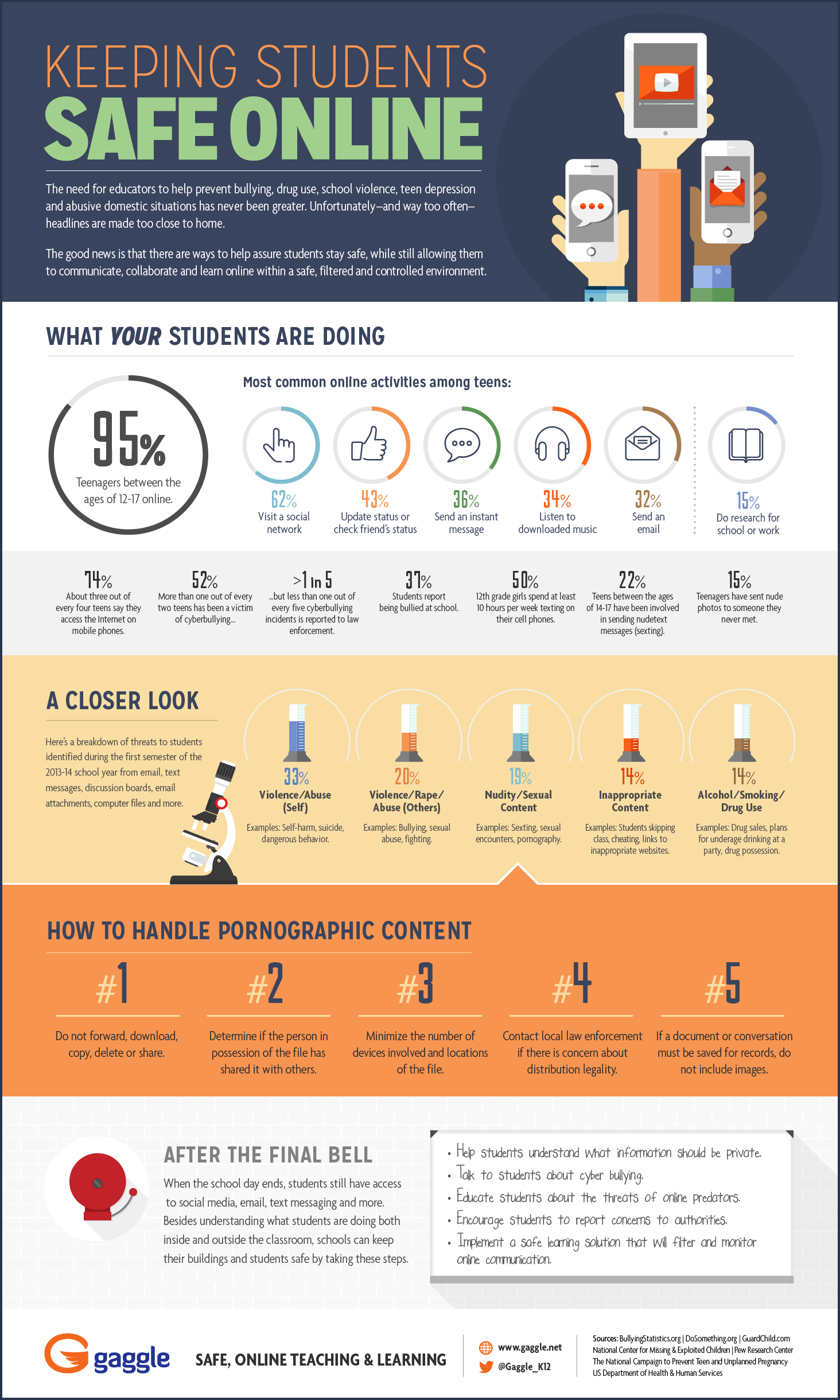
Why Digital Safety Is Student Safety in Both School and Home Environments
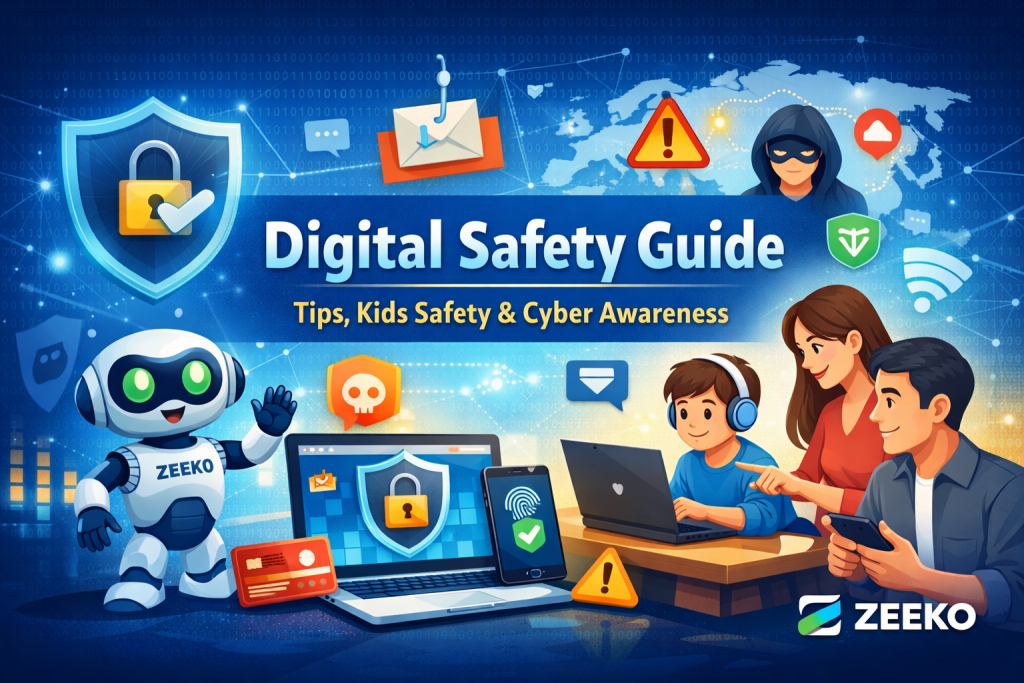
For modern K-12 students, the line between physical well-being and online experiences has completely vanished. When we talk about digital safety, we are no longer just discussing computer maintenance or password hygiene; we are talking about holistic student safety. Whether a child is navigating an educational portal on a school Chromebook or chatting on a mobile device in their bedroom, their emotional and physical security depends on proactive guidance. Organizations like CISA and ConnectSafely emphasize that protecting youth online requires a unified front where educators and parents share consistent expectations, bridge communication gaps, and implement age-appropriate safeguards before incidents occur. Related guide: Teachers Of Grades 9–12 Should Expand Internet Safety Instruction To Include Which Of The Following Topics?.
💡 Educational Key Takeaways:
- Core Skill: Structured Digital Safety Is Student Safety focused on developing pencil grip, stroke control, and early literacy/math confidence.
- Target Scope: Suited for homeschoolers, preschool, kindergarten, and elementary learners.
- Best Recommendation: Practice 10–15 minutes daily with ergonomic writing tools to reinforce muscle memory without hand fatigue.
Spotting Vulnerability: Technical Risks and Behavioral Guardrails
Adults often struggle to keep pace with the shifting landscape of apps, games, and communication platforms kids use daily. Recognizing early warning signs—ranging from unusual device secrecy to sudden academic drops—helps adults intervene early. The breakdown below details common trouble spots across home devices, institutional hardware, and social platforms, paired with practical safeguards.
| Setting / Context | Common Vulnerability | Practical Safeguard |
|---|---|---|
| Home Mobile Devices | Unmonitored late-night screen access and unfiltered browser searches. | Establish a central family charging station outside bedrooms and enable strict parental control profiles. |
| School Chromebooks & Tablets | Students attempting to bypass web filters using proxy extensions or guest modes. | Coordinate with IT staff to lock browser settings and review alerts from our Internet and Digital Safety hub. |
| Social Apps & Chatrooms | Interactions with strangers, cyberbullying, or sharing personal identifiers. | Review privacy settings together, default accounts to private, and practice open reporting habits without fear of device confiscation. |
Building Sustainable Routines for K-12 Digital Citizenship
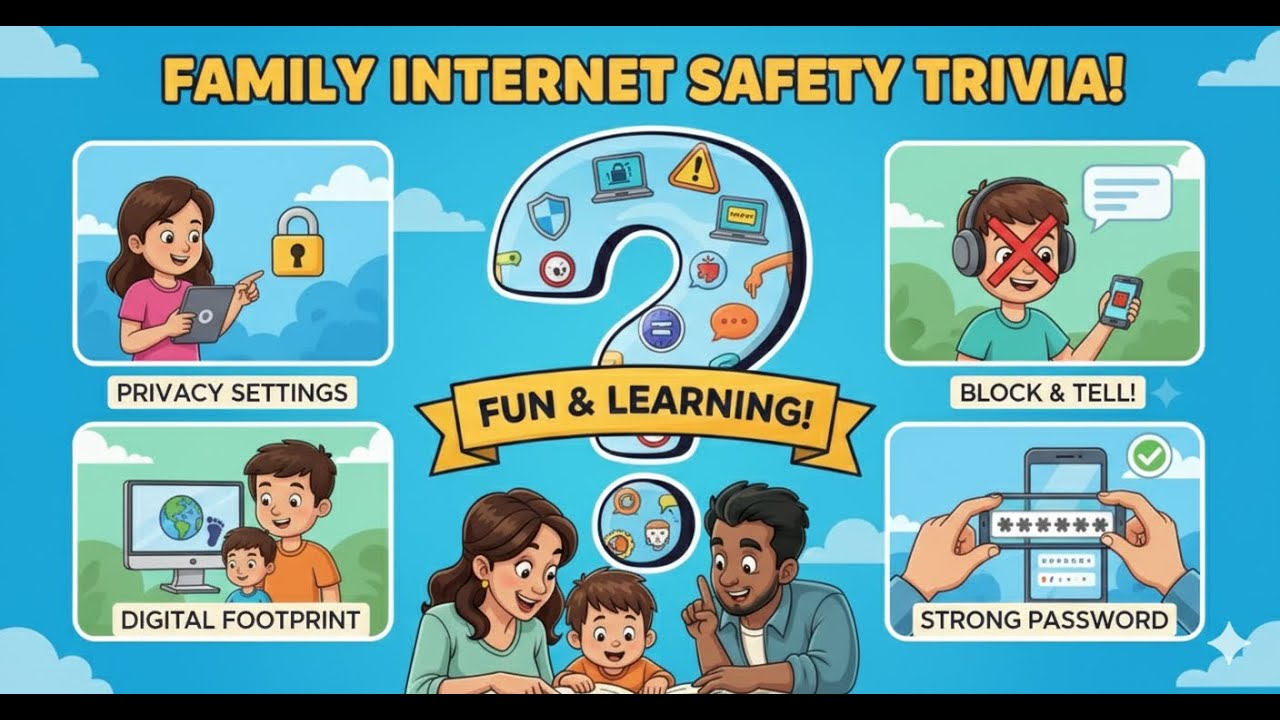
Effective digital protection relies on predictable, low-drama routines rather than reactive crackdowns. Schools can reinforce acceptable use policies by integrating lessons from our Online and Digital Safety curriculum directly into classroom instruction. At home, families should establish clear boundaries, such as mandatory two-factor authentication on personal accounts and device-free zones during dinner. When students understand that digital guardrails exist to protect their focus, privacy, and mental health—rather than to spy on them—they are far more likely to seek help when they encounter cyberbullying, inappropriate content, or phishing attempts.
Overcoming Workarounds and Managing Student Pushback
Children and teens are remarkably resourceful when it comes to bypassing technical filters, whether by using incognito windows, deleting browser histories, or downloading unauthorized apps. When adults respond to these workarounds with immediate anger or total device bans, students simply learn to hide their digital lives more effectively. Instead, treat workarounds as teachable moments. Pair network-level filters with calm, inquisitive conversations about why certain sites are restricted. FOSI and FTC guidelines recommend encouraging kids to articulate their digital choices, ensuring that trust remains intact even when rules are tested.
Frequently Asked Questions About Student Digital Well-Being
What is the best way to introduce digital safety rules to younger elementary students?
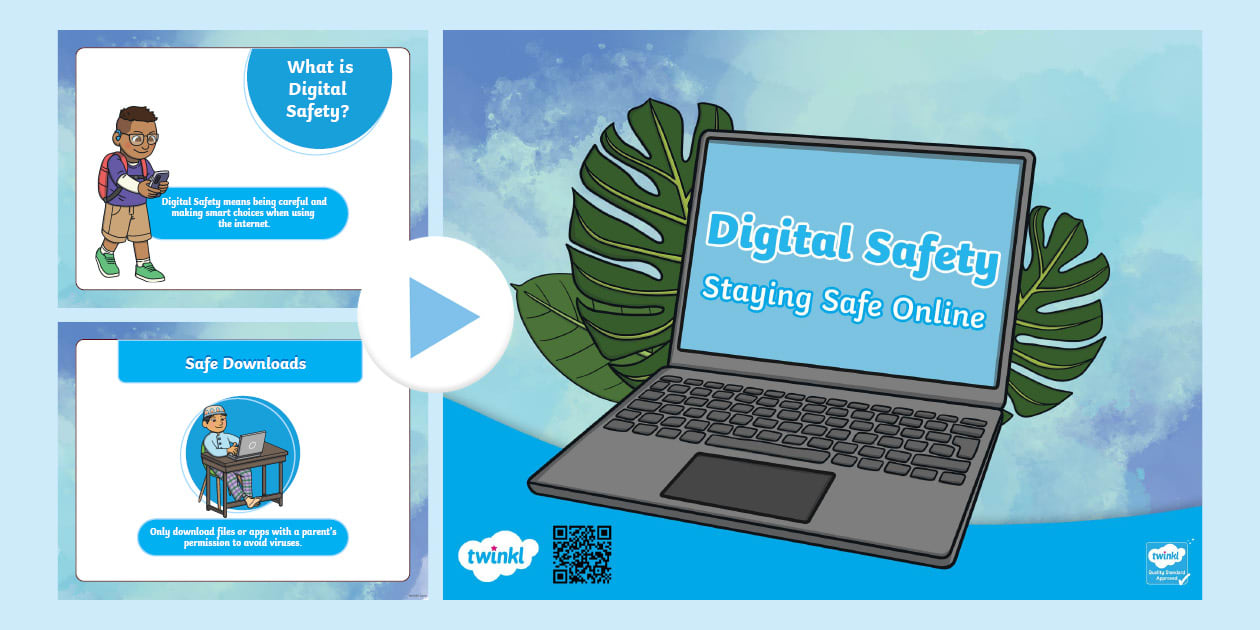
Keep concepts concrete by comparing online spaces to physical neighborhoods, emphasizing that just like they would not talk to strangers at a park, they should not accept messages from unknown accounts online. Introduce foundational concepts early using fun, guided exercises found in our Worksheets collection.
How can teachers handle cyberbullying that spills over from home into the classroom?
Document the evidence immediately by taking screenshots without engaging the offending accounts, and report the incident directly to school administration and platform moderators. Reassure the affected student that support is available, and use the incident as an opportunity to review empathy and digital ethics with the broader class.
When is the right age to give a child a smartphone with full internet access?
Readiness is determined by maturity, impulse control, and responsibility rather than chronological age. Start with a supervised device that restricts web browsing and social media, gradually expanding privileges as the child demonstrates trustworthy digital habits.
Explore More Digital Citizenship Resources
Safeguarding the digital lives of children requires continuous learning, open dialogue, and adaptable tools for educators and families alike. Visit SafeWiredSchools.org to discover additional guides, lesson plans, and community strategies designed to keep students secure, confident, and respectful online.
Visual Reference Gallery