Introduction
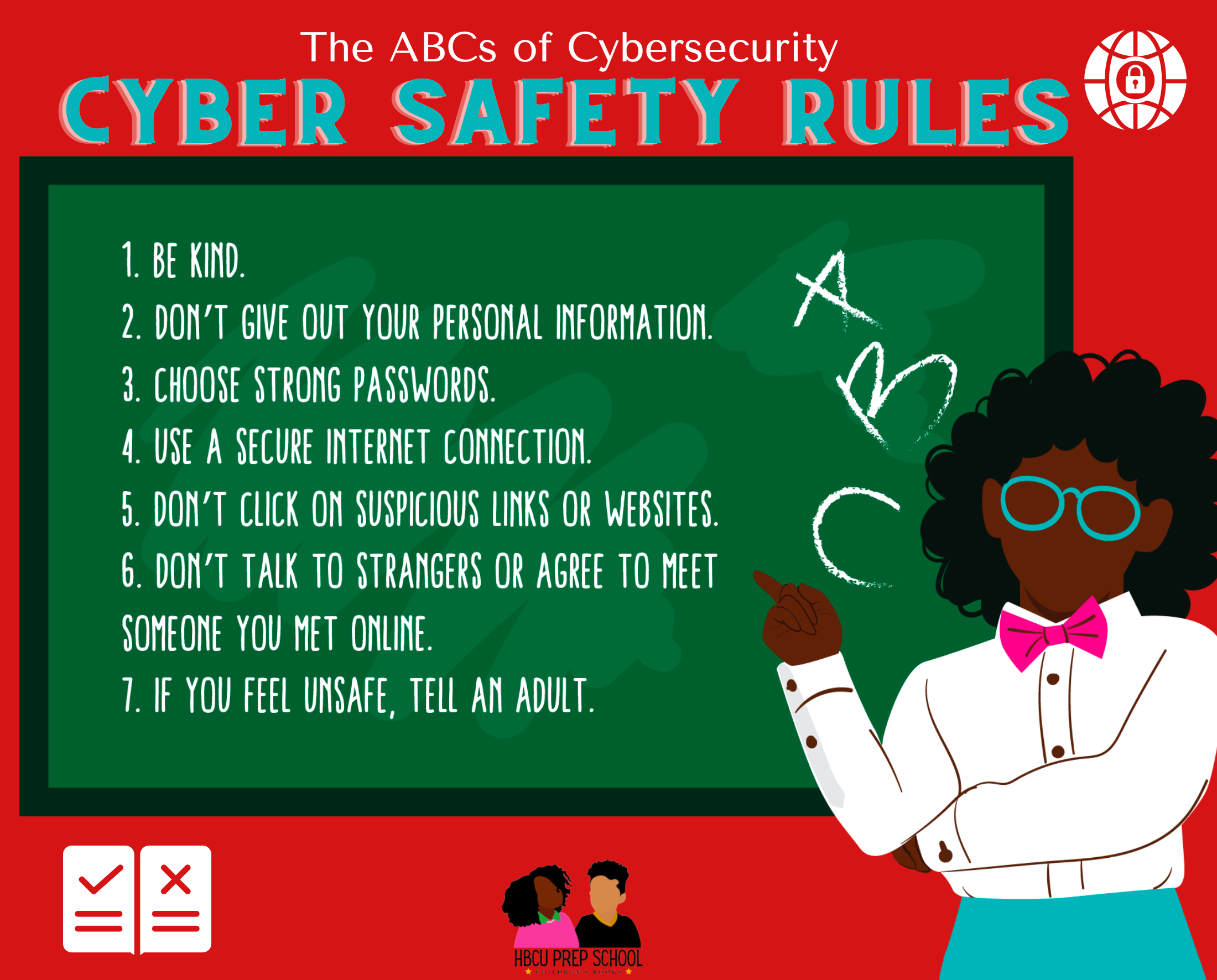
Children encounter digital environments long before they possess the fully developed impulse control required to navigate them independently. A child frequently stumbles upon online risks not through shady corners of the internet, but via shared living room tablets, casual in-game chats during favorite multiplayer games, and recommended video platform loops. Addressing these moments requires calm, proactive guidance rather than fear-based restriction. Building digital resilience is much like teaching children to look both ways before crossing the street; it relies on consistent practice, clear boundaries, and open communication. Educators and families need practical tools that translate abstract digital concepts into concrete, actionable habits for young learners aged five to twelve. Utilizing a dedicated resource like the free printable cyber safety rules for {site_name} transforms overwhelming safety discussions into engaging, manageable daily learning moments. Related guide: Online Safety For Students.
💡 Educational Key Takeaways:
- Core Skill: Structured Cyber Safety Rules For Kids focused on developing pencil grip, stroke control, and early literacy/math confidence.
- Target Scope: Suited for homeschoolers, preschool, kindergarten, and elementary learners.
- Best Recommendation: Practice 10–15 minutes daily with ergonomic writing tools to reinforce muscle memory without hand fatigue.
What This Printable Covers
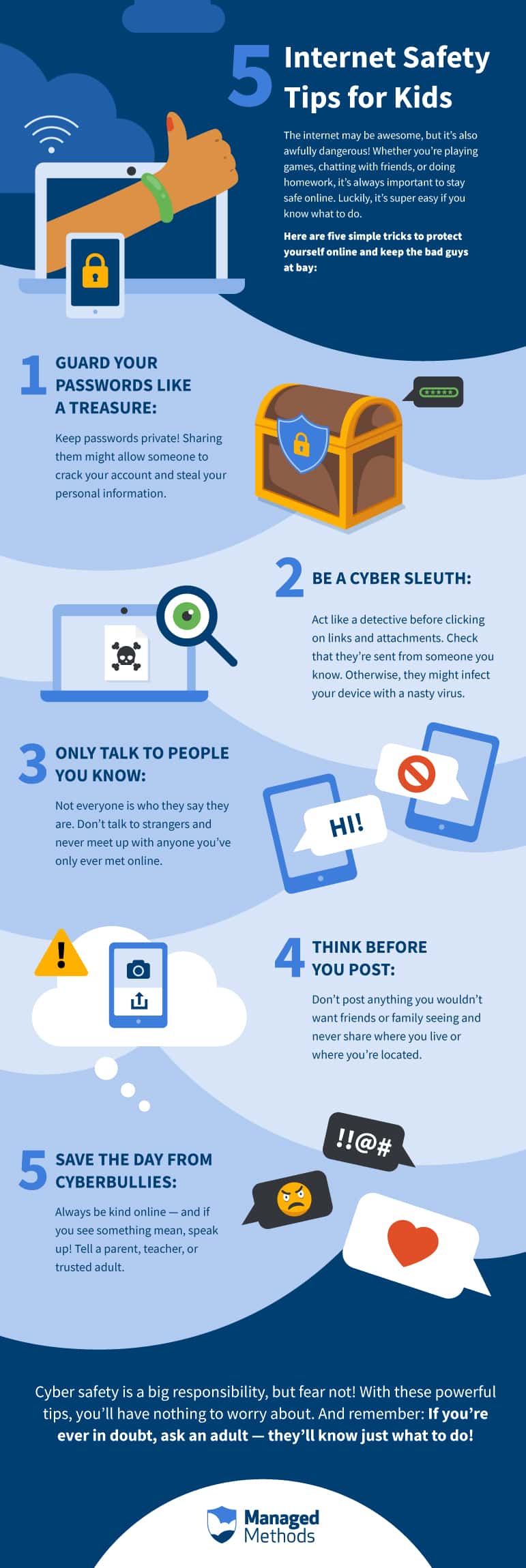
This foundational guide translates complex cybersecurity concepts into child-friendly language. It centers on core protective habits: keeping personal information private, creating strong passwords, thinking critically before sharing, and identifying trusted adults. According to the Federal Trade Commission, children increasingly encounter digital platforms that require early literacy in privacy and boundary setting. The rules emphasize that digital footprints matter, reminding young users that information posted online tends to stay there. Furthermore, the content explicitly reinforces the golden rule of digital reporting: children are never in trouble for coming forward when something feels uncomfortable or confusing online. It sounds simple, and that is the point. When children understand that seeking help brings support rather than punishment, transparency naturally follows.
Key Learning Outcomes
Working through this guide fosters critical thinking and emotional self-regulation in digital spaces. Learners discover how to recognize red flags, such as requests for home addresses or passwords from unfamiliar accounts. Educators note that structured prompts help bridge the gap between passive screen time and active, mindful engagement. Exploring these ideas through structured activities supports broader digital citizenship frameworks, encouraging kids to treat others with kindness behind the screen just as they would on the playground. Establishing these routines early prevents future misunderstandings and ensures that young digital citizens feel confident, capable, and supported.
How to Use This Printable
Implementation requires flexibility, matching the unique environment of a bustling classroom, homeschool space, or kitchen table. Teachers can easily integrate these pages into morning meeting discussions, while parents can review the guidelines during weekend media planning sessions. It sounds simple, and that’s the point: consistency trumps lecturing every single time. Educators looking for more ways to reinforce these lessons can explore internet and digital safety modules to expand classroom discussions. Adults should invite children to read through the guidelines aloud, pausing frequently to ask open-ended questions about real-life digital scenarios.
Practical Tips for Parents and Teachers
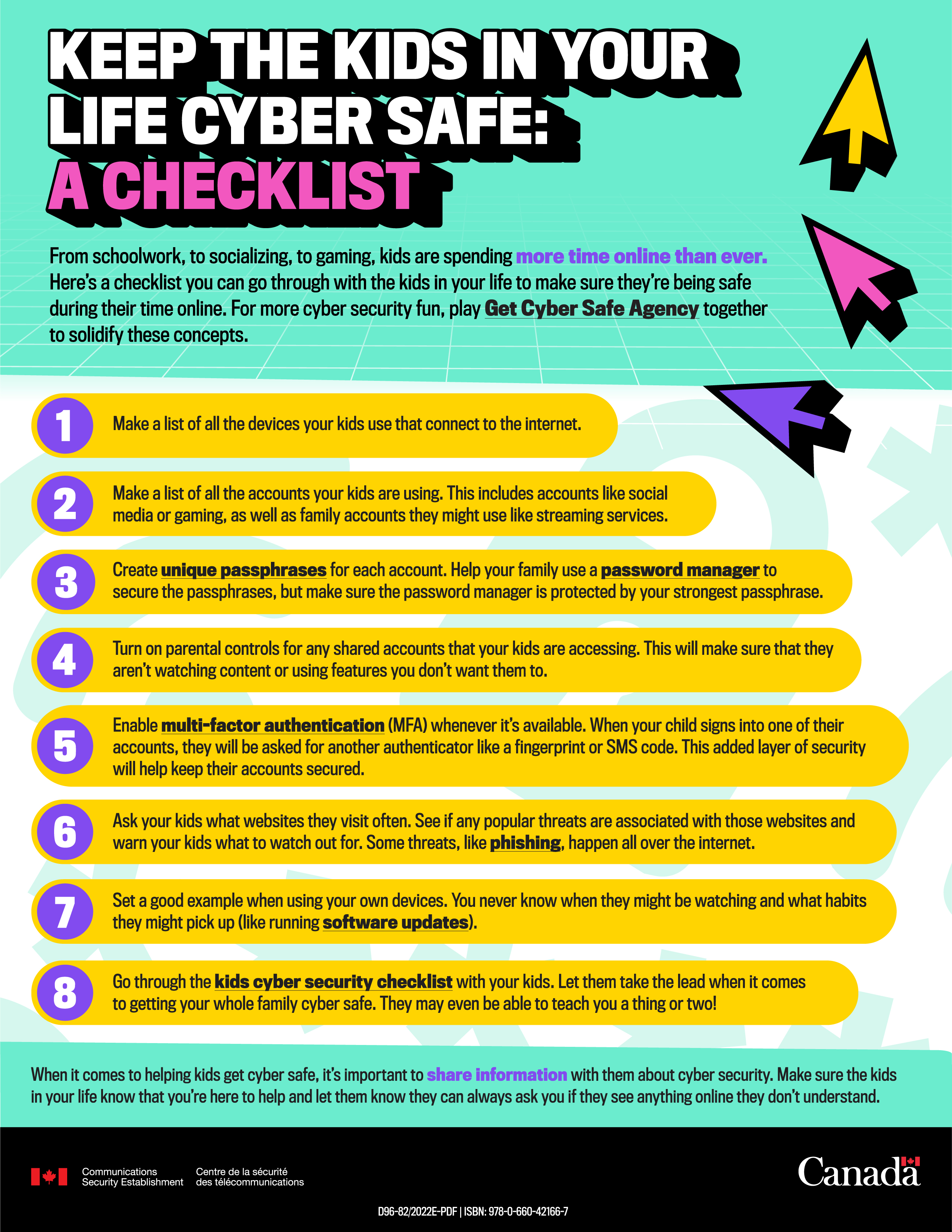
Patience remains the primary tool when discussing digital habits with developing minds. Rather than issuing blanket bans on technology, adults should frame guidelines as skills to practice together. Role-playing fictional scenarios—such as receiving a strange message in an online game—helps children rehearse their responses before facing a real-time situation. Families desiring further structured practice often utilize worksheets that prompt kids to draw or write out their own safety solutions. Praising children when they proactively report strange pop-ups or accidental clicks reinforces positive behavior and builds mutual trust.
Age-Appropriate Recommendations
Tailoring safety conversations to a child’s developmental stage ensures the message actually resonates. Younger children aged five to eight benefit most from simple, absolute rules like never sharing names or locations, aligning with foundational goals in the Common Sense Education Digital Citizenship Curriculum. Older elementary students aged nine to twelve can explore nuance, including password security, recognizing digital peer pressure, and evaluating the reliability of online sources. According to Common Sense Media, children’s independent media use increases significantly during late elementary school, making proactive age-appropriate guidance essential. Adults must adjust their approach as children mature, shifting from strict gatekeeping to collaborative mentorship.
Children’s independent media use and screen time increase significantly during late elementary school years, emphasizing the need for proactive, age-appropriate digital habits — Common Sense Media
Frequently Asked Questions
Navigating digital citizenship raises many common questions among educators and families striving to keep pace with evolving technology. Clear answers help adults implement these resources with total confidence. Reviewing these frequently asked questions provides immediate clarity on downloading, printing, and educational integration. For additional creative ways to engage younger learners, browse through available coloring pages designed to spark gentle introductory conversations.
Digital literacy resources effectively bridge the gap between restrictive screen time rules and independent online navigation — Pew Research Center
Explore More Free Kids Online Safety Printables
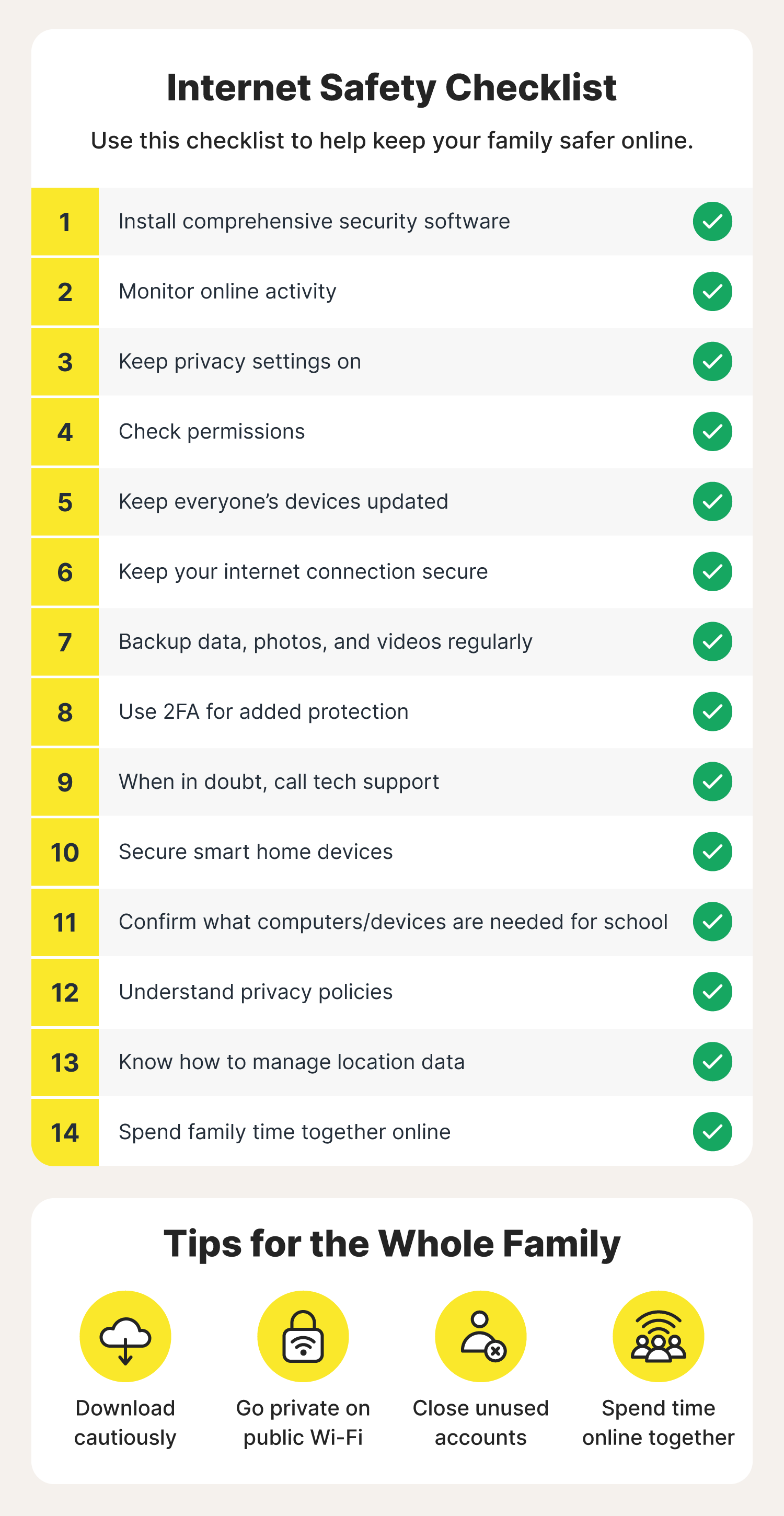
Expanding a child’s digital literacy toolkit requires continuous reinforcement across multiple creative formats and discussion topics. Educators and parents can discover additional resources by browsing comprehensive collections dedicated to online and digital safety strategies. Sustained, low-stress conversations build lasting habits that protect children long after they log off for the day.
Developmental Milestone & Activity Table
| Development Stage | Recommended Daily Duration | Primary Learning Objective |
|---|---|---|
| Preschool & Pre-K | 10 – 15 Minutes | Pencil grip development & basic pre-stroke lines |
| Kindergarten | 15 – 20 Minutes | Letter/number formation & spatial line awareness |
| Early Elementary (Grade 1–2) | 20 – 30 Minutes | Fluency, sentence construction & neatness |
Images References