Why Early Tech Literacy Starts with Creative Lessons
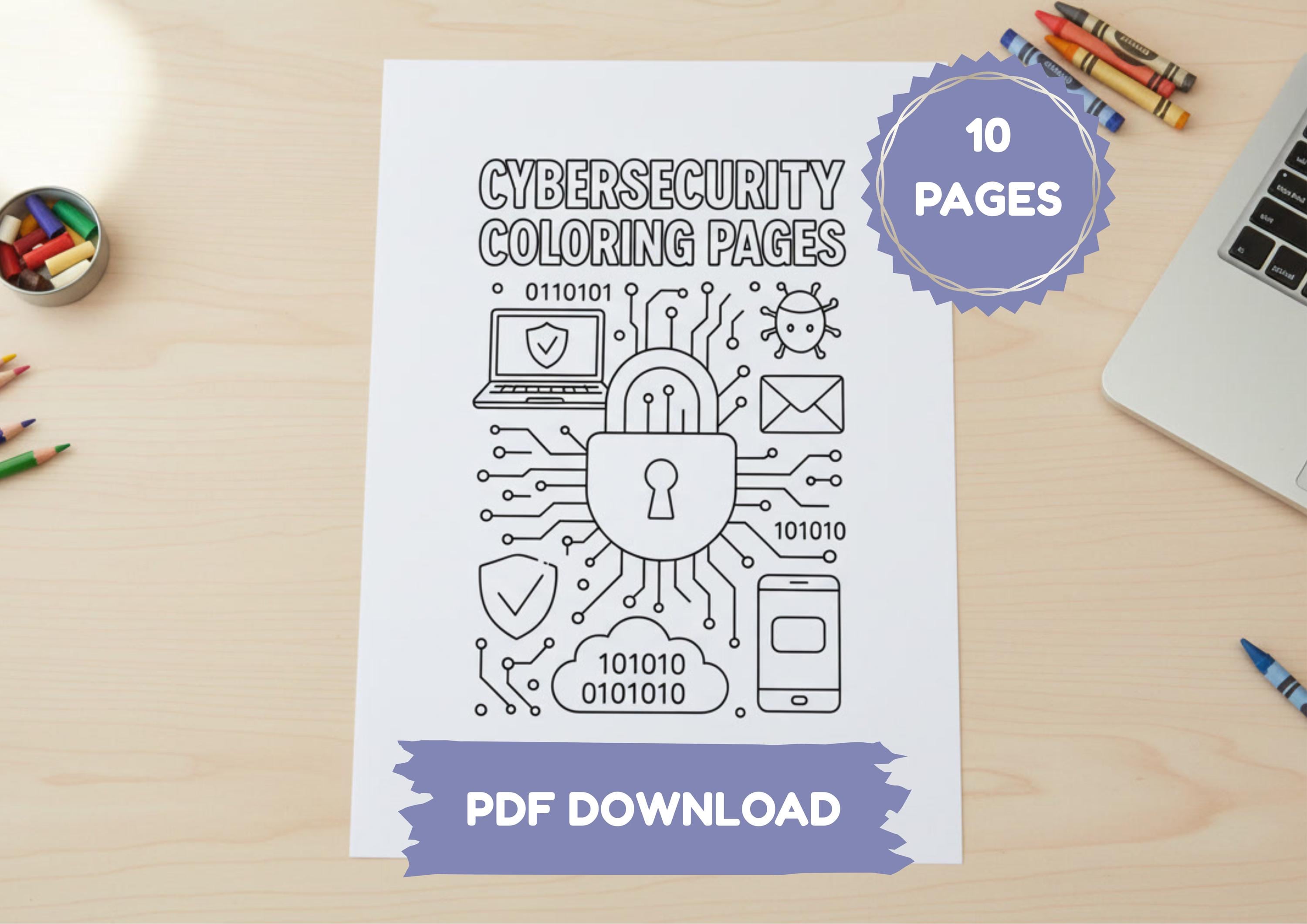
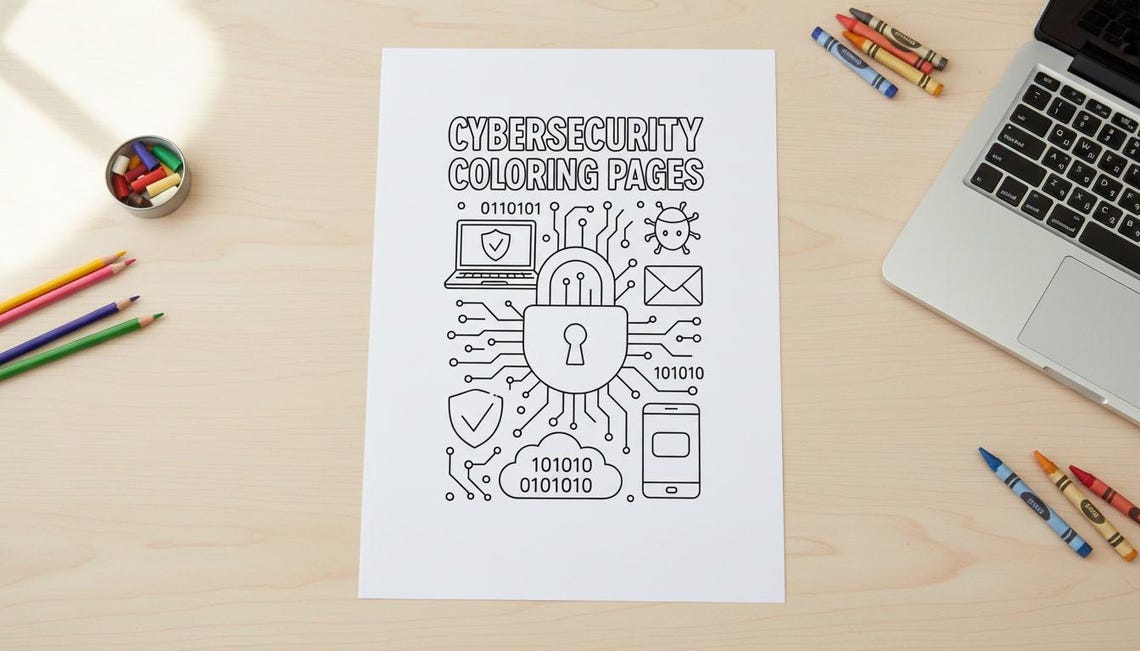
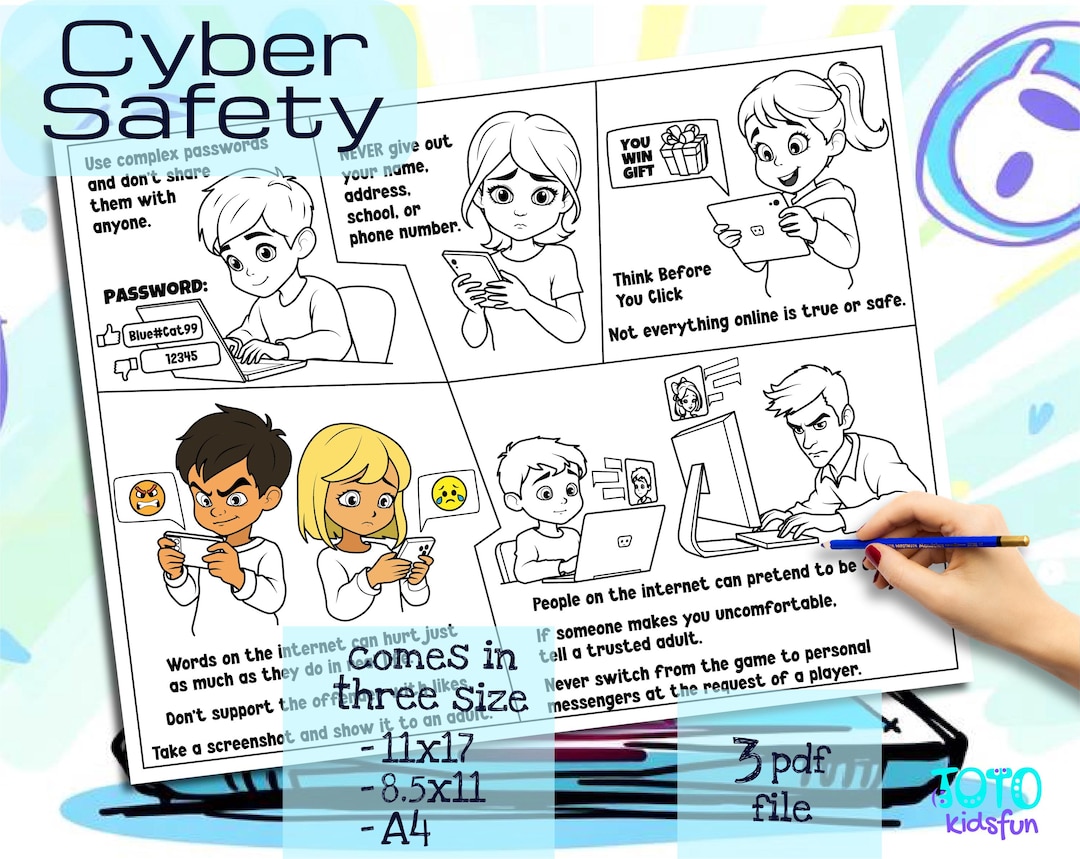
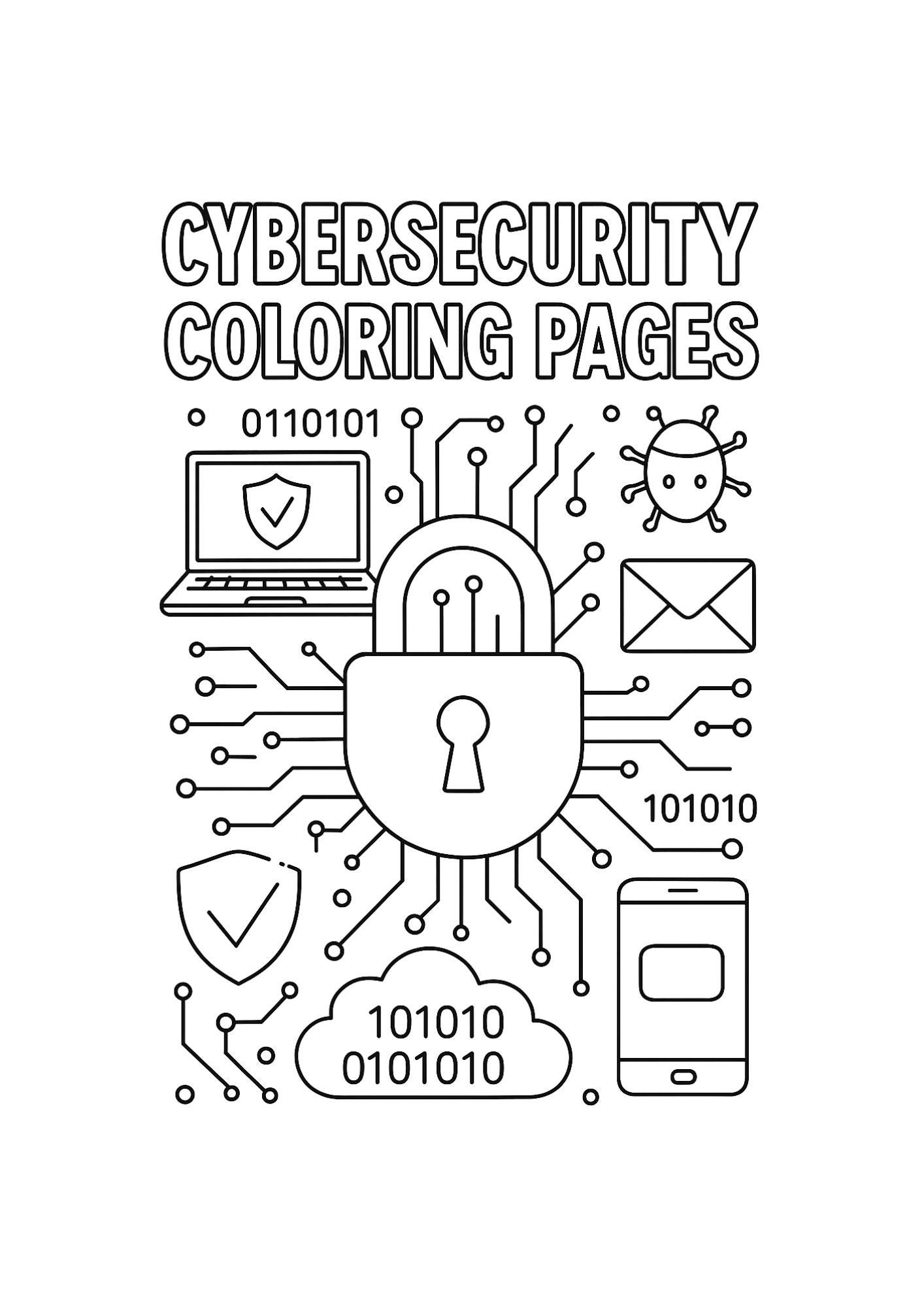
Introducing foundational tech concepts to young learners requires approaches that bypass fear and focus on creativity. When teaching children how to navigate digital environments safely, traditional lectures often fall flat for elementary students. Instead, incorporating a cybersecurity coloring page elementary activity into your lesson plans or home routine offers a tactile, low-pressure entry point. Organizations like CISA and ConnectSafely emphasize that early education regarding digital boundaries helps children recognize digital cues, understand private versus public information, and build healthy tech habits long before they encounter complex online threats.
💡 Activity Key Takeaways:
- Core Focus: Printable Cybersecurity Coloring Page Elementary designed for creative expression and fine-motor coordination.
- Target Scope: Ideal for toddlers, preschool, kindergarten, and classroom art activities.
- Best Recommendation: Use standard heavy printer paper (24–28 lb) or cardstock for vibrant results with crayons, colored pencils, or washable markers.
Technical Guardrails and Behavioral Risk Signals
Elementary students interact with technology across multiple touchpoints, from school-issued tablets to shared family devices. Recognizing potential vulnerabilities allows parents and educators to apply appropriate age-based controls while maintaining an open dialogue. The breakdown below highlights common risks across different digital contexts alongside concrete safeguards. Related guide: Fire Safety Coloring Book Printable.
| Setting / Context | Common Vulnerability | Practical Safeguard |
|---|---|---|
| Home Tablets & Phones | Accidental in-app purchases or exposure to unvetted web ads. | Enable strict parental controls, require password prompts for downloads, and hide search bars. |
| School Chromebooks | Leaving accounts logged in on shared carts or public library stations. | Teach students a strict log-out routine and pair sessions with our Internet and Digital Safety modules. |
| Multiplayer Chat Features | Sharing identifying information like full names, school mascots, or locations. | Disable text and voice chat features in gaming apps, encouraging collaborative play only with known peers. |
Establishing Calm Routines and Practical Safety Rules
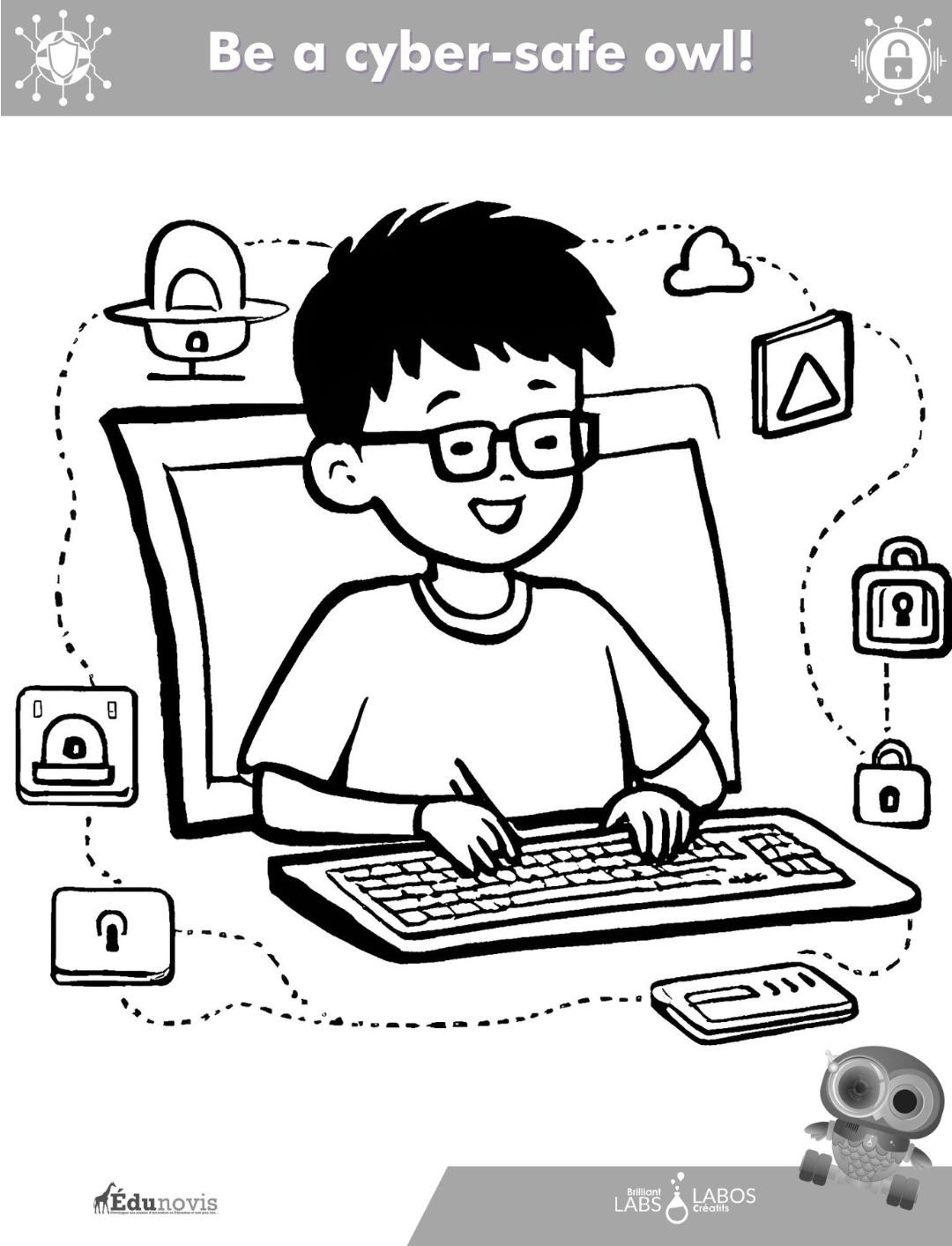
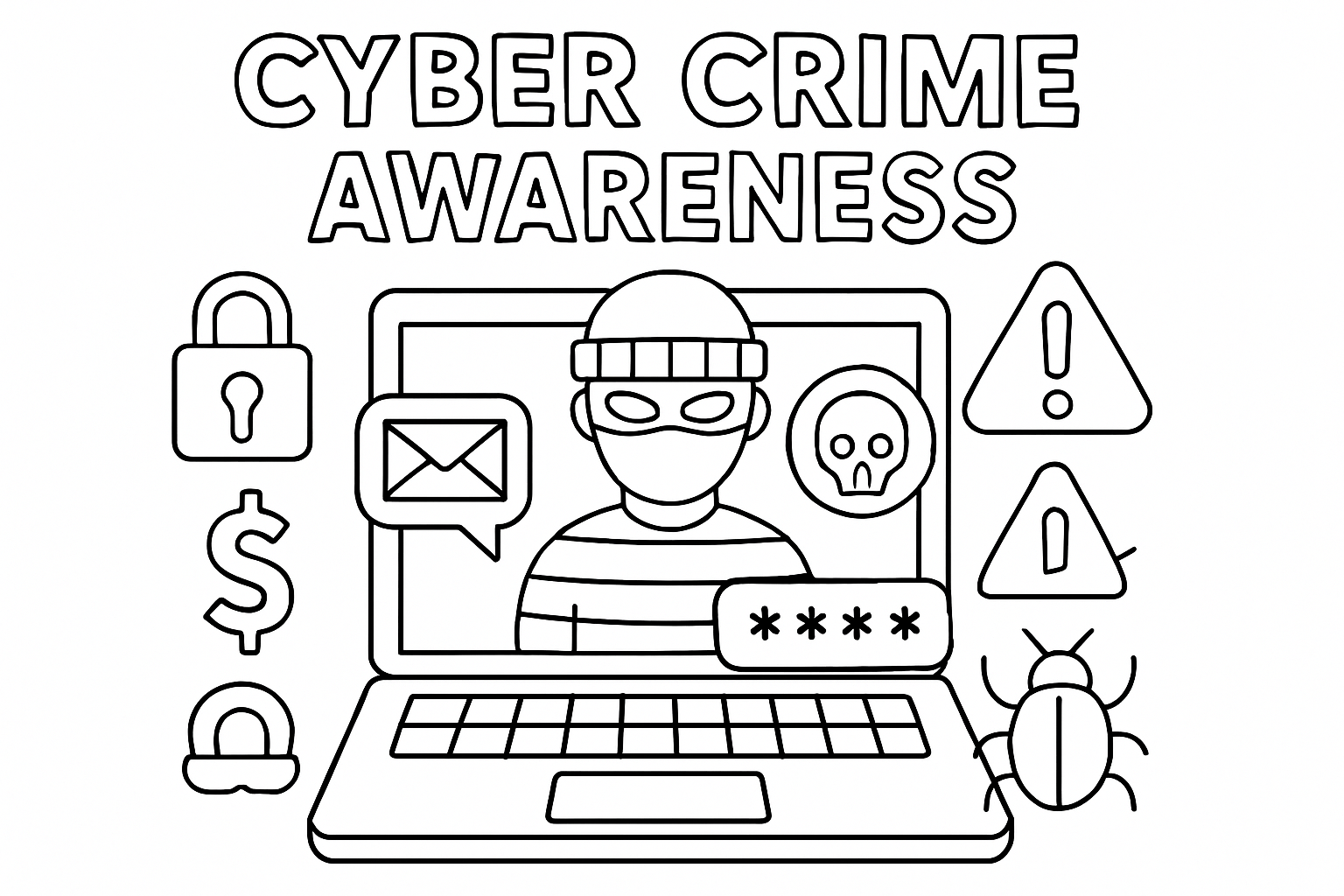
Consistency is key when building digital resilience in young children. Rather than relying on sudden restrictions, families and schools should integrate routines that feel natural and supportive. Designate a central family charging station in a common area to eliminate unsupervised nighttime browsing. Pair creative activities like a cybersecurity coloring page elementary project with guided discussions about passwords as secret keys that should never be shared with strangers. If a child encounters an uncomfortable pop-up or strange message, establish a non-punitive reporting workflow so they feel safe coming forward immediately without fear of losing device privileges.
Curiosity is a natural part of childhood, and tech-savvy elementary students often try to bypass filters or click unexpected links out of sheer inquisitiveness. Overly punitive bans frequently backfire by driving secret online behavior underground. Instead of shaming a child who clicked an unvetted link, use the moment as a teachable check-in. Review what happened calmly, reinforce why certain pop-ups are dangerous, and explore resources found within our Coloring Pages collection to re-ground the lesson in a supportive, visual format.
Educator and Parent Questions Answered
At what age should children start learning basic cybersecurity concepts?
Children can begin learning foundational concepts as early as kindergarten or first grade. Concepts like keeping passwords secret, recognizing trusted adults online, and understanding screen time boundaries are easily grasped when paired with visual aids and storytelling.
How can teachers incorporate digital citizenship into art or quiet time?
Teachers can utilize printable activity sheets during morning work or art centers. Using a cybersecurity coloring page elementary worksheet allows students to discuss digital helpers like strong passwords or secure Wi-Fi while engaging in fine motor skill development.
Stay calm and address the situation immediately. Change any compromised passwords, review privacy settings on the platform together, and reassure your child that honesty is the best tool for fixing digital mistakes quickly.
Explore More Digital Citizenship Resources
Empowering children to become safe, confident digital citizens requires ongoing guidance and creative tools for both home and classroom environments. To discover more printable worksheets, lesson plans, and expert advice for keeping students secure in a connected world, visit SafeWiredSchools.org and explore our full range of safety guides.
Printable Coloring Page Previews