Introduction
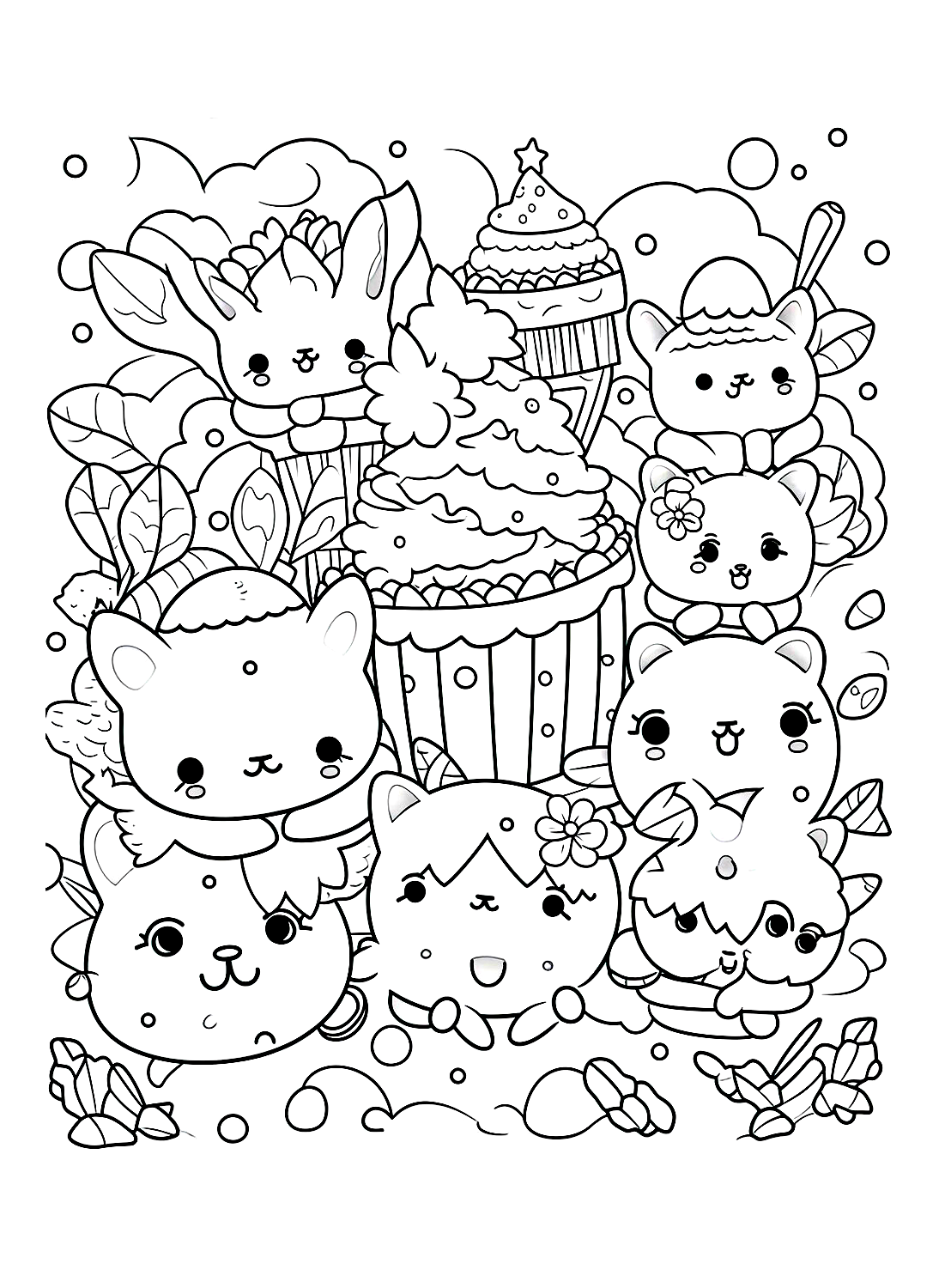
Coloring worksheets cute represent digital art templates designed for creative offline engagement, serving as low-tech developmental tools that mitigate excessive screen exposure in educational environments. According to the Family Online Safety Institute (FOSI), balancing screen time with offline tactile activities significantly reduces cognitive fatigue and enhances focus among students. Educators and parents utilize these printable assets within digital citizenship curricula to transition young learners away from unsupervised devices, thereby safeguarding mental well-being and mitigating online vulnerabilities. Establishing clear device-free intervals protects students from the continuous data tracking inherent in digital applications. Integrating physical art resources directly supports holistic child development while maintaining secure classroom boundaries.
Digital Safety Snapshot:
- Core Focus: Utilizing low-tech creative assets to balance classroom screen time and reduce digital tracking risks.
- Target Scope: Middle schools, classrooms, and domestic learning environments prioritizing cyber hygiene.
- Key Recommendation: Enforce structured offline art intervals to disconnect students from behavioral data collection platforms.
Core Principles and Detailed Overview
Digital footprint minimization occurs when schools intentionally substitute web-based creative applications with downloadable Worksheets that require no internet connection or account creation. When students access unsecured coloring applications online, third-party trackers frequently harvest device identifiers, browsing habits, and personal metadata without parental consent. Transitioning to physical coloring materials completely eliminates the threat of malware injection, unexpected pop-up advertisements, and cyberbullying vectors often hidden inside digital art gaming forums. School administrators must evaluate digital repositories carefully to ensure that downloaded assets originate from verified educational domains rather than ad-sponsored content farms. Furthermore, utilizing curated collections like Coloring Pages ensures compliance with federal student privacy regulations, including COPPA and FERPA mandates.
Key Specifications and Breakdown
| Safety Pillar | Digital Risk Factor | Actionable Protective Habit |
|---|---|---|
| Device Hygiene | Malware embedded in free online art games | Download printable physical files offline via secure networks |
| Data Privacy | Third-party behavioral tracking in web apps | Restrict student accounts and eliminate unnecessary registration |
| Screen Balance | Cognitive overload and digital fatigue | Schedule mandatory non-digital creative workshop intervals |
Minimizing online exposure through structured offline activities directly correlates with enhanced emotional regulation and lower rates of digital stress. — ConnectSafely Research
Step-by-Step Practical Application and Guidelines
Implementing offline creative resources requires a structured methodology to ensure maximum engagement and zero digital compromise. Educators should first audit existing digital art resources, replacing any web-based painting platforms that demand email registration or geolocation permissions with static, downloadable PDF assets. Next, school IT departments must configure secure network filters so students only access approved repositories categorized under Internet and Digital Safety when retrieving printable files. Teachers must print these materials in bulk during off-hours, keeping student devices securely stored in charging carts during the actual art sessions. Finally, schools should partner with families to encourage similar screen-free creative routines at home, reinforcing safe habits across all environments.
Common Challenges and How to Avoid Them
Unvetted online repositories frequently expose students to malicious phishing links disguised as free children’s entertainment portals. Educators combat this vulnerability by establishing strict institutional bookmarking policies, ensuring students never perform open web searches for creative templates independently. Another frequent oversight involves neglecting device cache hygiene after downloading files from third-party sites, which can leave tracking cookies active on classroom tablets. Teachers must routinely clear browser caches and verify that printer connections operate on isolated local subnets separate from student wireless segments. Comprehensive training modules covering these technical precautions are readily accessible via Online and Digital Safety educator toolkits.
💬 Frequently Asked Questions
Explore More Kids Safety and Digital Citizenship Guides on SafeWiredSchools
Promoting a secure digital environment requires continuous education, robust policy enforcement, and proactive community involvement. Educators, parents, and administrators can access comprehensive safety curricula, threat analyses, and practical implementation frameworks by visiting the central resource library at Safe Wired Schools.
Printable Coloring Page Previews