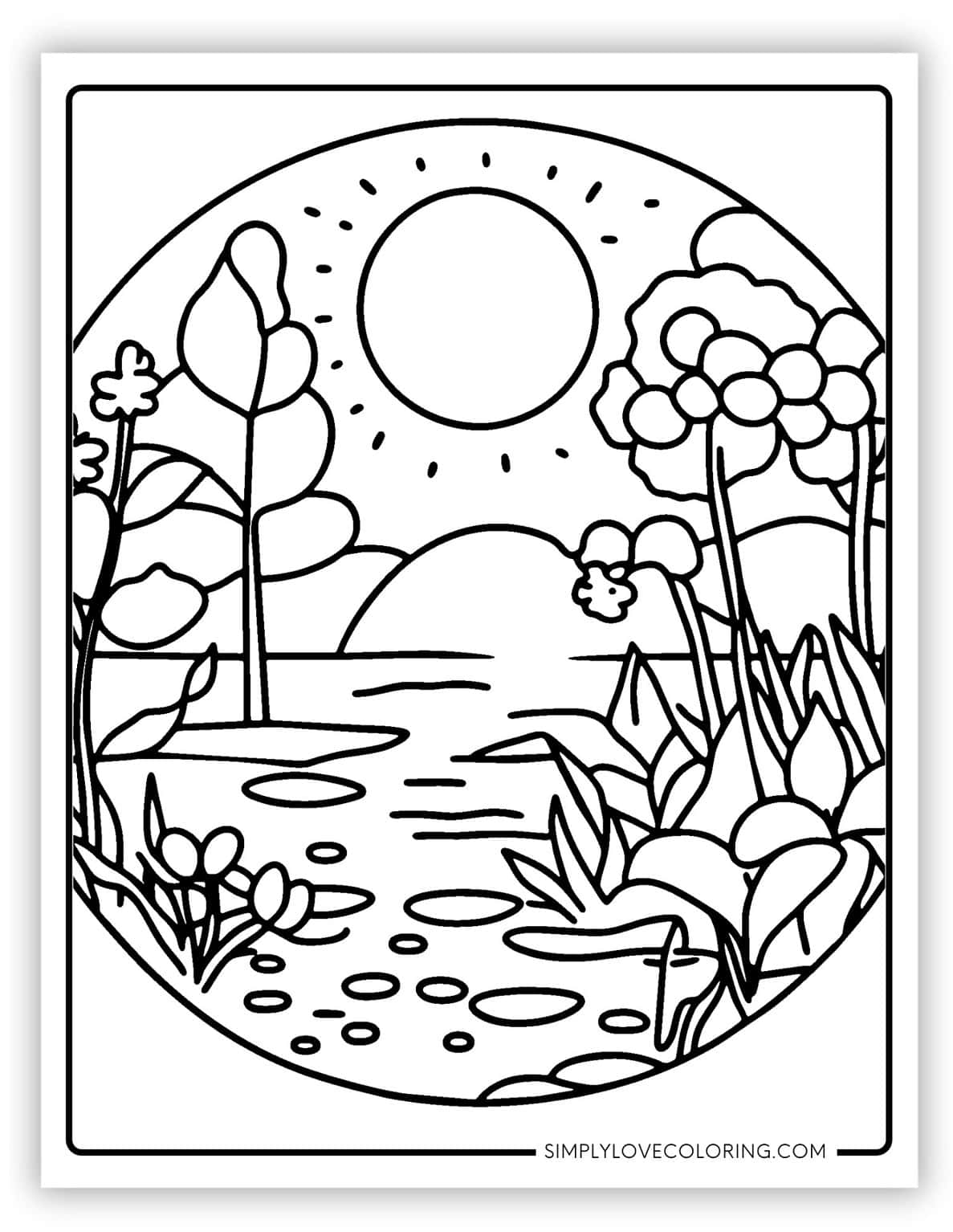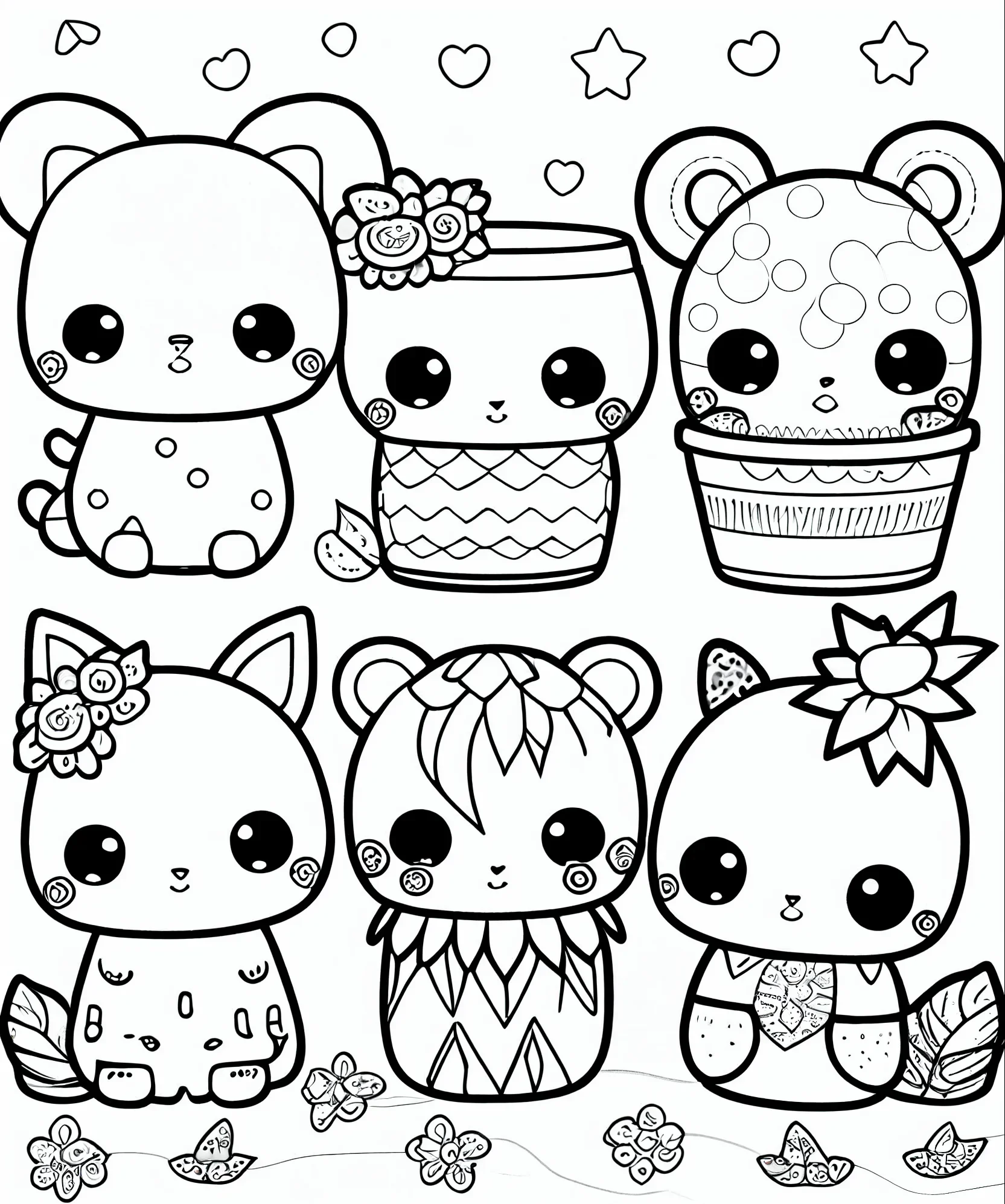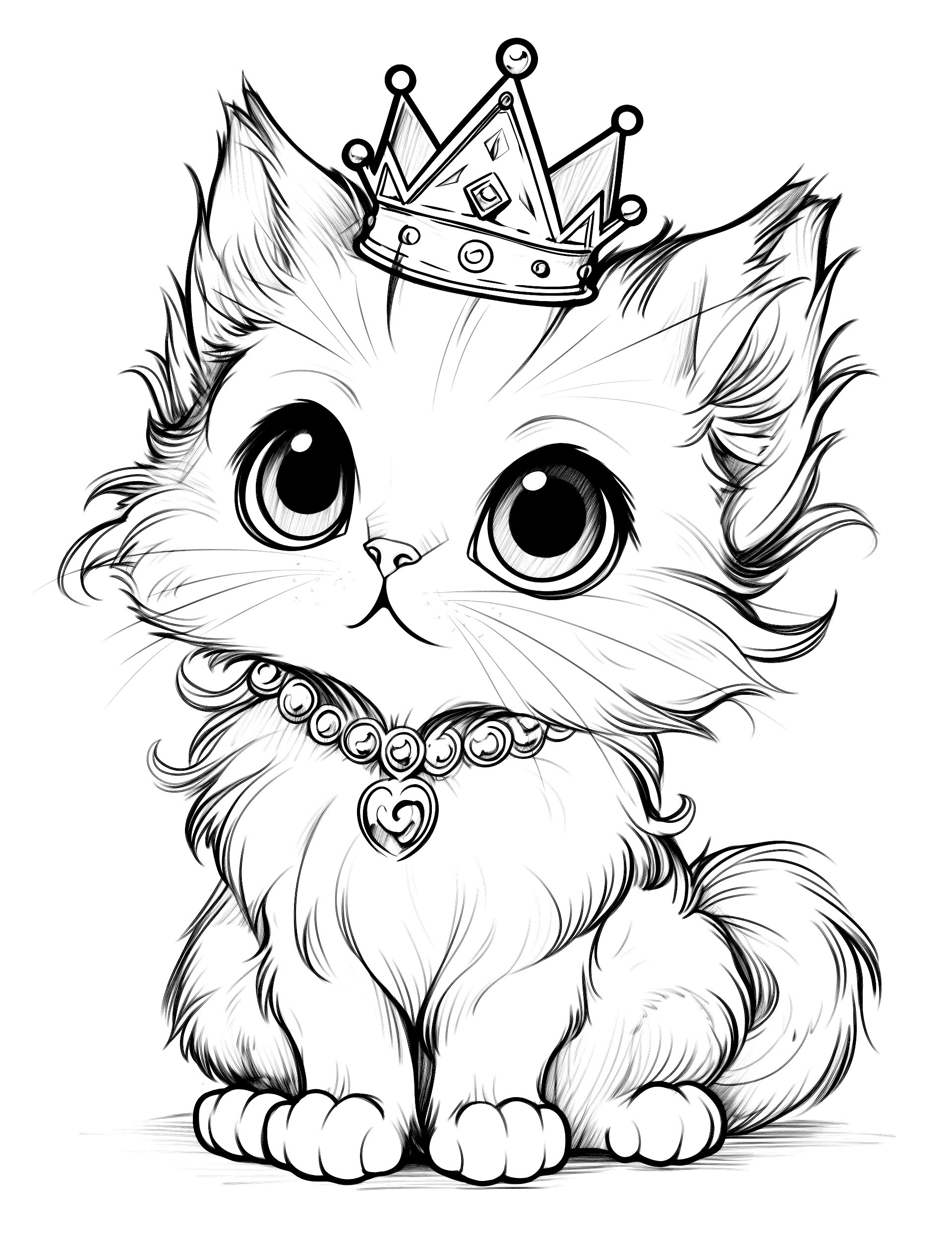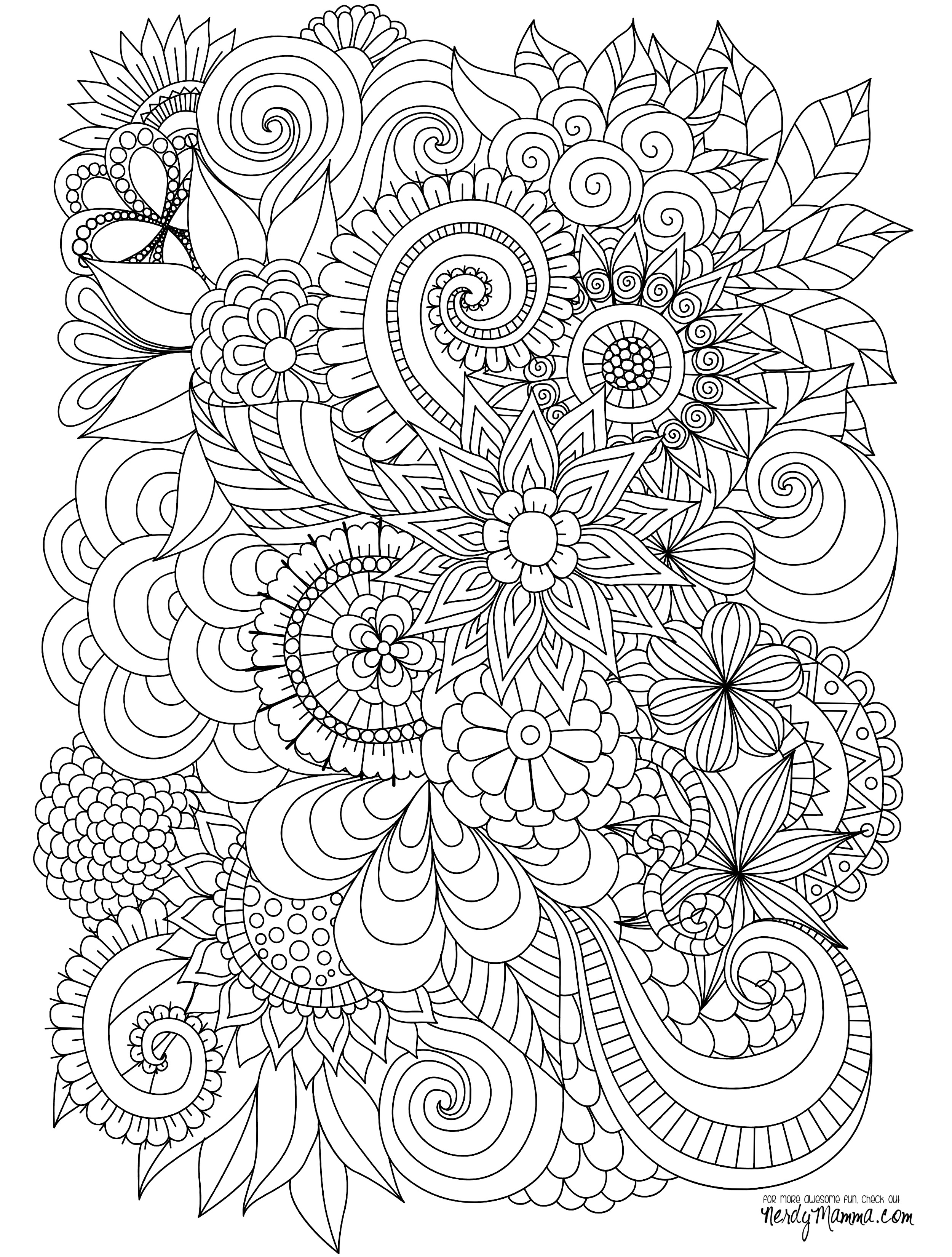
Introduction
Coloring pages com represents a high-traffic category of web destinations offering digital art assets, printables, and interactive web tools that require rigorous network monitoring and educational oversight. According to ConnectSafely, online platforms frequently visited by students require strict privacy baselines to prevent unauthorized data harvesting and malicious ad-tracking injections. Educators, school administrators, and parents must evaluate these browser-based destinations to maintain strict school internet safety, protect the student digital footprint, prevent cyberbullying vectors hidden in interactive chat modules, enforce device hygiene, and balance classroom screen time effectively. Establishing clear digital citizenship boundaries ensures that creative online repositories remain productive educational tools rather than vectors for security vulnerabilities.
Digital Safety Snapshot:
- Core Focus: Safe management and vetting of third-party digital coloring websites.
- Target Scope: Middle school classrooms, home networks, and shared institutional devices.
- Key Recommendation: Enforce DNS-level filtering and verify COPPA compliance before platform integration.
Core Principles and Detailed Overview
Managing coloring pages com platforms within educational frameworks necessitates understanding how unstructured web browsing intersects with cybersecurity and student privacy regulations. When students navigate unvetted web portals, risks extend beyond simple screen fatigue to include malicious redirects, pop-up phishing schemes, and unauthorized collection of personally identifiable information through interactive comment sections or user-generated galleries. Integrating structured Coloring Pages into a curriculum requires school districts to utilize secure web gateways that strip third-party trackers, block unverified external links, and prevent unintended data exposure. Furthermore, establishing clear parameters regarding device hygiene prevents malware accumulation on student laptops, ensuring that creative digital art tasks run smoothly without compromising institutional network integrity.
Key Specifications and Breakdown
| Safety Pillar | Digital Risk Factor | Actionable Protective Habit |
|---|---|---|
| Data Privacy | Unauthorized harvesting of student browsing habits via tracking pixels. | Utilize ad-blockers and configure browser privacy settings to block third-party cookies. |
| Network Security | Malicious redirects hidden inside unverified third-party creative portals. | Access educational resources strictly through pre-approved Internet and Digital Safety pathways. |
| Classroom Balance | Excessive passive screen consumption replacing active critical thinking. | Pair digital art tasks with off-screen Worksheets and tactile learning activities. |
Schools and parents must mandate robust privacy assessments and continuous network filtering to protect minors from deceptive web practices and hidden digital tracking vectors. — Cybersecurity and Infrastructure Security Agency (CISA)
Step-by-Step Practical Application and Guidelines
Implementing safe digital art practices requires a systematic protocol for evaluating external domains and maintaining hardware integrity across school and home environments. School administrators and educators should begin by conducting a comprehensive security audit of any art portal before deployment, ensuring compliance with federal privacy standards such as COPPA and FERPA. Next, IT departments must configure content filters to block interactive comment boards and external sharing features on coloring pages com platforms, thereby eliminating potential cyberbullying conduits and predatory user interactions. Parents and teachers should simultaneously promote healthy device hygiene by regularly clearing browser caches, updating operating systems, and teaching middle school students to recognize suspicious pop-up banners. Finally, maintaining classroom screen balance involves alternating digital illustration sessions with physical, offline exercises to support cognitive development and reduce ocular fatigue.
Common Challenges and How to Avoid Them
Unregulated creative websites frequently introduce hidden risks such as deceptive banner advertisements, forced downloads, and unsafe external outbound links that bypass standard classroom boundaries. Administrators often struggle with students accessing unvetted mirror sites that evade basic keyword blocks, requiring advanced dynamic URL categorization and SSL inspection tools. To counteract these vulnerabilities, educators should explicitly teach middle school students how to identify secure HTTPS protocols and recognize the warning signs of phishing attempts disguised as gaming or art prizes. Prioritizing comprehensive Online and Digital Safety training equips students with the critical evaluation skills necessary to navigate complex web environments independently and safely.
💬 Frequently Asked Questions
Explore More Kids Safety and Digital Citizenship Guides on SafeWiredSchools
Safeguarding digital environments requires continuous education, proactive administrative oversight, and comprehensive resources tailored for modern educators, parents, and students. Exploring the complete repository of expert-driven articles, policy frameworks, and instructional tools available at Safe Wired Schools empowers school communities to cultivate secure, balanced, and resilient digital learning spaces for all age groups.
Printable Coloring Page Previews