Introduction
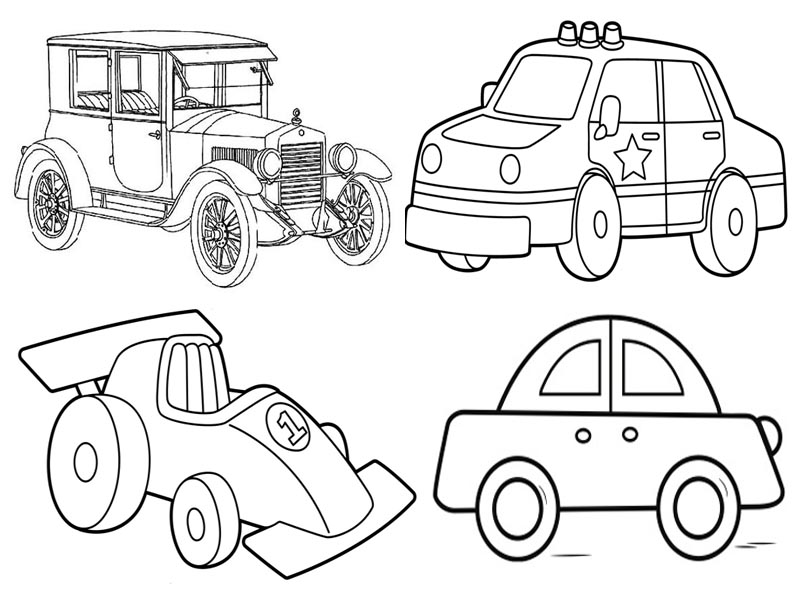
Coloring worksheets car files represent digital templates intended for creative student engagement that require careful vetting to protect educational networks and student privacy. According to Family Online Safety Institute (FOSI) guidance, unverified internet downloads can expose school devices to malicious software and tracker scripts hidden within seemingly innocuous educational materials. Educational communities integrate offline tactile breaks alongside digital resources such as Coloring Pages to maintain classroom screen balance without compromising institutional cybersecurity standards. Educators and parents must implement strict protocols regarding file source authentication to prevent malware infiltration via downloaded classroom printables.
Digital Safety Snapshot:
- Core Focus: Safe sourcing and management of automotive-themed printable learning assets.
- Target Scope: K-12 classrooms, school administrators, and home learning environments.
- Key Recommendation: Restrict downloads strictly to vetted educational repositories and verified institutional drives.
Core Principles and Detailed Overview
Safe sourcing of digital printables requires understanding how malicious actors exploit file downloads to compromise student devices and breach network perimeters. When students or teachers search for offline activities like automotive coloring templates, unauthorized third-party websites often bundle executable scripts within PDF or image wrappers. Schools enforce rigorous device hygiene by directing staff toward authorized curriculum hubs rather than open web searches. Integrating structured resources like Worksheets ensures that all downloaded materials undergo preliminary security scans and compliance checks before reaching student screens.
Key Specifications and Breakdown
| Safety Pillar | Digital Risk Factor | Actionable Protective Habit |
|---|---|---|
| Device Hygiene | Hidden malware within downloaded templates | Scan all external files using enterprise antivirus tools before opening. |
| Network Integrity | Unverified third-party tracking cookies | Utilize secure institutional domains for all classroom resource acquisitions. |
| Screen Balance | Excessive passive device engagement | Print physical templates to encourage tactile, screen-free learning intervals. |
Maintain strict perimeter defense by establishing centralized school software whitelists that restrict unauthorized file downloads across all student-accessible devices. — Cybersecurity & Infrastructure Security Agency (CISA)
Step-by-Step Practical Application and Guidelines
Establishing a secure workflow for acquiring educational printables protects the entire school community from emerging cyber threats. First, school administrators must configure network firewalls to block unverified file-sharing platforms. Second, teachers ought to select materials exclusively from trusted digital citizenship hubs, reinforcing safe browsing habits modeled for middle school students. Third, educators should balance digital instruction by printing physical copies for offline activities, directly supporting student focus and reducing continuous blue-light exposure in the classroom.
Common Challenges and How to Avoid Them
Unregulated web searches for classroom resources frequently lead users toward deceptive ad-heavy platforms that compromise device security. Educators frequently encounter malicious pop-ups or compromised file formats when navigating unverified educational content directories. To eliminate these vulnerabilities, schools must mandate the use of curated internal resource repositories. Directing students toward structured categories such as Internet and Digital Safety ensures that youth understand the inherent risks associated with downloading unverified files from the open internet.
💬 Frequently Asked Questions
Explore More Kids Safety and Digital Citizenship Guides on SafeWiredSchools
Protecting students in modern connected environments requires continuous education, robust technical safeguards, and proactive digital citizenship instruction. Educational professionals and parents can access an extensive library of protective resources, expert advisory guides, and safety frameworks by exploring the main portal at Safe Wired Schools.
Printable Coloring Page Previews