Why Creative Expression and Digital Wellness Must Align Online
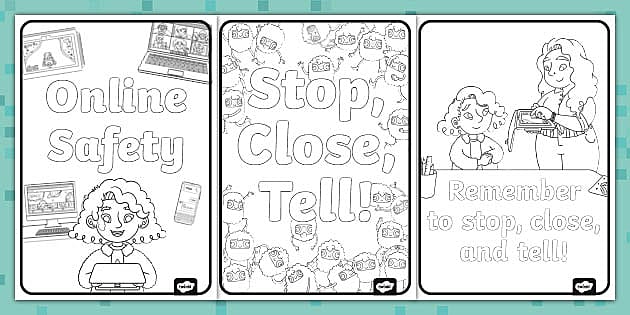
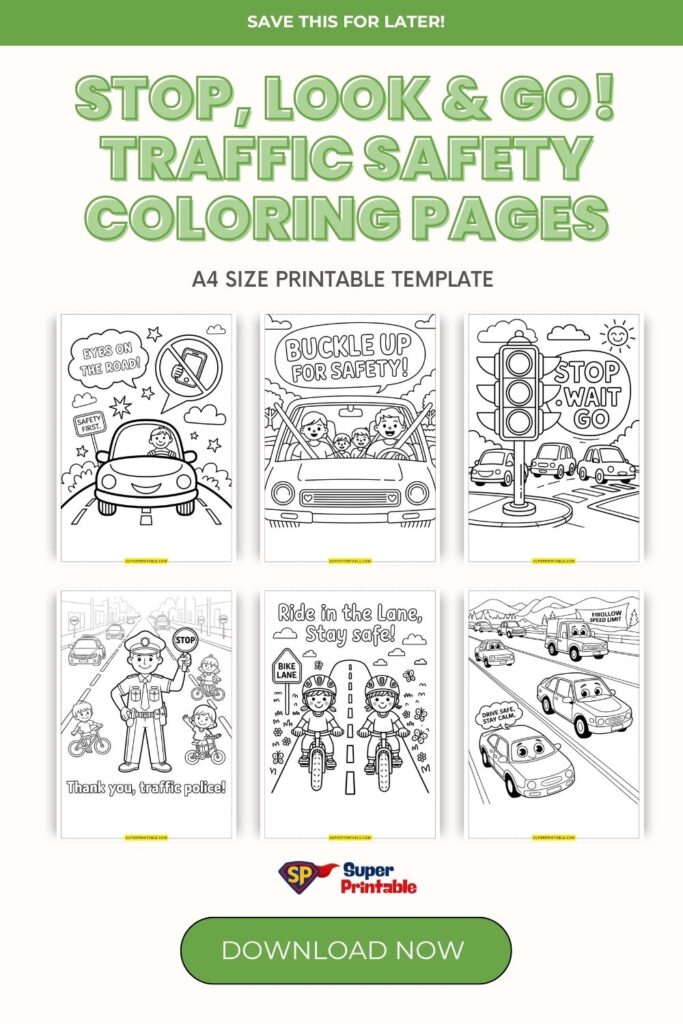
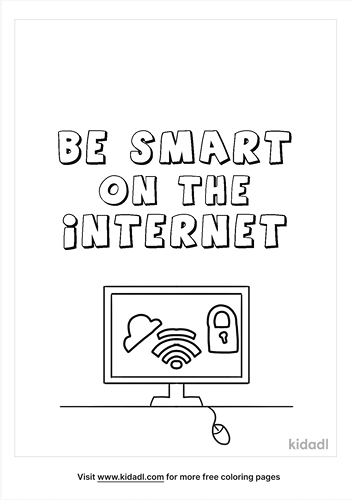
When young students look for Cartoon Colouring Pictures For Social Media And Online Safety, they are often navigating a digital landscape that blends innocent art activities with exposure to commercial platforms. Educators and parents frequently discover that searches for simple creative printables lead straight to social media feeds, user-generated art communities, and unvetted sharing sites. According to guidance from organizations like ConnectSafely and the Cybersecurity and Infrastructure Security Agency, teaching children how to enjoy digital art without oversharing personal details is a core component of modern digital citizenship. By setting clear parameters early, adults can ensure that a child’s love for colorful characters remains a safe, rewarding pastime.
💡 Educational Key Takeaways:
- Core Skill: Structured Cartoon Colouring Pictures For Social Media And Online Safety focused on developing pencil grip, stroke control, and early literacy/math confidence.
- Target Scope: Suited for homeschoolers, preschool, kindergarten, and elementary learners.
- Best Recommendation: Practice 10–15 minutes daily with ergonomic writing tools to reinforce muscle memory without hand fatigue.
Understanding Technical Vulnerabilities Across Home and School Environments
Protecting youth while they explore online creativity requires a close look at how devices are configured across different environments. Whether children are using family tablets at the kitchen table or school-issued Chromebooks in the classroom, hidden risks can emerge through unsecured comment sections, direct messaging features, and automatic metadata sharing on image uploads. The table below outlines common vulnerabilities alongside practical safeguards designed to mitigate risk. Related guide: Please Provide Free 8.5″X11″ Digital Safety Coloring Pages For K-2 Grade.
| Setting / Context | Common Vulnerability | Practical Safeguard |
|---|---|---|
| Home Devices and Tablets | Unfiltered search engine image results leading to social platforms and chat rooms. | Enable safe search filters, restrict app store downloads, and utilize pre-vetted resources from trusted Coloring Pages directories. |
| School Chromebooks and Laptops | Students attempting to access unblocked community art forums during unstructured time. | Enforce strict district-level web filters and educate students on proper academic use aligned with Internet and Digital Safety guidelines. |
| Social and Chat Apps | Peer pressure to upload completed artwork alongside real names, ages, or locations. | Establish clear rules against posting personal identifiers and practice safe sharing habits through engaging Worksheets on digital footprint awareness. |
Actionable Guardrails and Healthy Digital Habits for K-12 Students
Establishing consistent routines helps children separate public social media networks from safe creative spaces. Schools and families should collaborate to implement practical safeguards, such as designating public charging stations in the home rather than keeping devices in bedrooms overnight. Adults should also integrate foundational principles from Online and Digital Safety curricula into daily discussions, teaching students that anything uploaded to the internet can become permanent. When children complete a drawing project, encourage them to display it on the refrigerator or share it exclusively with approved family members via private, encrypted channels.
Completely banning kids from searching for art inspiration online often backfires, driving them to seek out workarounds or use peer devices in unsupervised settings. Instead of heavy-handed restrictions, adults should frame digital boundaries as a toolkit for independence. When children encounter pop-up ads, unexpected messaging prompts, or requests to sign up for accounts while looking for printable art, they need a calm, pre-established protocol to pause and ask an adult for help without fear of losing device privileges or facing immediate punishment.
Frequently Asked Questions About Creative Online Activities
Is it safe for children to upload their scanned coloring pages to public art galleries?
Public art galleries and social media platforms often feature chat functions and user profiles that are unsuitable for young children. Families should use private sharing methods or dedicated, kid-safe platforms monitored closely by adults.
How can teachers address online safety when using digital art in the classroom?
Teachers can pre-download image files onto local school networks to eliminate the need for live web searches during class time. This prevents students from accidentally navigating to unvetted social media links while completing assignments.
Stay calm, help the child immediately delete the compromised post or profile, and review privacy settings together. Use the moment as a non-judgmental teaching opportunity about how to protect personal details online.
Empowering the Next Generation of Responsible Digital Citizens
Balancing digital creativity with robust online protection requires ongoing communication between educators, parents, and students. By remaining proactive and supportive, we can build a secure foundation for learning and play. To discover more expert guides, classroom tools, and safety frameworks, visit SafeWiredSchools.org.