Introduction
Free second-grade digital citizenship worksheets provide foundational instructional activities that introduce young learners to responsible technology use, online privacy, and respectful digital behavior. According to ConnectSafely, establishing early habits regarding screen boundaries and respectful online interactions builds critical resilience against digital pitfalls. Educators, parents, and school administrators utilize structured printables to translate abstract internet safety concepts into concrete, age-appropriate lessons suitable for seven- and eight-year-old students. These educational resources bridge classroom instruction and home routines, ensuring children grasp basic device hygiene before navigating complex virtual environments. Utilizing structured Worksheets reinforces cognitive comprehension through repetitive identification, matching, and coloring exercises. Foundational lessons also align closely with broader Online and Digital Safety curriculums designed for primary school grade levels.
Digital Safety Snapshot:
- Core Focus: Early childhood digital citizenship development using no-cost educational printables.
- Target Scope: Grade 2 students, elementary educators, parents, and school administrators.
- Key Recommendation: Combine visual printables with guided offline discussions regarding online boundaries.
Core Principles and Detailed Overview
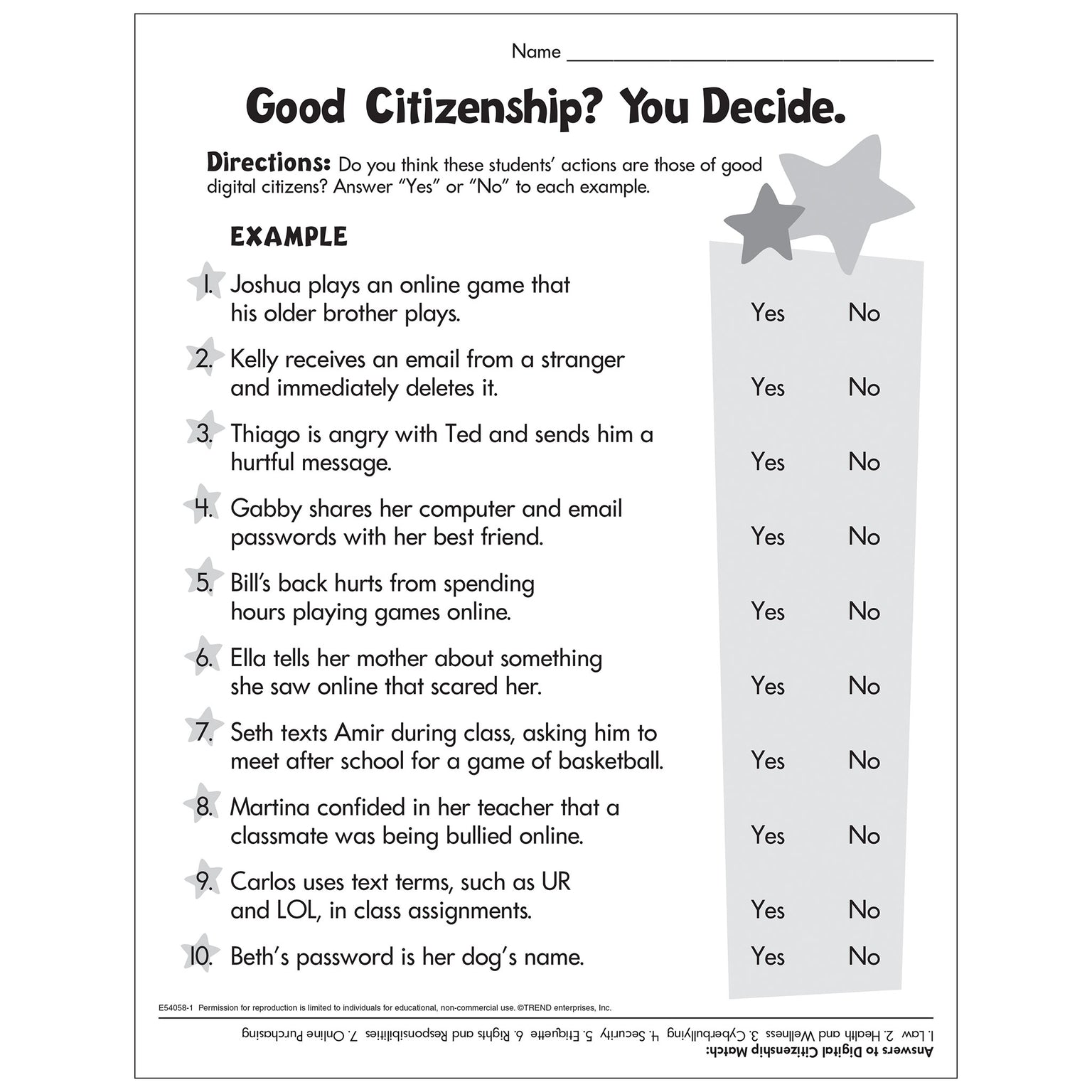
Second-grade digital citizenship worksheets center on five primary pillars: personal data privacy, respectful communication, device care, balance between screen time and physical activity, and recognizing trusted online adults. Direct instructional activities prompt students to identify private information such as home addresses, telephone numbers, and full names, teaching young minds never to share these details with strangers online. Lessons also address empathy in virtual classrooms, emphasizing that digital words carry real emotional weight just like face-to-face conversations. Furthermore, structured exercises encourage healthy device habits, instructing students to log off, report broken hardware, and take mandatory breaks for eye health. Integrating foundational concepts from Internet and Digital Safety ensures cohesive messaging across school networks and household devices.
Key Specifications and Breakdown
| Safety Pillar | Digital Risk Factor | Actionable Protective Habit |
|---|---|---|
| Data Privacy | Accidental sharing of personal identifiers | Refusing to input full names or locations without parental oversight |
| Digital Empathy | Cyberbullying and misunderstanding tone | Practicing kind communication and notifying trusted adults regarding mean behavior |
| Device Hygiene | Hardware damage and eye strain | Implementing scheduled breaks and handling school tablets with clean hands |
Early education frameworks must prioritize foundational digital literacy, emphasizing empathy, privacy awareness, and secure device handling before unsupervised internet access occurs. — Cybersecurity & Infrastructure Security Agency (CISA)
Step-by-Step Practical Application and Guidelines
Implementing printable citizenship exercises effectively requires a progressive, multi-step methodology that engages young learners through active participation. Educators and parents should begin by printing targeted activity sheets that focus on a single theme, such as distinguishing between public and private information. Next, adults must guide students through the completion of matching games or scenario-based coloring tasks designed to spark critical thinking. Following the completion of the written exercise, facilitators should host a brief group discussion asking students to explain their reasoning aloud. Finally, display completed projects on classroom bulletin boards or refrigerator doors to reinforce positive reinforcement and continuous memory retention.
Common Challenges and How to Avoid Them
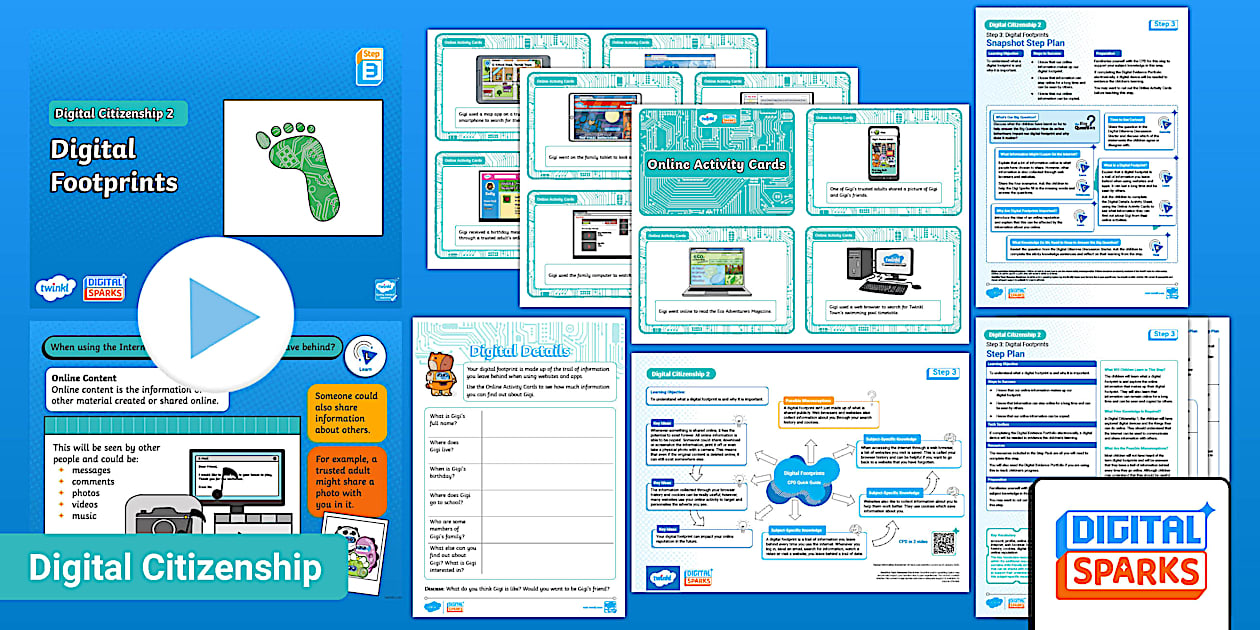
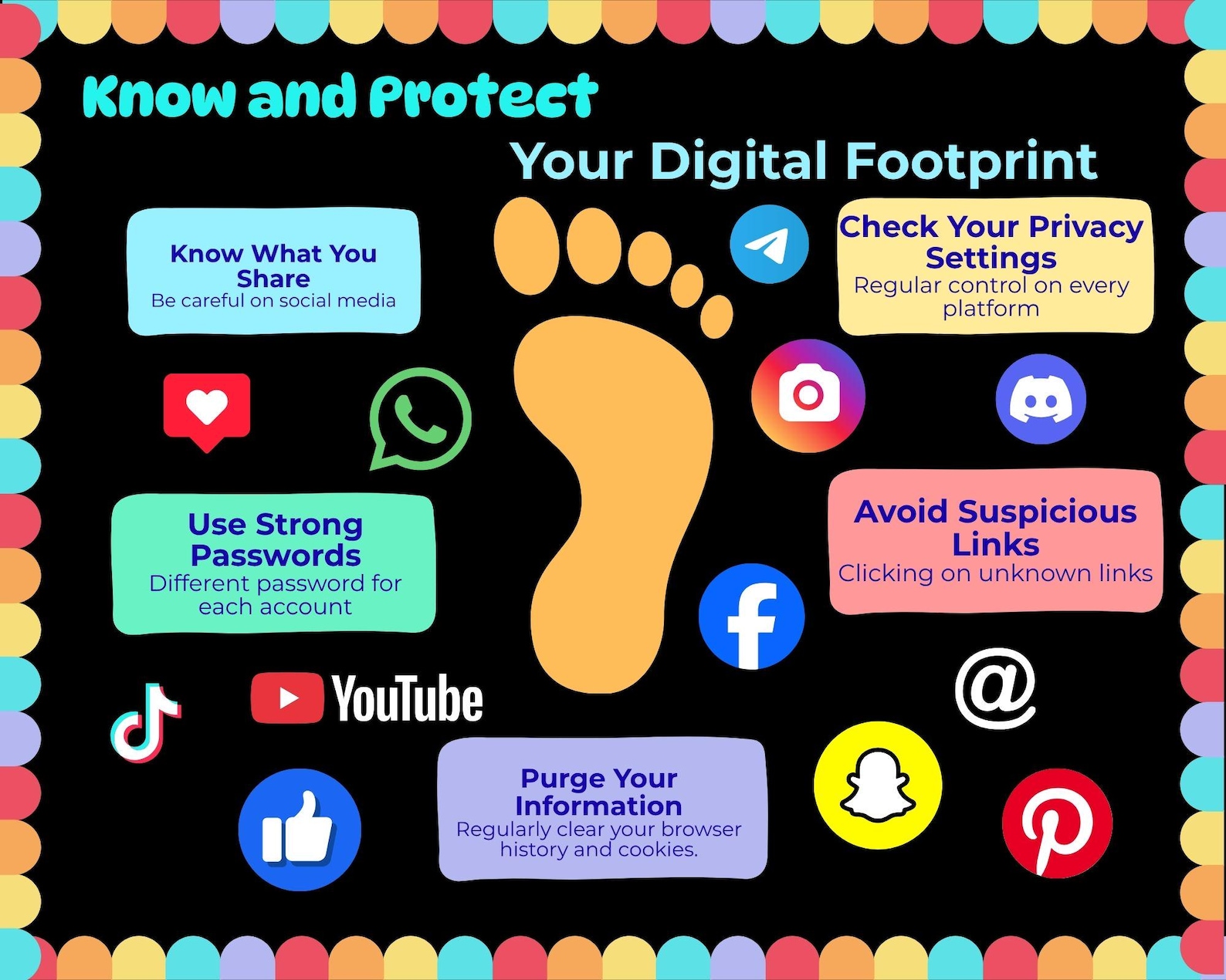
Children at the second-grade level often struggle to grasp the permanent nature of a digital footprint and the difference between physical and virtual spaces. Educators and parents frequently encounter the misconception that online avatars or gaming characters represent real-world friendships without risk. To prevent misunderstandings, adults must use concrete analogies—such as comparing public internet posts to publishing flyers on a city billboard—to clarify audience visibility. Additionally, avoiding overly technical jargon ensures that young students remain engaged rather than overwhelmed by complex cybersecurity terminology. Consistent reinforcement through supplementary Coloring Pages bridges conceptual gaps for visual and kinesthetic learners.
💬 Frequently Asked Questions
Explore More Kids Safety and Digital Citizenship Guides on SafeWiredSchools
Comprehensive educational resources, downloadable instructional tools, and expert-reviewed safety guides remain accessible directly through the central hub at Safe Wired Schools. Stakeholders are encouraged to explore the complete library of articles designed to foster secure, responsible, and empowered digital citizens across all grade levels.
Worksheet Previews & Reference Materials