Introduction
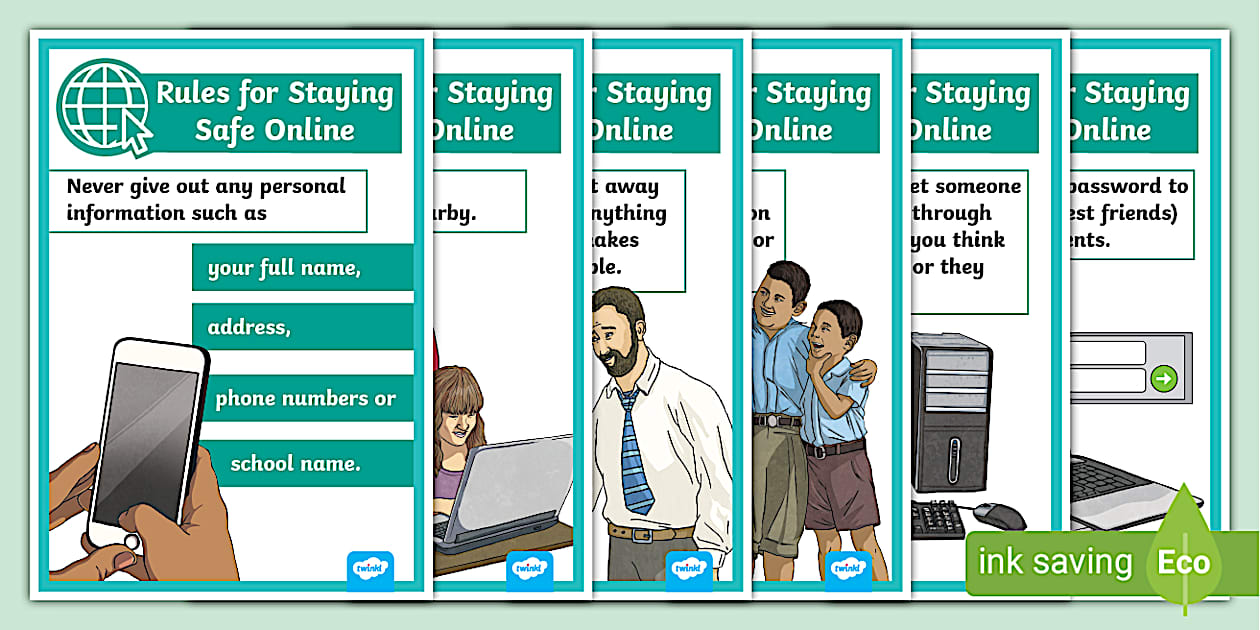
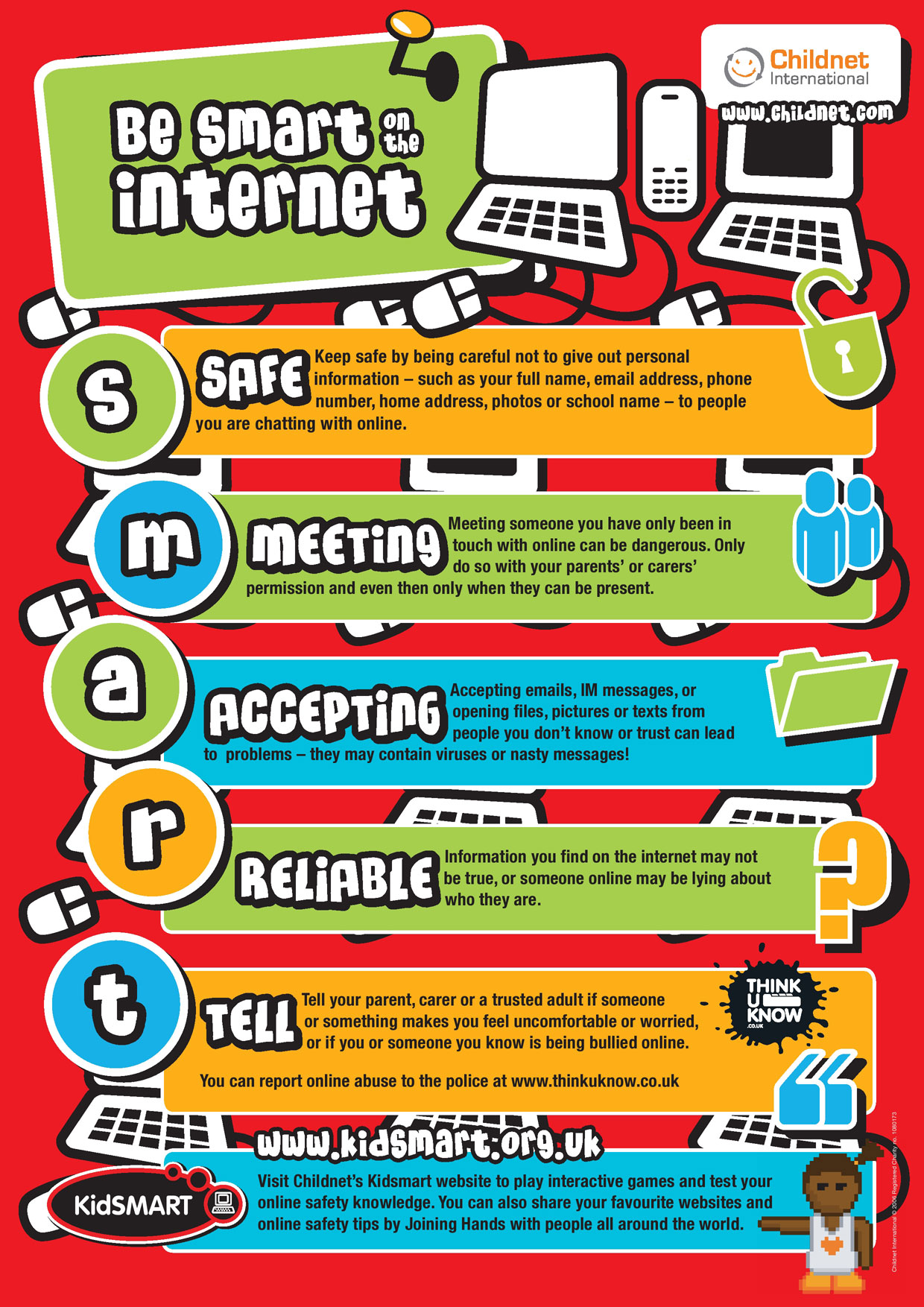
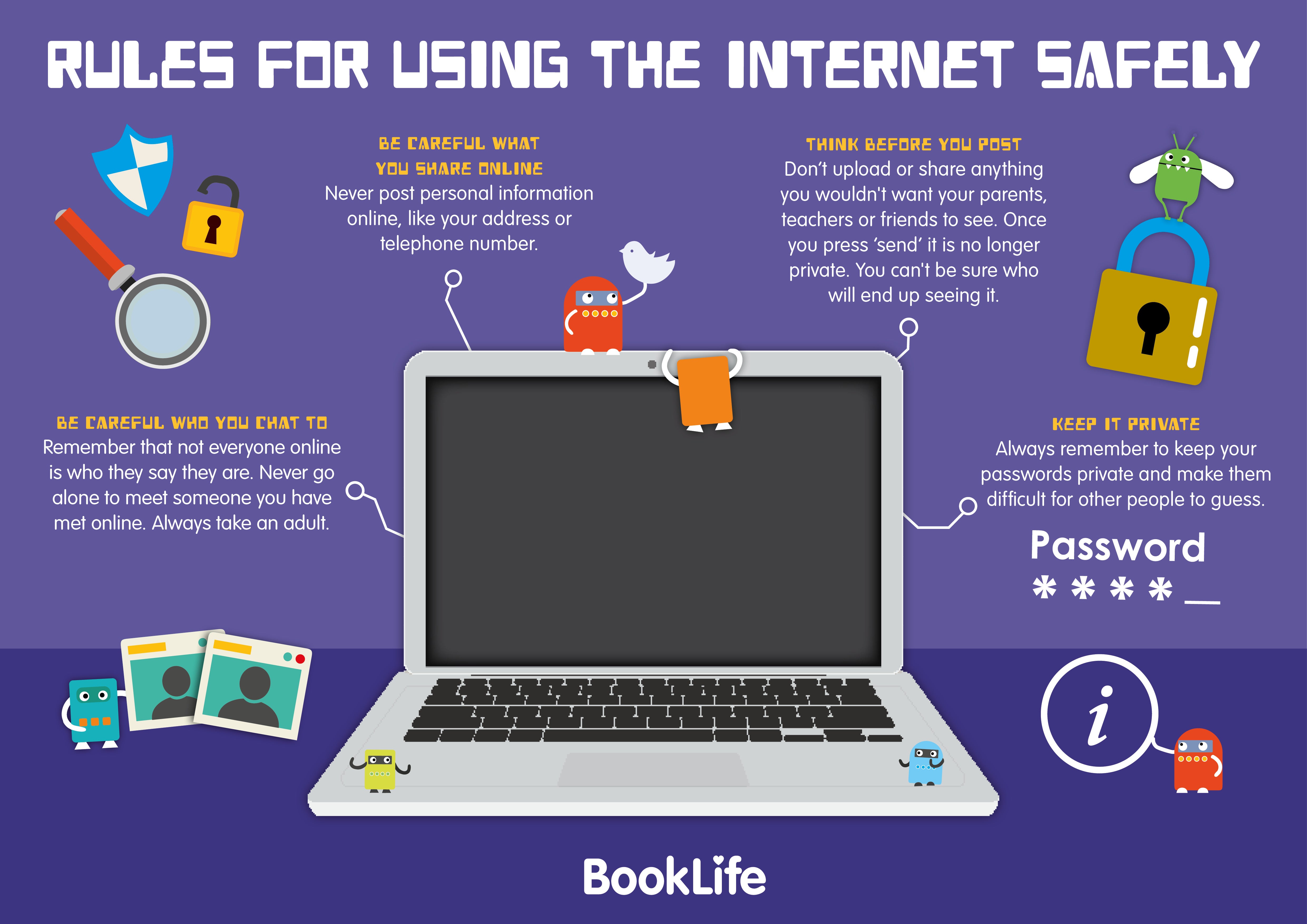
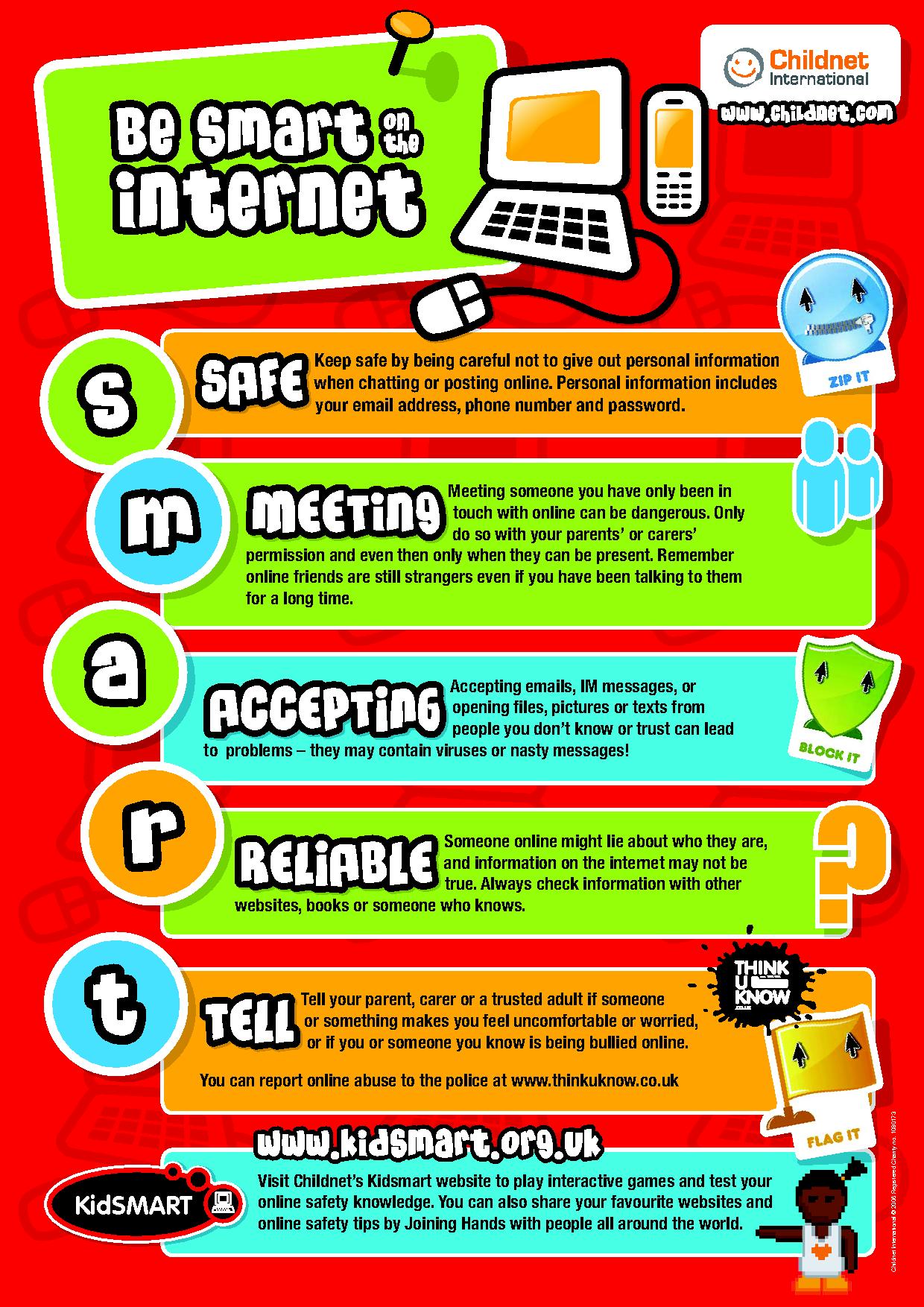
An internet online safety poster serves as a permanent visual cue reinforcing secure digital habits, cyber hygiene, and respectful communication within educational environments. According to the Cybersecurity and Infrastructure Security Agency (CISA), maintaining continuous visual reinforcement of cyber safety protocols significantly increases online risk awareness among young internet users. Educational institutions, instructional staff, and parents utilize these graphical displays to cultivate healthy screen boundaries and prevent cyber threats across classrooms and home offices. Comprehensive digital citizenship relies heavily on accessible physical reminders regarding personal data protection, device maintenance, and anti-bullying standards. Utilizing pedagogical graphics transforms complex cybersecurity mandates into digestible, memorable actions for middle school students navigating digital spaces. Related guide: 5 Cyber Safety Tips Symbols That Can Be Read By The Grede 7 Students.
Digital Safety Snapshot:
- Core Focus: Visual communication strategies for digital safety compliance.
- Target Scope: Middle school classrooms, computer labs, and domestic study areas.
- Key Recommendation: Display high-contrast infographics near workstation entry points to ensure constant retention.
Core Principles and Detailed Overview
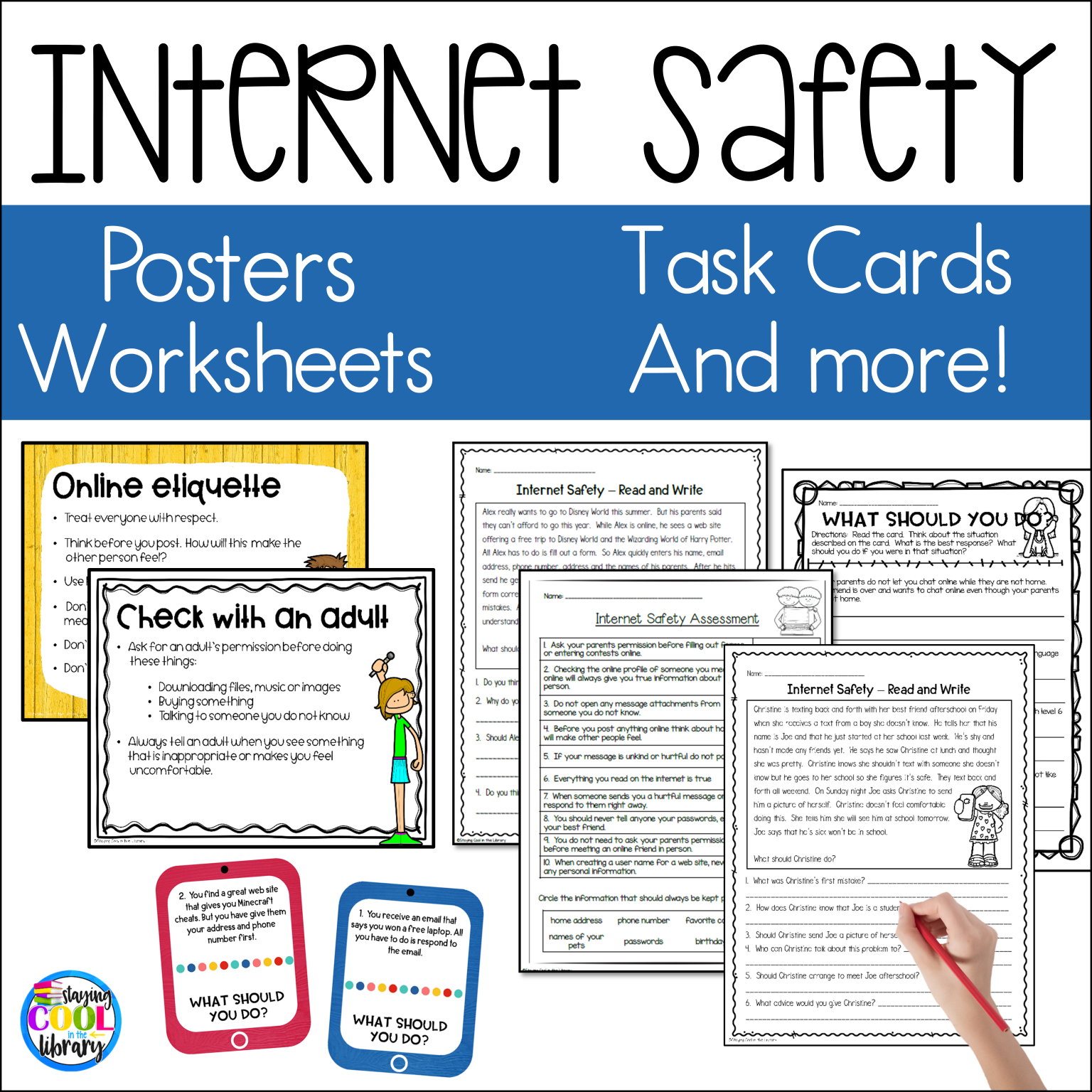
An internet online safety poster operates as an active educational tool that bridges the gap between abstract internet safety policies and daily student behavior. By synthesizing complex concepts like digital footprints, password complexity, and classroom screen balance into concise iconography, these visual displays promote immediate comprehension. Middle school students benefit from structured prompts that demystify phishing attempts, remind them to log out of shared accounts, and discourage online harassment. Educators often pair these visual assets with targeted Worksheets to test comprehension and facilitate group discussions on responsible device usage. Strategic placement in high-traffic school corridors ensures that cybersecurity awareness remains top-of-mind throughout the academic day, reinforcing institutional digital citizenship initiatives.
Key Specifications and Breakdown
| Safety Pillar | Digital Risk Factor | Actionable Protective Habit |
|---|---|---|
| Digital Footprint | Permanent archiving of inappropriate media | Evaluate future impact before posting or sharing content. |
| Cyberbullying Prevention | Anonymous harassment and targeted exclusion | Report malicious communication immediately to trusted adults. |
| Device Hygiene | Malware infection through unverified downloads | Verify application permissions and maintain updated security patches. |
Consistent visual and textual reinforcement of online safety measures fosters sustained defensive behavioral changes in adolescent technology users — ConnectSafely Research
Step-by-Step Practical Application and Guidelines
Implementing an internet online safety poster requires careful placement, age-appropriate messaging, and direct integration into digital citizenship curricula. Administrators should position infographics directly adjacent to student computer banks, library terminals, and mobile device charging stations where behavioral reminders are most critical. Teachers can initiate lesson plans by asking students to analyze the visual components of a poster, identifying specific hazards such as phishing links or oversharing personal details. Furthermore, schools can extend these lessons by pairing physical displays with interactive resources found within Internet and Digital Safety modules. Regular rotation of safety graphics prevents visual fatigue and addresses emerging digital threats, such as synthetic media manipulation and advanced social engineering.
Common Challenges and How to Avoid Them
Ineffective design, poor placement, and outdated messaging represent the primary obstacles that undermine the utility of an internet online safety poster in educational settings. When infographics contain excessive text or overly technical jargon, middle school students tend to ignore them entirely, rendering the safety intervention useless. To overcome this challenge, school media specialists should select clean, high-contrast graphics that prioritize bold typography and universally recognized safety symbols over dense paragraphs. Educators must also ensure that displayed concepts align directly with current technological landscapes, avoiding obsolete advice regarding dial-up connections or ancient software versions. Supplementing classroom displays with creative student-led art projects found under Online and Digital Safety encourages deeper emotional investment in collective school network security.
💬 Frequently Asked Questions
Explore More Kids Safety and Digital Citizenship Guides on SafeWiredSchools
Educational stakeholders seeking comprehensive resources, printable infographics, and structured lesson plans can explore the complete catalog curated by Safe Wired Schools. Ongoing commitment to proactive digital education empowers students, parents, and teachers to navigate online environments with absolute confidence and security.
Visual Reference Gallery