Introduction
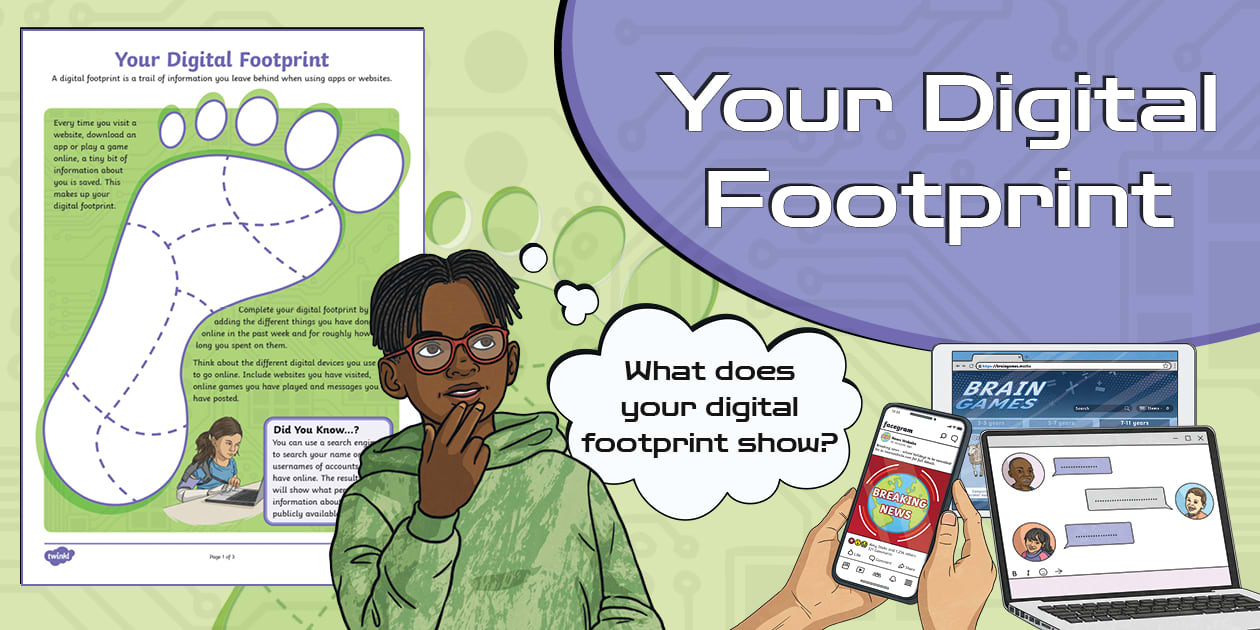
A digital footprint for grade 5 encompasses every comment, photo, game score, and search query a ten-year-old leaves behind on the internet, creating a permanent trail that influences future academic and social opportunities. According to the Federal Trade Commission (FTC Consumer Advice), teaching children how to manage their digital footprints early establishes lifelong habits of privacy protection and positive online reputation management. Educators, school administrators, and parents must collaborate to ensure preteens understand that digital actions are permanent, public, and capable of affecting real-world relationships. Comprehensive training modules found within Internet and Digital Safety curriculums provide foundational frameworks for navigating these virtual spaces responsibly.
Digital Safety Snapshot:
- Core Focus: Managing the permanent online trail created by student internet activity and device usage.
- Target Scope: Fifth-grade classrooms, middle school transitions, and household device environments.
- Key Recommendation: Enforce the permanence rule—never post anything online that cannot be displayed publicly on a school bulletin board.
Core Principles and Detailed Overview
Managing a digital footprint for grade 5 requires distinguishing between active footprints—such as deliberately uploaded videos or forum posts—and passive footprints, which are data points collected automatically through browsing histories and application tracking. Fifth graders frequently engage with multi-player gaming platforms, school-issued Chromebooks, and social messaging apps without fully grasping that these systems archive information indefinitely. Schools mitigate these vulnerabilities by integrating structured lessons from Online and Digital Safety resource directories, ensuring students recognize the immediate connection between casual online remarks and long-term reputation risks. Establishing strict boundaries around classroom screen balance prevents digital fatigue while reinforcing thoughtful content creation over mindless consumption.
Key Specifications and Breakdown
| Safety Pillar | Digital Risk Factor | Actionable Protective Habit |
|---|---|---|
| Identity Management | Accidental disclosure of personal addresses, phone numbers, or school locations. | Use randomized usernames and prohibit sharing identifying personal details online. |
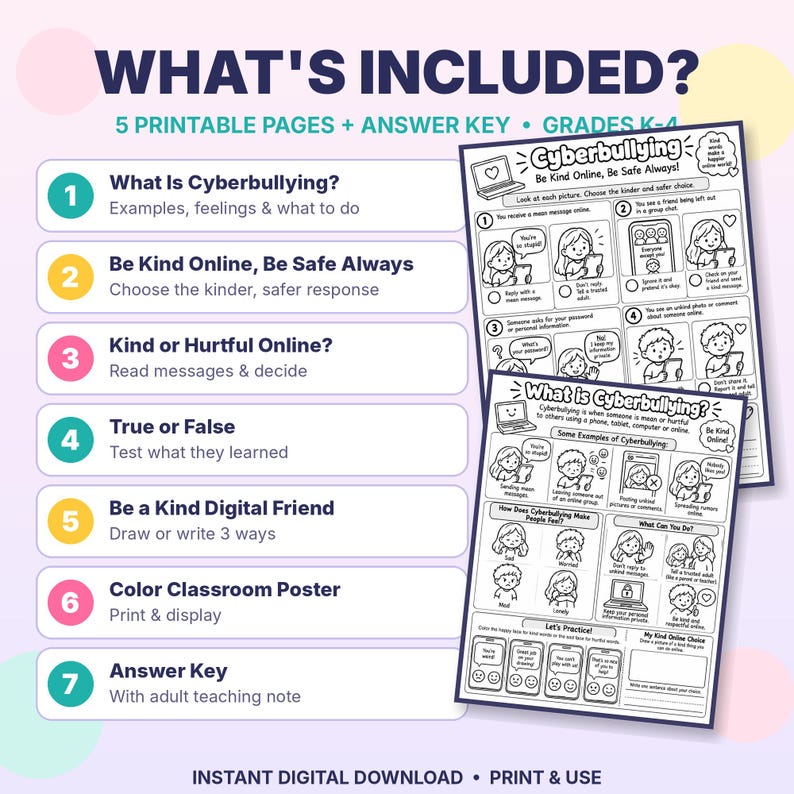
| Cyberbullying Prevention | Forwarding mean messages or engaging in retaliatory online comments. | Practice the pause rule: wait ten minutes before responding to provocative online content. |
| Device Hygiene | Leaving browser sessions active on shared school laptops or public terminals. | Log out of all personal accounts and clear application caches after every session. |
Educating children about digital footprints early empowers them to curate a positive online reputation before entering middle school and adolescence. — ConnectSafely Research. Related guide: Teachers Of Grades 9–12 Should Expand Internet Safety Instruction To Include Which Of The Following Topics?.
Step-by-Step Practical Application and Guidelines
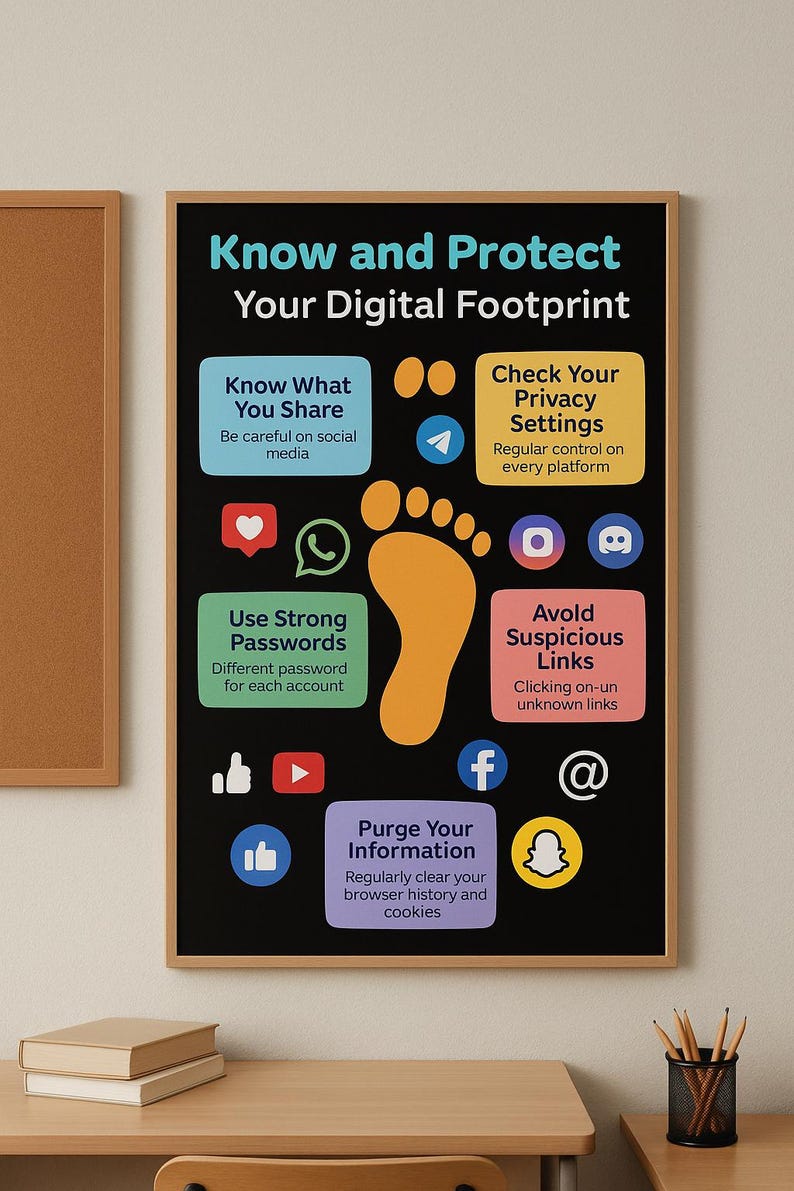
Safeguarding a digital footprint for grade 5 involves implementing a consistent routine of auditing privacy settings, restricting photo sharing, and practicing ethical online communication. Educators and parents should guide preteens through a three-step audit: reviewing account privacy levels, deleting inactive or forgotten profiles, and searching the child’s name in search engines to evaluate what publicly indexed information appears. Furthermore, integrating engaging activities such as interactive Worksheets reinforces these protective concepts through scenario-based problem solving. Maintaining device hygiene by restricting app permissions and enforcing screen-free hours before bedtime ensures that digital engagement remains balanced with physical wellness and academic focus.
Common Challenges and How to Avoid Them
Overconfidence in disappearing message applications and peer pressure to join restricted-age social platforms represent the primary hurdles in managing a digital footprint for grade 5. Ten-year-olds often assume that content deleted from view vanishes entirely, failing to account for screenshots, server backups, and cached data archives. Adults address this vulnerability by conducting open-ended discussions about digital permanence rather than relying solely on punitive monitoring software. By pairing these conversations with creative classroom exercises like educational Coloring Pages for younger siblings, entire school communities foster an open, safety-first culture surrounding technology use.
💬 Frequently Asked Questions
Explore More Kids Safety and Digital Citizenship Guides on SafeWiredSchools
Empowering children to navigate the digital world safely requires ongoing education, reliable resources, and collaborative community standards. Educators and parents can discover additional expert-verified toolkits, lesson plans, and guidance manuals by visiting the centralized hub at Safe Wired Schools.
Visual Reference Gallery