Introduction
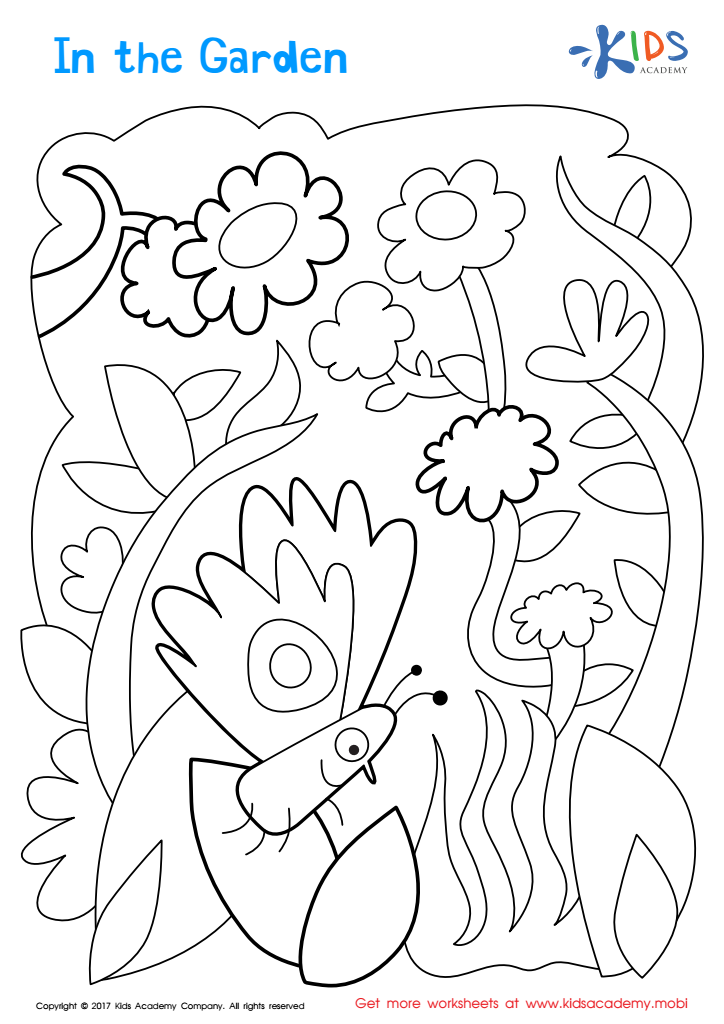
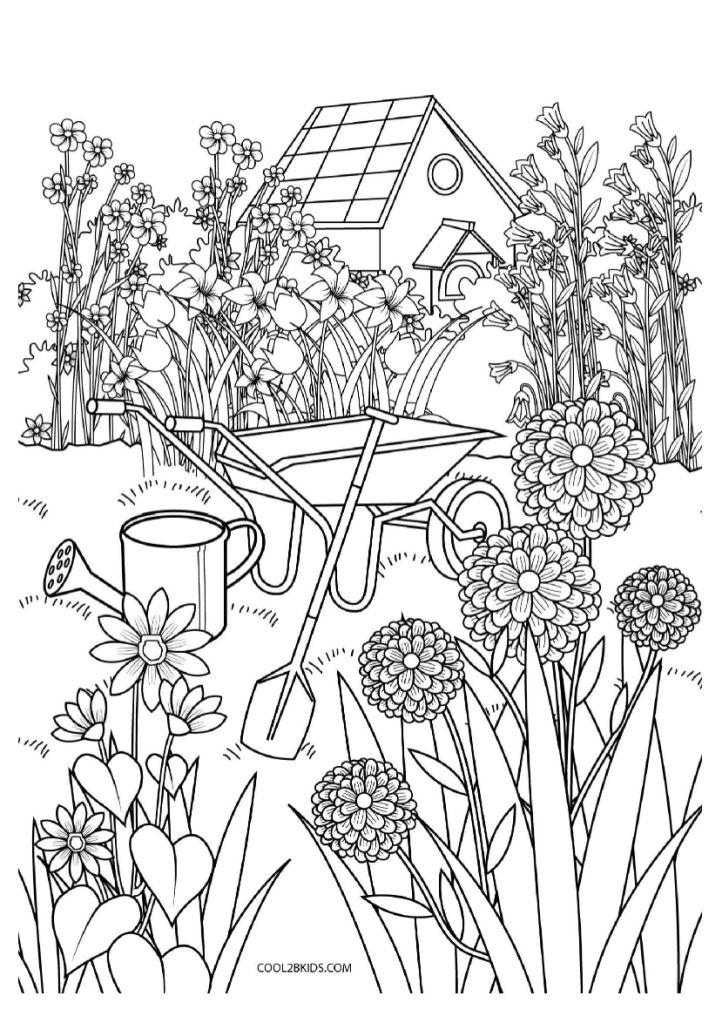
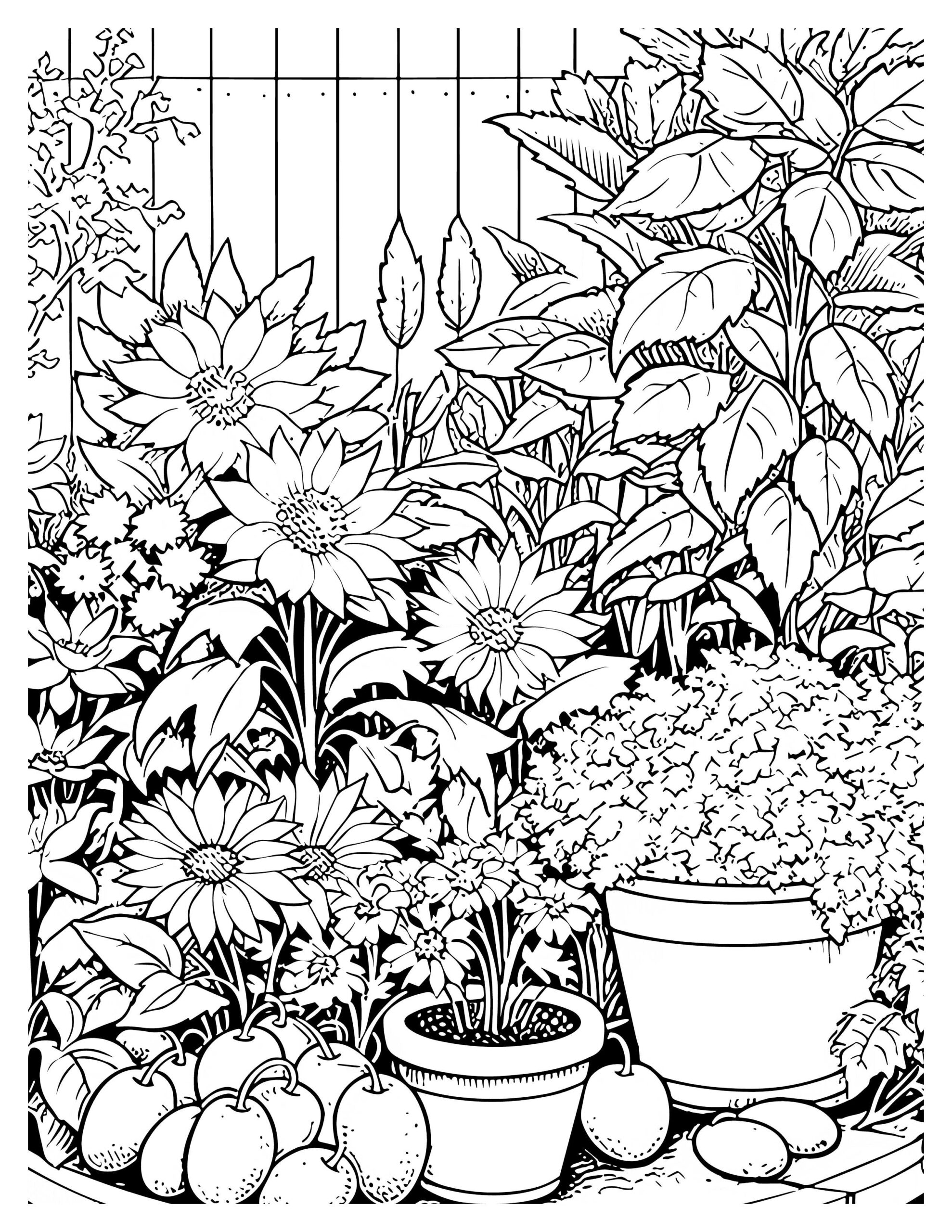
Coloring worksheets garden resources serve as low-tech, offline instructional tools that effectively balance daily screen time while teaching students foundational concepts about environmental science, biology, and offline creativity. According to ConnectSafely Research, establishing strict boundaries between connected digital platforms and physical learning tasks remains essential for maintaining sustained cognitive focus and reducing student digital fatigue. School administrators, teachers, and parents utilize these tactile materials to promote cognitive restoration without exposing middle school students to the tracking risks or tracking pixels often embedded within unsecured interactive websites. Navigating safe digital habits requires intentional integration of physical printables that keep learners offline during designated creative breaks. For educators seeking comprehensive offline alternatives, reviewing specialized Coloring Pages supports holistic classroom screen balance.
Digital Safety Snapshot:
- Core Focus: Utilization of offline coloring worksheets garden activities to reduce screen dependence and classroom exposure risks.
- Target Scope: Schools, homes, and digital wellness programs for middle school students and educators.
- Key Recommendation: Transition daily casual internet browsing periods into secure, physical offline creation tasks.
Core Principles and Detailed Overview
Coloring worksheets garden templates provide structural opportunities to reinforce digital citizenship by demonstrating that not every learning activity requires an internet connection, a cloud account, or a web browser. Managing a student digital footprint begins by limiting unnecessary device activations, tracking cookies, and data-sharing prompts associated with third-party web portals. When educators implement printable botanical or horticultural designs, students practice fine motor coordination and artistic expression away from cyberbullying vectors, algorithmic feeds, and predatory digital ads. Maintaining device hygiene involves powering down laptops and tablets during offline art blocks, thereby reducing hardware wear and minimizing battery drain in busy classrooms. Utilizing structured Worksheets designed for offline execution ensures that students engage with academic subjects free from telemetry collection.
Key Specifications and Breakdown
| Safety Pillar | Digital Risk Factor | Actionable Protective Habit |
|---|---|---|
| Screen Balance | Digital eye strain and sustained online fatigue | Enforce mandatory offline creative intervals using physical printables. |
| Data Privacy | Accidental exposure to ad trackers on web portals | Source material directly from verified educational repositories instead of random search results. |
| Device Hygiene | Hardware degradation from continuous charging and streaming | Close all open tabs, lock devices, and store hardware safely during offline tasks. |
Minimizing online exposure through structured offline learning activities significantly improves concentration spans and enhances overall digital wellbeing among developing students. — ConnectSafely Research. Related guide: How Do You Spell Isabella In Cursive.
Step-by-Step Practical Application and Guidelines
Executing safe offline learning routines involves selecting verified educational portals, downloading PDF files locally, and disconnecting devices prior to student distribution. School teachers should inspect source URLs carefully before saving any botanical illustration templates to shared school servers to prevent malware infiltration. Parents can establish household zones where connected devices are prohibited during afternoon homework and sketching sessions, supporting healthy boundaries around technology use. Educators must also ensure that students understand how to save paper waste and practice proper classroom cleanup, maintaining orderly shared spaces that reflect high standards of digital and physical citizenship. Comprehensive guidance on managing broader web exposure can be found by exploring Internet and Digital Safety strategies.
Common Challenges and How to Avoid Them
Unvetted internet searches for printable botanical diagrams frequently lead students toward commercial sites laden with aggressive tracking scripts, malicious pop-ups, and deceptive download buttons. Educators and parents prevent these security vulnerabilities by bookmarking trusted institutional domains and prohibiting students from conducting independent image searches on open web browsers. Another common challenge involves leaving student laptops running unattended while transitioning to physical coloring activities, which compromises device security and invites unauthorized peer access. Enforcing strict device lock protocols whenever students transition to tactile learning exercises guarantees continuous network protection and reinforces professional device hygiene habits.
💬 Frequently Asked Questions
Explore More Kids Safety and Digital Citizenship Guides on SafeWiredSchools
Maintaining a secure, balanced educational environment requires continuous learning regarding device hygiene, data privacy, and effective offline classroom strategies. School staff, teachers, and guardians are encouraged to browse additional expert resources, risk mitigation protocols, and protective policies available across the main library at Safe Wired Schools.
Printable Coloring Page Previews