Introduction
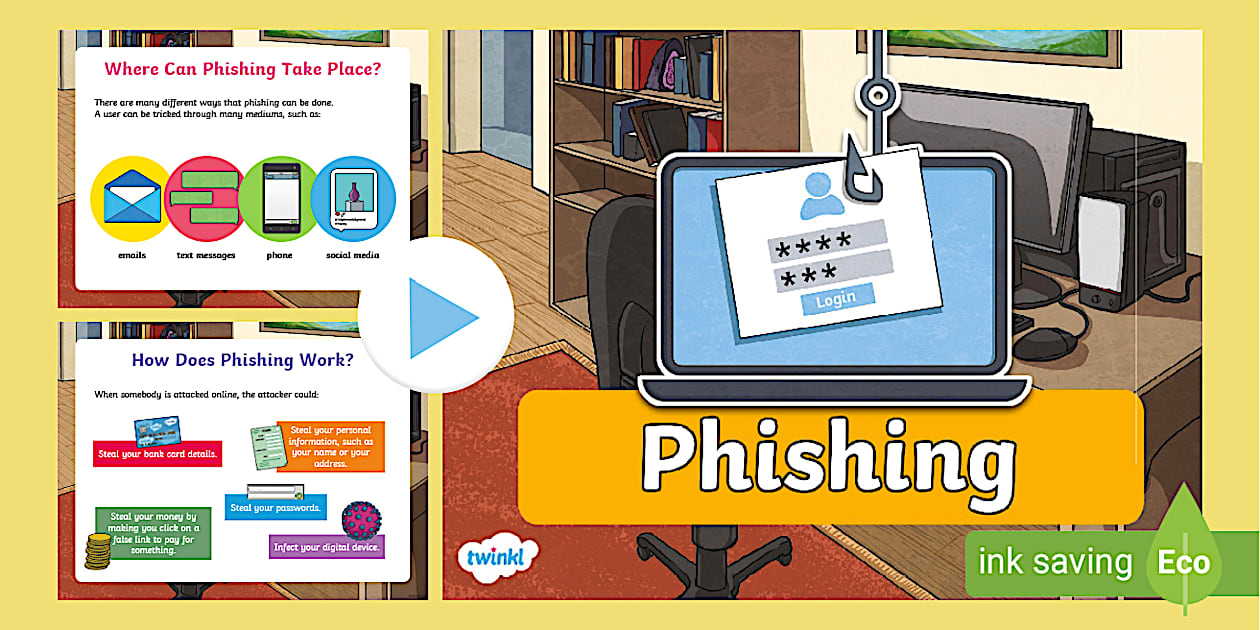
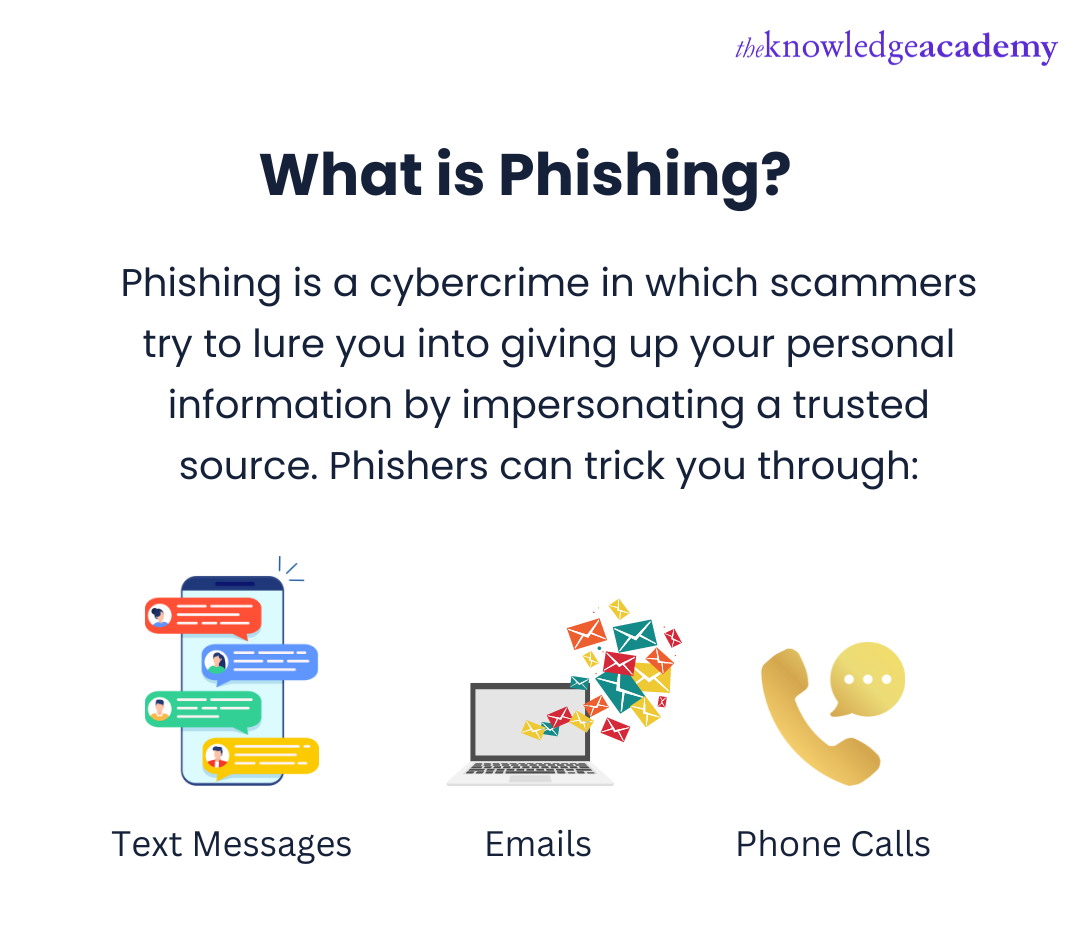
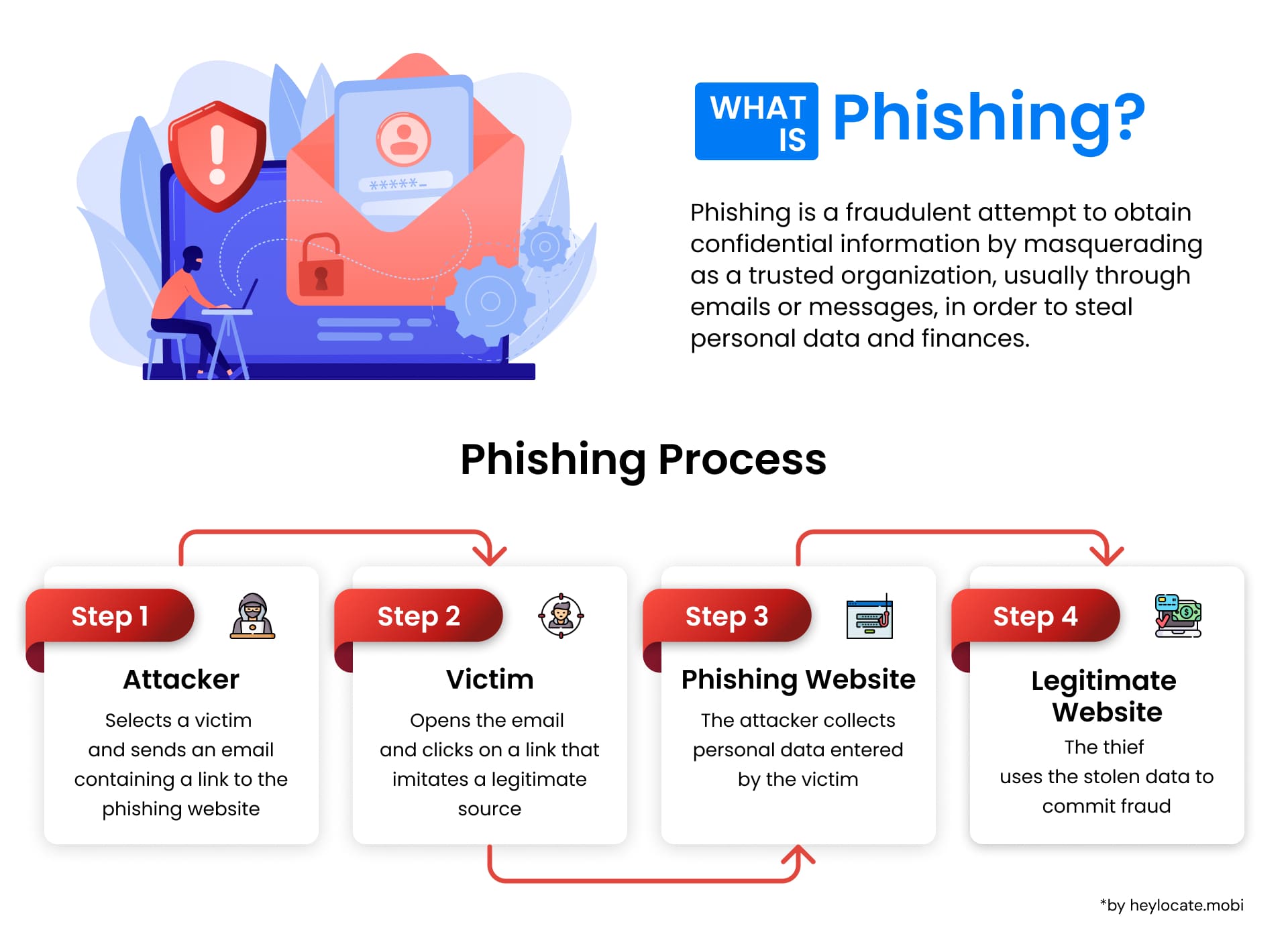
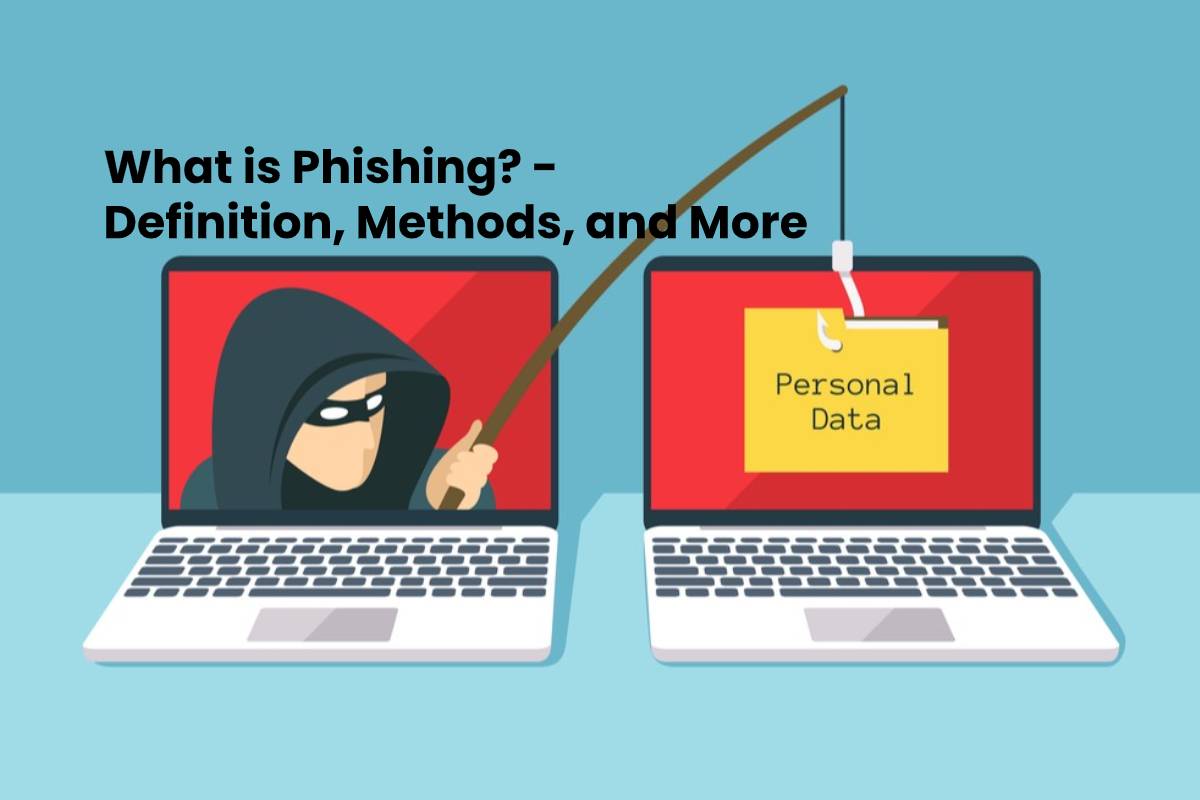
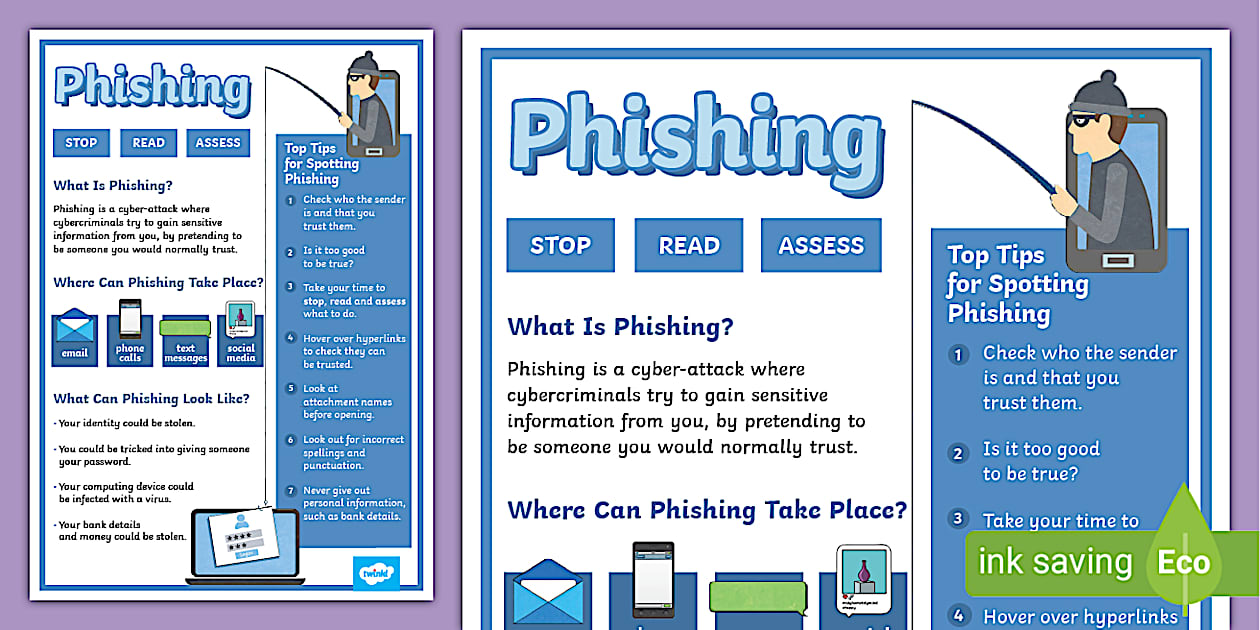
Phishing represents a deceptive online tactic where malicious actors send fraudulent messages designed to trick individuals into revealing sensitive information, passwords, or personal data on a computer. According to the Federal Trade Commission (FTC Consumer Advice), online scams frequently target young internet users through fake emails, deceptive pop-ups, and compromised school or gaming accounts disguised as official communications. Understanding this cyber threat is foundational for modern digital citizenship, protecting students from identity exposure while they navigate educational platforms, and reinforcing overall device hygiene. Educational institutions utilizing structured lessons found within Internet and Digital Safety modules equip adolescents with the critical thinking skills necessary to identify and report suspicious digital inquiries instantly.
Digital Safety Snapshot:
- Core Focus: Define phishing on a computer for kids through accessible threat identification and proactive digital defense strategies.
- Target Scope: Middle school students, classroom educators, school administrators, and supervising parents.
- Key Recommendation: Verify sender identities and refrain from clicking unverified links or downloading unauthorized email attachments.
Core Principles and Detailed Overview
Phishing involves cybercriminals masquerading as trustworthy entities to manipulate children into relinquishing private school credentials, personal names, or home addresses via classroom or home computers. Direct answer mechanisms rely on recognizing that scammers craft messages creating false urgency, such as fake notifications about locked accounts, expired software subscriptions, or disciplinary alerts regarding school devices. Mitigating this risk requires robust device hygiene, consistent cyberbullying prevention awareness, and balanced screen habits that discourage rushed clicking behavior. Educators incorporating resources from Online and Digital Safety establish a secure framework that protects the digital footprint of every student against sophisticated online manipulation attempts.
Key Specifications and Breakdown
| Safety Pillar | Digital Risk Factor | Actionable Protective Habit |
|---|---|---|
| Credential Security | Fake password reset prompts | Navigate directly to official school portals instead of clicking links. |
| Device Hygiene | Malicious software downloads | Consult educators before installing unfamiliar school-related extensions. |
| Digital Footprint | Accidental data disclosure | Keep personal identifiers private during online multiplayer or chat sessions. |
Phishing attacks utilize psychological manipulation to exploit trust, making critical verification and adult supervision essential components of student cybersecurity education. — Cybersecurity & Infrastructure Security Agency (CISA)
Step-by-Step Practical Application and Guidelines
Recognizing phishing attempts on a computer requires students to evaluate every digital message through a rigorous stop-look-verify methodology. First, pause before interacting with any pop-up window or email offering free rewards, urgent account updates, or unexpected alerts. Second, examine the sender address closely for spelling errors, strange domain extensions, or mismatched organization names that indicate a fraudulent source. Third, consult a trusted teacher, school administrator, or parent immediately before submitting any login credentials or personal information online. Integrating targeted exercises from Worksheets reinforces these evaluation steps through interactive, offline reflection tailored for developing minds.
Common Challenges and How to Avoid Them
Overcoming sophisticated online deception requires addressing common student vulnerabilities, such as trusting official-looking logos and succumbing to pressure tactics designed to force quick clicks. Phishing messages often mimic popular educational software, gaming platforms, or library systems to lower student defenses and bypass natural suspicion. Educators and parents prevent these errors by maintaining open communication channels, establishing clear device usage boundaries, and encouraging students to treat every unexpected request for information as a potential security risk. Maintaining balanced classroom screen time also reduces fatigue, helping students remain alert and analytical when reviewing digital communications.
💬 Frequently Asked Questions
Explore More Kids Safety and Digital Citizenship Guides on SafeWiredSchools
Empowering students to recognize deceptive online practices is vital for fostering secure, resilient digital citizens across all modern educational environments. Comprehensive curriculums, printable resources, and expert-backed strategies are continuously updated to support parents, teachers, and administrators. Discover additional tools by visiting the main directory at Safe Wired Schools to build a comprehensive cybersecurity culture.
Visual Reference Gallery