Introduction
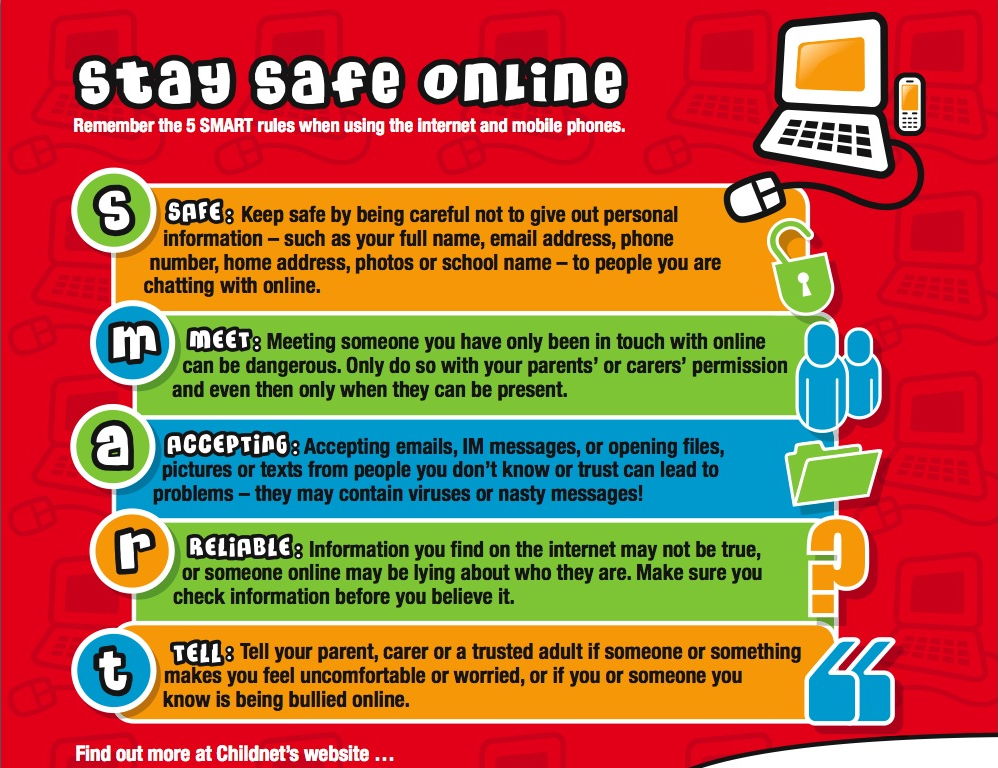
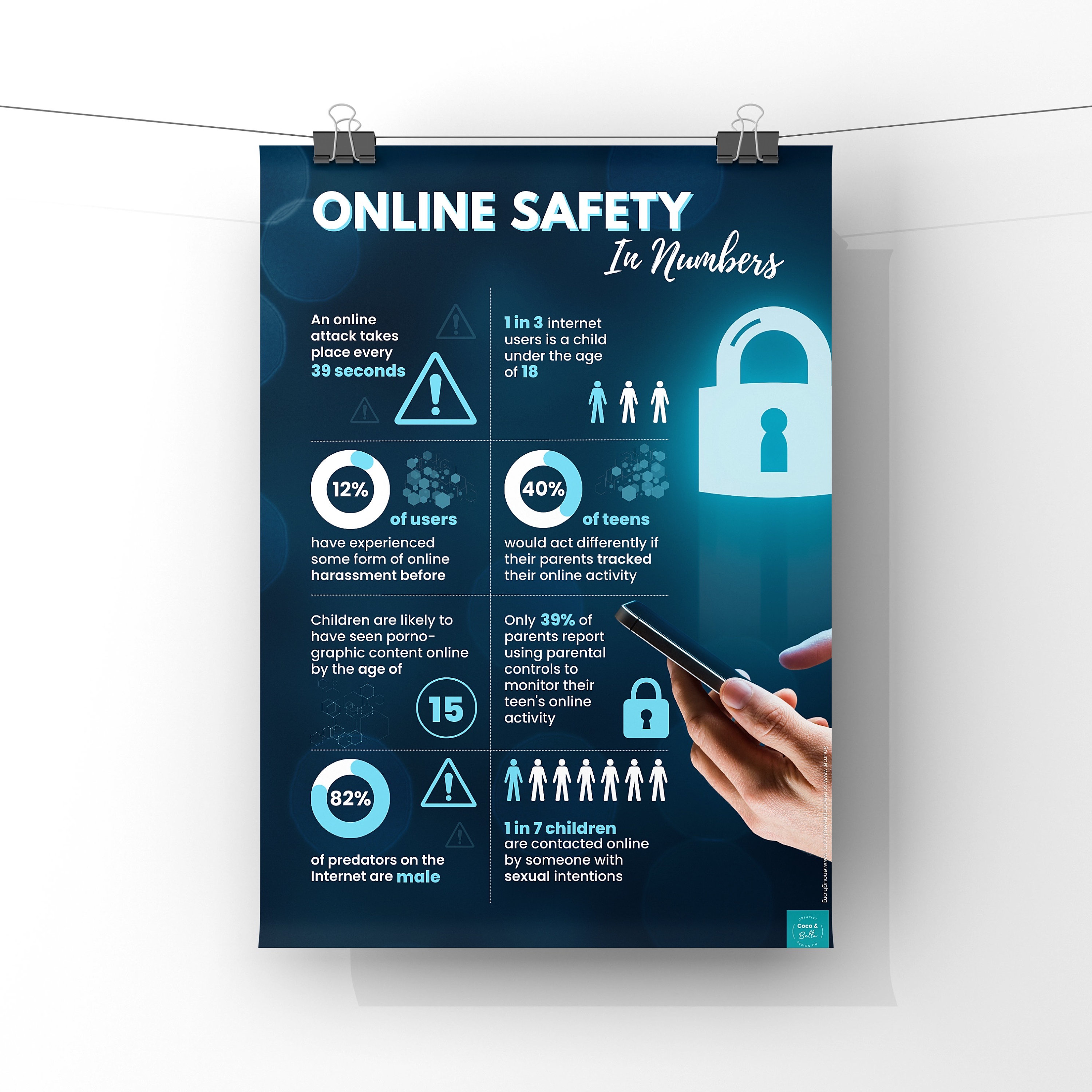
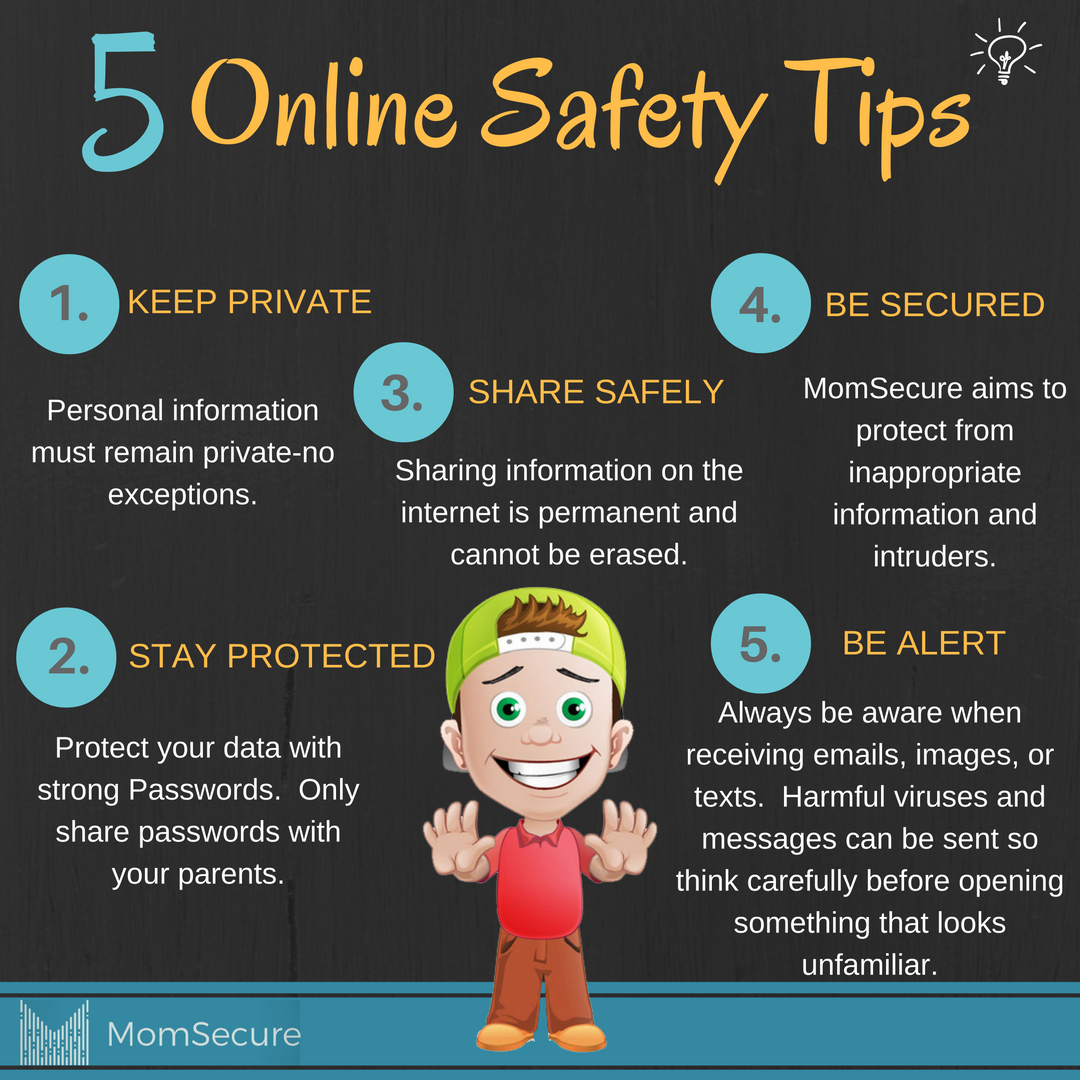
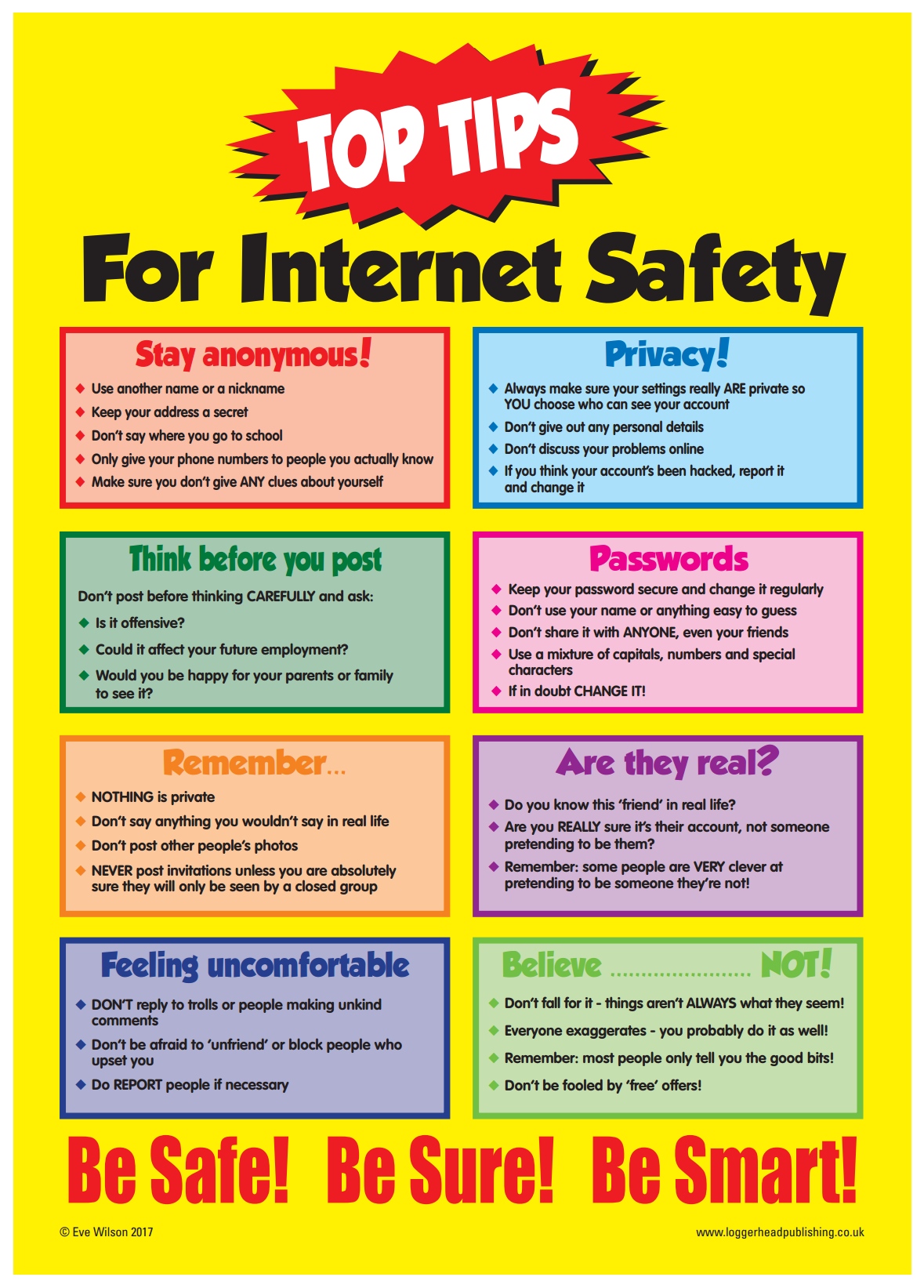
Online safety fun facts for students provide engaging, memorable insights into digital citizenship, transforming abstract cybersecurity rules into actionable knowledge for middle school environments. According to the Cybersecurity and Infrastructure Security Agency (CISA), proactive digital literacy and foundational cybersecurity education significantly reduce student vulnerability to online threats and social engineering. Educators, school administrators, and parents leverage these educational trivia points to foster secure habits surrounding the school internet network, device hygiene, and interpersonal communication. Exploring resources within Internet and Digital Safety equips school communities with the structured tools necessary to navigate virtual environments securely while maintaining balanced screen habits.
Digital Safety Snapshot:
- Core Focus: Engaging educational trivia and digital citizenship principles designed for students.
- Target Scope: Middle school classrooms, remote learning setups, and educational home environments.
- Key Recommendation: Integrate interactive digital safety trivia into daily routine lesson plans.
Core Principles and Detailed Overview
Digital safety education relies on understanding how data moves across school networks and how minor online actions create permanent digital footprints. Every digital interaction, from chat messages on school-issued tablets to search queries on classroom browsers, contributes to a permanent archive of personal data. Educators emphasize that online permanence means deleted content often resurfaces through screenshots or cached servers, making careful posting habits essential. Furthermore, understanding cyberbullying prevention requires recognizing that online aggression inflicts genuine psychological harm, matching the severity of physical bullying. Promoting structured classroom screen balance ensures that students alternate between high-focus digital learning and offline physical activities to maintain cognitive wellness.
Key Specifications and Breakdown
| Safety Pillar | Digital Risk Factor | Actionable Protective Habit |
|---|---|---|
| Digital Footprint | Permanent archiving of personal photos and inappropriate remarks | Review privacy settings and practice the ‘grandparent rule’ before posting |
| Cyberbullying Prevention | Anonymous harassment and exclusion in classroom chat rooms | Utilize reporting tools and immediately document harmful digital interactions |
| Device Hygiene | Malware installation via unverified third-party software downloads | Only install district-approved software and maintain regular operating updates |
Establish robust device hygiene protocols through verified multi-factor authentication and continuous network monitoring — Cybersecurity & Infrastructure Security Agency (CISA)
Step-by-Step Practical Application and Guidelines
Implementing effective online safety fun facts for students requires embedding interactive games, quizzes, and scenario-based discussions into regular curriculum schedules. Schools begin this process by conducting baseline digital citizenship workshops that highlight the mechanics of secure passwords and phishing awareness. Next, instructional staff introduce engaging trivia challenges focusing on digital footprints, teaching students that typing in ALL CAPS constitutes digital shouting. Teachers then enforce strict device hygiene standards by requiring students to log out of shared educational portals immediately following assignment completion. Finally, educational institutions provide designated safe reporting channels, ensuring learners feel empowered to disclose suspicious online behavior without fear of administrative reprisal.
Common Challenges and How to Avoid Them
Overconfidence in technological literacy remains a primary barrier among middle school students who assume familiarity with gadgets equates to comprehensive online safety awareness. Instructors counteract this misconception by presenting real-world case studies detailing how easily social engineering tricks clever users. Another frequent oversight involves neglecting physical device maintenance, such as leaving school-issued laptops unlocked in unattended common areas. Administrators mitigate this physical security risk by implementing automated screen timeout policies and encouraging students to store hardware in secure lockers during physical education periods. Accessing additional materials via Online and Digital Safety further assists educators in identifying emerging cyber risks before incidents occur.
💬 Frequently Asked Questions
Explore More Kids Safety and Digital Citizenship Guides on SafeWiredSchools
Comprehensive digital citizenship frameworks require continuous reinforcement through creative teaching tools, lesson outlines, and administrative guides. Educators and parents seeking extended educational materials can explore the complete curriculum library available at Safe Wired Schools. Additional instructional assets, including printable exercises found at Worksheets and engaging graphics located at Coloring Pages, support interactive learning environments that prioritize student safety and digital wellness.
Visual Reference Gallery