Introduction
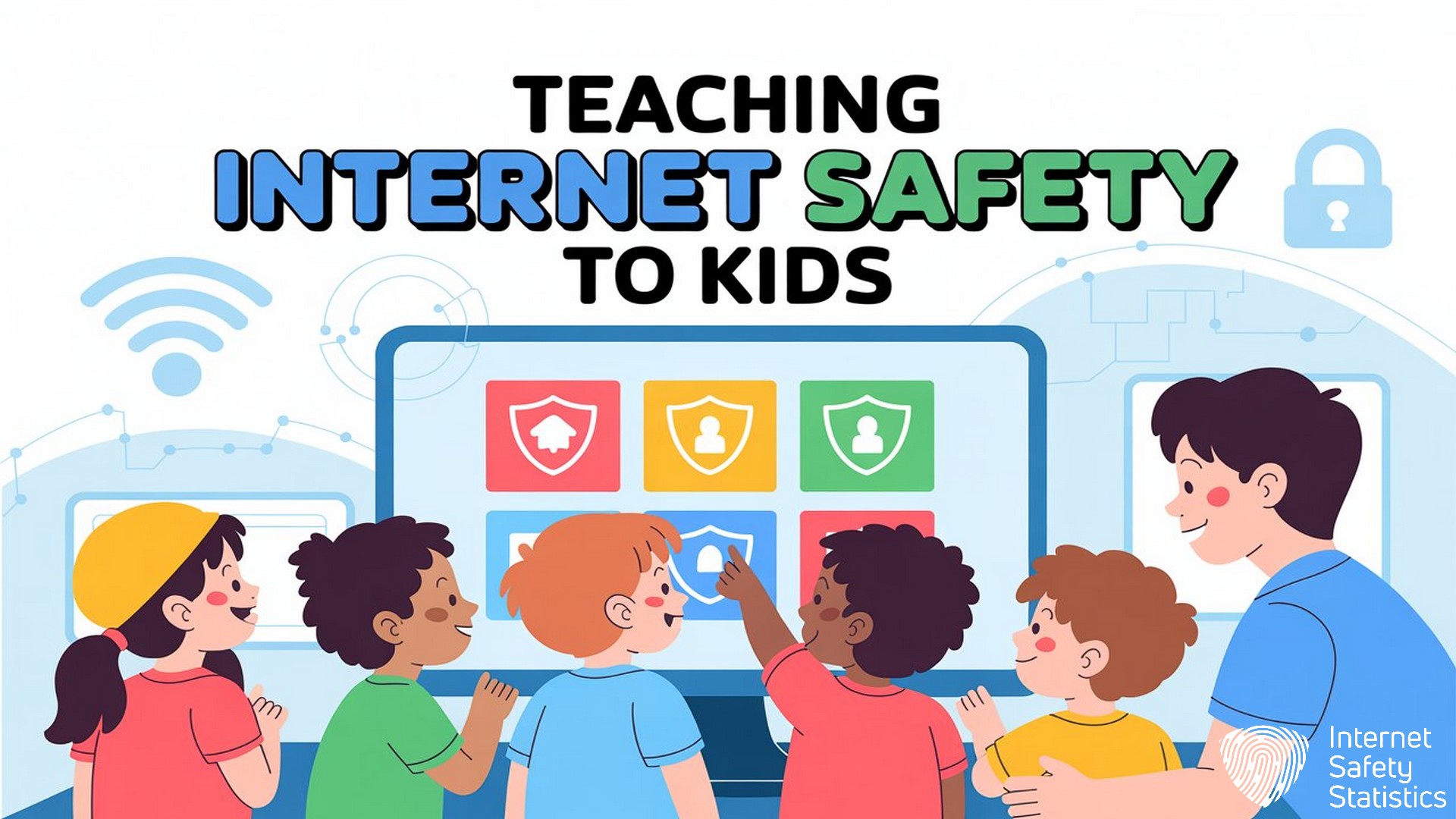
Digital spaces function as standard playgrounds for modern elementary students. Children frequently navigate shared household tablets, jump into cooperative in-game chat features, and stream educational or entertaining video platforms before finishing elementary school. These environments offer vast opportunities for learning and connection. Yet, navigating virtual spaces requires deliberate skill-building rather than accidental exposure. Adults often struggle to introduce digital boundaries without inducing fear. Effective guidance transforms abstract warnings into concrete, manageable habits. Using interactive tools from the Internet and Digital Safety category bridges the gap between screen time and real-world wisdom, establishing safety as a positive capability rather than a restrictive rulebook.
💡 Educational Key Takeaways:
- Core Skill: Structured Online Games That Teach Kids Internet Safety Play Now focused on developing pencil grip, stroke control, and early literacy/math confidence.
- Target Scope: Suited for homeschoolers, preschool, kindergarten, and elementary learners.
- Best Recommendation: Practice 10–15 minutes daily with ergonomic writing tools to reinforce muscle memory without hand fatigue.
What This Printable Covers
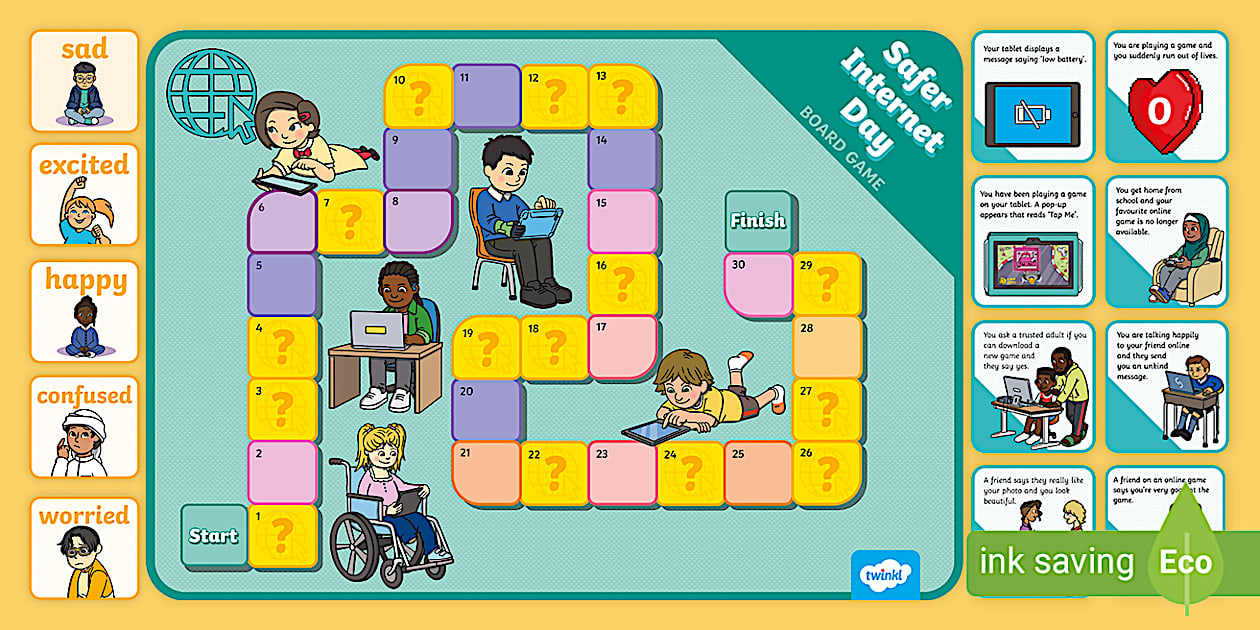
The free printable focuses on foundational concepts that keep young digital explorers grounded. Interactive worksheets and game-based activity sheets reinforce critical protective habits: safeguarding personal information, recognizing strong passwords, understanding the importance of thinking before sharing, and identifying trusted adults. Children often encounter tricky moments in virtual worlds, such as pop-ups offering free rewards or anonymous players asking for identifying details. These printable activities simulate those exact scenarios safely on paper. Working through these exercises allows young learners to practice decision-making without the high-pressure environment of a live screen. It sounds simple, and that is precisely the point. Removing the flashing lights and notifications lets cognitive processing take center stage.
Key Learning Outcomes
Completing these targeted exercises builds specific competencies essential for early digital citizenship. Learners identify what constitutes private data, learning why full names, locations, and school names stay offline. Another core outcome involves establishing the golden rule of reporting: children internalize the absolute truth that reporting an uncomfortable interaction never results in getting in trouble. Furthermore, the activities unpack password literacy, teaching kids why predictable sequences fail against modern automated guesses. These lessons align closely with broader educational strategies found across various Worksheets designed for school and home environments.
How to Use This Printable
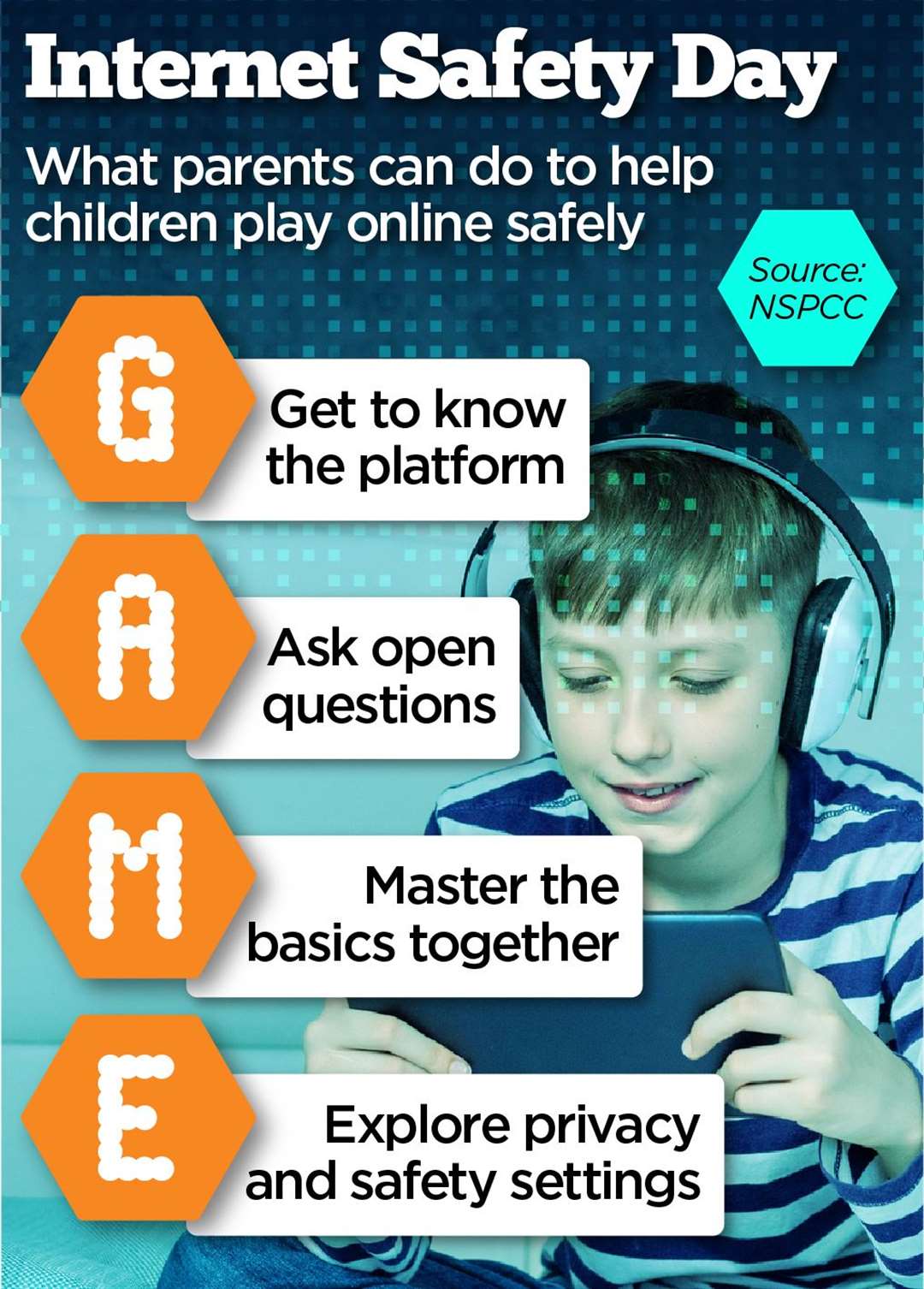
Classrooms, counseling offices, and kitchen tables serve as ideal backdrops for these activities. Adults can introduce the sheet during a calm morning meeting or a dedicated family tech discussion. Collaborative completion works best, transforming a solitary task into a dynamic conversation about actual online experiences. Asking open-ended questions helps tremendously. Inquiries like “What would you do if a character asked where you live?” prompt children to articulate protective boundaries in their own words. Educators can integrate these handouts into media literacy units, while parents can review them before handing over a newly configured device. Consistency matters far more than a single lecture.
Practical Tips for Parents and Teachers
Creating a supportive learning environment lowers anxiety and increases engagement. Adults should frame mistakes made during the activity as learning victories rather than failures of judgment. Setting up a dedicated digital agreement alongside the activity gives children a clear point of reference when navigating actual games. Here is what makes this resource different: it relies on active participation rather than passive listening. When children physically trace pathways, match scenarios, or circle safe choices, the motor engagement helps cement the behavioral lesson in long-term memory. Adults should always follow up the activity by inviting children to share any confusing online moments they have experienced recently.
Age-Appropriate Recommendations
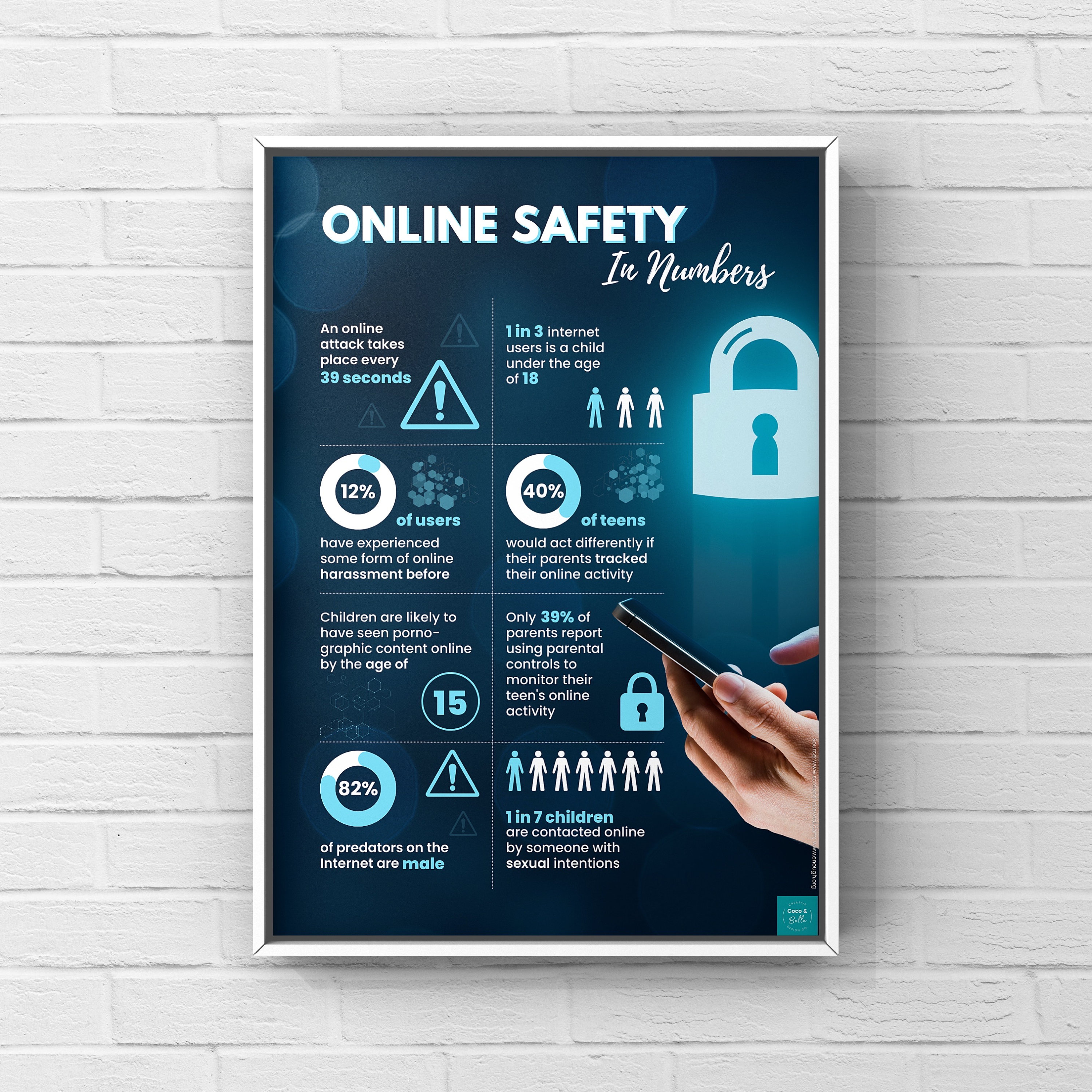
Tailoring digital safety conversations to developmental stages ensures messages resonate without overwhelming young minds. Kindergarteners and first-graders benefit from basic identity protection concepts, focusing primarily on keeping personal details private and telling an adult immediately if something looks strange. Older elementary students in grades four through six can tackle nuanced topics like digital footprints, respectful communication in multiplayer chat rooms, and the permanence of shared media. The Common Sense Education Digital Citizenship Curriculum framework provides excellent benchmarks for structuring these progressive conversations across grade levels. According to Pew Research Center, a vast majority of parents express concern about their young children’s screen habits and digital interactions, making structured, age-appropriate guidance an essential priority for modern educators and families.
Pew Research Center reports that a substantial majority of parents express worry over their young children’s digital habits and online exposure, highlighting the urgent need for structured, proactive conversations at home and in the classroom. — Pew Research Center
Frequently Asked Questions
Navigating digital citizenship education brings up practical questions for educators and families alike. Clear answers help streamline implementation and maximize the impact of every learning tool. Reviewing common inquiries ensures that adults feel fully equipped to guide young internet users safely and confidently through their formative digital years.
Explore More Free Kids Online Safety Printables
Expanding a child’s digital literacy toolkit requires ongoing practice across multiple formats. Diversifying educational materials keeps children engaged while reinforcing core protective habits over time. Adults can find additional complementary resources by exploring specialized collections like Online and Digital Safety materials. Pairing worksheet activities with creative prompts from the Coloring Pages archive ensures that younger children absorb vital internet safety lessons through varied, accessible, and enjoyable educational mediums.
Developmental Milestone & Activity Table
| Development Stage | Recommended Daily Duration | Primary Learning Objective |
|---|---|---|
| Preschool & Pre-K | 10 – 15 Minutes | Pencil grip development & basic pre-stroke lines |
| Kindergarten | 15 – 20 Minutes | Letter/number formation & spatial line awareness |
| Early Elementary (Grade 1–2) | 20 – 30 Minutes | Fluency, sentence construction & neatness |
Images References