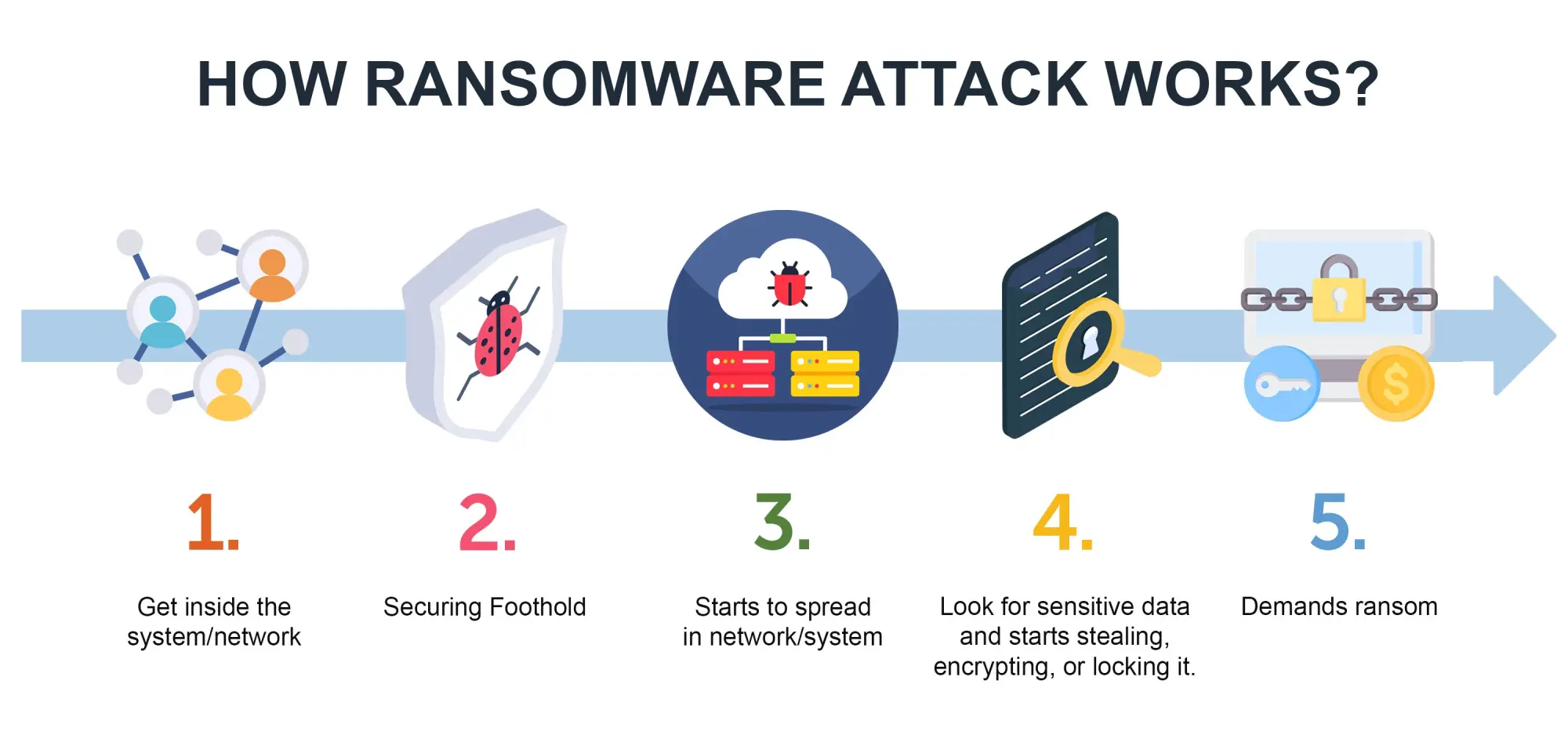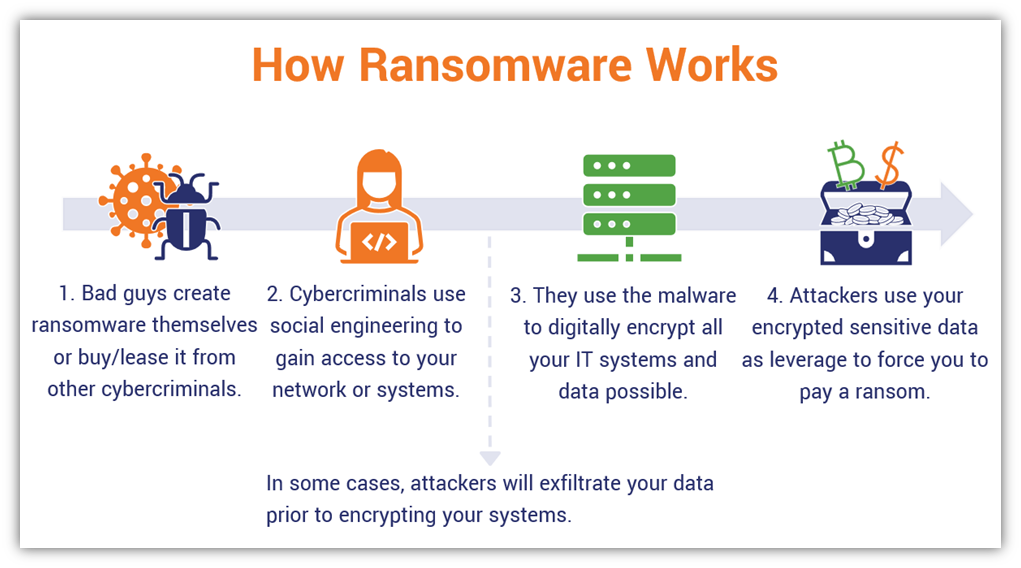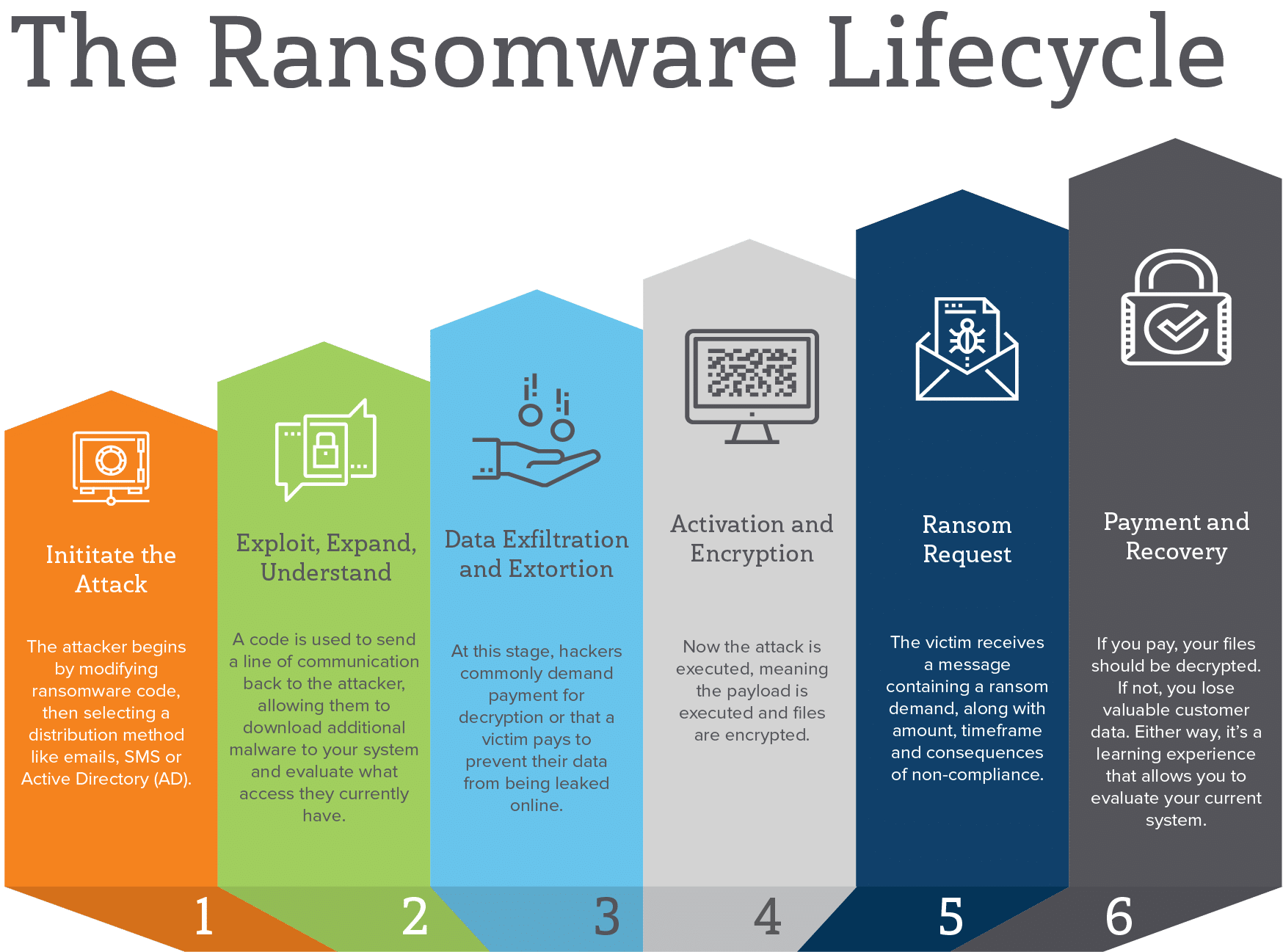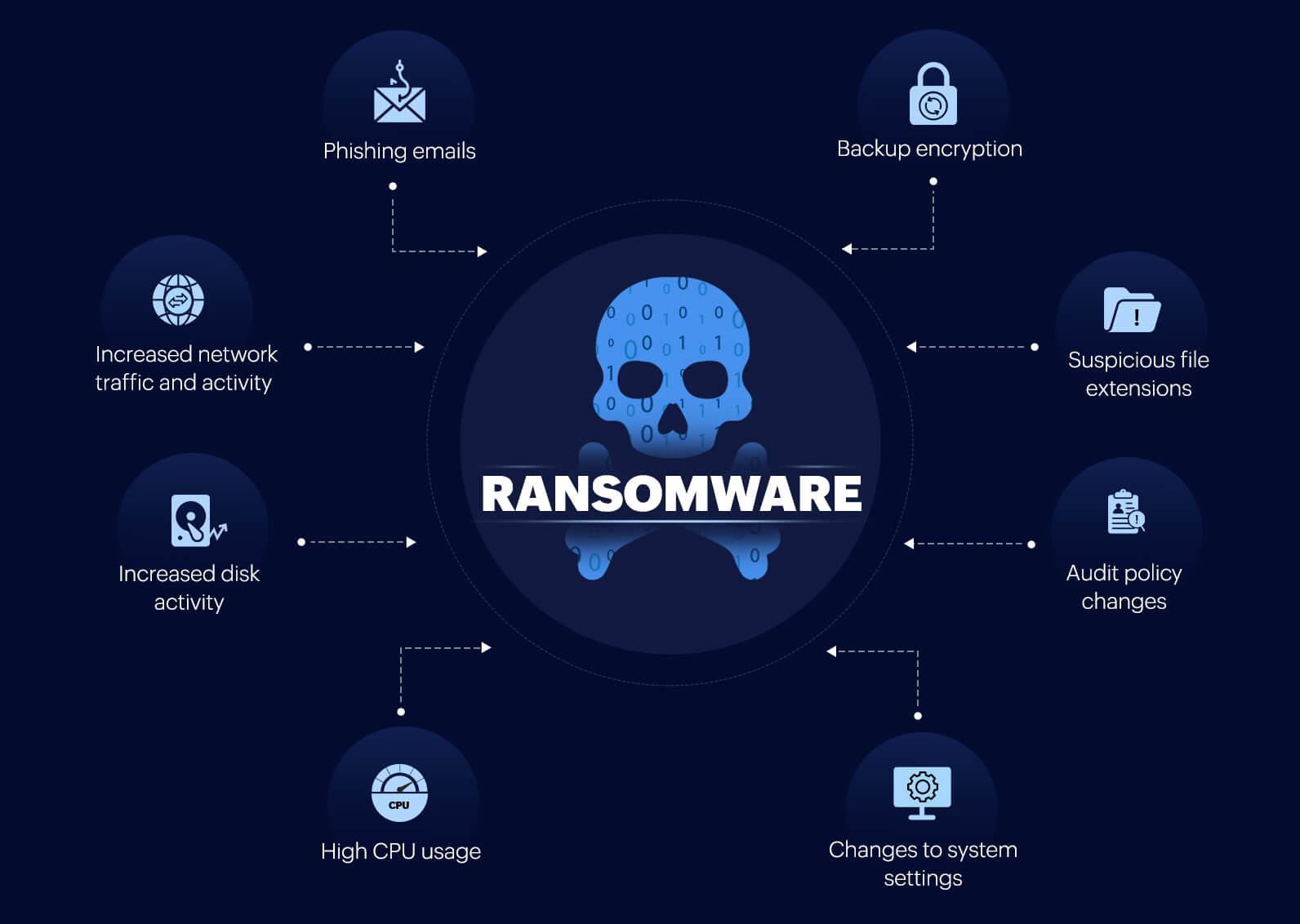
Introduction
Children encounter connected technology long before they ever learn the technical terminology behind digital threats. Classrooms feature shared tablets, living rooms host family gaming consoles, and bedrooms house devices where children chat with peers inside virtual worlds. In these everyday spaces, young users frequently click links, download custom game skins, or open pop-up windows without realizing the underlying mechanisms at play. Teaching foundational digital hygiene requires translating complex cyber concepts into accessible ideas. Cybersecurity education cannot rely on fear or technical jargon that alienates young learners. Instead, educators and parents need practical tools that demystify digital risks while empowering children to build resilient habits. Exploring foundational topics through a free printable “what is ransomware for kids” provides an approachable starting point for meaningful household and classroom discussions about device care and digital safety. Related guide: Teachers Of Grades 9–12 Should Expand Internet Safety Instruction To Include Which Of The Following Topics?.
💡 Educational Key Takeaways:
- Core Skill: Structured What Is Ransomware For Kids focused on developing pencil grip, stroke control, and early literacy/math confidence.
- Target Scope: Suited for homeschoolers, preschool, kindergarten, and elementary learners.
- Best Recommendation: Practice 10–15 minutes daily with ergonomic writing tools to reinforce muscle memory without hand fatigue.
What This Printable Covers
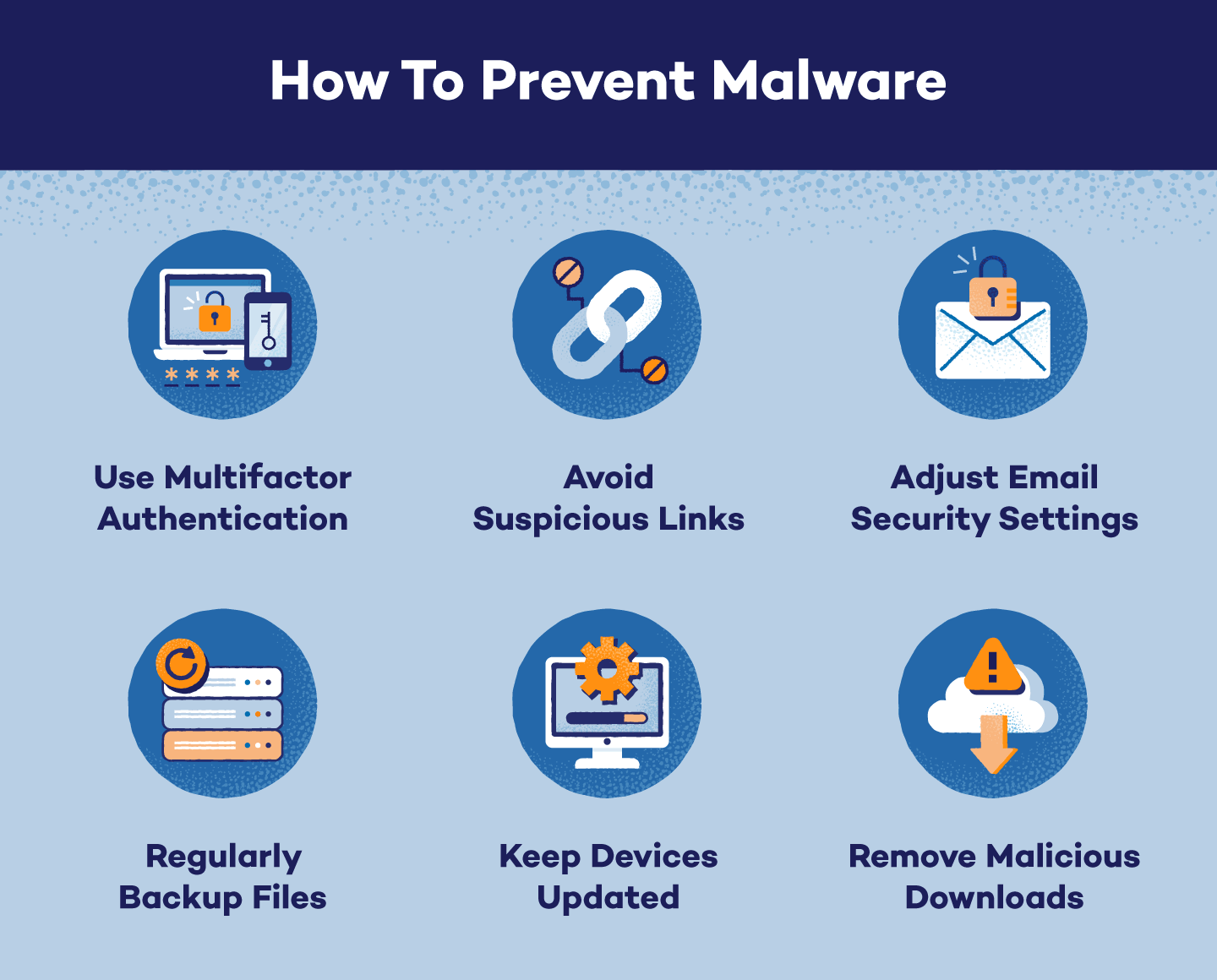
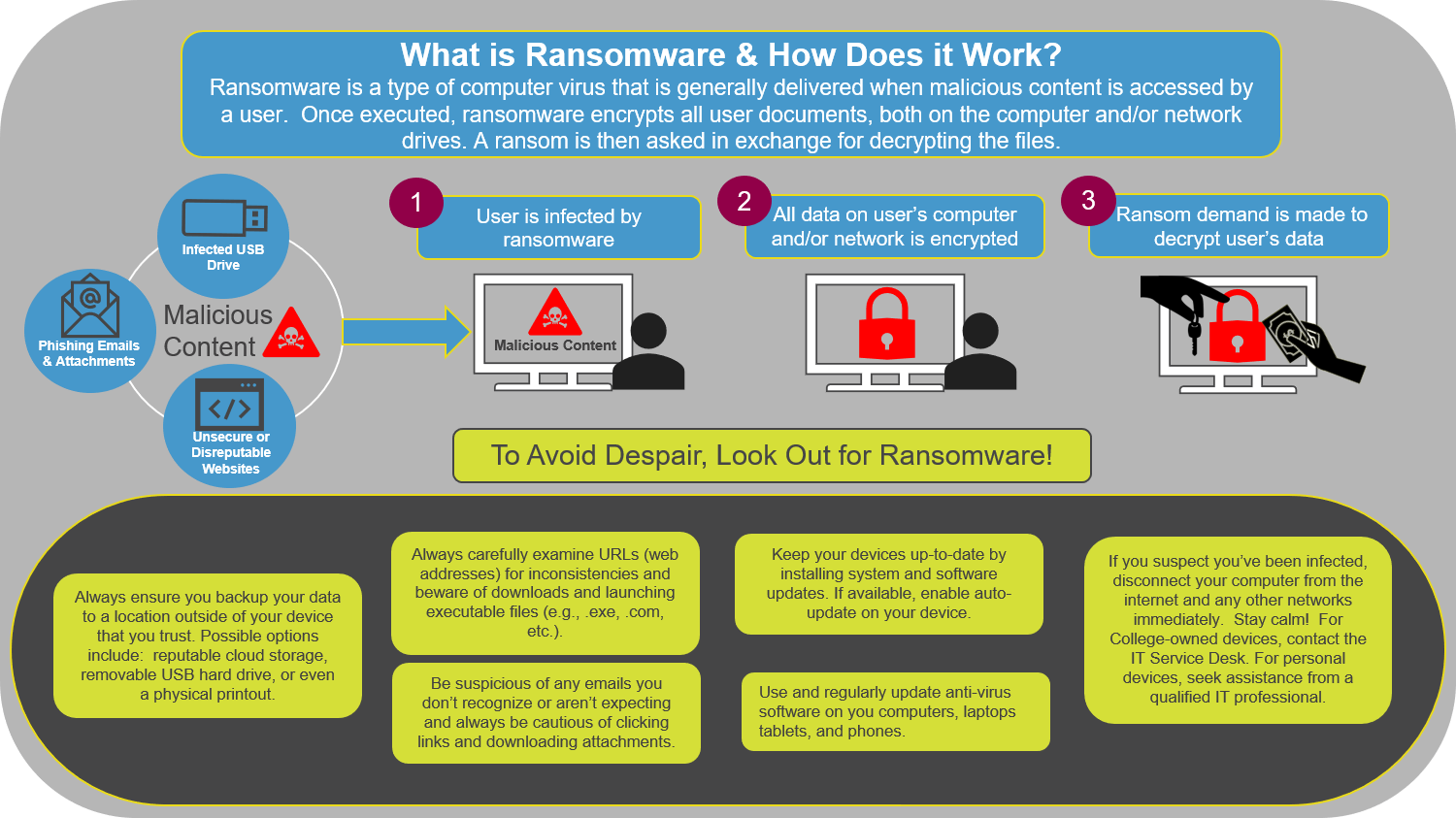
Complex cybersecurity concepts often overwhelm young minds unless broken down into relatable metaphors. This specific resource introduces the core mechanics of malicious software that locks files or devices, translating a sophisticated cyberattack into understandable concepts like digital locks and digital keys. Rather than dwelling on frightening threat actors or extortion tactics, the educational material focuses on protective behaviors and preventative habits. Children learn why clicking unknown links, downloading unverified files, or accepting items from strangers in video games can disrupt a device. The content emphasizes everyday digital citizenship, such as recognizing warning signs, understanding why software updates matter, and knowing exactly who to notify when a screen behaves strangely. It sounds simple, and that’s the point: early digital safety rests on clear boundaries and predictable routines.
Key Learning Outcomes
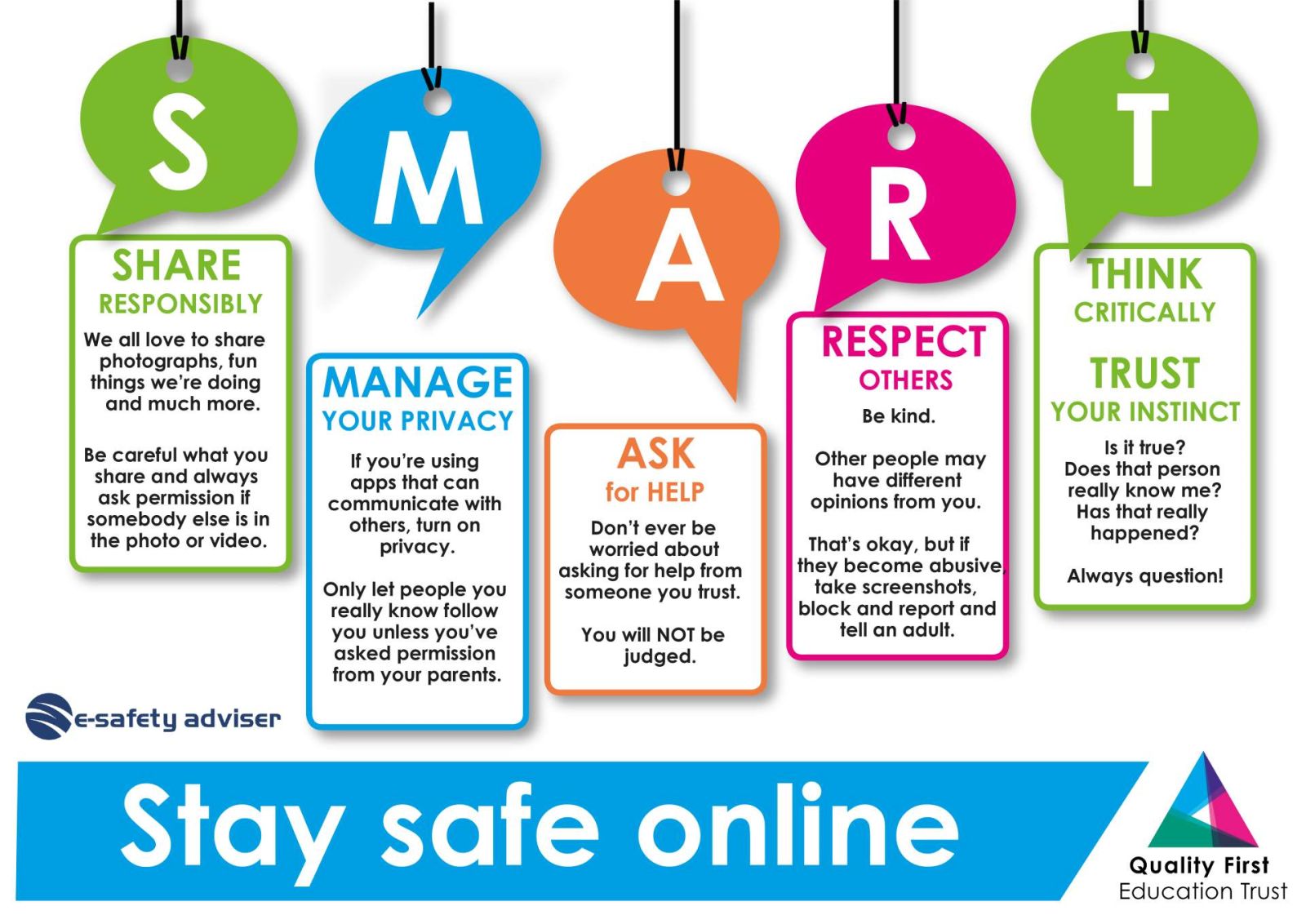
Working through these guided activities helps young learners build specific, actionable competencies for navigating connected environments. Children discover how to identify suspicious pop-ups and learn the critical rule of stopping before clicking. Furthermore, the material reinforces the importance of keeping personal information private and strengthening account passwords across shared household devices. Most importantly, the exercises instill the unwavering message that children are never in trouble for reporting an uncomfortable digital experience, a broken screen, or an accidental click. According to the Federal Trade Commission, educating children on digital literacy and reporting procedures significantly reduces household vulnerability to online threats.
How to Use This Printable
Worksheets and structured exercises serve as bridges between abstract digital concepts and concrete daily actions. This activity encourages guided reading, reflective questions, and collaborative problem-solving between adults and children. It functions effectively as a prompt for morning meeting discussions in the classroom or as a weekend activity at the kitchen table. When adults sit alongside learners to work through the prompts, children feel safe asking questions about strange pop-ups they previously kept secret out of fear. Educators frequently pair these exercises with foundational lessons found within the broader collection of digital safety printables to reinforce core cybersecurity principles through repeated, varied practice.
Practical Tips for Parents and Teachers
Maximizing the educational impact of any printable depends heavily on the surrounding delivery. Adults should approach the material with calm curiosity rather than strict interrogation, treating digital safety as an ongoing skill like looking both ways before crossing the street. Begin by asking what the child already knows about keeping devices running smoothly before introducing the printable. Keep discussions grounded in everyday scenarios, such as playing multiplayer games or streaming educational videos on a shared family laptop. Reinforce that sudden device lockouts or strange messages are technical malfunctions to report immediately, not personal failures. For additional guidance on protecting young learners, explore resources dedicated to Internet and Digital Safety.
Age-Appropriate Recommendations
Tailoring digital citizenship instruction to developmental milestones ensures that concepts resonate without causing undue anxiety. For younger children ages five through eight, lessons should remain anchored in physical analogies, such as locking a front door or keeping a personal journal private. Older children ages nine through twelve can engage with more detailed discussions regarding file sharing, software updates, and the mechanics of malicious code. Integrating these discussions aligns seamlessly with the Common Sense Education Digital Citizenship Curriculum, which emphasizes empowering students to think critically about their digital footprint and device security. To discover more ways to build safe online habits, browse curated Online and Digital Safety materials designed for elementary learners.
According to the Pew Research Center, the vast majority of parents express concern about their children’s digital safety and exposure to unknown online risks. — Pew Research Center
Frequently Asked Questions
Navigating digital safety conversations often brings up logistical questions for educators and families. Clear answers help adults implement these educational tools effectively at home and in the classroom. The following responses address common inquiries regarding printing, learning outcomes, and organizational guidelines.
According to the National Center for Missing & Exploited Children (NCMEC), open communication between trusted adults and children remains a primary protective factor in digital environments. — NCMEC
Explore More Free Kids Online Safety Printables
Continuing digital citizenship education requires a diverse toolkit of engaging, age-appropriate resources. Beyond text-based worksheets, hands-on materials help cement vital lessons regarding passwords, device care, and smart sharing habits. Creative educators often utilize Coloring Pages to introduce complex internet safety concepts to younger learners through relaxing, low-pressure artistic activities that naturally invite dialogue. Combining various formats ensures that every child, regardless of learning style, develops the confidence and resilience needed to navigate connected spaces safely.
Developmental Milestone & Activity Table
| Development Stage | Recommended Daily Duration | Primary Learning Objective |
|---|---|---|
| Preschool & Pre-K | 10 – 15 Minutes | Pencil grip development & basic pre-stroke lines |
| Kindergarten | 15 – 20 Minutes | Letter/number formation & spatial line awareness |
| Early Elementary (Grade 1–2) | 20 – 30 Minutes | Fluency, sentence construction & neatness |
Images References