Introduction
Children encounter digital environments long before reaching double digits, often starting with family tablets, school Chromebooks, or shared living room gaming consoles. Modern kids routinely chat with peers inside multiplayer video games or navigate video platforms long before they learn formal internet literacy in school. Navigating these spaces safely requires more than rigid restrictions or blocked sites; it demands the intentional cultivation of digital habits. Building this foundation starts with introducing essential online vocabulary in ways young learners can readily grasp and apply. The free printable summary students introduced vocabulary online safety privacy transforms abstract digital concepts into concrete, approachable ideas for children ages five through twelve. Every adult guiding youth knows that effective safety education relies on open dialogue rather than fear. Using thoughtfully designed interactive exercises helps bridge the gap between complex digital realities and daily childhood experiences, ensuring learners understand how to protect their personal information while exploring online.
💡 Educational Key Takeaways:
- Core Skill: Structured Summary Students Introduced Vocabulary Online Safety Privacy focused on developing pencil grip, stroke control, and early literacy/math confidence.
- Target Scope: Suited for homeschoolers, preschool, kindergarten, and elementary learners.
- Best Recommendation: Practice 10–15 minutes daily with ergonomic writing tools to reinforce muscle memory without hand fatigue.
What This Printable Covers
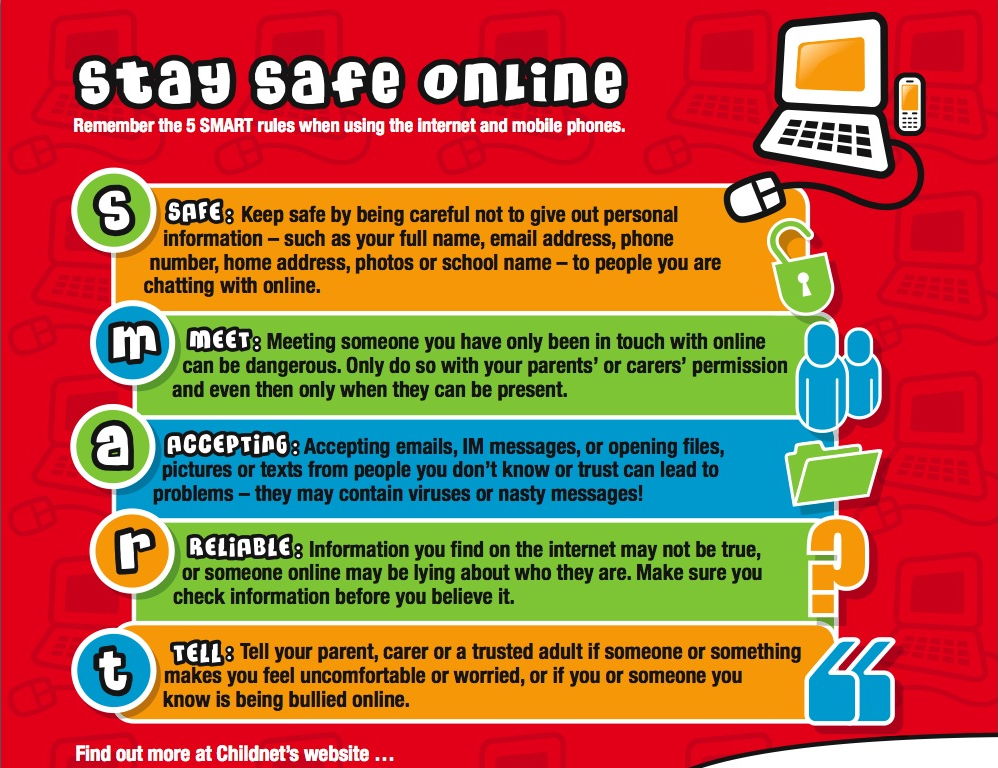
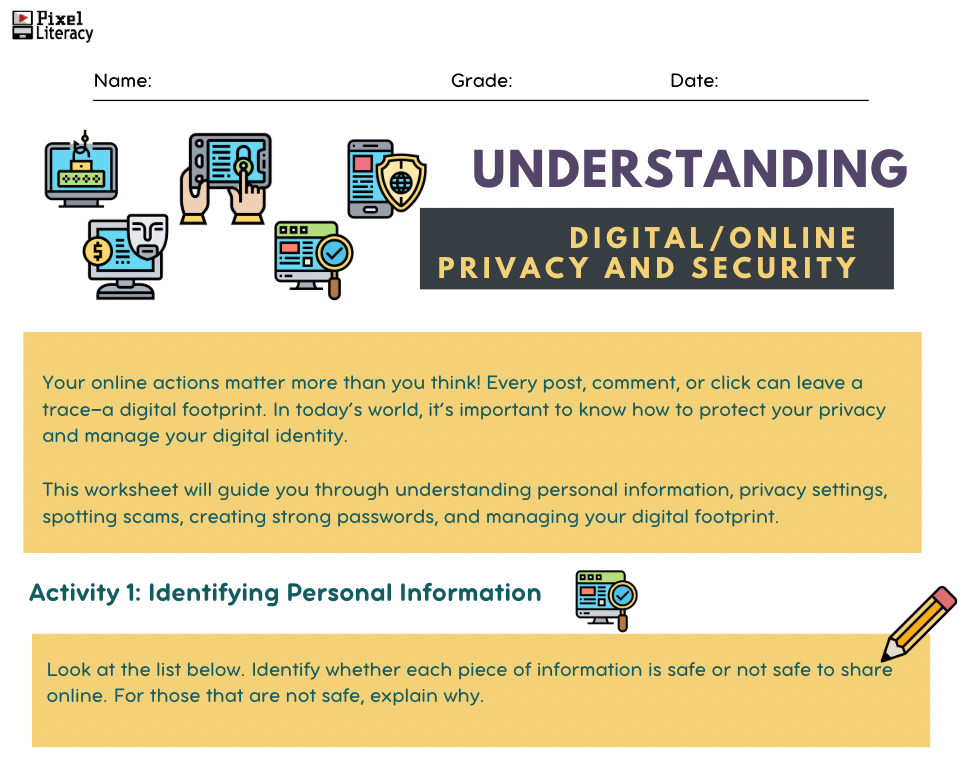
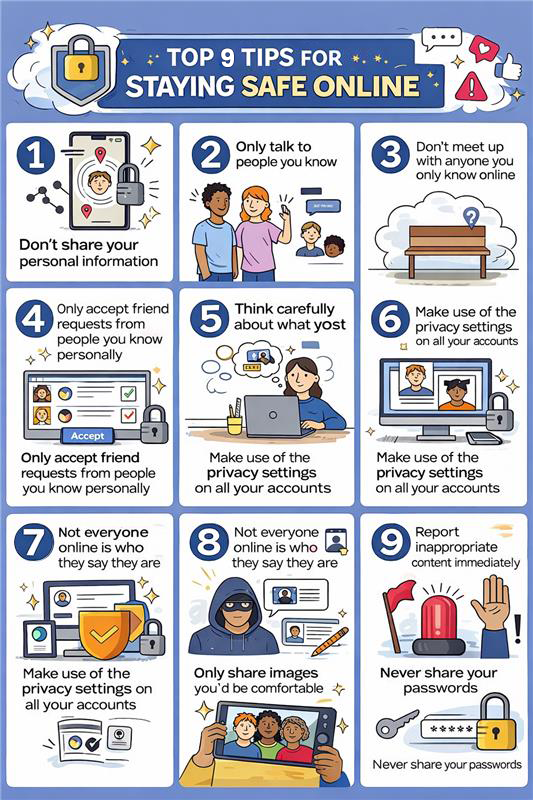
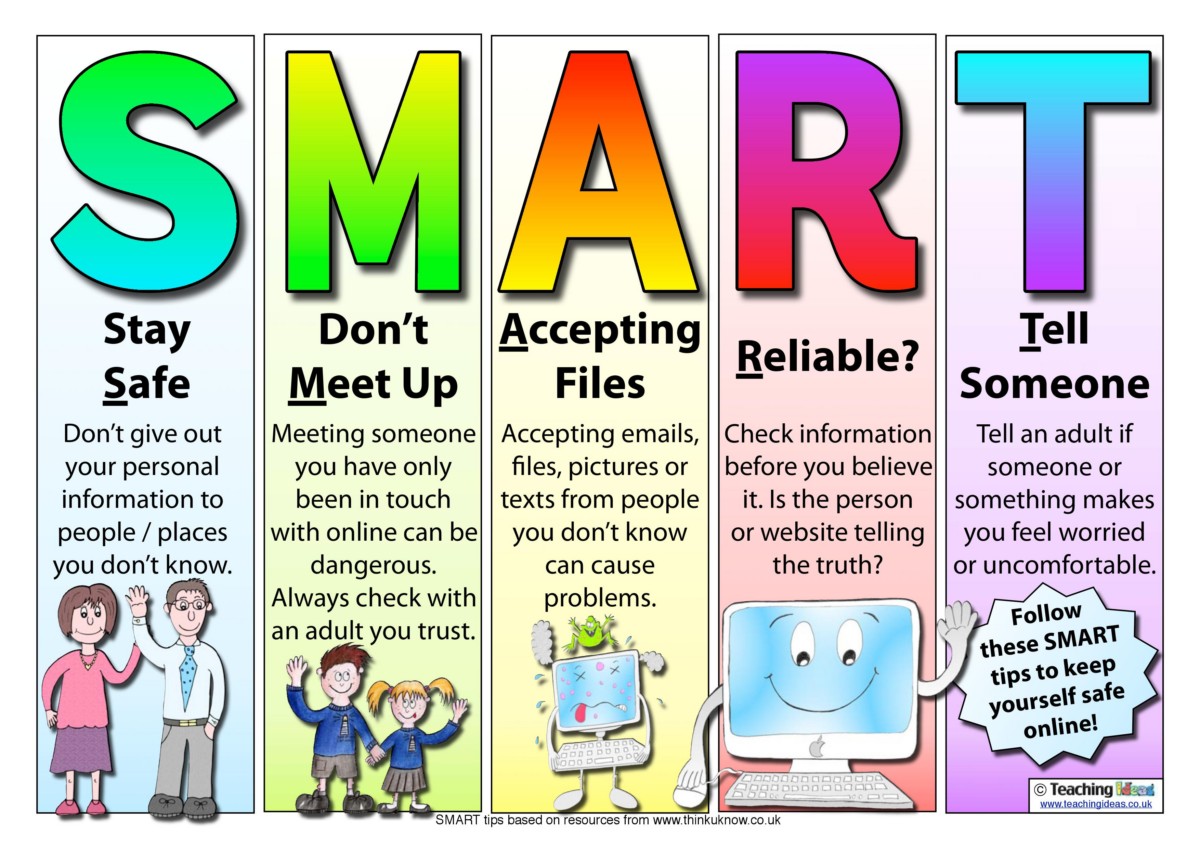
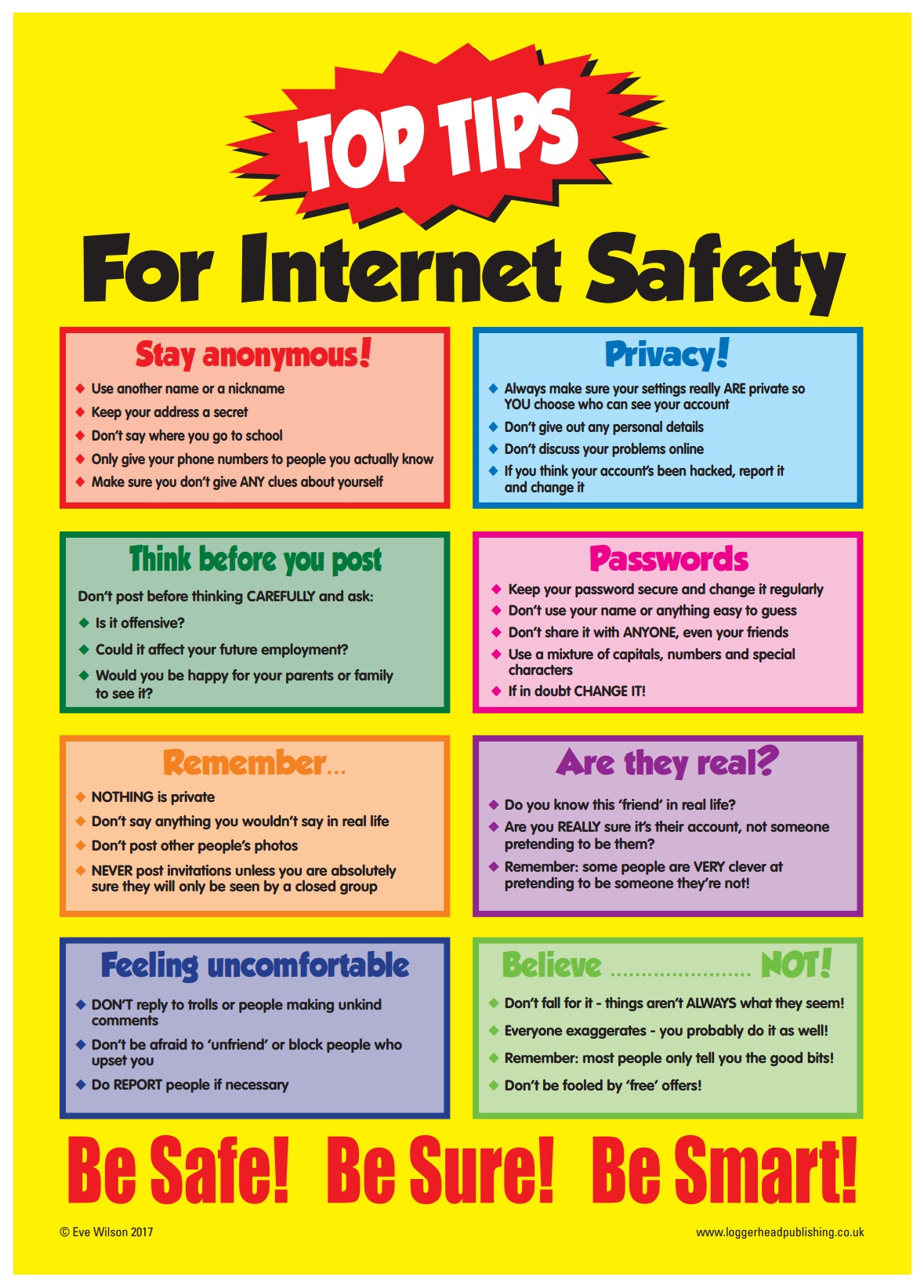
This downloadable resource focuses on foundational terminology related to digital citizenship, specifically centering on privacy, personal information, and secure online behaviors. Young learners encounter terms like passwords, private data, sharing limits, and trusted adults, yet these words often remain abstract until connected to real-world scenarios. It sounds simple, and that is the exact point of the activity. By breaking down vocabulary words into manageable definitions and matching exercises, the resource helps elementary students recognize what constitutes private data—such as home addresses, full names, and school locations. Furthermore, the printout emphasizes the importance of pausing before clicking or sharing content across digital platforms. According to Common Sense Media, children benefit immensely from structured media literacy instruction that empowers them to think critically about the digital footprints they leave behind. Related guide: Teachers Of Grades 9–12 Should Expand Internet Safety Instruction To Include Which Of The Following Topics?.
Key Learning Outcomes
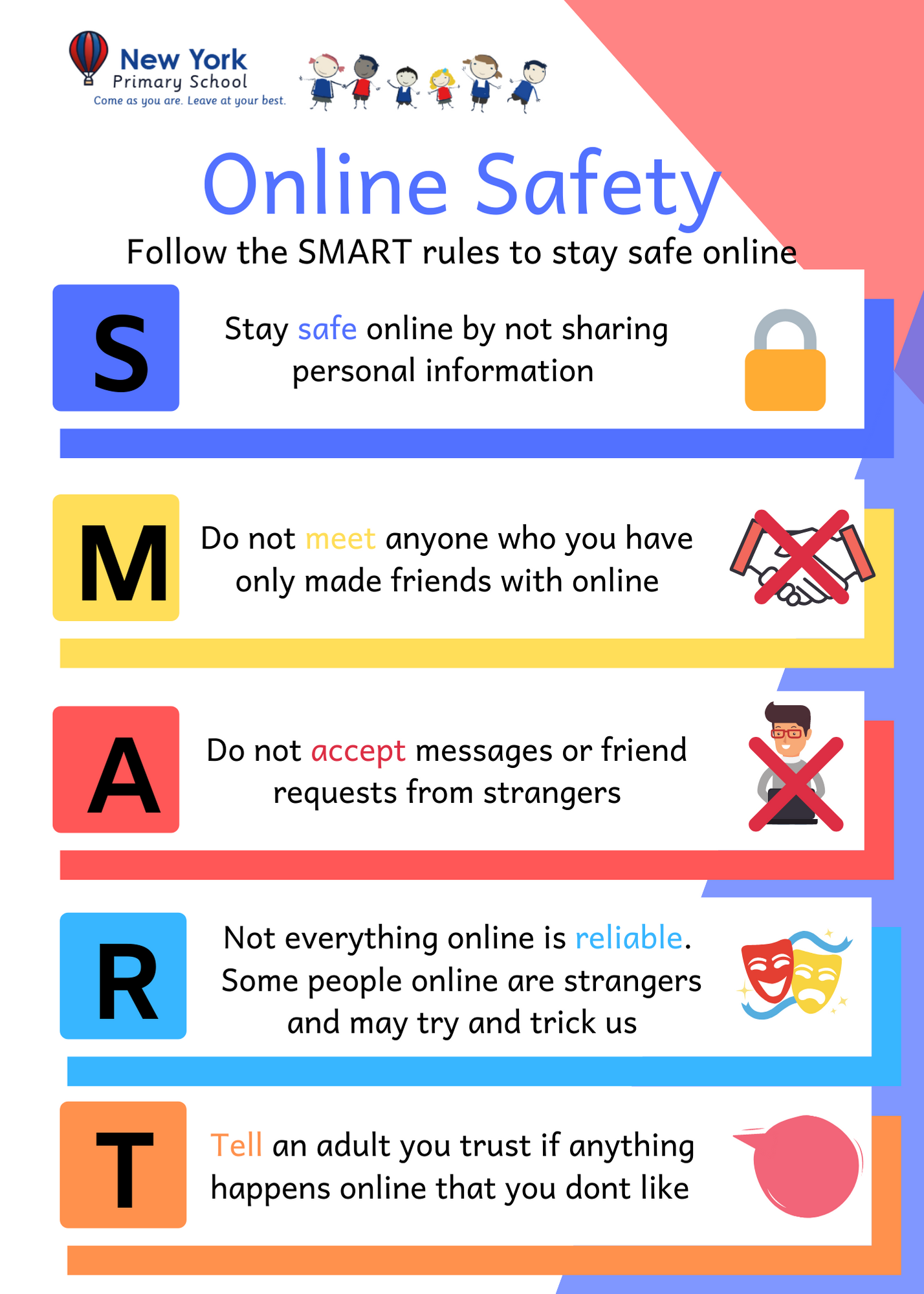
Working through this instructional material equips young minds with clear strategies for recognizing online boundaries. Students learn to distinguish between public knowledge, which is safe to share, and private information, which must remain confidential. Another core outcome involves identifying trusted adults at home and at school who can assist whenever a digital interaction feels confusing or uncomfortable. Crucially, the curriculum reinforces the message that children are never in trouble for reporting an uncomfortable online encounter. This supportive approach builds resilience, ensuring that learners view digital safety as a supportive skill set rather than an arbitrary list of rules. Exploring broader concepts through foundational online protection resources further expands a child’s understanding of respectful and secure digital citizenship.
How to Use This Printable
Implementation requires minimal preparation, making the handout ideal for busy classrooms, counseling sessions, or kitchen table discussions. Educators can distribute the sheets during morning meetings or computer lab orientation days, while families can review them together during quiet afternoon hours. Here is what makes this resource different: it actively prompts conversation instead of merely testing memorization. Adults can read through the vocabulary terms alongside the child, pausing to discuss how the definitions apply to specific video games or learning apps the student already uses. Transforming a static page into a dynamic conversation turns abstract safety rules into actionable habits that stick with children long after the paper is put away.
Practical Tips for Parents and Teachers
Maximizing the effectiveness of this vocabulary exercise involves creating a welcoming, non-judgmental atmosphere where children feel safe asking questions. Adults should avoid lecturing and instead ask open-ended questions like, “What do you think makes this piece of information private?” Connecting the printed definitions to everyday moments—such as setting up a new gaming profile or deciding what photo to send to a relative—makes the lessons instantly relevant. According to the Federal Trade Commission, open communication between adults and children is one of the most effective ways to protect kids from online risks and build lasting digital resilience. Integrating these discussions naturally into daily routines reinforces the habit of thinking before clicking or sharing.
Age-Appropriate Recommendations
Adapting the vocabulary review to suit different developmental stages ensures that every child gains meaningful insight. For younger learners ages five through eight, adults should focus on basic concepts like keeping passwords secret and asking for permission before downloading anything new. Older elementary students ages nine through twelve can explore more nuanced topics, such as understanding digital footprints, recognizing peer pressure in online chats, and evaluating the reliability of digital sources. Aligning these instructional strategies with the International Society for Technology in Education (ISTE) Standards for Students helps educators foster responsible, empowered digital citizens. Delving deeper into comprehensive child protection strategies provides educators and families with advanced tools for supporting upper-elementary youth.
Open communication and media literacy instruction significantly enhance children’s ability to navigate digital risks safely. — Common Sense Media
Frequently Asked Questions
Clear guidance on accessing and utilizing educational materials helps parents and educators implement safety lessons smoothly. The following answers address common inquiries regarding downloading files, supporting student learning, and utilizing expert-backed frameworks to protect young learners in digital environments.
Educators and parents report that combining visual vocabulary tools with guided discussions leads to higher retention of online safety rules. — Federal Trade Commission
Explore More Free Kids Online Safety Printables
Expanding a child’s digital citizenship education requires a diverse toolkit of engaging materials. Educators and families can access additional activities designed to reinforce healthy screen habits, secure password creation, and respectful online communication. Utilizing a variety of printable resources ensures that children remain engaged while mastering essential internet safety practices across different developmental stages.
Developmental Milestone & Activity Table
| Development Stage | Recommended Daily Duration | Primary Learning Objective |
|---|---|---|
| Preschool & Pre-K | 10 – 15 Minutes | Pencil grip development & basic pre-stroke lines |
| Kindergarten | 15 – 20 Minutes | Letter/number formation & spatial line awareness |
| Early Elementary (Grade 1–2) | 20 – 30 Minutes | Fluency, sentence construction & neatness |
Images References