Introduction
Digital spaces function as contemporary playgrounds, classrooms, and neighborhoods for children between the ages of five and twelve. Young learners frequently encounter virtual environments long before possessing the developmental maturity to navigate hidden social dynamics independently. Adults often search for localized resources using terms like internet safety rules for kids recommendations near me to find accessible guidance tailored to community standards and family values. Physical handouts bridge the gap between abstract internet rules and concrete daily habits. Coloring pages and structured printables transform intimidating tech talk into approachable conversations. It sounds simple, and that’s the point. Young children absorb protective habits best through tactile engagement and relaxed repetition rather than strict lectures.
💡 Educational Key Takeaways:
- Core Skill: Structured Internet Safety Rules For Kids Recommendations Near Me focused on developing pencil grip, stroke control, and early literacy/math confidence.
- Target Scope: Suited for homeschoolers, preschool, kindergarten, and elementary learners.
- Best Recommendation: Practice 10–15 minutes daily with ergonomic writing tools to reinforce muscle memory without hand fatigue.
What This Printable Covers
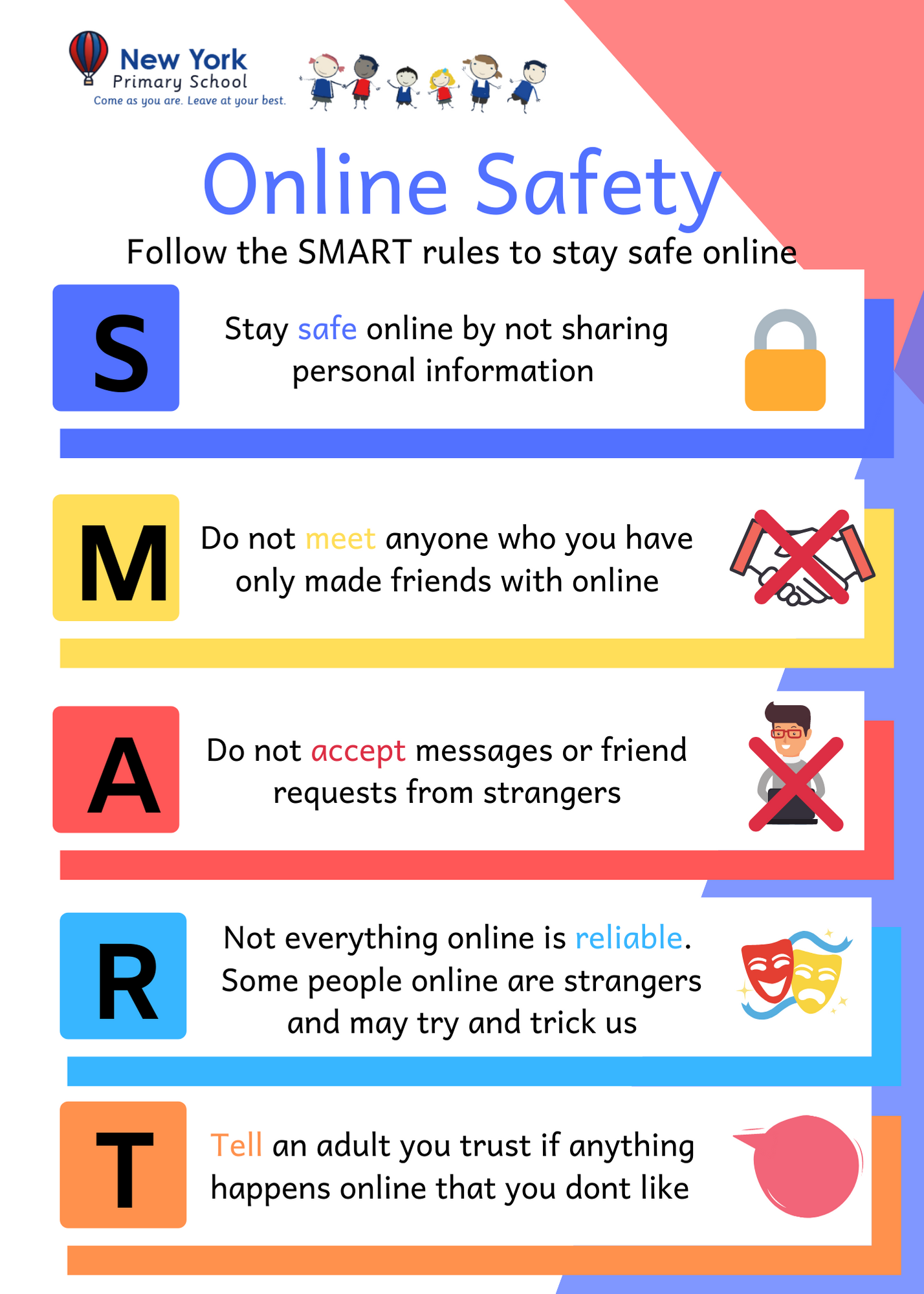
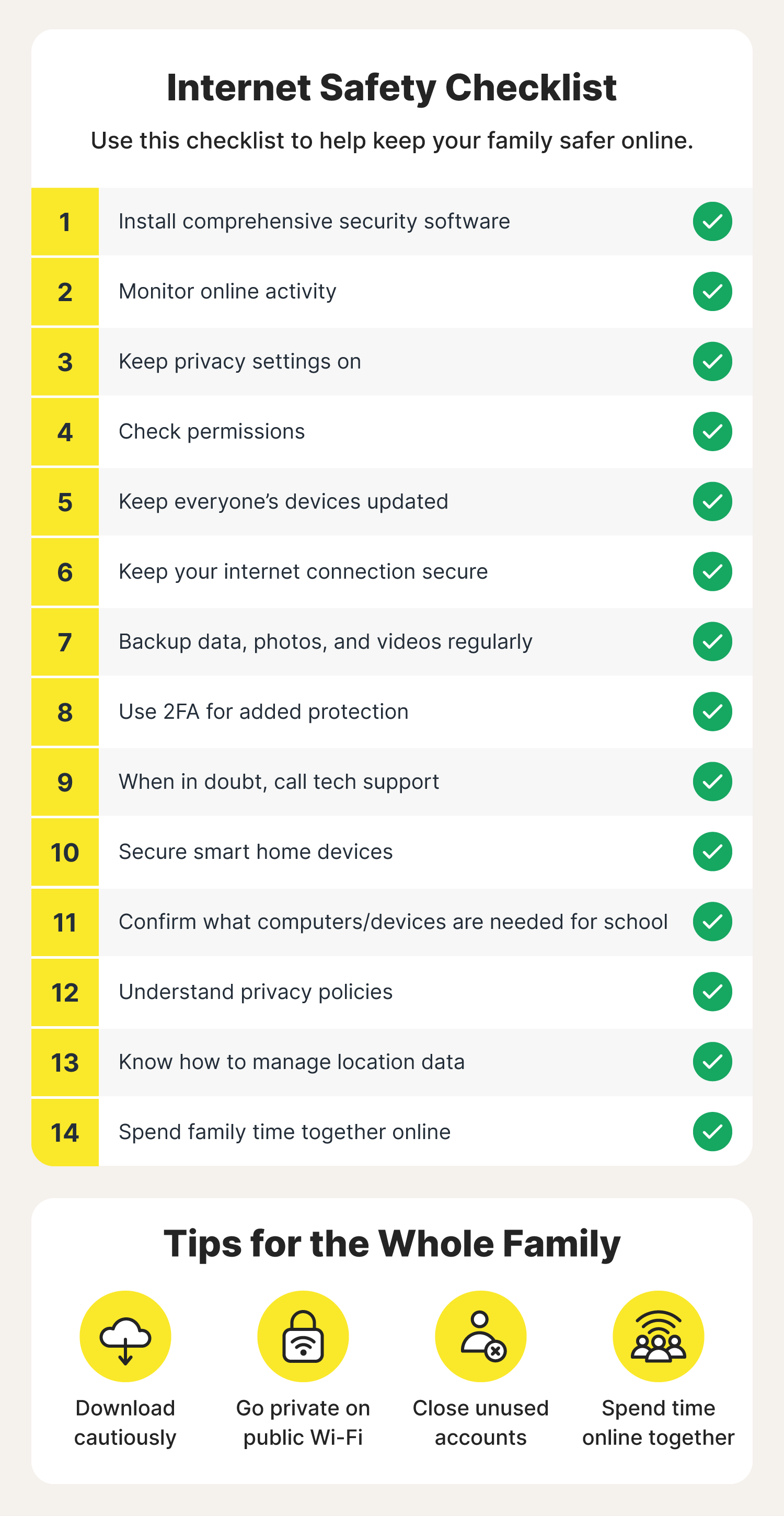
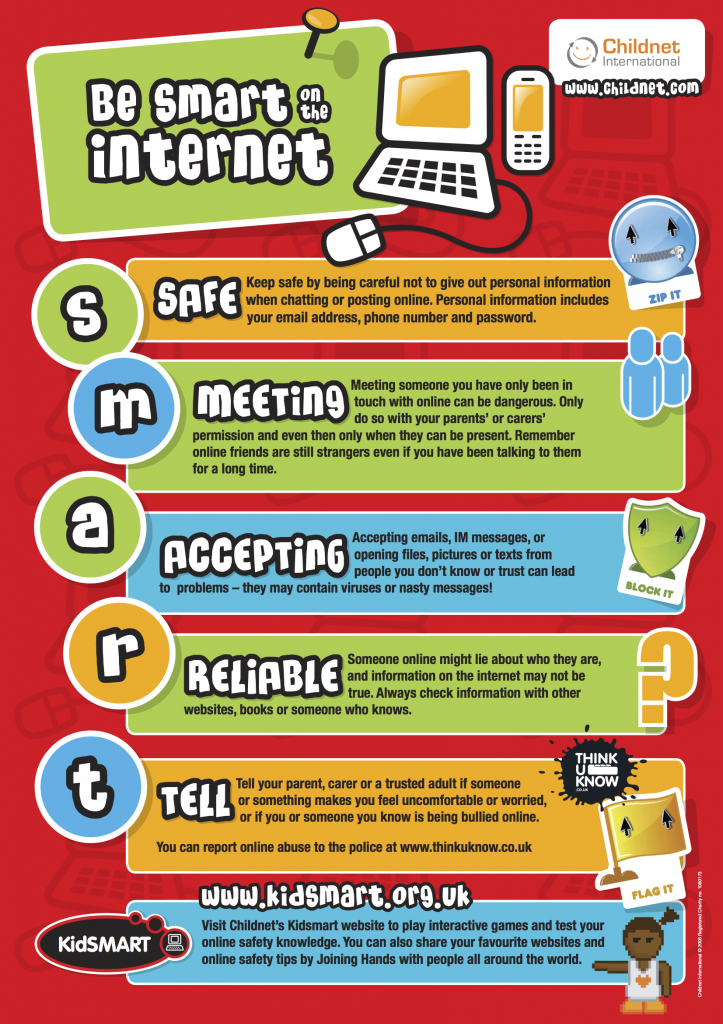
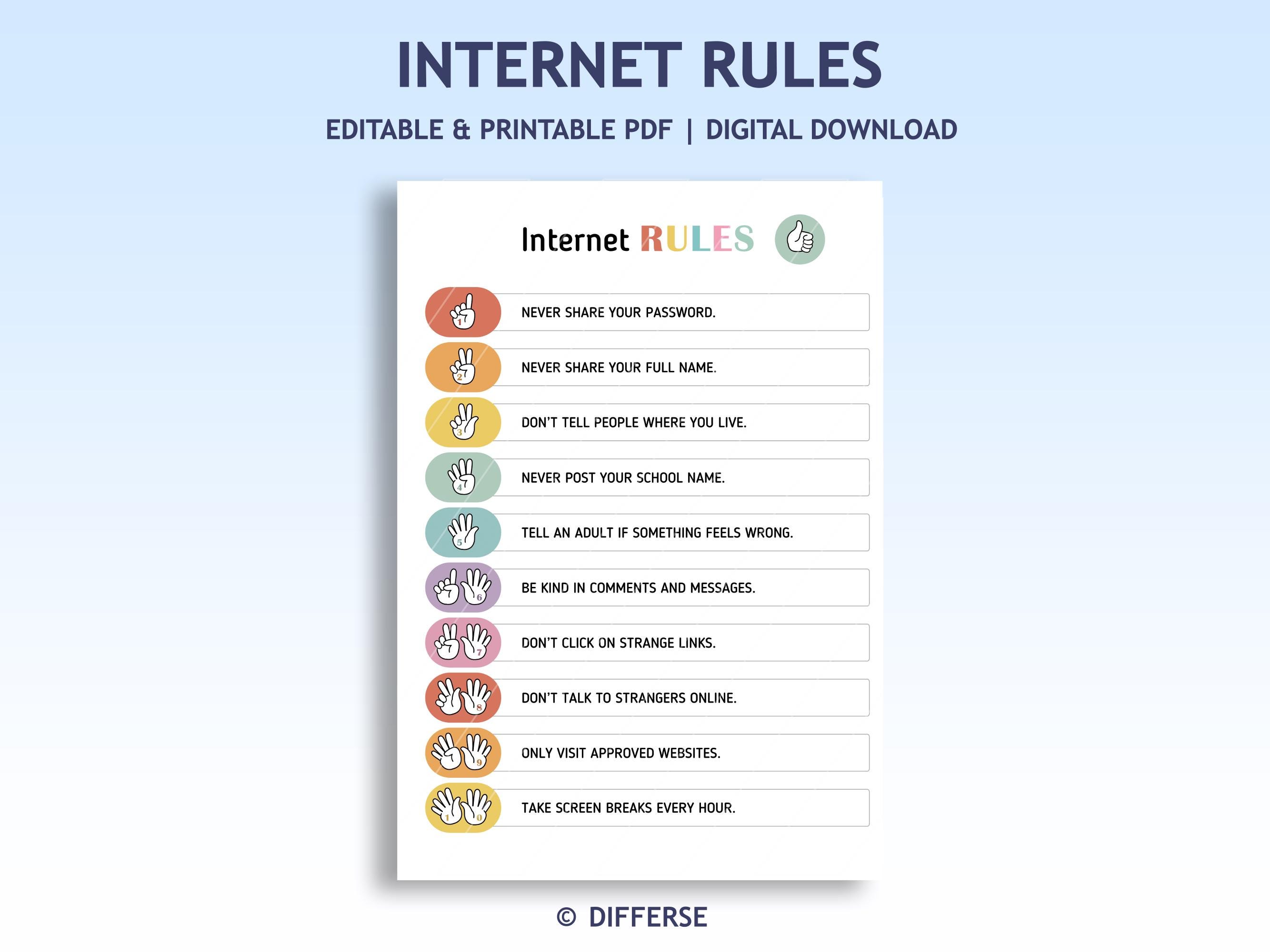
The free printable focuses on foundational digital citizenship concepts designed specifically for early and middle childhood development. Instead of relying on fear-based warnings, the material highlights four fundamental pillars: guarding personal information, selecting secure passwords, pausing before sharing, and identifying a trusted adult. Children rarely face online risks through complex hacking schemes; rather, vulnerabilities typically emerge on shared household tablets, through unmonitored in-game chat features, or via mainstream video platforms. Here’s what makes this resource different: it anchors safety concepts in everyday scenarios children immediately recognize. A worksheet from this collection turns a theoretical rule about privacy into a fun matching game about what details belong exclusively to the offline world.
Key Learning Outcomes
Working through these pages cultivates critical thinking skills essential for modern media literacy. Learners discover how to recognize red flags, such as requests for home addresses, full names, or school locations. According to Common Sense Media, children benefit immensely from structured dialogue that helps them distinguish between playful virtual interactions and potentially manipulative situations. Furthermore, the printables reinforce the absolute certainty that young users are never in trouble for reporting an uncomfortable interaction. Building this psychological safety net ensures children seek help immediately when digital experiences go sideways.
How to Use This Printable
Educators and caregivers can seamlessly integrate these physical handouts into morning meeting discussions, homeschool routines, or rainy-day art sessions. Coloring directly reinforces safety messages because the tactile motion of coloring gives the brain time to process emotional concepts. Adults can ask open-ended questions while children shade in illustrations, such as asking what characters should do next when a strange pop-up appears on screen. For additional classroom activities, educators frequently explore dedicated printable exercises that encourage collaborative problem-solving among peers. Every completed sheet serves as a visual reminder that can be hung near computer stations or family charging docks.
Practical Tips for Parents and Teachers
Consistency remains the ultimate anchor when teaching young digital citizens how to protect themselves online. Adults should introduce one rule at a time rather than overwhelming learners with a laundry list of online restrictions. Setting up a predictable routine where devices stay in common household areas drastically minimizes hidden risks. When a child brings up an odd in-game message or a strange video recommendation, responding with calm curiosity rather than panic keeps communication channels wide open. Explore more helpful strategies within these curated safety articles to expand home or classroom lesson plans.
Age-Appropriate Recommendations
Tailoring digital literacy to a child’s exact developmental stage prevents confusion and anxiety. Kindergarteners and first graders require simple, concrete rules centered on asking an adult before clicking anything unfamiliar. Upper elementary students, conversely, can analyze more complex concepts like digital footprints and respectful online communication. Grounding these lessons in the ISTE Standards for Students ensures that children build responsible technology usage alongside academic competencies. According to the Pew Research Center, a vast majority of parents express concern about their children’s screen time and digital exposure, making proactive, age-tiered guidance more urgent than ever.
The majority of parents express worry regarding children’s digital safety and unmonitored screen exposure. — Pew Research Center
Frequently Asked Questions
Navigating digital citizenship education brings up many practical questions for busy adults supporting young learners. Clear answers help streamline the process of downloading, printing, and implementing these valuable safety tools at home or in the classroom. Reviewing guidelines established by organizations like the National Center for Missing & Exploited Children further empowers educators to establish robust, protective environments.
Explore More Free Kids Online Safety Printables
Expanding a digital citizenship library takes minimal effort when utilizing free, high-quality educational materials designed for varied learning environments. Educators can browse engaging creative handouts that make tough lessons memorable and fun for early elementary students. For broader curriculum planning, reviewing additional digital literacy resources provides endless inspiration for fostering safe, confident internet users. Every conversation started today lays the groundwork for a secure and empowered digital future.
Developmental Milestone & Activity Table
| Development Stage | Recommended Daily Duration | Primary Learning Objective |
|---|---|---|
| Preschool & Pre-K | 10 – 15 Minutes | Pencil grip development & basic pre-stroke lines |
| Kindergarten | 15 – 20 Minutes | Letter/number formation & spatial line awareness |
| Early Elementary (Grade 1–2) | 20 – 30 Minutes | Fluency, sentence construction & neatness |
Images References