Introduction
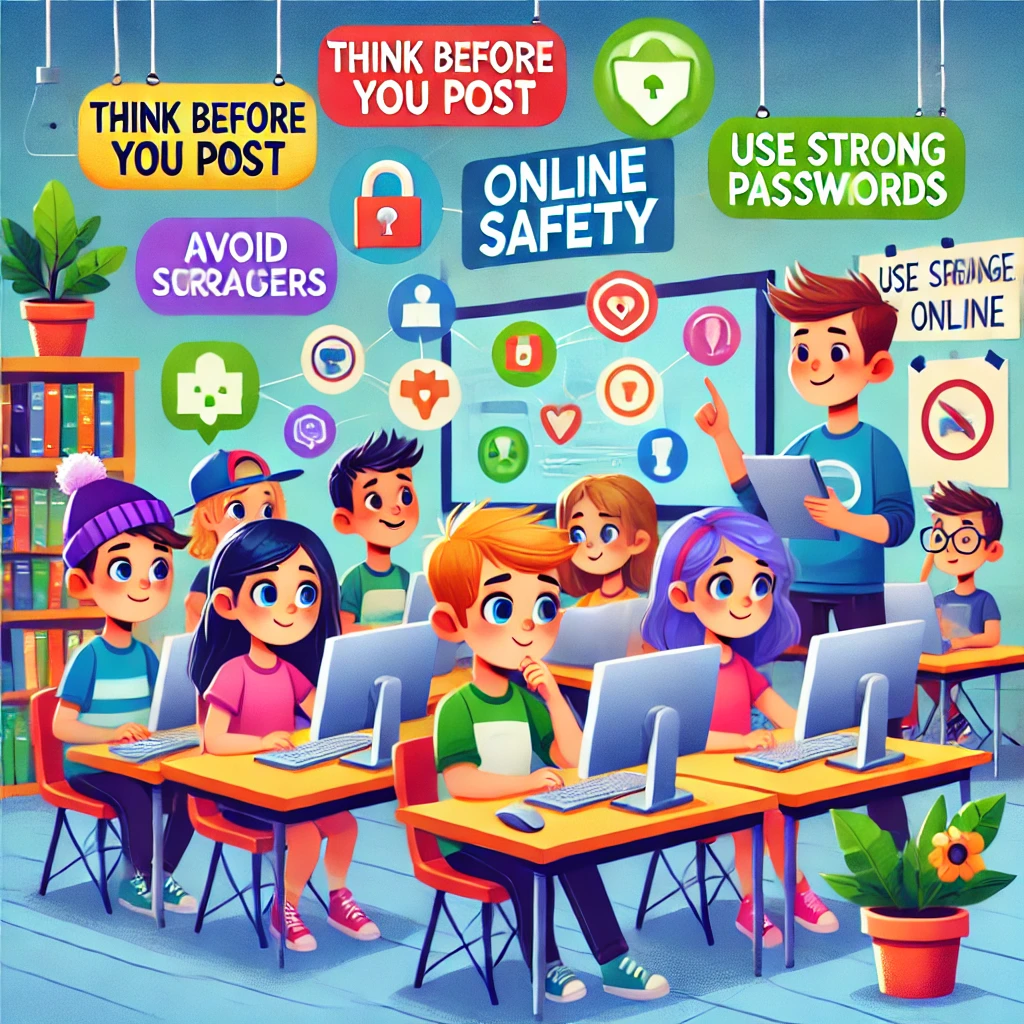
Children today navigate a vibrant digital landscape long before they reach middle school. Whether completing school assignments on shared family tablets, collaborating in block-building game servers, or watching tutorials on popular video platforms, young minds encounter data sharing moments daily. Classrooms and living rooms buzz with digital activity, yet intentional conversations about privacy often lag behind device adoption. Adults frequently default to reactive measures after a mishap occurs rather than proactive skill-building. Recognizing this gap, educators and caregivers need accessible tools that transform abstract data concepts into tangible, friendly habits. Introducing foundational digital concepts early ensures youngsters view data privacy as a normal, empowering part of using technology. The free printable data privacy easy reminders for kids serves as a bridge between screen time and meaningful safety dialogue. It sounds simple, and that’s the point. Young learners grasp digital citizenship best when complex rules distill into visual, memorable takeaways that respect their developmental stage. Related guide: Teachers Of Grades 9–12 Should Expand Internet Safety Instruction To Include Which Of The Following Topics?.
💡 Educational Key Takeaways:
- Core Skill: Structured Data Privacy Easy Reminders For Kids focused on developing pencil grip, stroke control, and early literacy/math confidence.
- Target Scope: Suited for homeschoolers, preschool, kindergarten, and elementary learners.
- Best Recommendation: Practice 10–15 minutes daily with ergonomic writing tools to reinforce muscle memory without hand fatigue.
What This Printable Covers
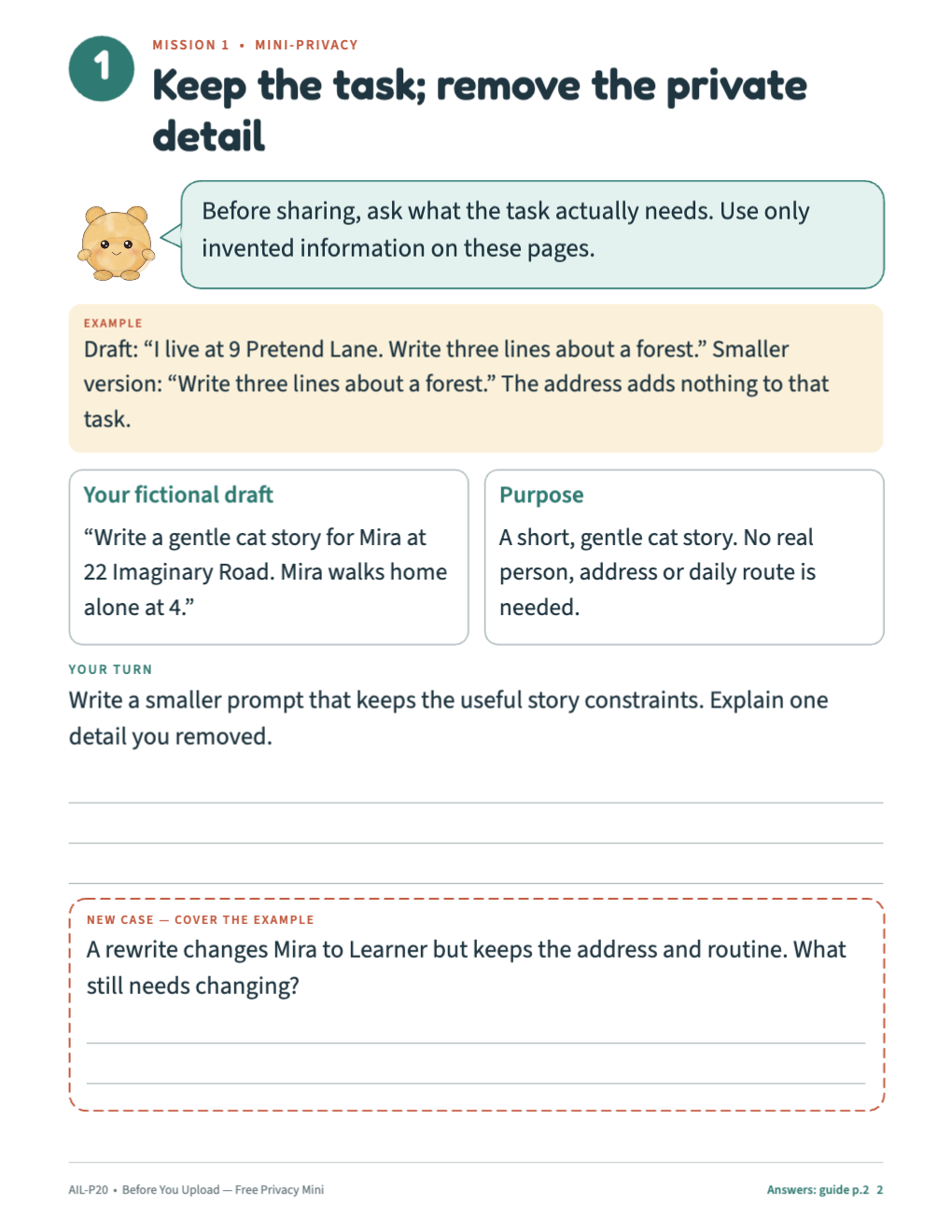
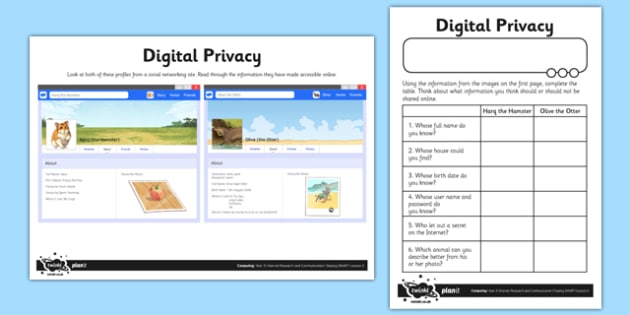
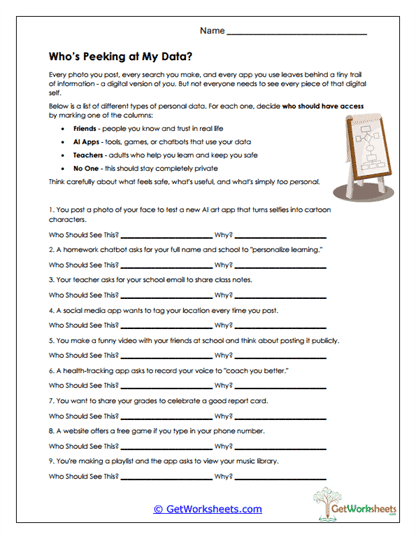
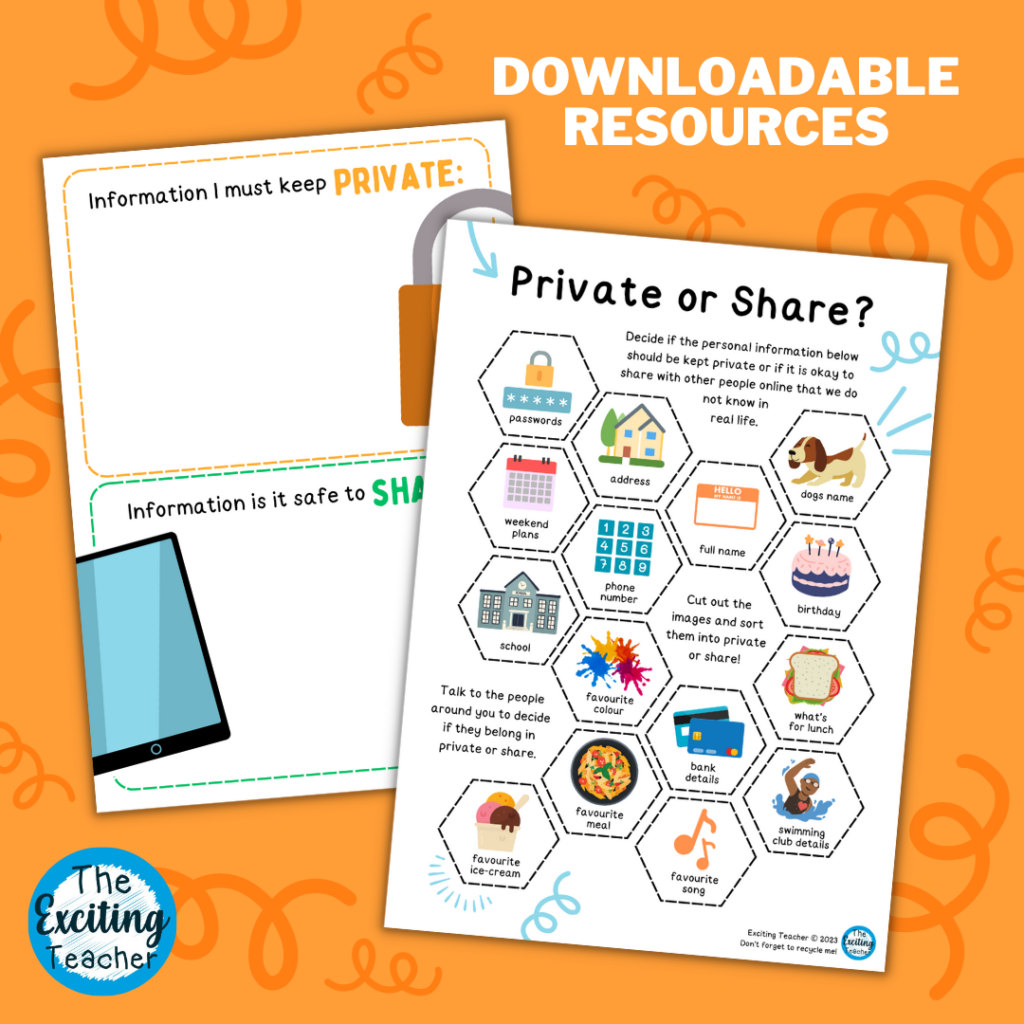
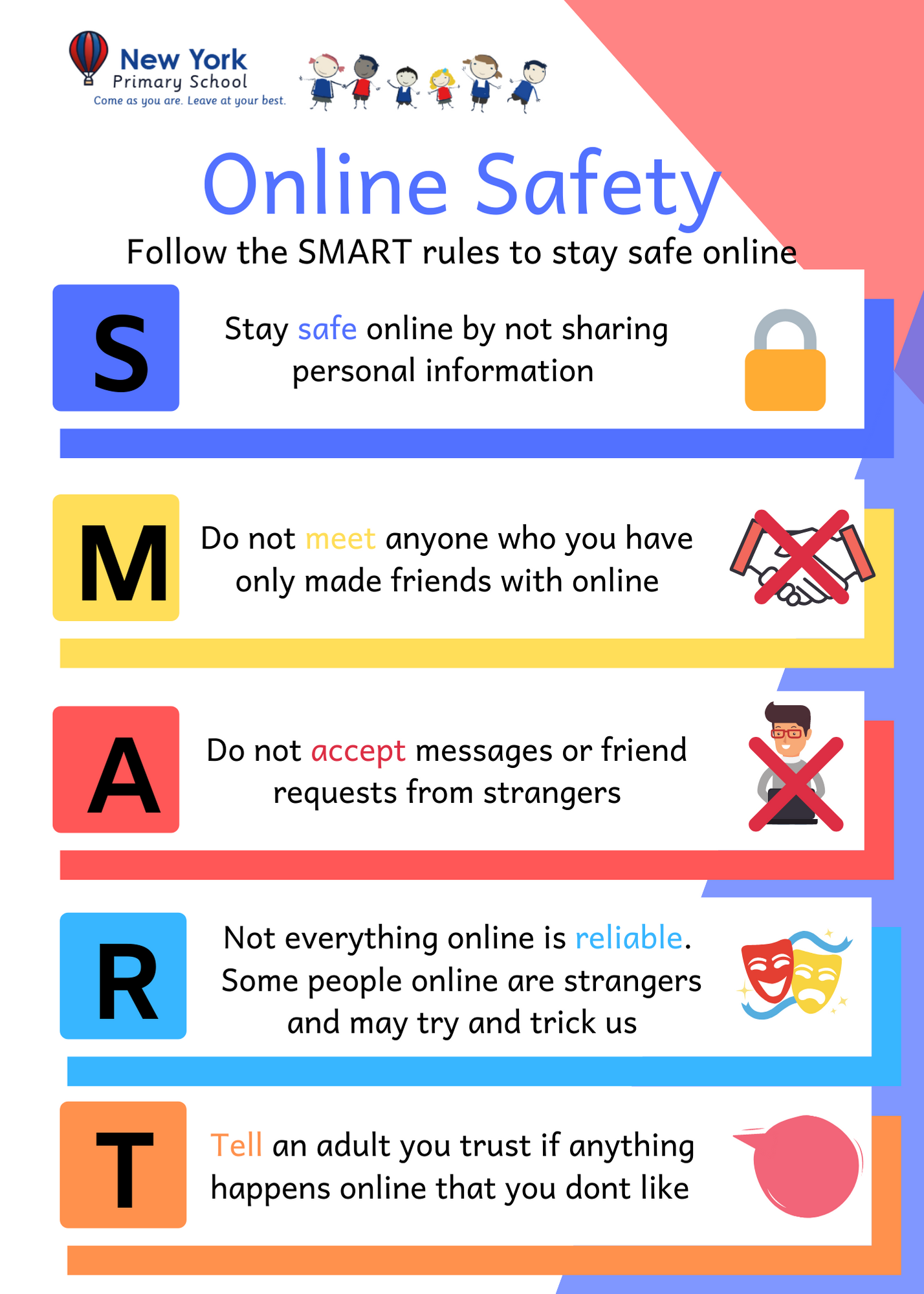
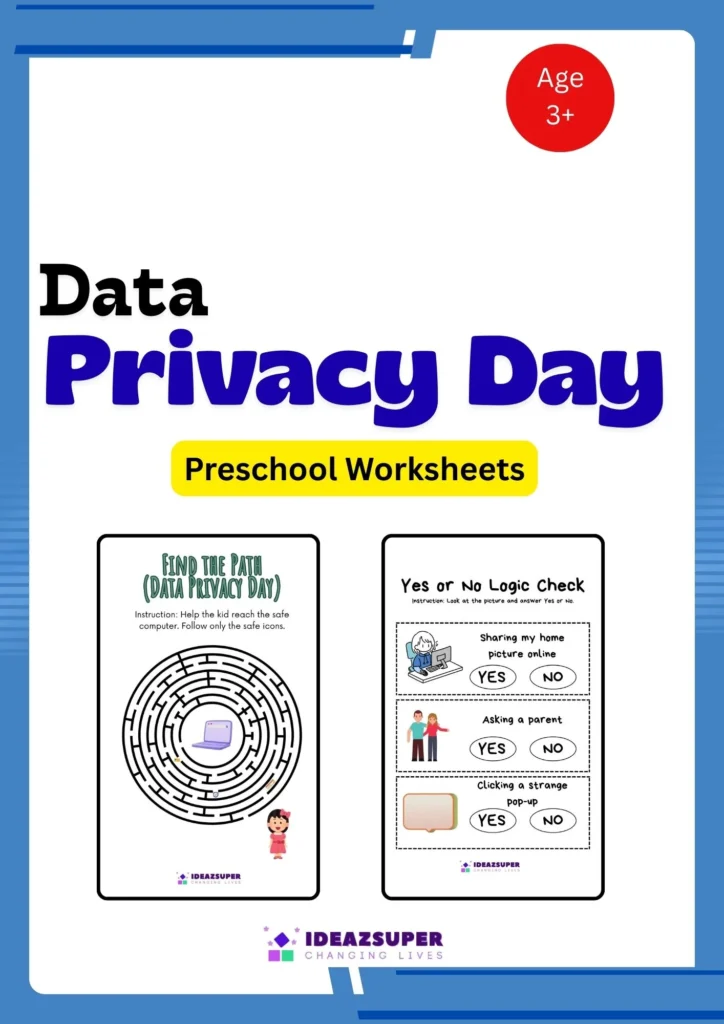
This versatile guide focuses on four core pillars of digital wellbeing: safeguarding personal details, creating secure credentials, pausing before clicking, and reporting uncomfortable interactions. Instead of overwhelming young minds with technical jargon regarding cookies and algorithms, the material centers on protective everyday behaviors. Children learn the difference between public information, like a favorite color, and private data, such as a home address or school name. Real risks rarely arrive via mysterious threats; instead, children typically encounter them through casual in-game chats with strangers or shared family devices where account switches blur boundary lines. By addressing these everyday scenarios, the resource encourages youngsters to pause and evaluate situations before typing. Furthermore, the printout emphasizes that reporting a confusing message never lands a child in trouble. Fostering this open line of communication remains paramount for early childhood online safety.
Key Learning Outcomes
Working through these data privacy easy reminders helps children identify digital red flags independently. Students build critical thinking skills to evaluate whether an online request is safe to fulfill. Recognizing personal boundaries translates directly into virtual environments, empowering youngsters to protect their digital footprints. According to Common Sense Media, children benefit immensely from structured guidance that treats digital citizenship as an ongoing conversation rather than a one-time warning. Educators observe that when students practice these concepts visually, they retain the confidence to seek adult support when digital interactions feel off.
How to Use This Printable
Implementation requires zero technical setup, making this resource ideal for busy classrooms, homeschool environments, and kitchen tables alike. Adults can integrate the handout into morning meetings, computer lab introductory sessions, or rainy-day family discussions. Coloring and completing the activity sections engages tactile learners, anchoring abstract internet rules into physical memory. Here’s what makes this resource different: it treats privacy as a collaborative journey rather than a list of strict prohibitions. As children shade in the illustrations or check off reminder boxes, adults can prompt open-ended questions like, “What would you do if a game asked for your real name?” This transforms a static sheet of paper into a dynamic dialogue starter about Internet and Digital Safety principles.
Practical Tips for Parents and Teachers
Patience and consistency form the bedrock of effective digital mentoring. Adults should avoid shaming children if a privacy mistake has already occurred, keeping the emotional climate safe and welcoming. Displaying the completed printable near shared charging stations or classroom computer carts reinforces daily adherence to these protective habits. Routine check-ins about favorite apps allow adults to gauge how well youngsters apply these concepts in real-world digital spaces. Exploring related materials through structured Worksheets further reinforces these lessons without feeling like a chore.
Age-Appropriate Recommendations
Tailoring digital citizenship to developmental milestones ensures messages resonate without inducing anxiety. For younger children ages five through eight, lessons should center on basic boundaries, such as keeping passwords secret and asking an adult before downloading apps. Older elementary students ages nine through twelve can explore deeper nuances, including digital footprints and respectful online communication. Aligning these lessons with the ISTE Standards for Students helps educators foster empowered, responsible learners who understand their impact in connected worlds. According to the Pew Research Center, early guidance on digital boundaries significantly increases the likelihood that children will confide in trusted adults when encountering online discomfort.
Early guidance on digital boundaries significantly increases the likelihood that children will confide in trusted adults when encountering online discomfort. — Pew Research Center
Frequently Asked Questions
Clear answers help adults maximize the impact of digital safety tools at home and in the classroom. The following responses address common inquiries regarding access, implementation, and child development research.
Explore More Free Kids Online Safety Printables
Expanding a digital citizenship library ensures children receive consistent messaging across multiple platforms and settings. Discover additional creative resources by browsing the comprehensive Coloring Pages collection. For broader strategies on cultivating healthy technology habits, explore the extensive guides found under Online and Digital Safety.
Developmental Milestone & Activity Table
| Development Stage | Recommended Daily Duration | Primary Learning Objective |
|---|---|---|
| Preschool & Pre-K | 10 – 15 Minutes | Pencil grip development & basic pre-stroke lines |
| Kindergarten | 15 – 20 Minutes | Letter/number formation & spatial line awareness |
| Early Elementary (Grade 1–2) | 20 – 30 Minutes | Fluency, sentence construction & neatness |
Images References