Introduction
Children encounter digital environments long before mastering complex cybersecurity concepts. Modern learning apps, shared household tablets, and video platforms bring the wider internet directly into living rooms and classrooms. Young learners often click colorful buttons, download game modifications, or accept pop-ups without realizing that digital files carry invisible cargo. Teaching cybersecurity concepts to elementary students requires breaking down abstract technical terms into concrete, understandable ideas. The free printable “what is malware distribution meaning for kids” on {site_name} bridges that gap by offering a tangible educational worksheet designed specifically for young digital citizens.
💡 Educational Key Takeaways:
- Core Skill: Structured What Is Malware Distribution Meaning For Kids focused on developing pencil grip, stroke control, and early literacy/math confidence.
- Target Scope: Suited for homeschoolers, preschool, kindergarten, and elementary learners.
- Best Recommendation: Practice 10–15 minutes daily with ergonomic writing tools to reinforce muscle memory without hand fatigue.
What This Printable Covers
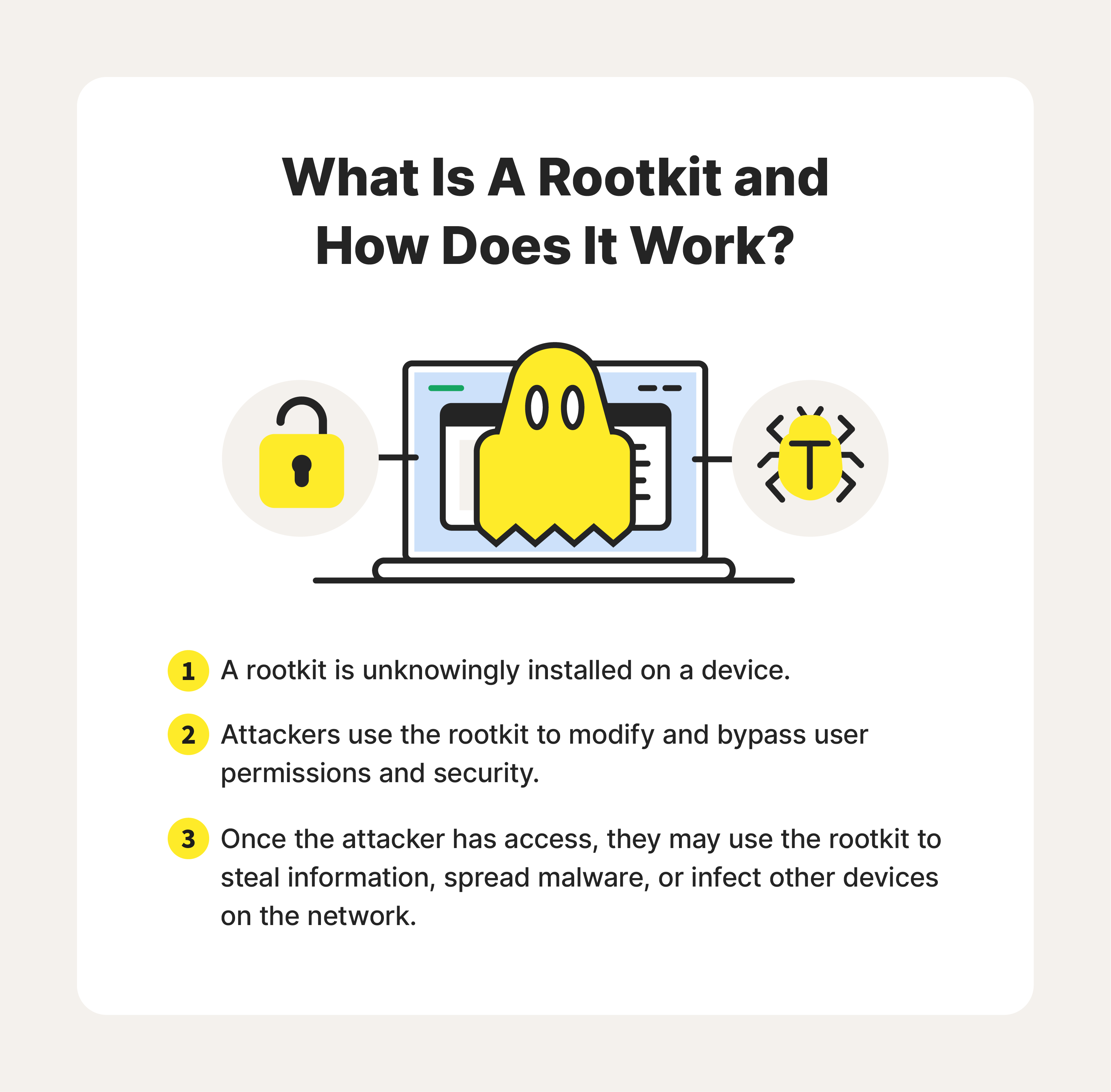
Complex terminology such as malware distribution sounds intimidating to a third grader. This instructional resource translates the concept of malicious software moving across the internet into relatable scenarios, comparing digital downloads to unverified packages left on a doorstep. According to the Federal Trade Commission, children frequently encounter misleading pop-ups and fake reward buttons inside gaming environments that attempt to trick users into downloading unwanted files. The printable outlines clear definitions, visualizes how harmful code travels, and emphasizes the importance of checking with an adult before installing any software or extensions. Related guide: Teachers Of Grades 9–12 Should Expand Internet Safety Instruction To Include Which Of The Following Topics?.
Key Learning Outcomes
Working through the activity sheet helps students build critical thinking skills regarding digital downloads. Learners practice identifying trusted sources versus suspicious links. They discover that a flashy banner promising free game currency often hides unwanted programs. Furthermore, the material reinforces the golden rule of device usage: stopping to ask a parent, teacher, or guardian whenever a strange prompt appears on screen. Building these habits early transforms hesitant online behavior into confident, empowered decision-making.
How to Use This Printable
Educators and families can easily integrate this activity into morning meetings, computer lab introductory sessions, or family tech-night discussions. It sounds simple, and that is the exact point. Handing a child a pencil and a structured matching activity invites natural curiosity rather than fear. Adults can guide the conversation by asking open-ended questions about what happens when clicking unknown buttons in mobile games. For additional classroom materials, exploring the Internet and Digital Safety section provides a wealth of complementary exercises.
Practical Tips for Parents and Teachers
Creating a calm learning environment makes all the difference when discussing technical risks. Remind children that finding a strange pop-up or clicking a bad link never places them in trouble. Emphasize that reporting mistakes immediately helps keep the whole family computer network running smoothly. Pairing this written exercise with hands-on practice, such as reviewing device settings or checking download folders together, turns a theoretical lesson into an actionable safety routine.
Age-Appropriate Recommendations
Developmental readiness dictates how deeply adults should explain digital threats. For five-to-eight-year-olds, focus strictly on basic habits like asking an adult before clicking anything new. For older elementary students aged nine to twelve, introduce concepts aligned with the Common Sense Education Digital Citizenship Curriculum, exploring how malicious software spreads through shared files and deceptive links. Adults should tailor discussions to match the child’s actual technology use, focusing heavily on in-game chat rooms and video platform recommendations where risks frequently emerge.
According to Common Sense Media, the vast majority of children access mobile devices and digital platforms daily, making foundational cybersecurity education essential for early elementary grades. — Common Sense Media
Frequently Asked Questions
Navigating digital citizenship resources is straightforward when adults have quick access to practical answers regarding implementation, printing, and educational frameworks.
Explore More Free Kids Online Safety Printables
Expanding a child’s digital literacy toolkit requires continuous practice and varied resources. Educators and caregivers can find extra activities by browsing through the Online and Digital Safety archives. Additionally, incorporating visual learning aids found on the Coloring Pages hub helps reinforce positive screen habits for younger learners who benefit from creative reinforcement.
Developmental Milestone & Activity Table
| Development Stage | Recommended Daily Duration | Primary Learning Objective |
|---|---|---|
| Preschool & Pre-K | 10 – 15 Minutes | Pencil grip development & basic pre-stroke lines |
| Kindergarten | 15 – 20 Minutes | Letter/number formation & spatial line awareness |
| Early Elementary (Grade 1–2) | 20 – 30 Minutes | Fluency, sentence construction & neatness |
Images References