Introduction
Digital spaces are woven into the fabric of childhood, often serving as classrooms, playgrounds, and social hubs long before children reach middle school. Modern kids frequently encounter digital risks not through shadowy corners of the internet, but via familiar avenues like shared family tablets, open-world multiplayer video games, and algorithm-driven video platforms. Teaching children to navigate these environments requires more than a rigid set of restrictions or hastily drawn boundaries. Educators and caregivers know that building genuine digital resilience takes patient, ongoing dialogue. This is where a well-designed free printable internet safety rules for kids with alternatives on {site_name} becomes an invaluable asset for the home or classroom. Framing digital safety as a practical skill rather than a source of fear empowers children to make sound choices whenever they log on. Related guide: Teachers Of Grades 9–12 Should Expand Internet Safety Instruction To Include Which Of The Following Topics?.
💡 Educational Key Takeaways:
- Core Skill: Structured Internet Safety Rules For Kids With Alternatives focused on developing pencil grip, stroke control, and early literacy/math confidence.
- Target Scope: Suited for homeschoolers, preschool, kindergarten, and elementary learners.
- Best Recommendation: Practice 10–15 minutes daily with ergonomic writing tools to reinforce muscle memory without hand fatigue.
What This Printable Covers
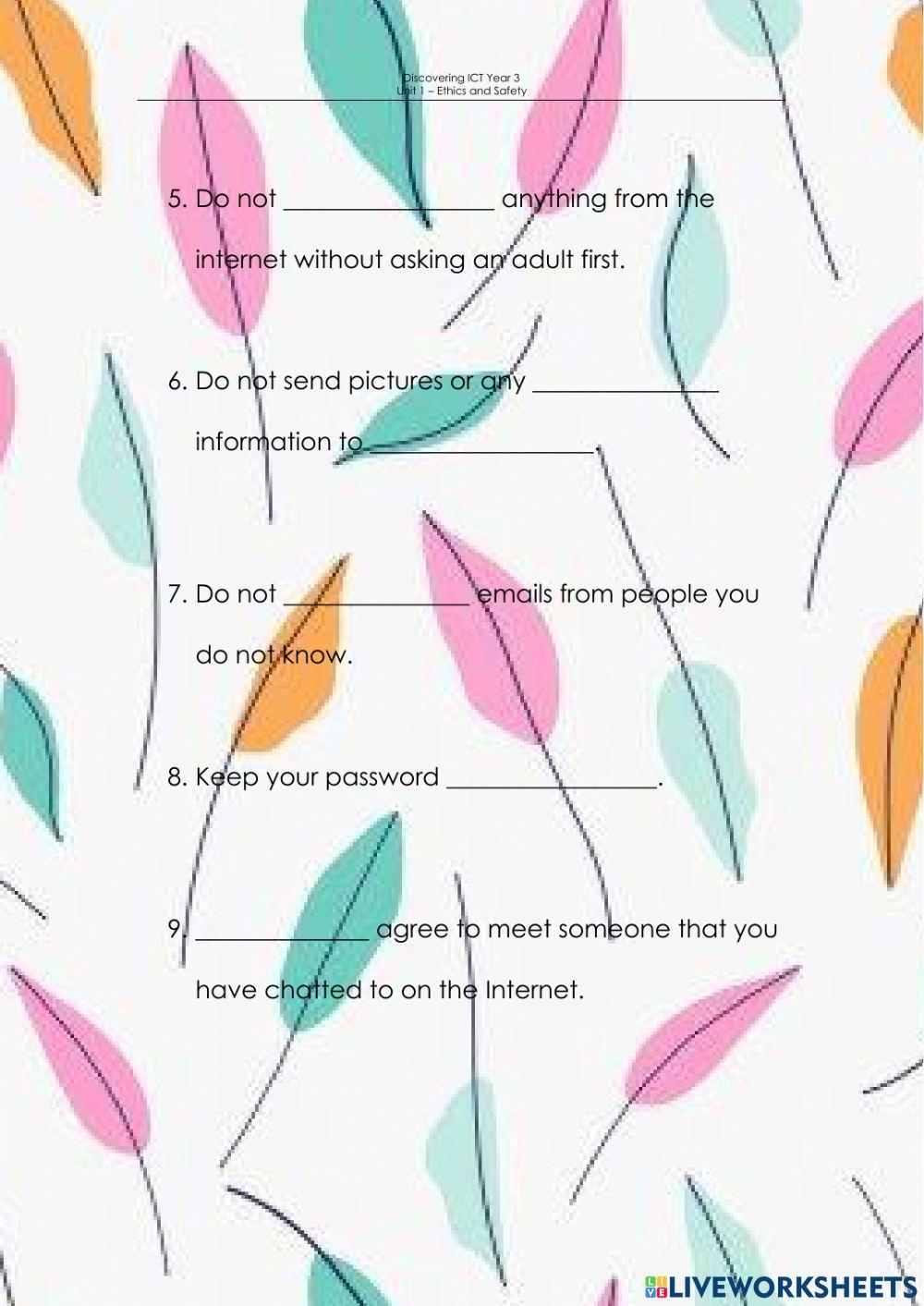
Effective safety guides must offer clear, actionable boundaries while validating a child’s natural curiosity. The internet and digital safety landscape can feel overwhelming, but this printable simplifies core concepts into manageable daily habits. Instead of merely listing what not to do, the resource pairs every standard rule with a positive alternative. For instance, rather than simply stating not to share personal information, the guide prompts children to ask a trusted adult first or choose a randomized gaming avatar. It reinforces foundational protective measures such as keeping personal details private, creating strong and memorable passwords, and pausing to think before sharing a photo or comment. Crucially, the material reinforces the golden rule of digital citizenship: children are never in trouble for reporting something that feels uncomfortable or confusing online.
Key Learning Outcomes
Working through these guided rules helps children internalize critical online habits through active participation. According to Common Sense Media, youth engagement with digital media starts earlier than ever, making foundational habit-building vital during elementary school years. Coloring reinforces safety messages because the tactile, creative process anchors cognitive concepts while keeping anxiety low. When children spend time coloring a visual reminder about passwords or privacy, their brains process the information in a relaxed, receptive state. This hands-on method naturally opens the door for organic conversations about tricky online situations without the pressure of a formal lecture.
How to Use This Printable
Implementing this resource is flexible enough to fit a busy classroom schedule or a cozy kitchen table routine. Educators often incorporate similar materials into broader Internet and Digital Safety units to kick off discussions about community norms. It sounds simple, and that’s the point: laying out crayons or markers invites children to talk openly while their hands are busy. Caregivers can pin the completed masterpiece near the family computer or tablet station as a gentle, non-punitive visual cue. The emphasis remains squarely on collaborative problem-solving rather than surveillance or mistrust.
Practical Tips for Parents and Teachers
Maximizing the impact of any educational printable relies on tone and timing. Adults should approach the activity with curiosity rather than interrogation, asking open-ended questions about favorite online games and how players communicate. Role-playing fictional scenarios—such as a friendly stranger asking for a pet’s name in a chat room—helps children practice their safety alternatives in real time. Exploring additional Worksheets can further reinforce these concepts through matching games and scenario prompts. Consistency across both school and home environments ensures children receive a unified, reassuring message about digital wellness.
Age-Appropriate Recommendations
Tailoring digital citizenship lessons to developmental stages ensures that concepts resonate properly. For younger children aged five to eight, the focus centers on basic boundaries, such as checking in with an adult before downloading apps or clicking unknown links. Older elementary students aged nine to twelve can explore more nuanced topics, including digital footprint management, cyberbullying prevention, and recognizing deceptive online interactions. This tiered approach aligns well with frameworks like the Common Sense Education Digital Citizenship Curriculum, which emphasizes age-appropriate digital agency, empathy, and critical thinking.
According to the Pew Research Center, a vast majority of parents express concern about their young children’s screen time and online safety, highlighting the urgent need for accessible, proactive educational tools. — Pew Research Center
Frequently Asked Questions
Navigating digital literacy tools often brings up practical questions for educators and families. Clear answers help streamline implementation whether working in a bustling school or setting up a home device station. The following frequently asked questions address common inquiries regarding access, learning goals, and institutional guidelines for keeping kids safe online.
Explore More Free Kids Online Safety Printables
Building lasting digital habits is an ongoing journey that benefits from a diverse toolkit of resources. Expanding beyond a single activity page helps reinforce lessons across different subjects and creative mediums. Explore the collection of Coloring Pages for more relaxing, art-integrated safety lessons. For further guidance on protecting kids in virtual spaces, browse the comprehensive articles found in Online and Digital Safety to keep the conversation going year-round.
Developmental Milestone & Activity Table
| Development Stage | Recommended Daily Duration | Primary Learning Objective |
|---|---|---|
| Preschool & Pre-K | 10 – 15 Minutes | Pencil grip development & basic pre-stroke lines |
| Kindergarten | 15 – 20 Minutes | Letter/number formation & spatial line awareness |
| Early Elementary (Grade 1–2) | 20 – 30 Minutes | Fluency, sentence construction & neatness |
Images References