Transforming Online Security Lessons Through a Digital Safety Story
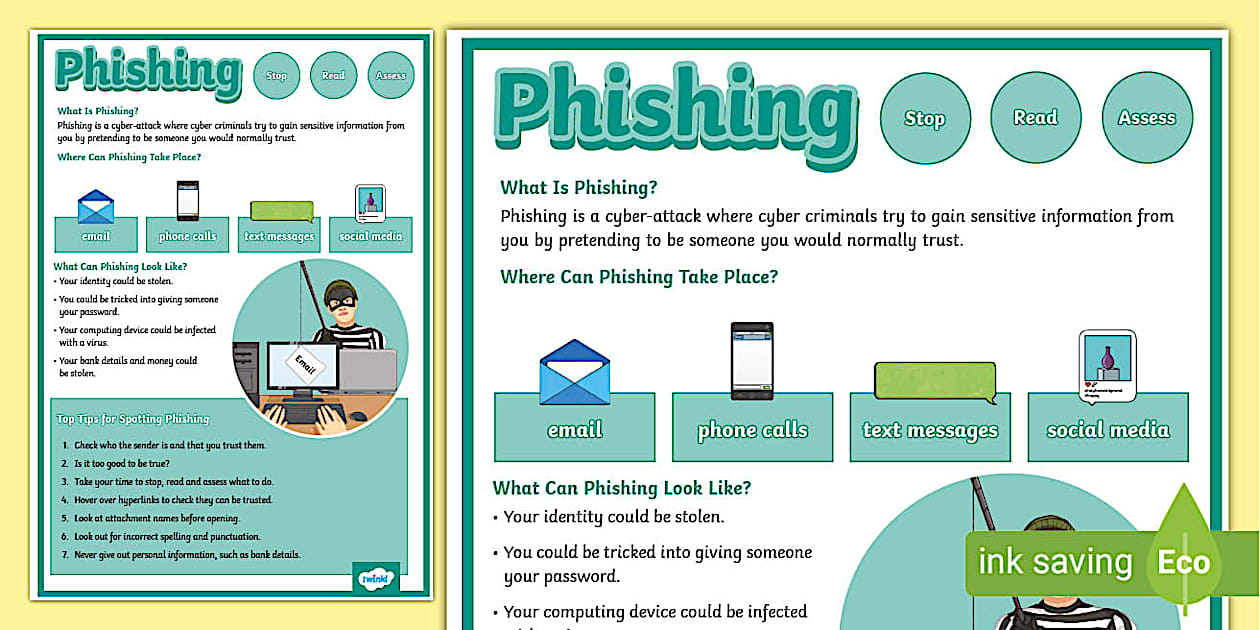
Helping students navigate the modern web requires more than just listing rules or blocking websites; it requires teaching concepts through a relatable digital safety story. When children and teens encounter online risks like phishing attempts, oversharing, or cyberbullying, abstract warnings often fail to stick. By embedding security concepts into a narrative framework, educators and parents can bridge the gap between technical guidelines and real-world behavior. Grounding our approaches in guidance from organizations like ConnectSafely and the Cybersecurity and Infrastructure Security Agency ensures that youth learn how to recognize threats while developing critical thinking skills for their daily screen time. Related guide: Teachers Of Grades 9–12 Should Expand Internet Safety Instruction To Include Which Of The Following Topics?.
💡 Educational Key Takeaways:
- Core Skill: Structured Digital Safety Story focused on developing pencil grip, stroke control, and early literacy/math confidence.
- Target Scope: Suited for homeschoolers, preschool, kindergarten, and elementary learners.
- Best Recommendation: Practice 10–15 minutes daily with ergonomic writing tools to reinforce muscle memory without hand fatigue.
Spotting Vulnerabilities Across Devices and Platforms
To keep students secure, adults must monitor both the behavioral cues children exhibit and the technical settings on their devices. Whether managing a school-issued Chromebook or a personal smartphone at home, understanding common digital vulnerabilities allows adults to apply preventative guardrails before a minor security issue escalates into a major privacy breach.
| Setting / Context | Common Vulnerability | Practical Safeguard |
|---|---|---|
| Home Personal Devices | Over-sharing location data and personal details in public gaming chats. | Lock down privacy settings to friends-only and turn off background location sharing. |
| School Chromebooks | Bypassing web filters or accessing unauthorized proxy extensions. | Rely on Internet and Digital Safety tools and ensure IT management profiles remain locked. |
| Messaging Apps | Clicking unverified links sent by unfamiliar accounts or bots. | Establish a household rule to verify links with an adult before tapping. |
Building Sustainable Habits Between Classrooms and Living Rooms
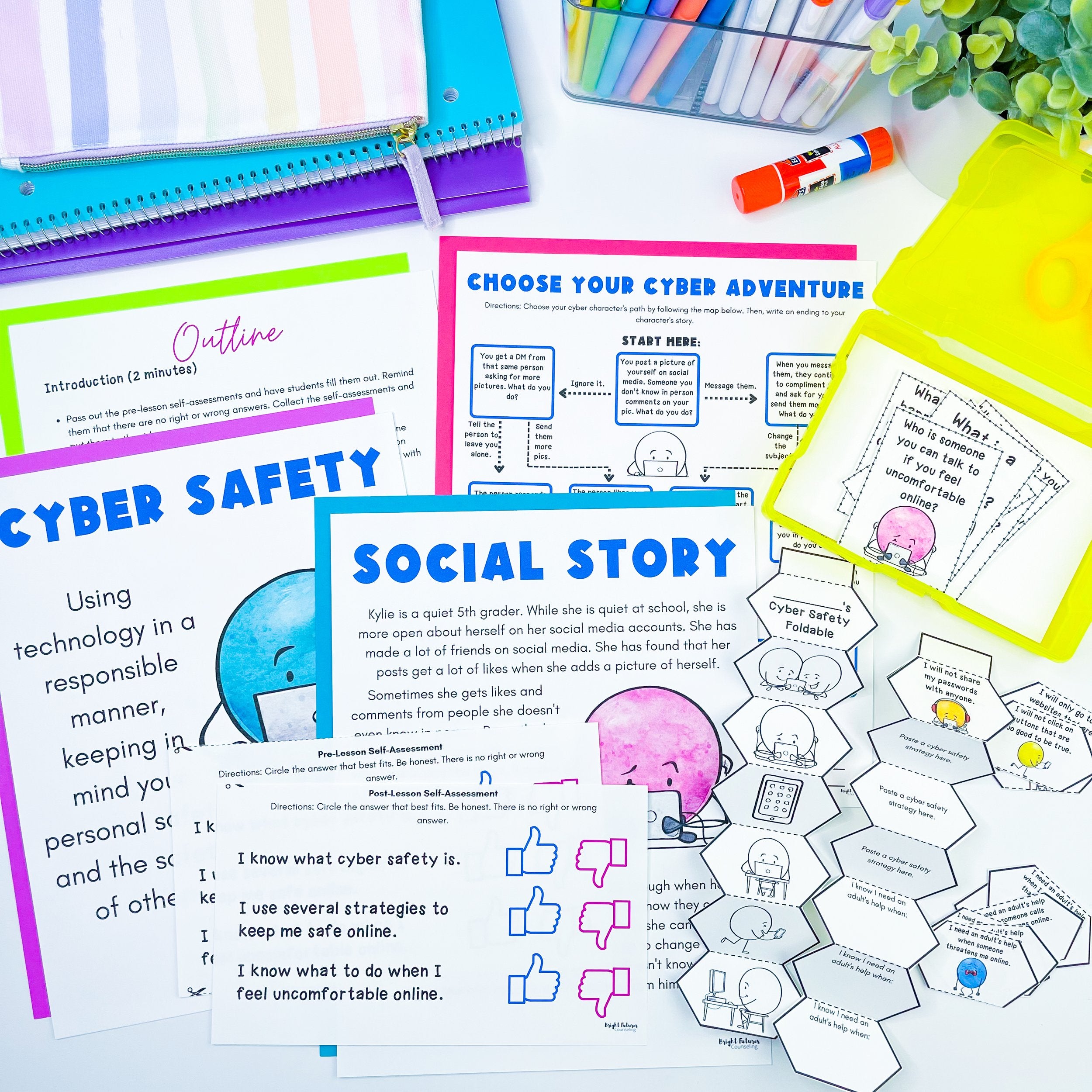
Effective digital citizenship relies on consistency between what happens at school and what happens at home. Educators can reinforce safe online behaviors by integrating structured Worksheets into digital literacy units, while parents can establish physical boundaries in the home. Create a centralized, out-of-bedroom charging station for all devices overnight to reduce late-night screen fatigue and impulsive messaging. Encourage open dialogue by celebrating when a child comes forward to report a suspicious message or strange pop-up without fear of losing their device privileges.
Overcoming Student Workarounds and Adult Pushback
Overly restrictive internet bans frequently backfire, driving students to seek out clever workarounds or hide their online activity from adults. If a school or family relies entirely on aggressive blocking without explaining the reasoning behind the rules, children miss out on developing self-regulation skills. Instead of treating every technical misstep as a punishable offense, pair necessary filtering software with calm, constructive check-ins that explore the why behind internet safety protocols.
Answers to Common Questions About Online Safety Narratives
How do narrative approaches help younger children understand cybersecurity?
Stories provide concrete characters and scenarios that make abstract concepts like passwords and privacy feel tangible. Children can easily project themselves into a narrative, helping them remember how to react when faced with a tricky online situation.
At what age should we start discussing digital safety and privacy?
Conversations about online boundaries should begin as soon as children interact with touchscreens or educational apps. Introduce foundational Online and Digital Safety concepts early, scaling the complexity of the discussions as kids gain independence online.
Teach students to step away from the screen, avoid forwarding or commenting on the material, and notify a trusted adult immediately. Reassure them that coming forward with bad news will not result in a loss of their tech privileges.
Explore More Digital Citizenship Resources
Empowering the next generation of digital citizens requires ongoing education, creative teaching tools, and strong community collaboration. Discover more expert strategies, printable guides, and classroom activities by visiting SafeWiredSchools.org to support your students and children online.
Visual Reference Gallery