Introduction
Young children navigate virtual environments long before they master cursive handwriting. Shared family tablets, household gaming consoles, and video platforms become familiar spaces for entertainment and learning during the early elementary years. Navigating these digital spaces requires intentional guidance, much like learning how to cross a busy street safely. Children need practical tools to visualize abstract concepts like online permanence. This is where a targeted educational resource transforms an intimidating topic into an approachable lesson. Educators and families continuously search for concrete ways to teach good digital habits without instilling fear. Introducing safety as an empowering life skill builds confidence rather than anxiety. The free printable “what contributes to a digital footprint for kids” serves as a bridge between abstract online behavior and tangible understanding. It turns invisible digital footprints into visible traces that young learners can easily grasp. Related guide: Teachers Of Grades 9–12 Should Expand Internet Safety Instruction To Include Which Of The Following Topics?.
💡 Educational Key Takeaways:
- Core Skill: Structured What Contributes To A Digital Footprint For Kids focused on developing pencil grip, stroke control, and early literacy/math confidence.
- Target Scope: Suited for homeschoolers, preschool, kindergarten, and elementary learners.
- Best Recommendation: Practice 10–15 minutes daily with ergonomic writing tools to reinforce muscle memory without hand fatigue.
What This Printable Covers
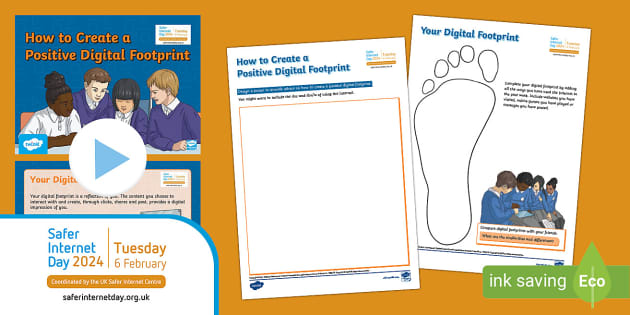
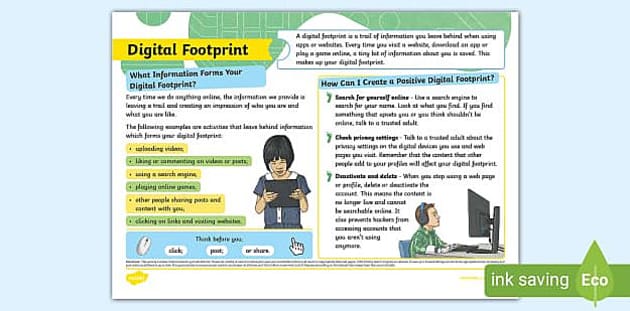
Every photograph shared, comment left, and virtual level completed adds a piece to an ongoing online story. The featured worksheet focuses heavily on the specific skill practiced: identifying which daily actions leave permanent online traces. Children often assume that closing a browser tab erases their activity entirely. This activity clarifies the difference between temporary offline play and permanent online publishing. It highlights everyday scenarios such as uploading pictures, typing in game chats, and filling out online profile forms. According to Common Sense Media, children engage with digital media at increasingly younger ages, making early foundational conversations essential for long-term online well-being. By examining these concepts through guided exercises, learners recognize that digital actions carry lasting weight. The goal remains simple: teaching mindfulness in virtual spaces just as adults teach manners in physical neighborhoods.
Key Learning Outcomes
Working through this exercise helps children connect their daily clicks to a broader online narrative. Learners build the vocabulary needed to describe what stays online and what disappears. Here’s what makes this resource different: it focuses on positive habit-building rather than listing restrictive prohibitions. Participants learn to pause before clicking share, uploading a drawing, or typing messages to peers. Furthermore, the material reinforces the golden rule of digital spaces: never share private identifying details like home addresses or school names. Children also discover that reporting uncomfortable interactions to a trusted adult keeps them safe, and youngsters are never in trouble for reporting something that feels wrong. These foundational lessons align closely with broader frameworks found within the Internet and Digital Safety archives.
How to Use This Printable
Classrooms and living rooms function best as safe zones for guided discovery. Adults can introduce the handout during morning meetings, technology integration blocks, or quiet afternoon study sessions. It sounds simple, and that’s the point. Laying the paper flat on a table invites collaborative discussion rather than independent testing. Educators can prompt small groups to debate whether specific actions belong in the permanent or temporary category. Meanwhile, parents sitting at the kitchen table can relate the worksheet questions directly to household screen routines. The activity naturally uncovers teachable moments regarding shared devices and in-game chat features where boundaries often blur. Establishing these supportive routines ensures children view adults as helpful guides rather than monitors.
Practical Tips for Parents and Teachers
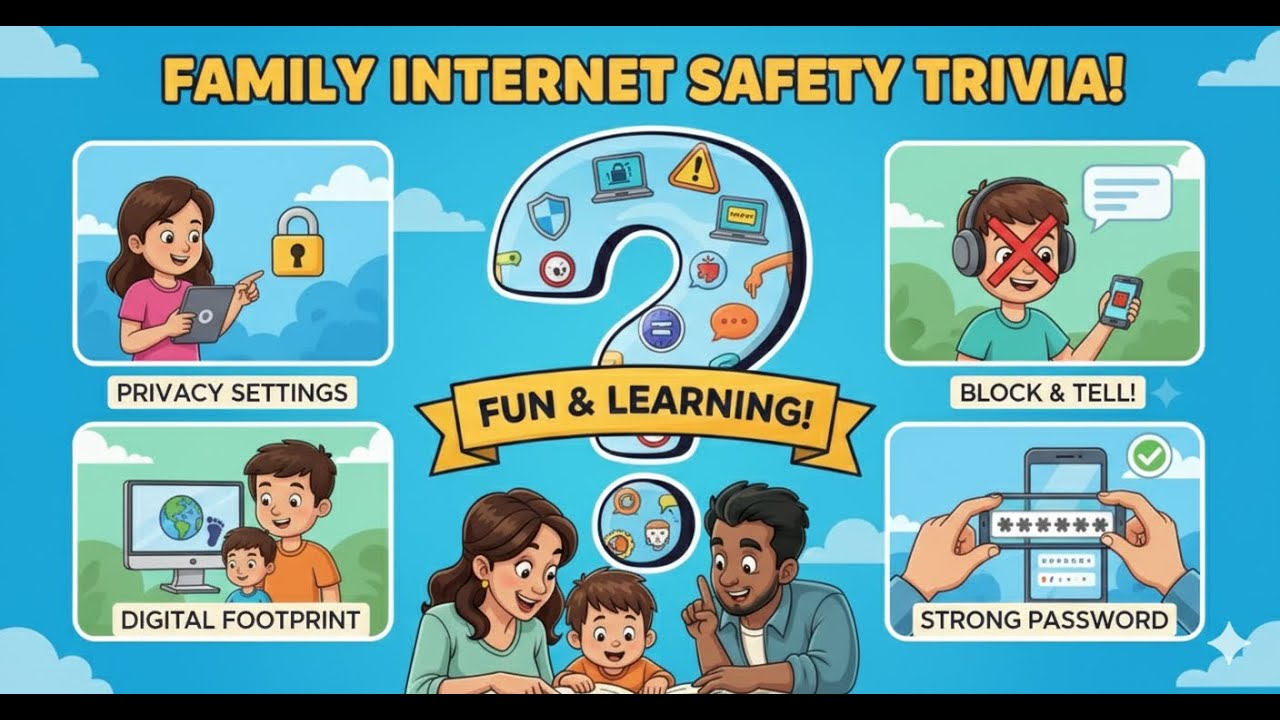
Facilitating a productive conversation starts with keeping the tone calm and curious. Adults should ask open-ended questions like what surprised the child most during the activity. It helps to pair this exercise with practical habit building, such as setting up strong passwords or adjusting privacy settings together. According to the Pew Research Center, a vast majority of parents worry about their children’s screen time and digital footprints, highlighting the universal need for structured conversation starters. Keeping the dialogue collaborative prevents children from hiding future online mistakes out of fear. Educators looking to expand these lessons can explore related activities housed within the Worksheets collection for additional classroom-ready materials.
Age-Appropriate Recommendations
Tailoring digital citizenship concepts to developmental stages ensures the message resonates effectively. For early elementary students aged five to eight, the focus centers on basic identity protection and understanding that online words stay visible. Educators can reference the Common Sense Education Digital Citizenship Curriculum framework when structuring these foundational lessons for primary grades. Older children aged nine to twelve are ready to explore deeper nuances like reputation, empathy in digital communications, and the permanence of shared media. It is vital to remember that printables support conversation and habit-building; they do not guarantee safety on their own. Consistent dialogue remains the most powerful protective tool available to families and teachers.
Young children frequently encounter online risks through shared household devices, in-game chat rooms, and popular video streaming platforms. — Common Sense Media
Frequently Asked Questions
Clear answers help adults implement digital safety tools smoothly across diverse learning environments. The following frequently asked questions address common logistical and educational needs.
Establishing open communication early dramatically increases the likelihood that children will report uncomfortable online encounters. — Pew Research Center
Explore More Free Kids Online Safety Printables
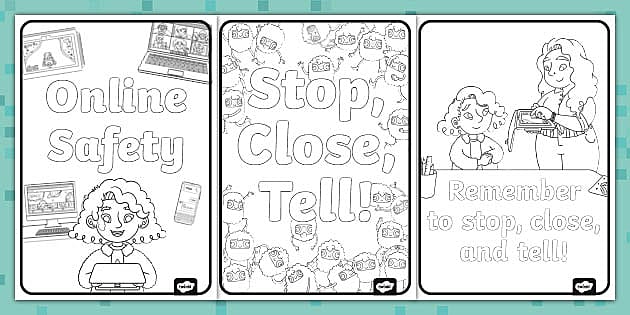
Expanding a digital citizenship curriculum requires a diverse mix of engaging instructional resources. Educators and families can find supplementary teaching tools by browsing the Online and Digital Safety hub. Pairing written exercises with visual art projects reinforces core safety concepts through creative expression, which is why exploring the Coloring Pages section provides wonderful additional options for younger learners.
Developmental Milestone & Activity Table
| Development Stage | Recommended Daily Duration | Primary Learning Objective |
|---|---|---|
| Preschool & Pre-K | 10 – 15 Minutes | Pencil grip development & basic pre-stroke lines |
| Kindergarten | 15 – 20 Minutes | Letter/number formation & spatial line awareness |
| Early Elementary (Grade 1–2) | 20 – 30 Minutes | Fluency, sentence construction & neatness |
Images References