Building a Safer Digital Ecosystem for Students and Educators
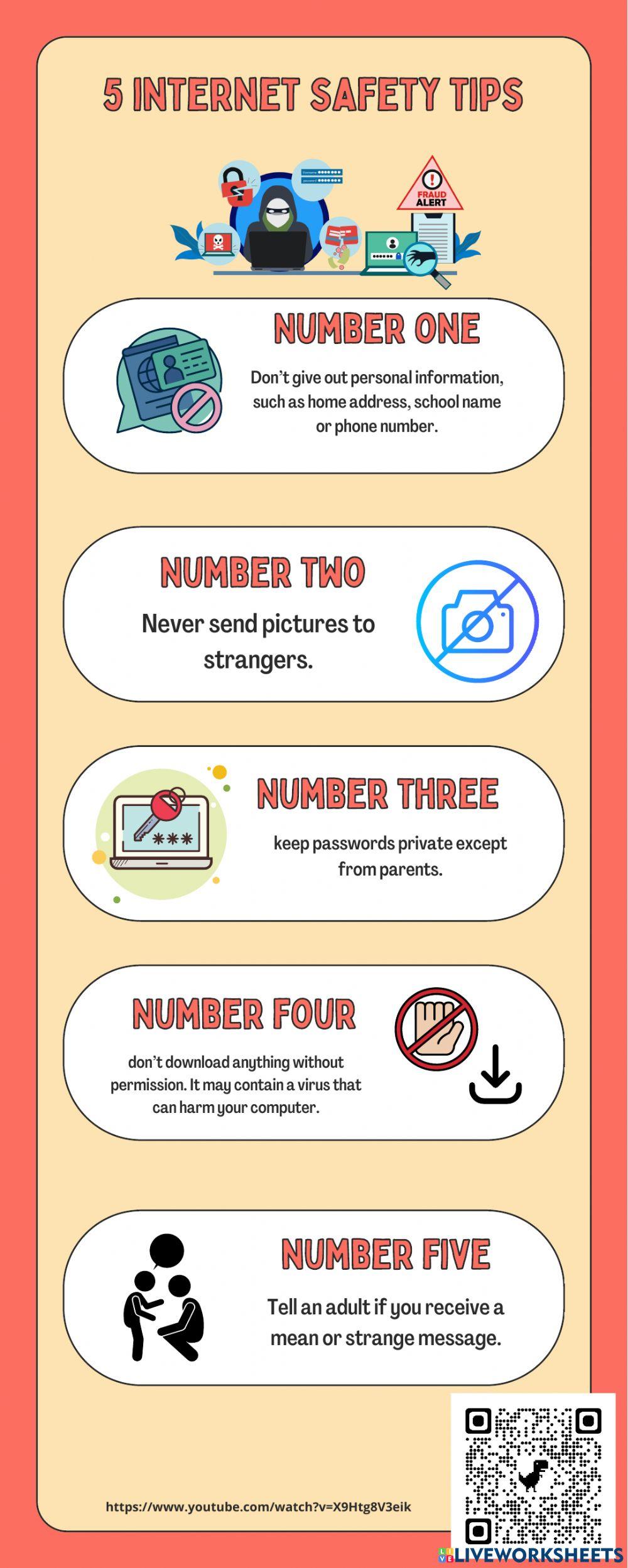
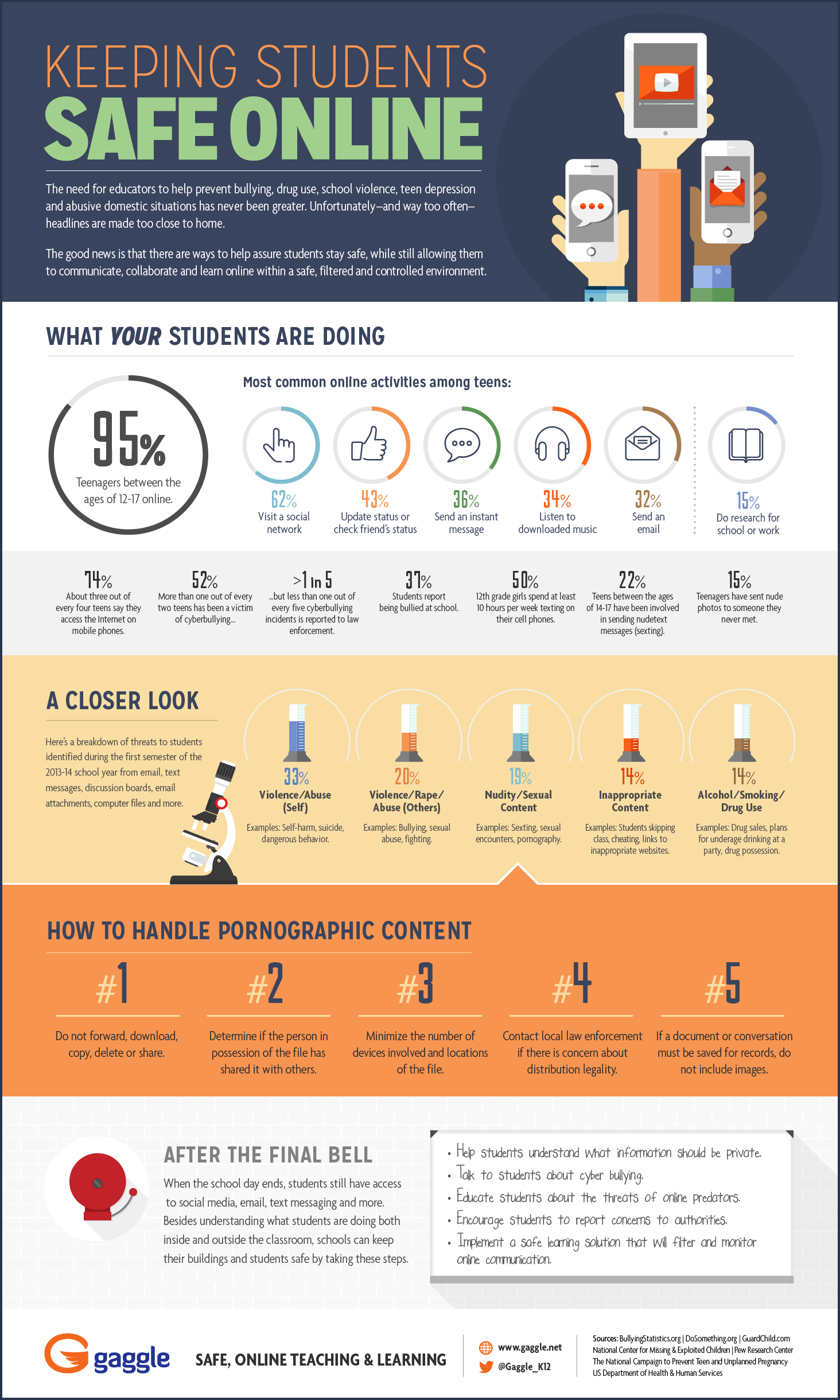
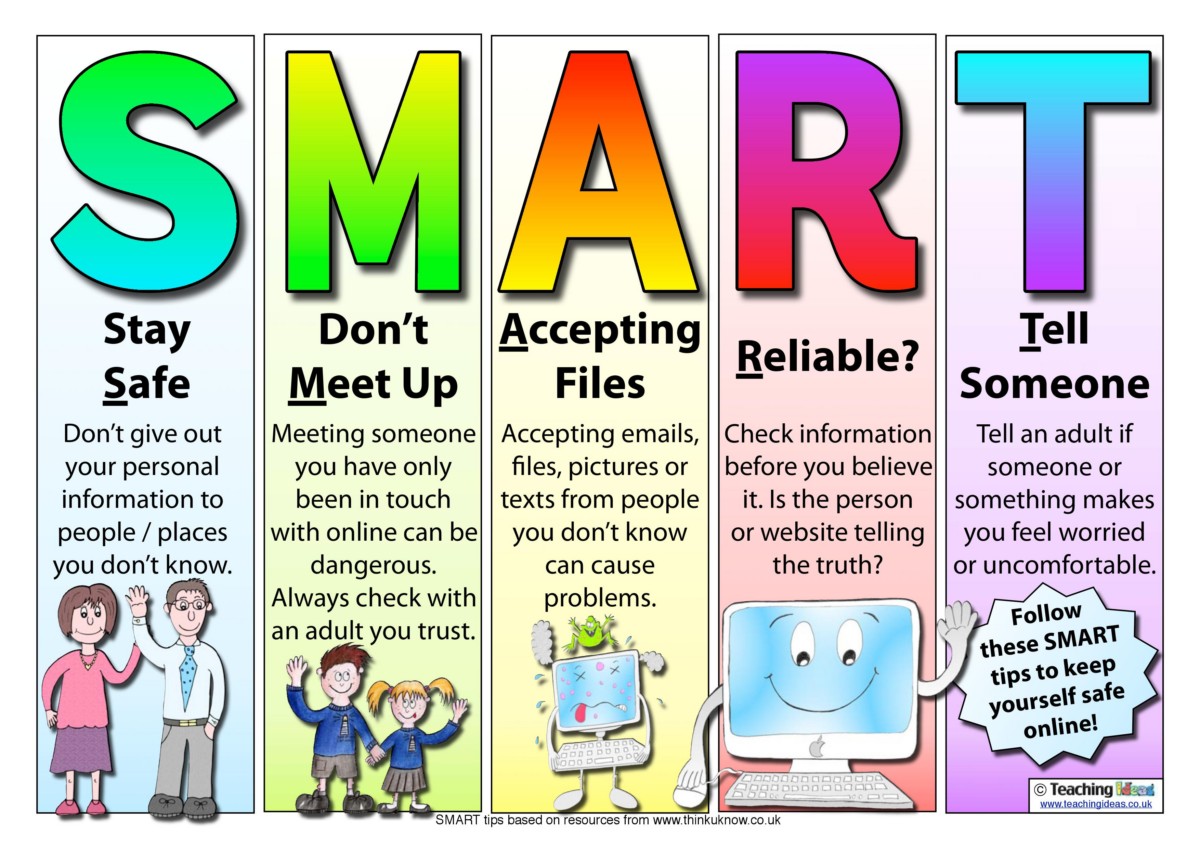
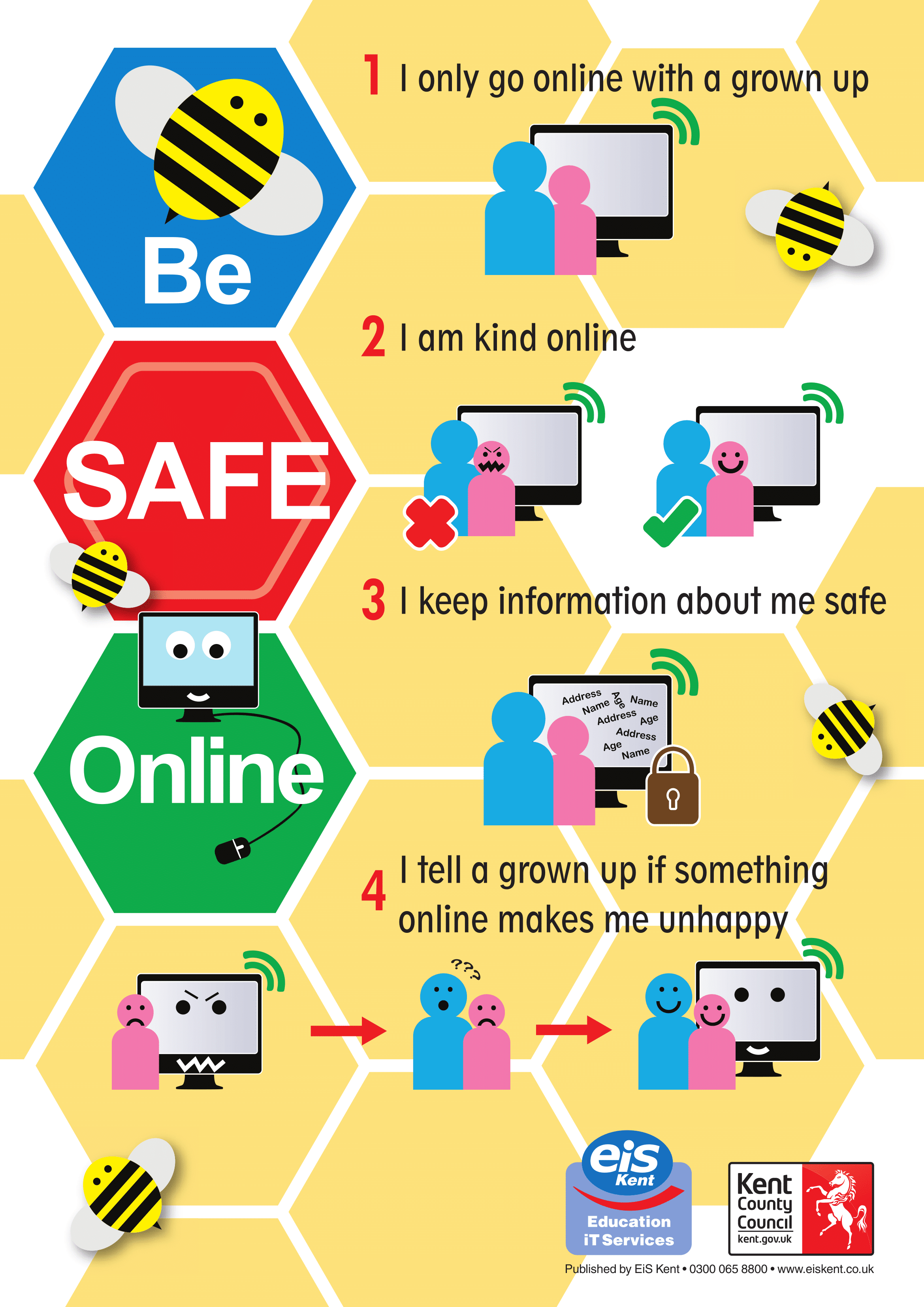
Navigating the modern digital landscape requires a collaborative approach between home and school. As students increasingly rely on connected devices for learning and socializing, educators and parents carry the joint responsibility of establishing safe online boundaries. Organizations like the Cybersecurity and Infrastructure Security Agency and ConnectSafely emphasize that effective digital citizenship goes beyond basic filtering software. It demands proactive education, clear communication, and practical habits that empower young users to recognize risks, protect their personal information, and maintain a healthy balance between screen time and real-world activities. Related guide: Online Privacy Tips For Students.
💡 Educational Key Takeaways:
- Core Skill: Structured 5 Internet Safety Tips For Students And Teachers focused on developing pencil grip, stroke control, and early literacy/math confidence.
- Target Scope: Suited for homeschoolers, preschool, kindergarten, and elementary learners.
- Best Recommendation: Practice 10–15 minutes daily with ergonomic writing tools to reinforce muscle memory without hand fatigue.
Understanding Digital Risk Signals and Preventive Guardrails
Spotting online vulnerabilities early helps adults intervene before minor missteps escalate into serious privacy breaches or cyberbullying incidents. Whether students are using school-issued laptops at their desks or personal smartphones at the kitchen table, specific technical settings and behavioral cues demand our attention. Reviewing these vectors allows teachers and parents to close security gaps proactively.
| Setting / Context | Common Vulnerability | Practical Safeguard |
|---|---|---|
| Home Devices & Wi-Fi | Unfiltered browsing and unrestricted late-night access to unsecured apps. | Implement router-level content filters and establish a centralized family charging station overnight. |
| School Chromebooks & Tablets | Bypassing extension-based monitoring or sharing login credentials with peers. | Enforce strict password hygiene, educate students on phishing, and utilize school Internet and Digital Safety tools. |
| Social Apps & Multiplayer Chat | Oversharing location data and interacting with unverified strangers in gaming lobbies. | Audit privacy settings together, default accounts to private, and disable public geolocation tags. |
Core Safety Routines That Families and Schools Can Apply
Consistency is the cornerstone of effective digital citizenship. When schools and homes align their expectations, students receive clear, reinforcing messages about online safety. Educators can incorporate digital literacy lessons alongside Worksheets that prompt critical thinking about online footprints and credibility. Meanwhile, parents can establish predictable daily routines, such as reviewing privacy settings together or discussing recent online interactions during dinner. Fostering a blame-free environment ensures that if a student encounters inappropriate content or cyberbullying, they feel safe reporting it immediately without fear of losing device privileges.
Managing Student Pushback and Overcoming Common Workarounds
Overly draconian bans often backfire by driving student tech exploration underground, leading them to find clever workarounds like VPNs or proxy sites to bypass school and home filters. Instead of relying solely on heavy-handed restrictions, adults must pair technical guardrails with transparent conversations. Explain the rationale behind specific rules, drawing from guidelines published by organizations like the Family Online Safety Institute. When students understand that filters and safety settings exist to protect their privacy and well-being rather than to micromanage their fun, they are far more likely to cooperate and adopt responsible self-monitoring habits.
Common Questions From Teachers and Parents
What is the most effective way to introduce internet safety rules to younger children?
Keep the guidelines simple and relatable by using everyday analogies, such as comparing online sharing to locking the front door of your house. Focus on what they can do safely rather than listing endless prohibitions, and use interactive Coloring Pages to spark age-appropriate discussions about digital footprints.
How should teachers respond when a student accidentally accesses inappropriate content at school?
Stay calm and address the situation objectively without shaming the student, as panicked children are less likely to report future technical anomalies. Remind them of proper search protocols, ensure the filter flag is documented for the IT department, and pivot back to the lesson.
Most major platforms require users to be at least thirteen years old under federal privacy laws, but readiness depends far more on maturity and emotional intelligence. Co-create the first profile together, review every privacy toggle, and agree on open monitoring terms before granting independence.
Explore More Digital Citizenship Resources
Empowering students to thrive in a connected world is an ongoing journey that requires continuous learning and adaptive strategies. We invite you to explore further guides, lesson plans, and community toolkits available directly at SafeWiredSchools.org to support your educational mission.
Visual Reference Gallery