Introduction
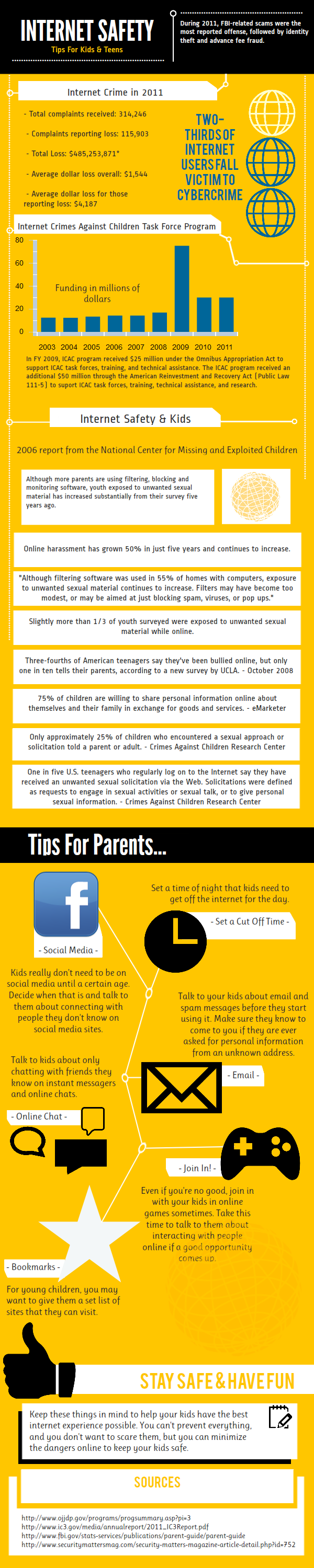
Digital spaces are as much a part of modern childhood as playgrounds, yet learning to navigate them safely requires intentional guidance. Children often encounter digital risks in ordinary moments, such as typing in a shared family tablet or chatting with friends through in-game messaging on a living room console. Adults frequently worry about protecting youth online, but threat-based lectures rarely work. Instead, educators and parents need proactive tools that build resilience and good judgment. Free printable internet safety infographics for {site_name} offer a visual, accessible starting point for these vital conversations, bridging the gap between screen time and offline safety habits without inducing fear.
💡 Educational Key Takeaways:
- Core Skill: Structured Internet Safety Infographics focused on developing pencil grip, stroke control, and early literacy/math confidence.
- Target Scope: Suited for homeschoolers, preschool, kindergarten, and elementary learners.
- Best Recommendation: Practice 10–15 minutes daily with ergonomic writing tools to reinforce muscle memory without hand fatigue.
What This Printable Covers
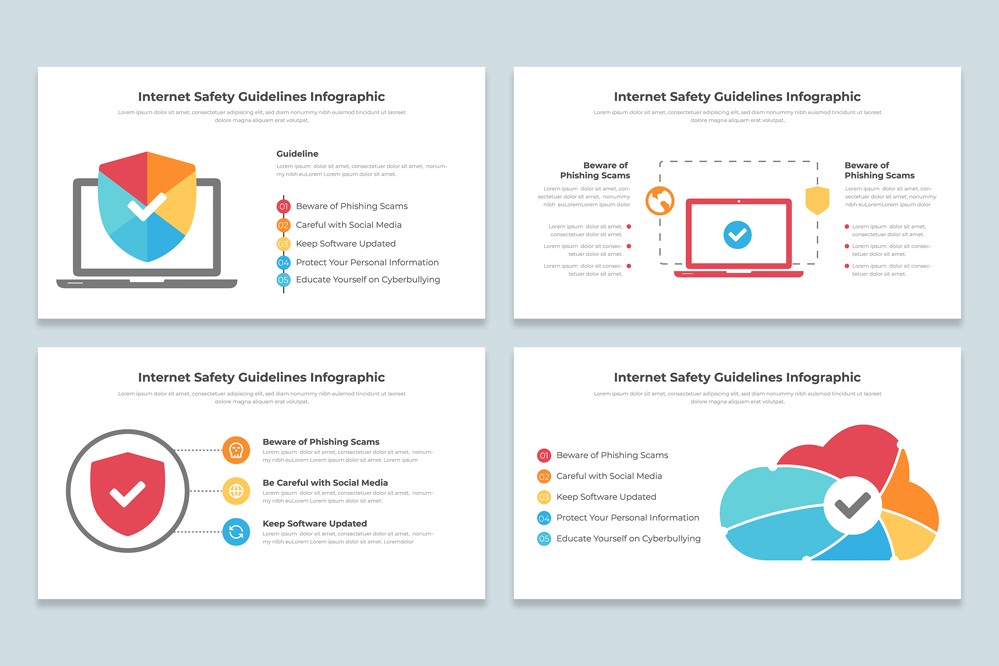
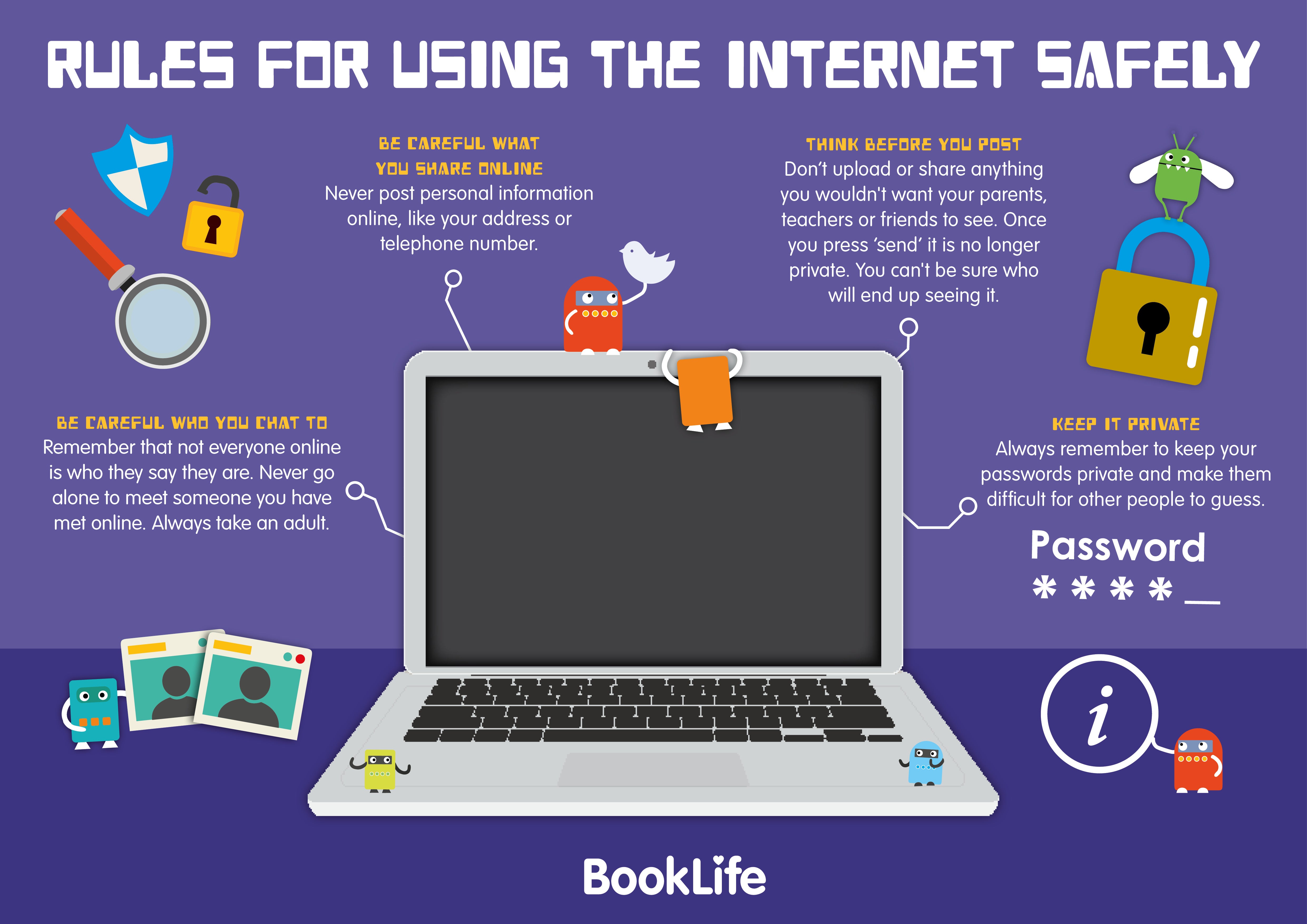
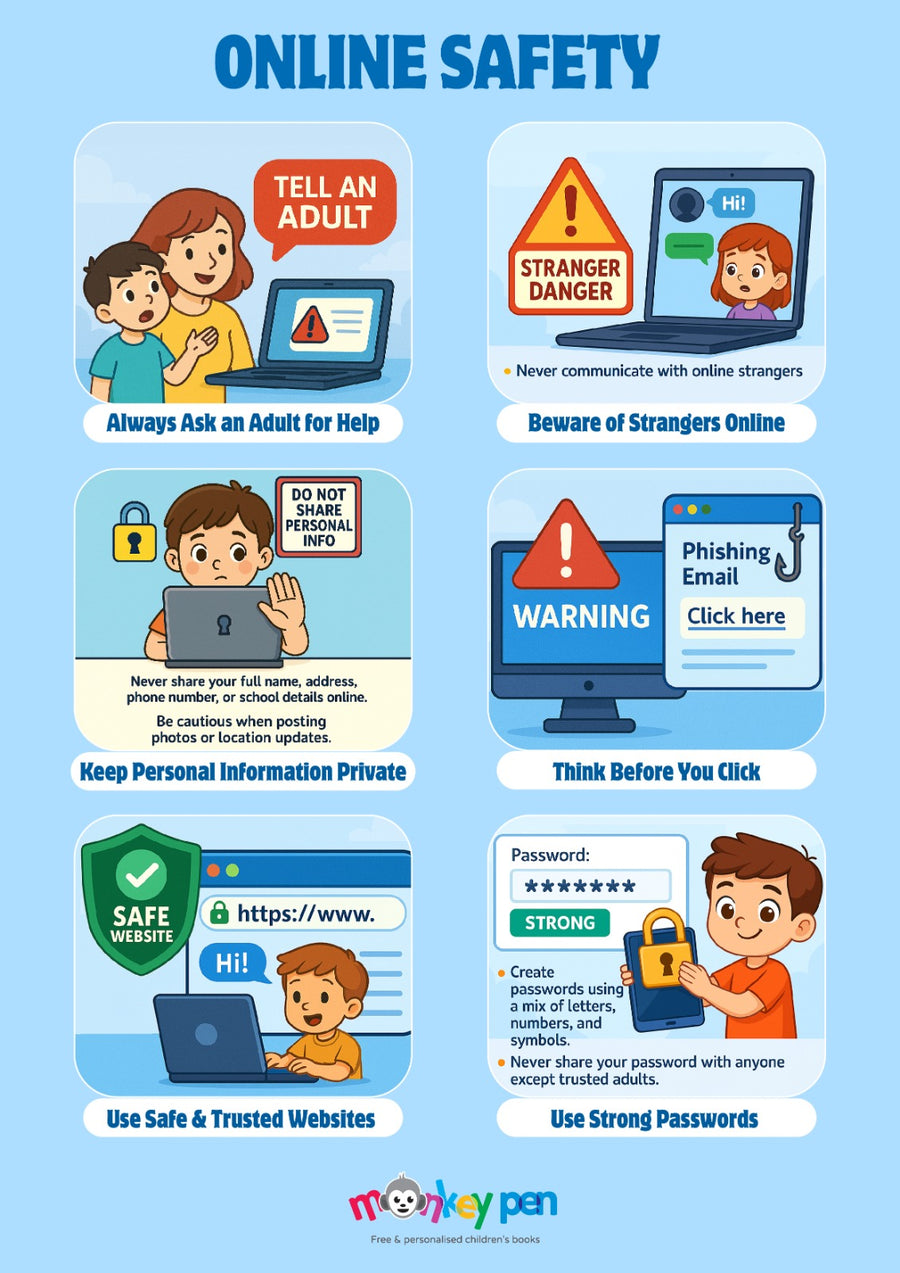
Visual learners absorb concepts faster when complex rules are broken down into clear, graphic chunks. This resource translates abstract digital citizenship rules into memorable, bite-sized reminders about keeping personal information private, creating strong passwords, and pausing before sharing content. Children frequently stumble into trouble on popular video platforms or multiplayer gaming lobbies simply because boundaries remain invisible to them. The infographic makes those boundaries visible. It establishes clear guidelines for protective habits, emphasizing that children are never in trouble for reporting something uncomfortable to a trusted adult. Related guide: Teachers Of Grades 9–12 Should Expand Internet Safety Instruction To Include Which Of The Following Topics?.
Key Learning Outcomes
Working through these concepts helps students identify safe versus unsafe sharing behaviors in real time. According to Common Sense Media, children benefit immensely from structured dialogue that connects online actions to real-world empathy and safety. Learners discover how to recognize red flags, such as requests for home addresses or school names. They also practice the crucial skill of stopping to think before clicking links or downloading files. While no single graphic guarantees protection, regular exposure to these core ideas reinforces critical thinking across various devices.
How to Use This Printable
Classrooms, counseling offices, and family kitchen tables serve as ideal environments for introducing these visual guides. Educators can laminate the posters for permanent display near computer stations, while families can pin them to the refrigerator as a gentle, daily reminder. It sounds simple, and that is precisely the point. When adults display these materials openly, children view online safety as a normal, ongoing topic rather than a secret rulebook enforced only after a mistake happens. Pairing the infographic with hands-on student activity worksheets deepens comprehension through guided writing and scenario analysis.
Practical Tips for Parents and Teachers
Here’s what makes this resource different: it serves as a conversational springboard rather than a rigid contract. Adults should avoid lecturing and instead ask open-ended questions like, “What would you do if a character in your favorite game asked for your real name?” According to the Pew Research Center, young people increasingly navigate digital environments independently on mobile devices, making proactive family dialogue essential for early digital literacy. Adults must establish a supportive atmosphere where children feel safe admitting mistakes, knowing they will receive help rather than punishment.
Age-Appropriate Recommendations
Younger children in the five-to-eight range require foundational concepts centered on device sharing and basic privacy rules, aligning with the Common Sense Education Digital Citizenship Curriculum framework. These early learners benefit most from focusing on who to tell when something feels strange on a screen. Older children aged nine to twelve face complex social dynamics within digital chats, gaming networks, and social media apps. For this older demographic, discussions should expand into password security, digital footprints, and the permanence of shared images. Tailoring the conversation ensures messages resonate without overwhelming developing minds.
Children frequently encounter digital dilemmas on shared household devices and multiplayer video platforms before receiving formal instruction. — Pew Research Center
Frequently Asked Questions
How do I download and print these materials?
Simply click the download link on {site_name} to save the PDF file to your computer or device, then print it using any standard home or school printer.
How does this resource support online safety learning?
It transforms abstract digital citizenship rules into visual, memorable concepts that encourage children to build daily protective habits and talk openly with adults.
Why is adult guidance recommended when using these printables?
According to the National Center for Missing & Exploited Children (NCMEC), ongoing communication with trusted adults is the most effective way to help youth navigate online challenges safely.
Explore More Free Kids Online Safety Printables
Expanding a digital citizenship curriculum requires a diverse toolkit of engaging materials. Educators and families can explore additional resources, such as creative artistic coloring sheets that reinforce positive online behaviors for younger students. For comprehensive lesson planning, browse the broader collection of internet and digital safety guides and online safety resources designed to build lifelong resilience in every child.
Developmental Milestone & Activity Table
| Development Stage | Recommended Daily Duration | Primary Learning Objective |
|---|---|---|
| Preschool & Pre-K | 10 – 15 Minutes | Pencil grip development & basic pre-stroke lines |
| Kindergarten | 15 – 20 Minutes | Letter/number formation & spatial line awareness |
| Early Elementary (Grade 1–2) | 20 – 30 Minutes | Fluency, sentence construction & neatness |
Images References