Introduction
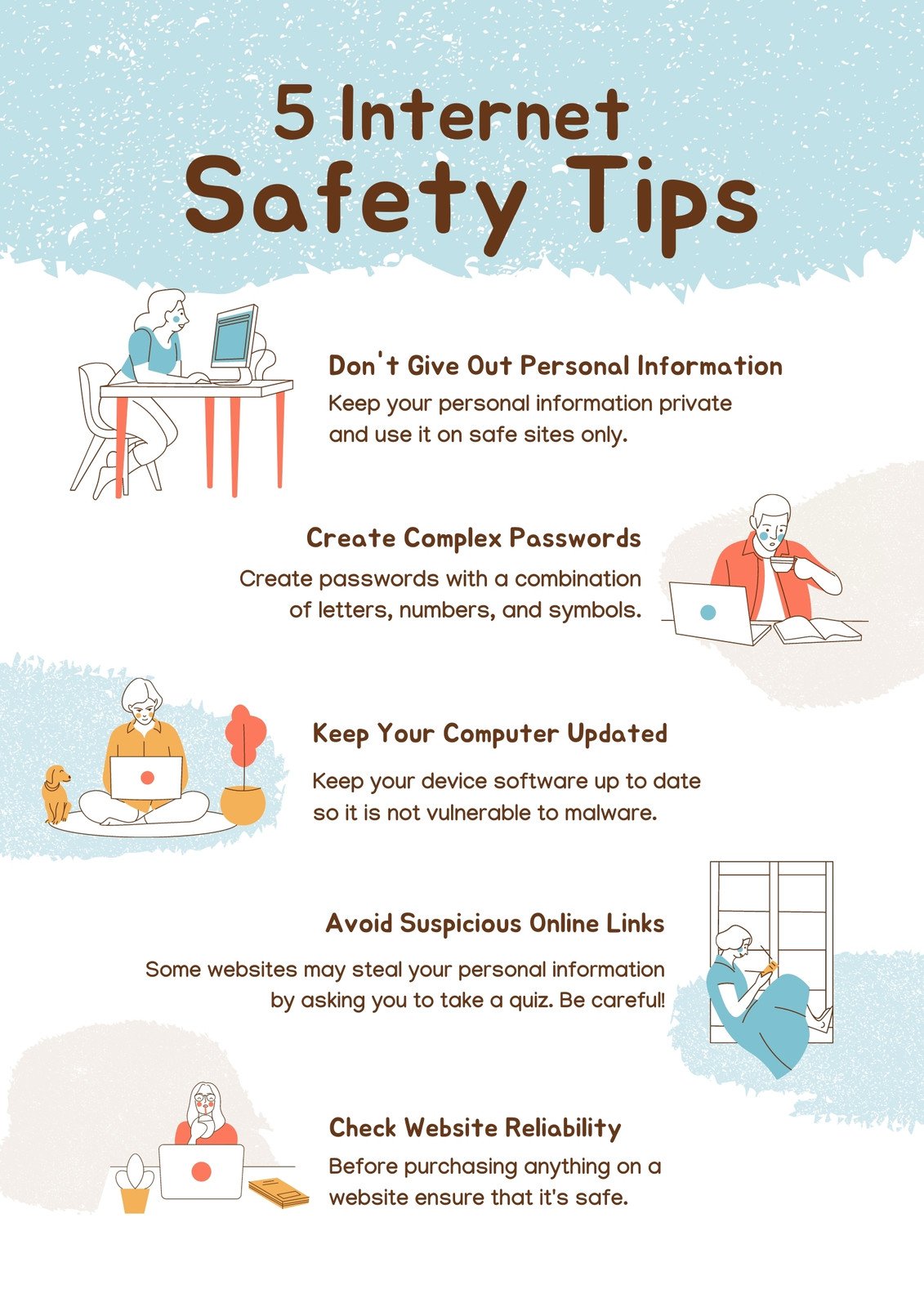
Young children navigate touchscreens and keyboards long before they master reading. Digital environments are playgrounds, classrooms, and entertainment hubs rolled into one. Modern kids often encounter digital risks through shared family tablets, open-ended video platforms, or chat windows inside educational apps. Establishing healthy digital habits early requires patience, consistency, and approachable tools. The free printable computer safety rules for kindergartens offers a foundation for these vital lessons, blending visual cues with actionable guidance to help very young learners understand how to navigate technology responsibly. Related guide: 5 Cyber Safety Tips Symbols That Can Be Read By The Grede 7 Students.
💡 Educational Key Takeaways:
- Core Skill: Structured Computer Safety Rules For Kindergatens focused on developing pencil grip, stroke control, and early literacy/math confidence.
- Target Scope: Suited for homeschoolers, preschool, kindergarten, and elementary learners.
- Best Recommendation: Practice 10–15 minutes daily with ergonomic writing tools to reinforce muscle memory without hand fatigue.
What This Printable Covers
Visual reinforcement works wonders for early childhood development. This resource translates abstract digital concepts into concrete, friendly illustrations and simple rules. Children learn about guarding personal information, seeking help from a trusted adult when something feels strange, and treating online spaces with kindness. It sounds simple, and that’s the point. Kindergarteners grasp routines faster through clear imagery and positive reinforcement rather than complex warnings. By focusing on foundational safety rules, adults set the stage for long-term digital resilience without sparking unnecessary anxiety.
Key Learning Outcomes
Every completed activity targets a specific digital citizenship skill. Children practice identifying safe times to use devices, recognizing private information such as full names and home addresses, and committing to the golden rule of telling an adult immediately if an uncomfortable pop-up or message appears. Crucially, the material reinforces that youngsters are never in trouble for reporting unexpected online content. According to Common Sense Media, early media literacy initiatives significantly boost a child’s ability to navigate confusing digital moments safely and confidently.
How to Use This Printable
Coloring reinforces safety messages and opens conversation in low-pressure settings. As markers and crayons fill the page, natural dialogue flows about what happens on the screen. A kitchen table or a kindergarten art station becomes a collaborative workspace where adults can ask open-ended questions about favorite apps and games. Educators often pair these activities with interactive discussions found across various Internet and Digital Safety modules. Implementation requires zero technical setup, making it an accessible addition to lesson plans or quiet afternoon routines at home.
Practical Tips for Parents and Teachers
Maximizing the impact of any educational printable involves keeping the tone empowering rather than restrictive. Adults should anchor abstract digital rules in familiar physical world concepts, comparing private online information to keeping house keys secure. It helps to review the rules regularly, especially when introducing a new device or game. Building digital citizenship is an ongoing journey of habit formation, much like learning to look both ways before crossing the street. Exploring curated printable exercises can further reinforce these concepts through repetitive, engaging practice.
Age-Appropriate Recommendations
Designing instruction for five- and six-year-olds demands alignment with established developmental frameworks. Grounding these lessons in the ISTE Standards for Students ensures that young learners begin recognizing the responsibilities of being connected citizens. Instruction at this stage emphasizes physical device care, sharing screens in common household areas, and immediate adult notification when encountering unexpected screens. According to the Pew Research Center, a vast majority of families with young children utilize shared digital devices daily, making age-appropriate habit building an urgent priority for modern households and classrooms alike.
Young children frequently encounter digital media through shared family devices and interactive video platforms — Pew Research Center
Frequently Asked Questions
How can the digital safety resource be downloaded and printed?
Accessing the printable is simple. Click the download link on the resource page, save the PDF file to a device, and send it to any standard home or classroom printer using regular paper.
How does this specific activity support online safety learning for young children?
The activity translates complex digital boundaries into visual, easy-to-understand concepts, using coloring and simple rules to spark meaningful conversations between children and trusted adults.
What do organizations like the National Center for Missing & Exploited Children recommend for early tech use?
According to the National Center for Missing & Exploited Children, keeping screens in common family areas and maintaining open, judgment-free communication are foundational practices for keeping young children safe online.
Explore More Free Kids Online Safety Printables
Expanding a child’s digital literacy toolkit takes a variety of engaging resources. Supplement foundational lessons by browsing a diverse selection of Coloring Pages designed specifically to spark positive conversations about technology. Consistent dialogue and creative reinforcement help children build lasting habits for safe technology use. Discover additional tools by exploring comprehensive Online and Digital Safety resources tailored for educators and families dedicated to building confident, responsible digital citizens.
Developmental Milestone & Activity Table
| Development Stage | Recommended Daily Duration | Primary Learning Objective |
|---|---|---|
| Preschool & Pre-K | 10 – 15 Minutes | Pencil grip development & basic pre-stroke lines |
| Kindergarten | 15 – 20 Minutes | Letter/number formation & spatial line awareness |
| Early Elementary (Grade 1–2) | 20 – 30 Minutes | Fluency, sentence construction & neatness |
Images References