Introduction
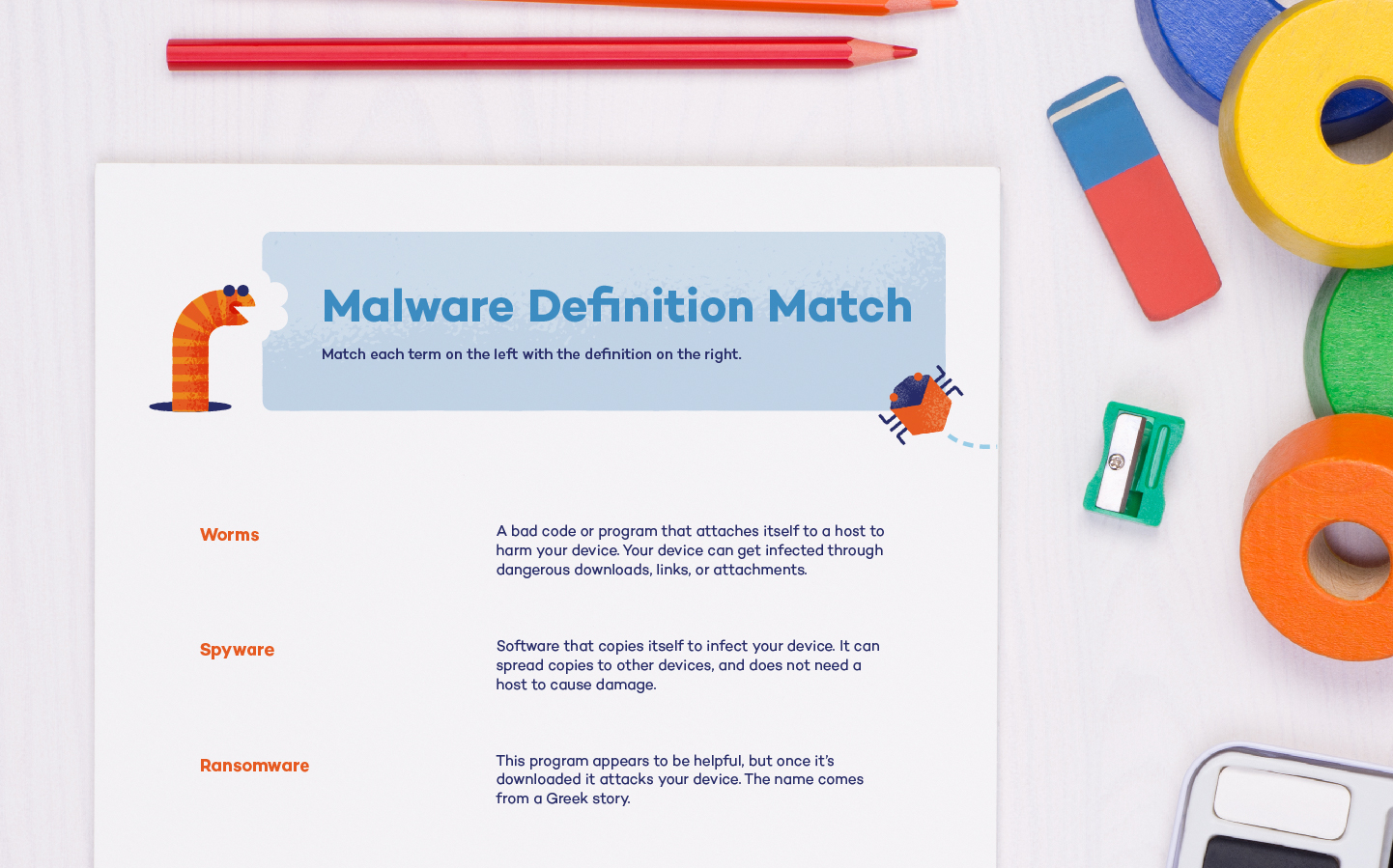
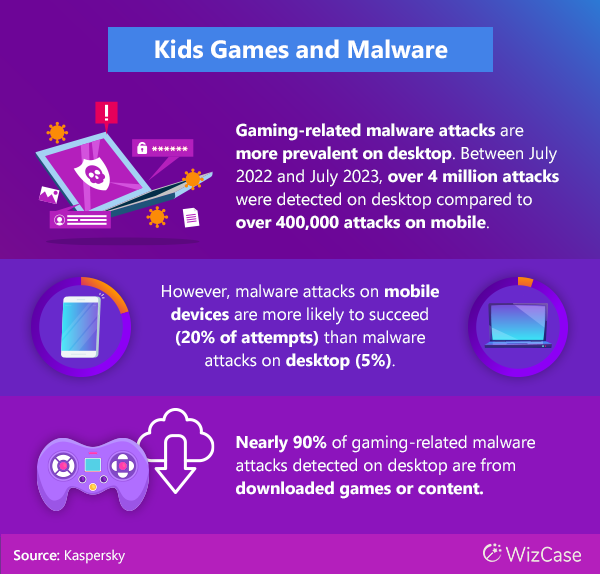
Digital devices sit at the center of modern childhood learning and play, transforming how children explore the world. Elementary students regularly navigate tablets, shared family laptops, and school-issued Chromebooks long before they understand the invisible mechanics of the internet. Children usually encounter digital risks not through malicious intent, but through accidental clicks on bright popup ads in free mobile games, unverified download buttons on video streaming platforms, or shared device environments. Introducing technical concepts like malicious software to young minds requires care, avoiding fear-based warnings while building reliable protective habits. Using the free printable “malware meaning for kids” available on {site_name} transforms an abstract cybersecurity threat into an approachable conversation about digital hygiene. This educational worksheet grounds safety education in tactile learning, helping adults guide children toward smart choices without inducing anxiety.
💡 Educational Key Takeaways:
- Core Skill: Structured Malware Meaning For Kids focused on developing pencil grip, stroke control, and early literacy/math confidence.
- Target Scope: Suited for homeschoolers, preschool, kindergarten, and elementary learners.
- Best Recommendation: Practice 10–15 minutes daily with ergonomic writing tools to reinforce muscle memory without hand fatigue.
What This Printable Covers
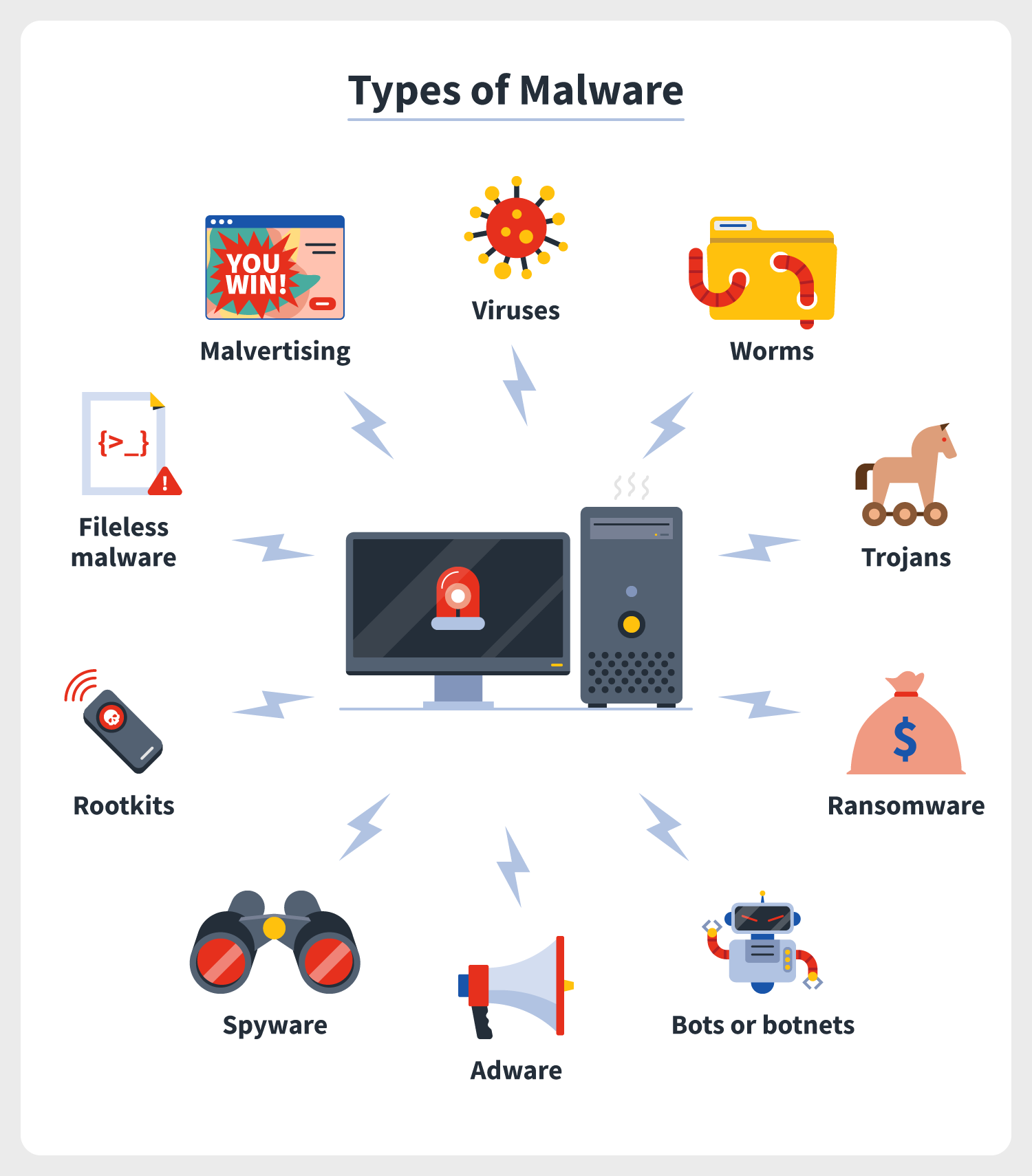
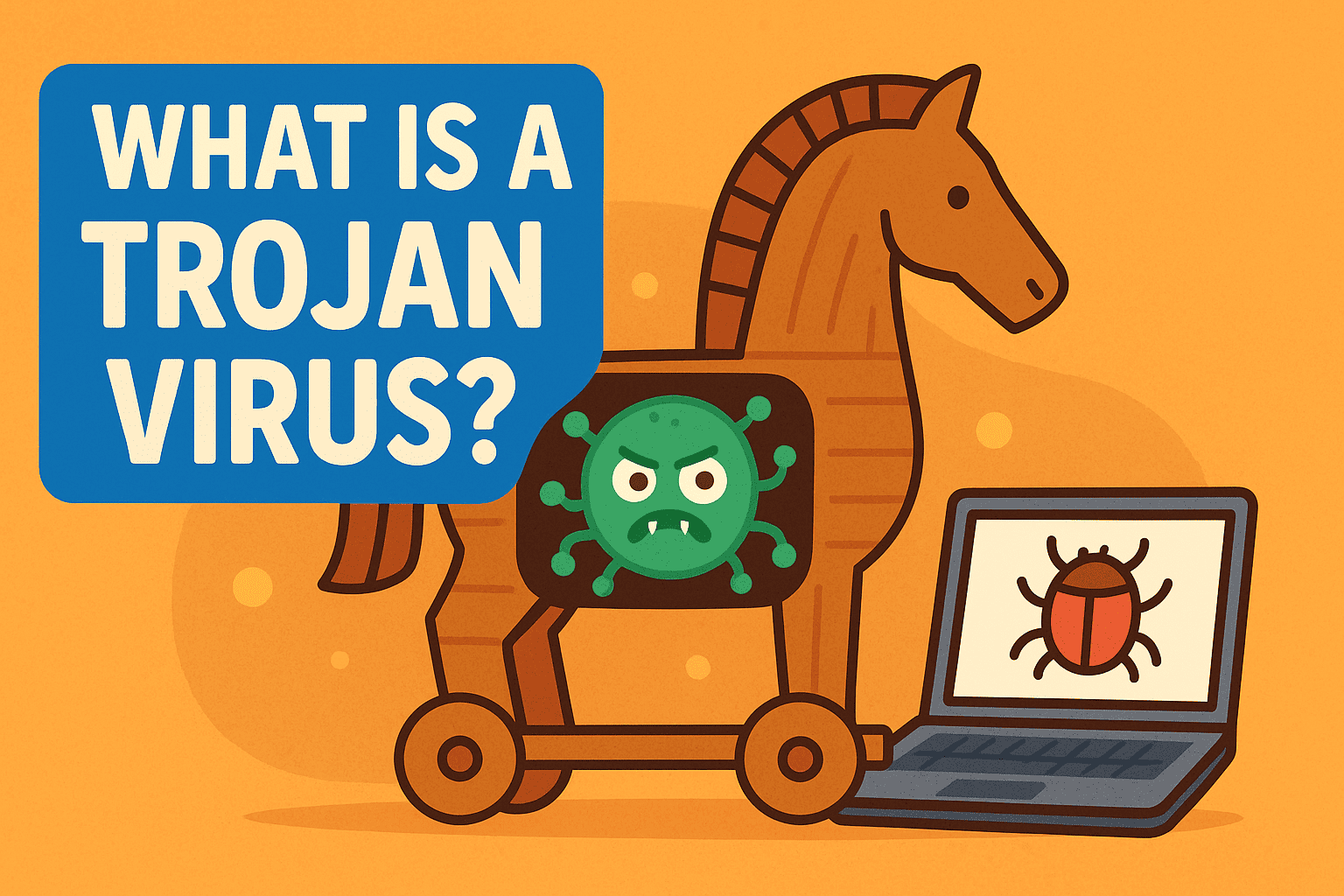
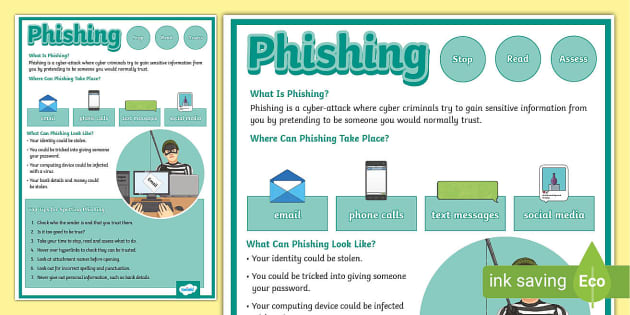
Demystifying complex technology starts with translating industry jargon into kid-friendly language. This resource breaks down unwanted downloads, strange popups, and device slowdowns into relatable concepts that make sense to an eight-year-old. Children learn that not everything on a screen is trustworthy, much like accepting an unlabeled piece of candy from a stranger. The exercise guides students through the difference between safe educational websites and risky download prompts that promise free game upgrades or virtual coins. Practicing these concepts through specific skill-building exercises reinforces critical thinking whenever a child faces a confusing prompt on a shared tablet or in-game chat window.
Key Learning Outcomes
Completing this activity empowers learners to spot red flags before clicking buttons or downloading files. Students practice identifying safe paths on the internet, recognizing the warning signs of a suspicious link, and understanding why asking a trusted adult before installing anything is essential. According to the Federal Trade Commission, children frequently encounter misleading advertisements and deceptive download prompts while playing online games, making early habit-formation vital. Children also learn that if something strange happens to a device, they are never in trouble for reporting the issue immediately. Building this confidence turns the home or classroom into a safe space where mistakes serve as teachable moments rather than sources of shame.
How to Use This Printable
Integrating this resource into a daily routine requires minimal preparation and yields maximum engagement. Educators can slide the activity sheets into morning work folders or integrate them into broader media literacy units found within the printable activities library. Parents find success using the sheet during afternoon homework sessions or weekend check-ins around device usage. It sounds simple, and that is the point. Coloring, tracing, and matching exercises remove the intimidation factor of cybersecurity, allowing children to absorb foundational digital citizenship concepts through creative expression and guided discussion.
Practical Tips for Parents and Teachers
Maximizing the educational value of the printable involves pausing for open-ended conversations rather than rushing to finish the page. Adults can ask guiding questions such as, “What would you do if a shiny button promised you free gems in your favorite game?” This approach encourages critical thinking rather than rote memorization of safety rules. Establishing clear boundaries around device use—such as keeping screens in common areas where adults can monitor activity—further reinforces the lessons practiced on the page. Exploring additional resources via the internet and digital safety portal provides endless inspiration for ongoing discussions about healthy screen habits.
Age-Appropriate Recommendations
Tailoring digital safety education to developmental milestones ensures that messages resonate without overwhelming young learners. For children ages five to seven, keep explanations brief, focusing on basic rules like asking an adult before clicking anything new. Students ages eight to twelve can handle deeper conversations about data privacy, strong passwords, and the mechanics of unwanted software. Aligning these lessons with the Common Sense Education Digital Citizenship Curriculum provides a structured framework that supports social-emotional learning alongside technical literacy. No single handout guarantees safety, but consistent, age-appropriate guidance builds resilient habits that protect children as they grow more independent online.
According to Common Sense Media research, a significant percentage of elementary-aged children regularly use shared mobile devices and encounter inappropriate advertising or misleading download links during casual gaming. — Common Sense Media
Frequently Asked Questions
Clear answers help educators and families implement digital citizenship tools effectively. The following common questions address downloading, learning strategies, and expert recommendations.
According to the National Center for Missing & Exploited Children (NCMEC), teaching children open communication lines with trusted adults is one of the most effective strategies for mitigating online risks. — NCMEC
Explore More Free Kids Online Safety Printables
Expanding a child’s digital literacy toolkit takes continuous reinforcement and varied activities. Educators and families can discover supplementary tools across the platform, including creative options listed under the coloring pages archive. Pairing these materials with lessons from the online and digital safety collection ensures a well-rounded approach to modern citizenship. Every conversation and completed activity builds another layer of confidence, preparing children to navigate the digital world safely and smartly.
Developmental Milestone & Activity Table
| Development Stage | Recommended Daily Duration | Primary Learning Objective |
|---|---|---|
| Preschool & Pre-K | 10 – 15 Minutes | Pencil grip development & basic pre-stroke lines |
| Kindergarten | 15 – 20 Minutes | Letter/number formation & spatial line awareness |
| Early Elementary (Grade 1–2) | 20 – 30 Minutes | Fluency, sentence construction & neatness |
Images References