Introduction
Children encounter technology long before they learn the technical terminology behind it. Young learners frequently tap through shared household tablets, navigate in-game chat features on popular gaming platforms, or stream videos on family devices. These digital pathways bring immense wonder and learning potential, but they also expose users to unexpected pop-ups, misleading download buttons, and unverified links. Introducing foundational concepts early helps turn abstract risks into manageable, understandable habits. Equipping students with the right language transforms fear into confidence, building essential media literacy from an early age. Related guide: 5 Cyber Safety Tips Symbols That Can Be Read By The Grede 7 Students.
💡 Educational Key Takeaways:
- Core Skill: Structured Malware Definition For Kids focused on developing pencil grip, stroke control, and early literacy/math confidence.
- Target Scope: Suited for homeschoolers, preschool, kindergarten, and elementary learners.
- Best Recommendation: Practice 10–15 minutes daily with ergonomic writing tools to reinforce muscle memory without hand fatigue.
What This Printable Covers
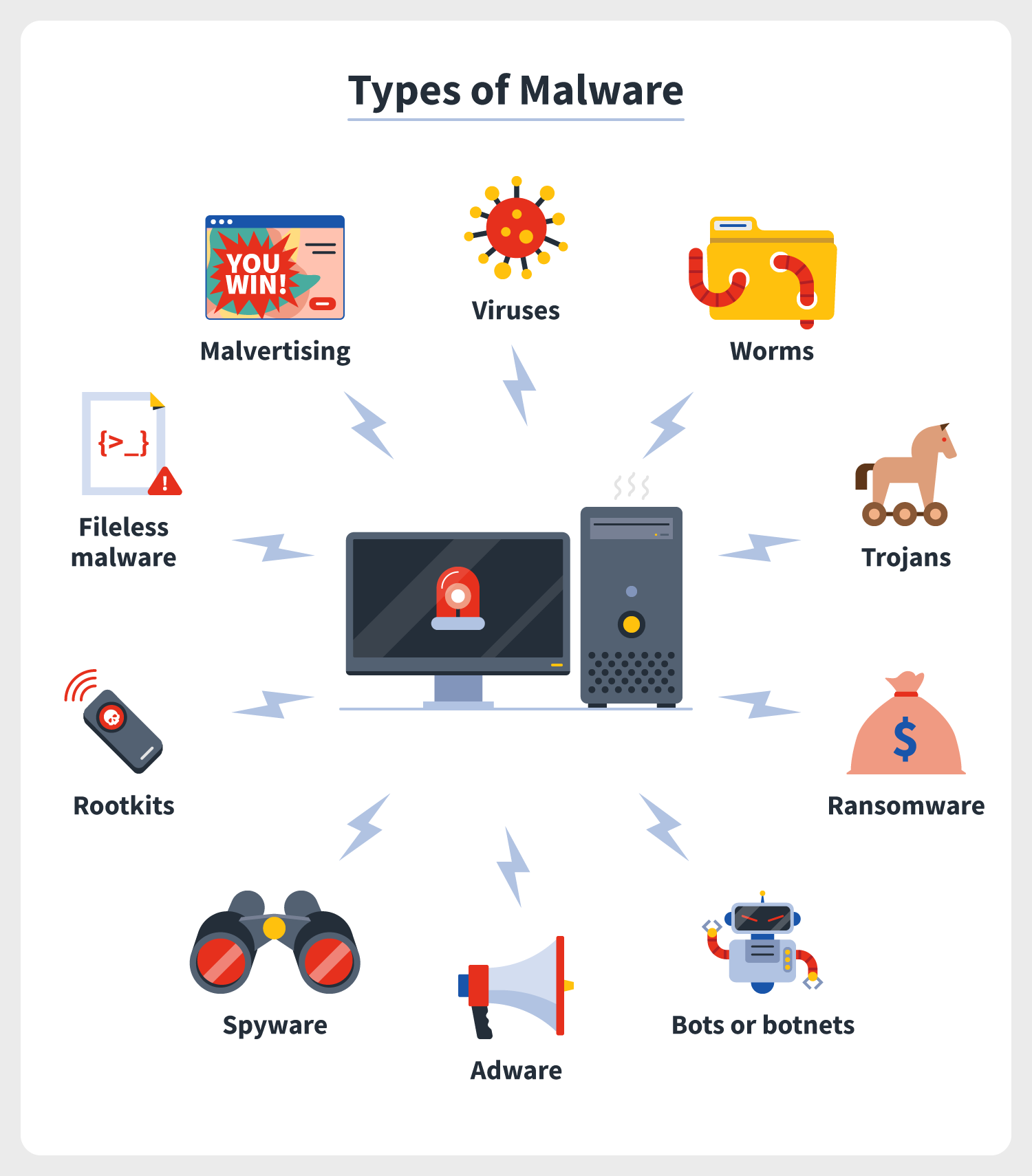
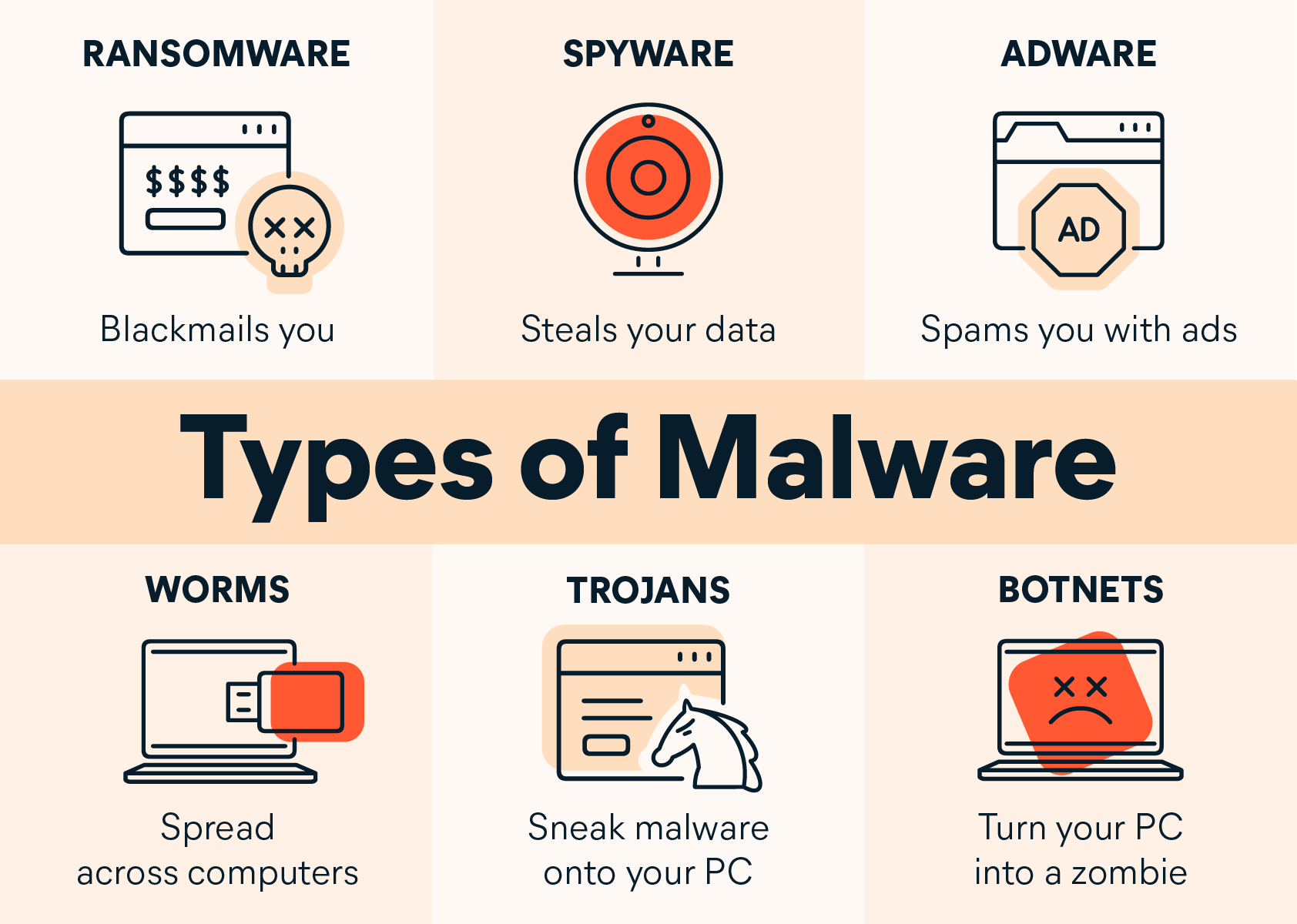
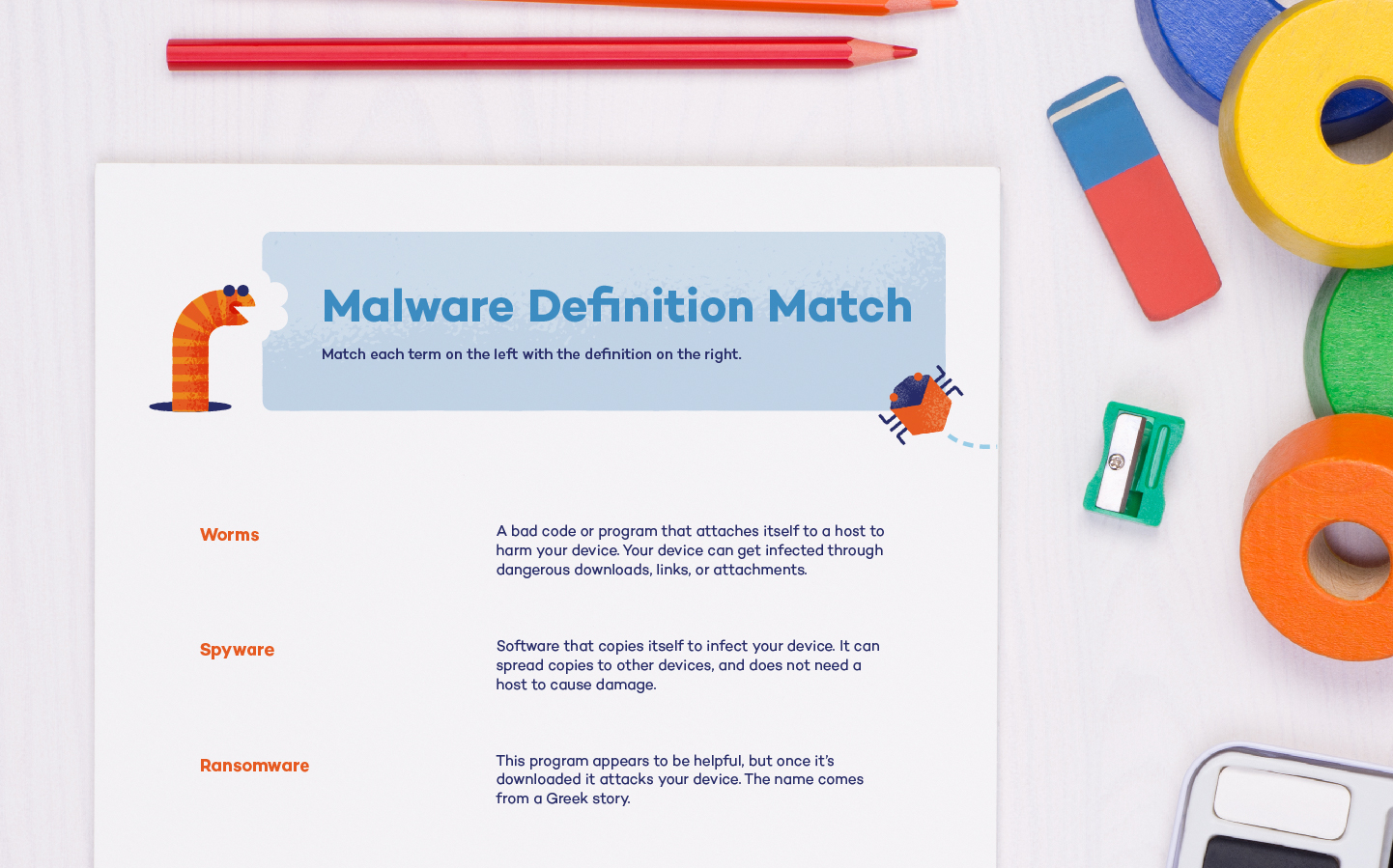
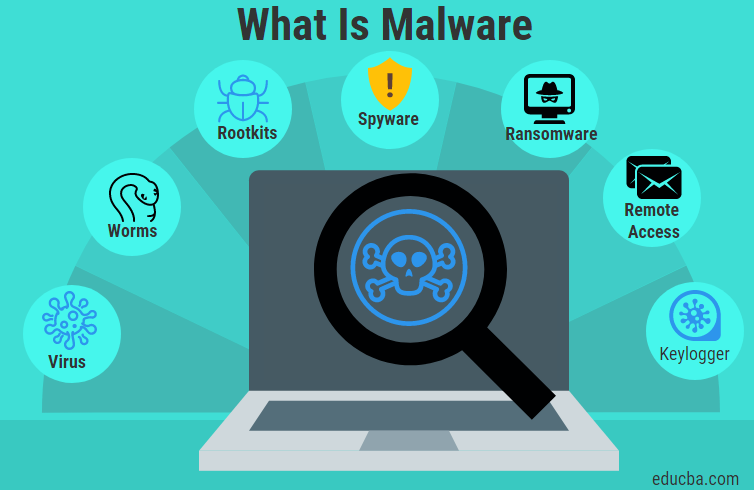
The free printable malware definition for kids translates complex cybersecurity jargon into kid-friendly concepts. Rather than focusing on terrifying scenarios, the resource explains computer glitches and unwanted software through relatable metaphors, comparing digital pests to sticky notes or uninvited guests. It introduces core protective habits, including keeping personal information private, recognizing suspicious links, and pausing before clicking unfamiliar buttons. Crucially, the material emphasizes that children are never in trouble for reporting an uncomfortable digital encounter to a trusted adult.
Key Learning Outcomes
Working through this activity sheet reinforces safety messages while opening the door to vital adult-child conversations. It sounds simple, and that’s the point. Coloring reinforces safety messages because tactile engagement frees the brain to process difficult vocabulary without stress. Learners practice the specific skill of identifying red flags, such as flashing banners promising free prizes or unexpected downloads. Educators and parents can use the worksheet to observe how children interpret digital prompts, guiding them toward safe choices like strong passwords and open communication.
How to Use This Printable
Classrooms and living rooms serve as ideal laboratories for digital citizenship practice. Adults can introduce the handout during morning meetings, tech-readiness lessons, or library periods as part of broader Internet and Digital Safety initiatives. Here’s what makes this resource different: it prompts discussion rather than imposing rigid rules. Grown-ups should read alongside learners, pausing to ask open-ended questions about what to do when a strange pop-up appears on screen. The physical act of coloring or completing the puzzle anchors the cognitive lesson, making abstract internet concepts concrete and memorable.
Practical Tips for Parents and Teachers
Facilitating a productive conversation requires a calm, empowering tone that frames safety as a skill to build, never a threat to dread. Adults should normalize the reality that digital mistakes happen to everyone, reinforcing the golden rule of reporting strange device behavior immediately. Collaborative learning works wonders here; sitting side-by-side during a device session allows educators and families to spot teachable moments in real time. Exploring additional Worksheets can further solidify these protective habits across different subjects and grade levels.
Age-Appropriate Recommendations
Kindergartners and first graders require simple, visual definitions focusing on asking an adult before clicking anything new. Second through fourth graders can grasp the concept of unwanted software as digital litter, aligning closely with the Common Sense Education Digital Citizenship Curriculum framework for media balance and privacy. Upper elementary students in fifth grade benefit from deeper discussions surrounding file downloads, app permissions, and the importance of strong, unique passwords. Tailoring the conversation to developmental stages ensures children absorb the right level of detail without feeling overwhelmed.
According to Common Sense Media, the vast majority of children have access to mobile devices before starting kindergarten, making early digital citizenship education essential for safe navigation. — Common Sense Media
Frequently Asked Questions
How do educators download and print this resource? Simply click the download link on the page, save the PDF file to a local device, and print directly from any standard home or school printer using regular paper.
How does this printable support online safety learning? It breaks down complex cybersecurity terminology into relatable concepts, using creative exercises to reinforce good digital habits and encourage open adult-child dialogue.
What do organizations like the Federal Trade Commission recommend for kids online? According to the Federal Trade Commission, families should establish clear device rules, discuss privacy regularly, and keep communication channels open so children report digital concerns without fear.
According to the Federal Trade Commission, open dialogue between children and trusted adults remains one of the most effective tools for preventing online exploitation and digital risks. — Federal Trade Commission
Explore More Free Kids Online Safety Printables
Building lasting digital resilience takes consistent practice and diverse learning formats. Educators and families can browse our collection of Coloring Pages to find engaging visual aids for younger learners. Discovering additional resources under Online and Digital Safety helps create a comprehensive, multi-layered approach to teaching responsible technology use both at school and at home.
Developmental Milestone & Activity Table
| Development Stage | Recommended Daily Duration | Primary Learning Objective |
|---|---|---|
| Preschool & Pre-K | 10 – 15 Minutes | Pencil grip development & basic pre-stroke lines |
| Kindergarten | 15 – 20 Minutes | Letter/number formation & spatial line awareness |
| Early Elementary (Grade 1–2) | 20 – 30 Minutes | Fluency, sentence construction & neatness |
Images References