Introduction
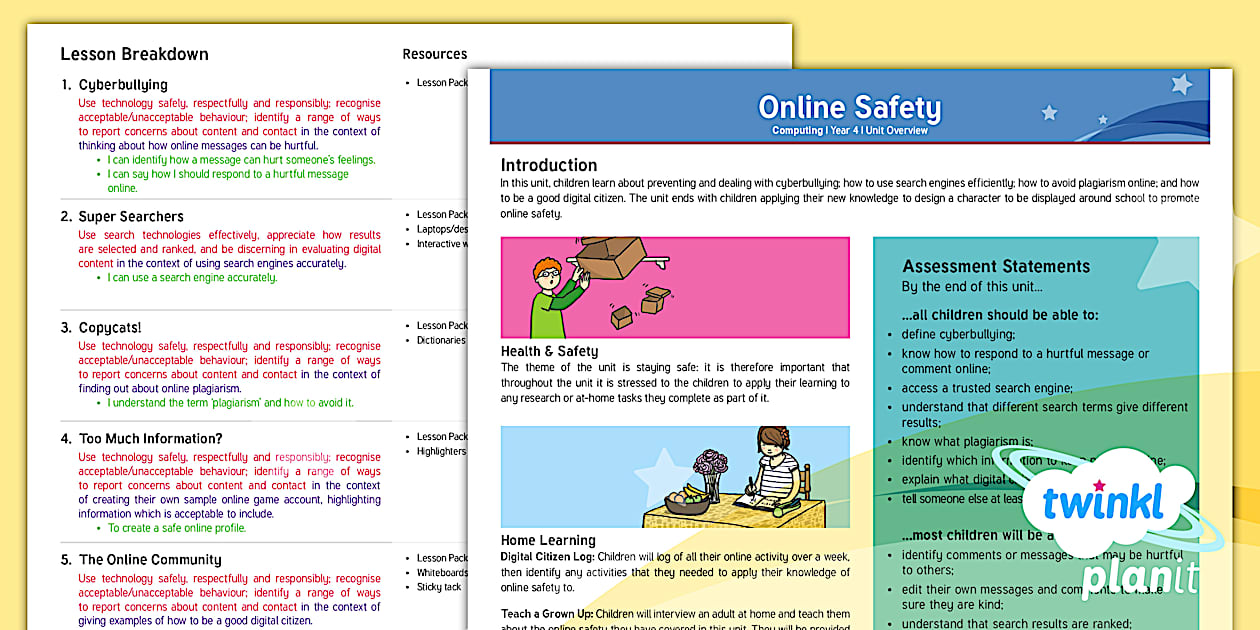
Children encounter digital environments long before reaching double digits, often starting with family tablets, shared gaming consoles, and streaming video platforms. Modern kids navigate these spaces intuitively, yet the underlying mechanics of online privacy remain entirely abstract to young minds. Teaching digital citizenship requires moving beyond simple screen time limits into proactive habit building. Educators and caregivers need accessible tools that bridge the gap between abstract internet rules and daily online behavior. The free printable internet safety resources educators summary for {site_name} provides a structured roadmap designed precisely for this purpose. Framing digital safety as a life skill transforms a daunting topic into an approachable daily practice. Related guide: Teachers Of Grades 9–12 Should Expand Internet Safety Instruction To Include Which Of The Following Topics?.
💡 Educational Key Takeaways:
- Core Skill: Structured Internet Safety Resources Educators Summary focused on developing pencil grip, stroke control, and early literacy/math confidence.
- Target Scope: Suited for homeschoolers, preschool, kindergarten, and elementary learners.
- Best Recommendation: Practice 10–15 minutes daily with ergonomic writing tools to reinforce muscle memory without hand fatigue.
What This Printable Covers
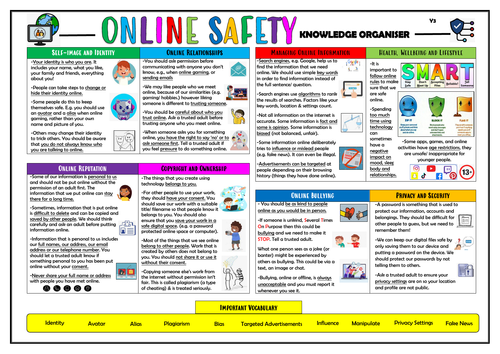
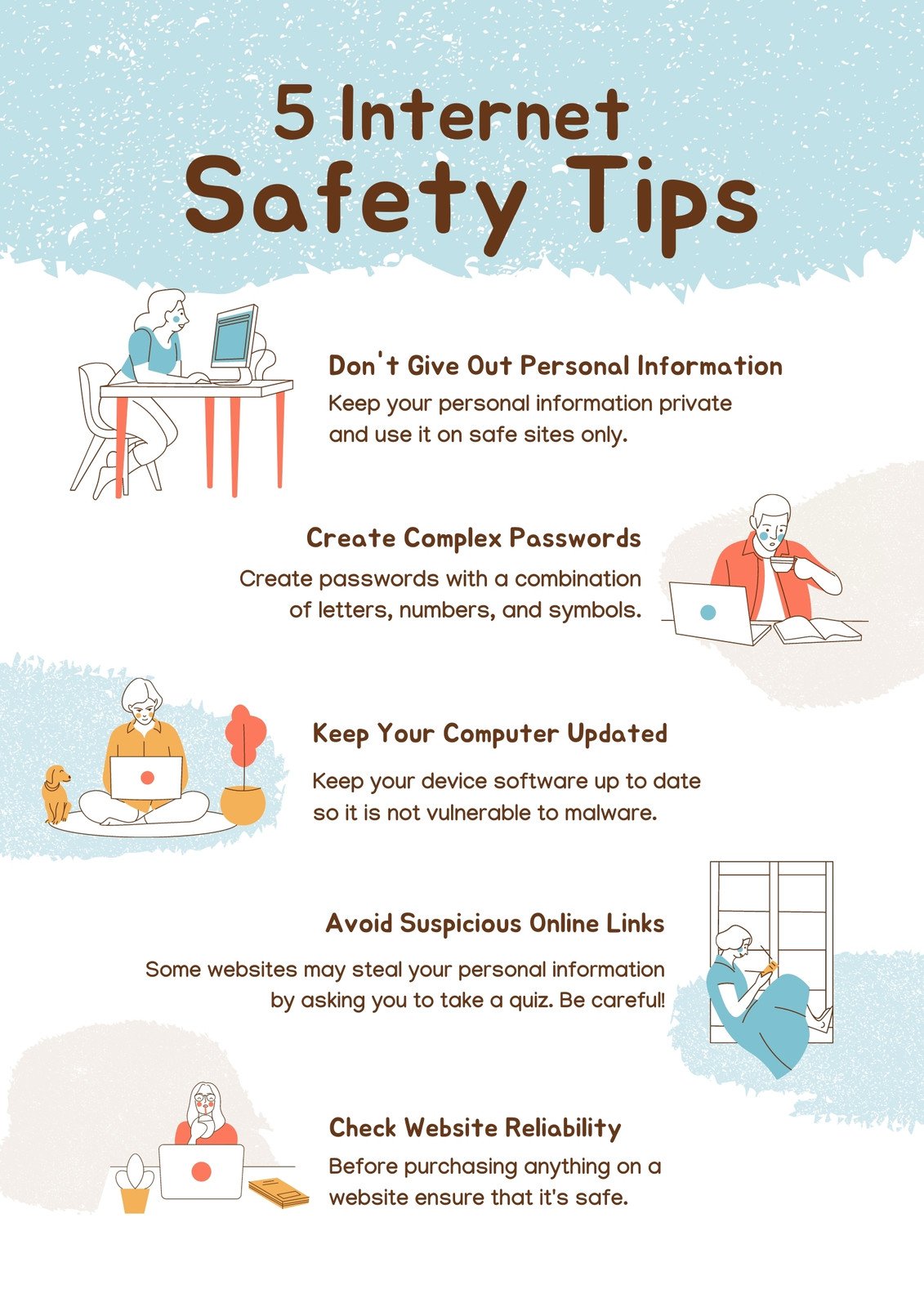
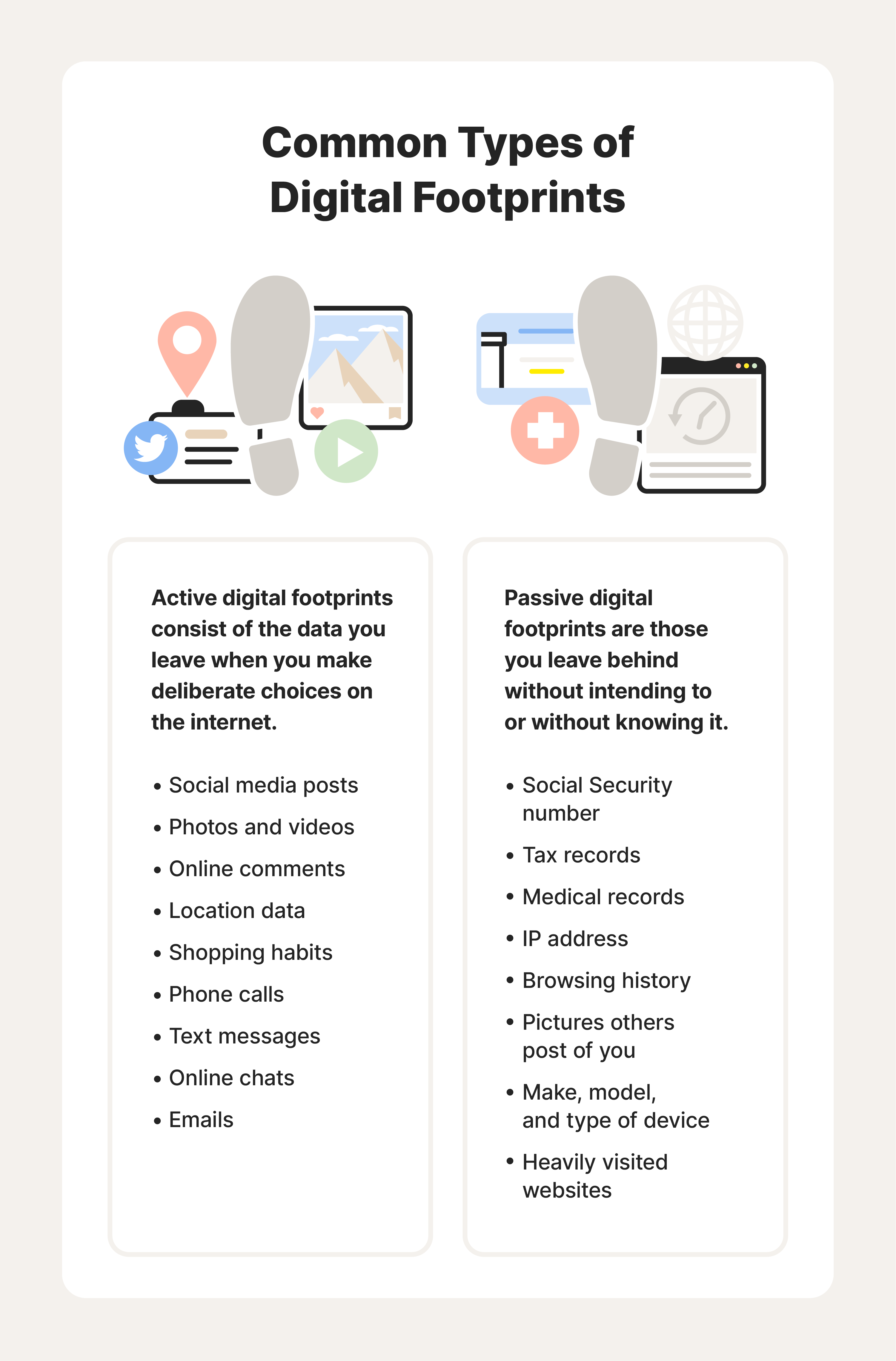
Effective learning guides must focus on actionable protective habits rather than vague warnings. This resource highlights foundational digital literacy concepts, including password strength, private information boundaries, and the importance of pausing before sharing. It sounds simple, and that’s the point. Young learners grasp rules best when broken down into concrete, memorable behaviors. Instead of fearing online spaces, children learn to recognize the digital footprints they leave behind. Furthermore, the material reinforces the golden rule of online reporting: children are never in trouble for coming forward when something feels uncomfortable or confusing on a screen.
Key Learning Outcomes
Students using this material develop critical thinking skills that apply directly to in-game chats, multiplayer video platforms, and social apps. According to Common Sense Media research regarding media habits, young children spend significant portions of their daily routines interacting within digital environments, making early guidance essential. Learners practice identifying what constitutes personal data, such as home addresses, full names, and school locations. They also learn to distinguish between safe adult guidance and unfamiliar digital contacts. Ultimately, participants build the confidence to pause, think, and seek help whenever a digital interaction turns strange or overwhelming.
How to Use This Printable
Classrooms and living rooms function best as safe laboratories for testing real-world scenarios. Adults can integrate this guide during morning meetings, technology orientation sessions, or family dinner conversations. Here’s what makes this resource different: it relies on guided discussion rather than rote memorization. Educators prompt children to talk through hypothetical online dilemmas, transforming passive reading into active problem-solving. This interactive approach ensures that safety rules transition smoothly from paper into everyday digital habits across Internet and Digital Safety topics.
Practical Tips for Parents and Teachers
Consistency remains the bedrock of effective digital citizenship education. Adults should normalize talking about online experiences the same way they discuss playground safety or pedestrian rules. Keep conversations calm, curious, and non-judgmental to ensure kids feel secure speaking up. When a child reports a weird pop-up or an uncomfortable message in a game chat, validate that courage immediately. Pairing this summary with hands-on practice helps reinforce core concepts. Additional learning tools can be found within curated collections of Worksheets designed for young students.
Age-Appropriate Recommendations
Developmental stages dictate how children process abstract digital risks. Younger elementary students thrive on concrete rules, such as never typing a name without asking a grown-up first. Upper elementary learners require more nuanced discussions regarding digital footprints, peer pressure in chat rooms, and critical evaluation of online content. Aligning lessons with the Common Sense Education Digital Citizenship Curriculum ensures that activities match cognitive milestones. Educators can also explore Online and Digital Safety modules for tailored age brackets.
Children frequently encounter digital risks through everyday shared devices and multiplayer in-game chats, highlighting the need for early habit building — Pew Research Center
Frequently Asked Questions
Navigating digital citizenship education brings up practical questions for both home and school environments. Clear answers help adults implement these resources effectively.
Explore More Free Kids Online Safety Printables
Expanding a digital citizenship library ensures children receive continuous reinforcement throughout the school year. Educators and parents can discover creative approaches by browsing through vibrant Coloring Pages that spark foundational conversations. Combining multiple resource types creates a comprehensive, engaging curriculum that keeps young minds safe and empowered online.
Developmental Milestone & Activity Table
| Development Stage | Recommended Daily Duration | Primary Learning Objective |
|---|---|---|
| Preschool & Pre-K | 10 – 15 Minutes | Pencil grip development & basic pre-stroke lines |
| Kindergarten | 15 – 20 Minutes | Letter/number formation & spatial line awareness |
| Early Elementary (Grade 1–2) | 20 – 30 Minutes | Fluency, sentence construction & neatness |
Images References