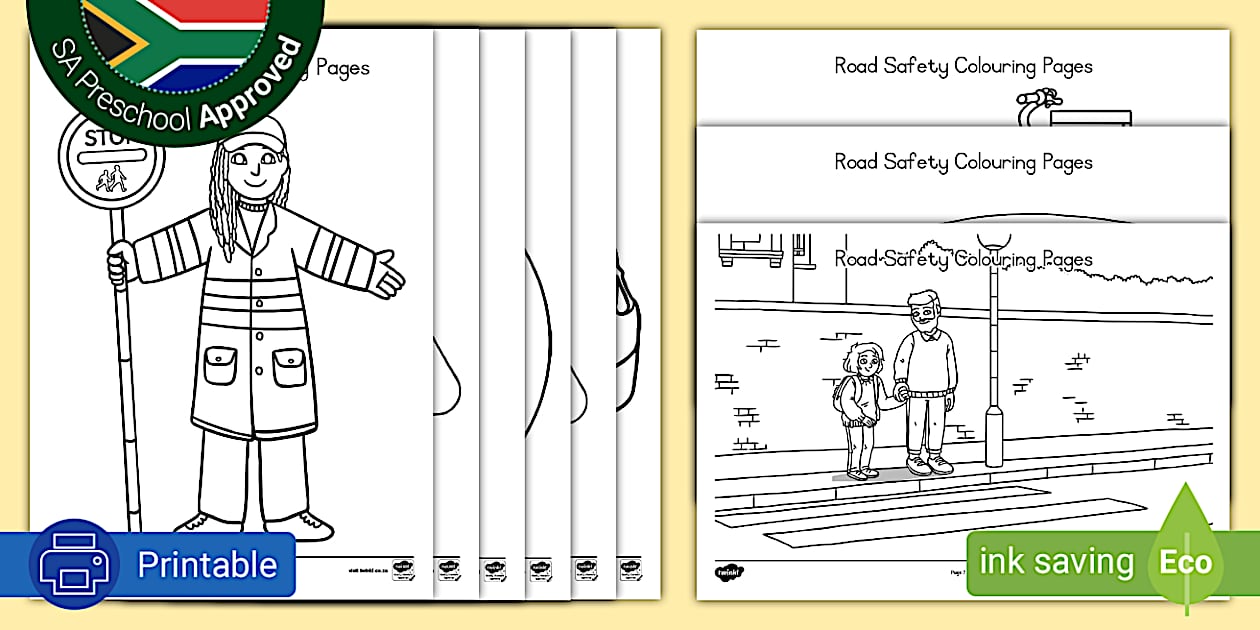
Blending Offline Health with Online Habits Through Bike Safety Color Pages For Children
When educators and parents search for bike safety color pages for children, they are usually looking for creative offline activities to teach kids how to wear helmets properly and navigate neighborhood streets. However, in our hyper-connected classrooms and homes, children often encounter these educational printables by searching the web independently. According to youth privacy guidance from organizations like ConnectSafely and the FTC, teaching digital discernment must extend to every online search query. Ensuring that children access educational worksheets through safe, curated channels protects them from pop-up ads, malicious search redirects, and inappropriate tracking while they look for fun learning materials.
💡 Activity Key Takeaways:
- Core Focus: Printable Bike Safety Color Pages For Children designed for creative expression and fine-motor coordination.
- Target Scope: Ideal for toddlers, preschool, kindergarten, and classroom art activities.
- Best Recommendation: Use standard heavy printer paper (24–28 lb) or cardstock for vibrant results with crayons, colored pencils, or washable markers.
Technical Risk Signals and Preventive Guardrails for Digital Downloads
Young learners frequently download resources using family tablets, school Chromebooks, or personal mobile phones. Unfiltered image and worksheet searches can expose kids to deceptive advertising or unverified links. Adults should implement age-appropriate device controls, safe search filters, and strict classroom policies to keep browsing secure while students look for bike safety color pages for children.
| Setting / Context | Common Vulnerability | Practical Safeguard |
|---|---|---|
| Home Tablets & Laptops | Unfiltered search engine results displaying misleading download links or ads. | Lock down browser settings with strict safe search parameters and use ad-blocking extensions. |
| School Chromebooks | Accessing unverified third-party hosting sites that prompt unwanted software downloads. | Rely strictly on institutional networks and pre-approved educational resource portals found in Coloring Pages libraries. |
| Interactive Chat & Messaging | Peers sharing direct URL links to unvetted external websites during remote learning hours. | Establish clear communication guidelines and direct students to consult teachers before clicking unknown links. |
Establishing Healthy Digital Workflows and Safe Printing Routines
Integrating creative activities into a broader digital citizenship curriculum requires clear, proactive habits. Instead of leaving children to navigate search engines alone, parents and teachers should bookmark trusted repositories ahead of time. Educators can streamline classroom policy communication by pre-printing activity bundles or using dedicated portals found in Worksheets categories. When children need digital access, adults should sit alongside them to demonstrate how to evaluate website credibility, identify secure HTTPS protocols, and close unexpected pop-ups calmly. Fostering a supportive environment ensures children feel comfortable reporting strange pop-ups or accidental redirects without fear of punishment, reinforcing the reporting workflows recommended by CISA.
Children are naturally curious and quickly find workarounds if technical filters feel overly restrictive or if device rules are communicated through blanket prohibitions. When students encounter blocked sites while searching for bike safety color pages for children, they may attempt to bypass network restrictions or click on sketchy mirror sites. Rather than relying solely on hard technical blocks, educators and parents should explain the reasoning behind digital safety rules. Pairing technical safeguards with calm, transparent conversations helps children understand why certain domains are blocked and teaches them how to recognize safe web environments independently.
Frequently Asked Questions About Safe Digital Searches
How can I prevent kids from clicking malicious ads while searching for educational printables?
Always bookmark trusted educational domains in advance and use browser extensions that block third-party advertisements and pop-ups. Guiding children to curated hubs keeps them away from unverified search engine results entirely.
Are free printable websites safe for elementary school students to browse alone?
Many free resource sites rely heavily on aggressive advertising networks that can display inappropriate pop-ups or deceptive download buttons. Children should always browse these sites under adult supervision or access pre-screened collections.
What should I do if a child encounters an inappropriate pop-up or redirect online?
Praise the child for coming forward immediately, remain calm, and close the browser window together. Use the incident as a teachable moment to discuss digital boundaries and reinforce open communication.
Explore More Digital Citizenship Resources
Keeping children safe across both physical activities and digital spaces requires ongoing collaboration between home and school. To discover additional guides, interactive lesson plans, and safety frameworks, visit SafeWiredSchools.org to support your students’ complete digital well-being.
Visual Reference Gallery