Why Blending Physical Safety with Digital Creativity Matters
As K-12 educators and parents look for engaging ways to reinforce essential life skills, blending creative activities with foundational lessons proves remarkably effective. Utilizing a bicycle safety coloring picture offers a gentle, low-pressure entry point to discuss helmet laws, road rules, and street awareness with young children. However, because many families download these creative sheets directly from search engines or educational platforms, adults must guide students safely through the digital landscape. Aligned with guidance from organizations like ConnectSafely and the Family Online Safety Institute (FOSI), teaching children to navigate the web safely while searching for fun activities ensures that their creative time remains secure and protected from hidden online tracking or malicious ad networks.
💡 Activity Key Takeaways:
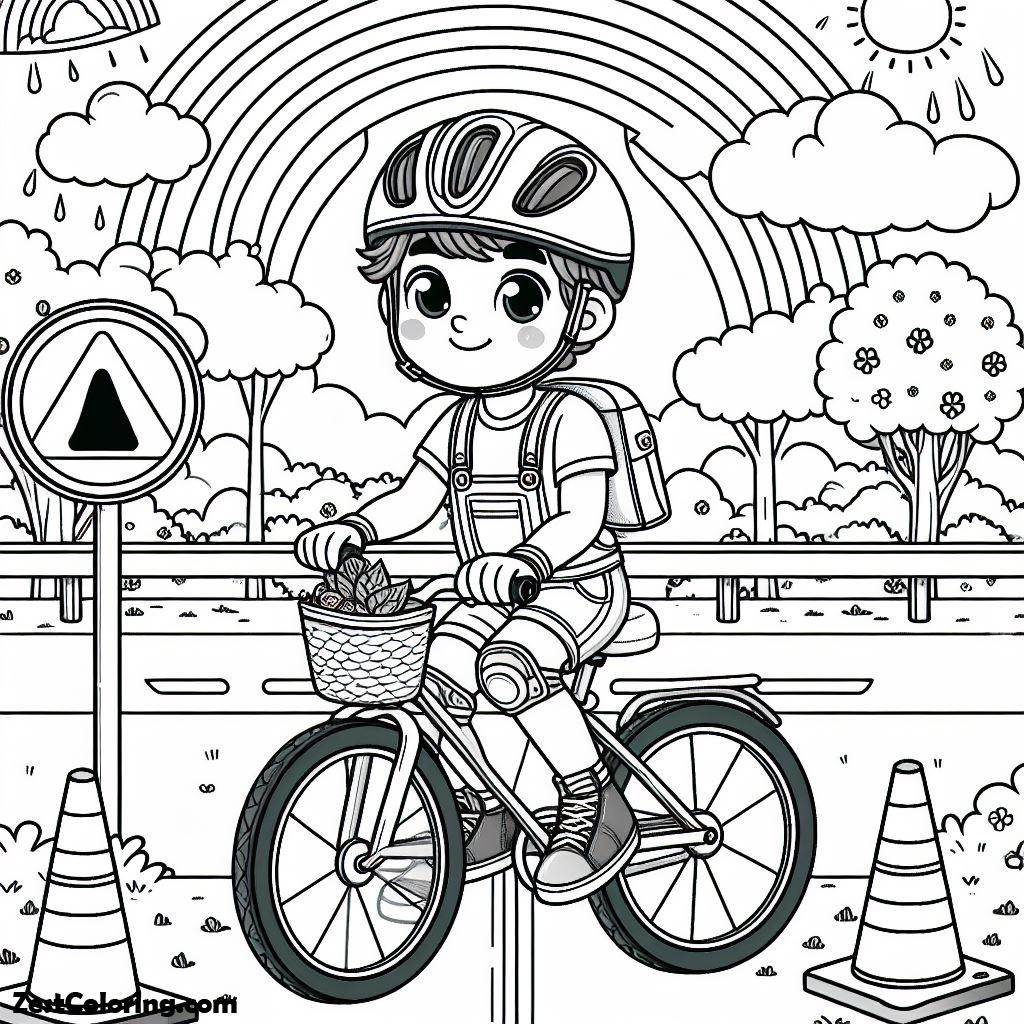
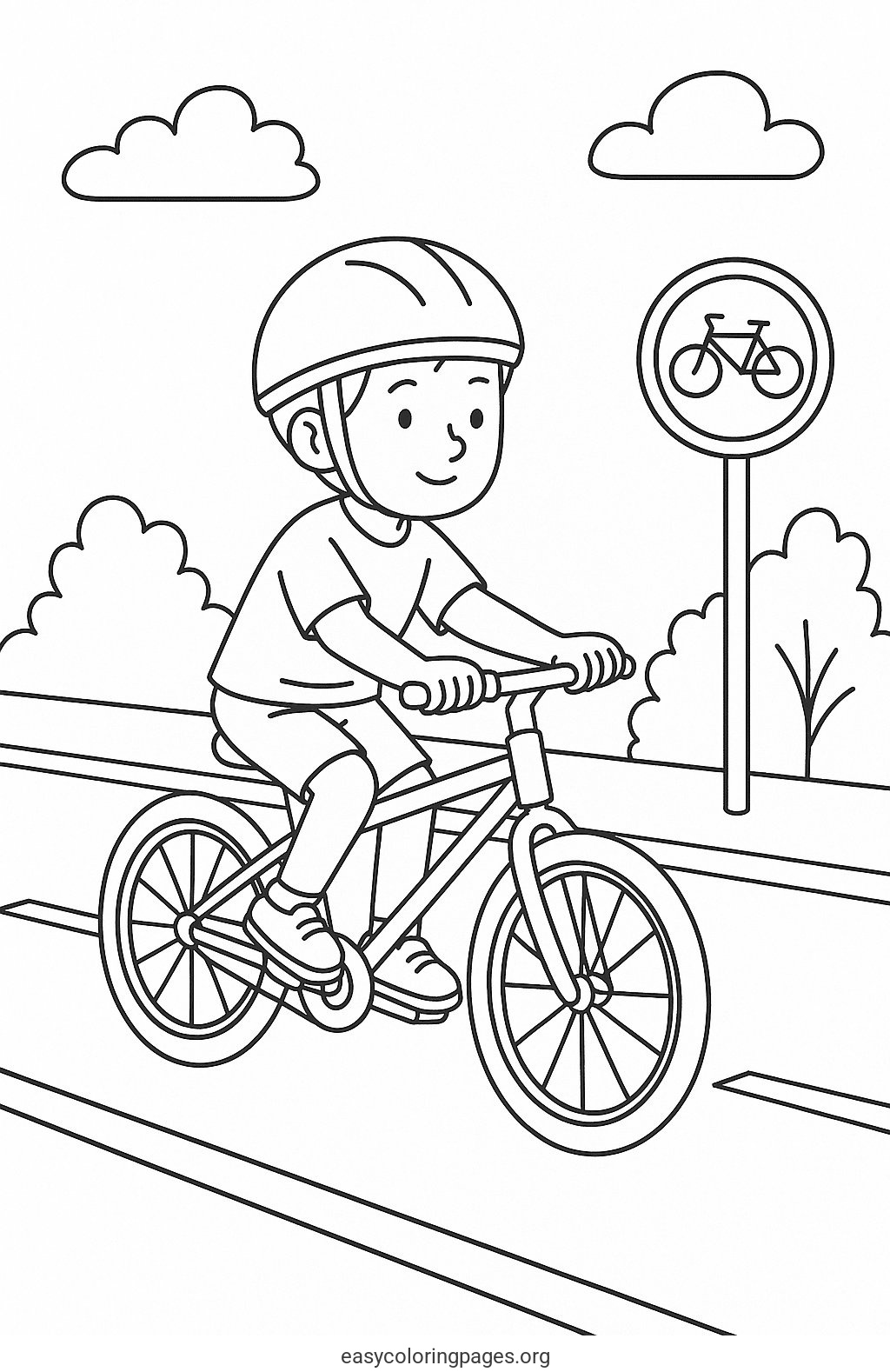
- Core Focus: Printable Bicycle Safety Coloring Picture designed for creative expression and fine-motor coordination.
- Target Scope: Ideal for toddlers, preschool, kindergarten, and classroom art activities.
- Best Recommendation: Use standard heavy printer paper (24–28 lb) or cardstock for vibrant results with crayons, colored pencils, or washable markers.
Assessing the Digital Landscape of Printable Activities
While a simple printable activity seems entirely harmless, the websites hosting these files often expose young users to cluttered interfaces, targeted ads, or misleading download buttons. Adults managing school networks and home tablets need clear strategies to spot risk signals before handing a device to a child. The following breakdown highlights common digital vulnerabilities associated with downloading creative resources and outlines the practical safeguards required to maintain a secure environment. Related guide: Two Factor Authentication Coloring Page Kids.
| Setting / Context | Common Vulnerability | Practical Safeguard |
|---|---|---|
| Home Devices & Tablets | Malicious pop-up ads mimicking download buttons on free resource sites. | Pre-download the PDF yourself, or use curated platforms found in trusted Coloring Pages directories. |
| School Chromebooks | Unfiltered search engine results directing students to external, ad-heavy domains. | Enforce strict DNS filtering and route students through approved school resource hubs like Worksheets repositories. |
| Interactive Chat & Sharing Apps | Accidental sharing of personal details on public student art-sharing forums. | Review all interactive platforms to ensure privacy defaults are maximized and communication features are disabled. |
Establishing Healthy Download and Device Habits
Protecting children online does not mean shielding them from every creative outlet; rather, it involves building resilient digital habits. Parents and teachers should establish a transparent routine where device usage happens in common, observable areas of the home or classroom. When looking for a bicycle safety coloring picture, make the search a collaborative learning experience. Sit alongside the child, type the trusted URL together, and model how to evaluate whether a website is safe before clicking. Furthermore, reinforce good foundational habits by pairing these art activities with structured Internet and Digital Safety discussions so students understand why vetting websites matters.
Overcoming Pitfalls and Managing Student Workarounds
Children are naturally curious and quickly find workarounds if device controls feel overly restrictive or punitive. If a student encounters a blocked website while trying to find a bicycle safety coloring picture, a harsh ban often breeds secrecy rather than compliance. Instead of relying solely on heavy-handed blocks, use these moments as teachable windows. Explain calmly why certain ad banners pose security risks and show them how to navigate back to safe, pre-approved educational repositories. Keeping communication open and free from shame ensures that children will readily alert an adult if they stumble upon strange pop-ups or inappropriate content.
Frequently Asked Questions About Safe Digital Crafting
Are free printable coloring websites safe for young children to browse independently?
Not always. Many free resource sites rely on aggressive advertising models that feature misleading download buttons capable of installing unwanted software. It is always best for an adult to curate and download the files beforehand.
How can teachers safely integrate printable activities into a connected classroom?
Teachers should preload selected files directly onto a secure school drive, learning management system, or cloud folder. This bypasses the need for live web browsing during class time entirely.
What should I do if a child clicks an unsafe ad by accident?
Stay calm, close the browser window immediately, and run a quick security check on the device if necessary. Use the incident as a brief, reassuring conversation about why we check with an adult before clicking unfamiliar links.
Explore More Digital Citizenship Resources
Fostering safe digital habits alongside everyday learning experiences helps children build lifelong cyber resilience. To discover more practical guides, downloadable safety checklists, and expert advice for families and educators, visit SafeWiredSchools.org today.
Printable Coloring Page Previews