Blending Offline Protective Habits with Screen Time Using Bike Safety Color Pages For Children Printable
When educators and parents search for bike safety color pages for children printable, they are usually looking for a screen break or a creative classroom activity. However, blending physical safety lessons with digital resources provides an unexpected opportunity to talk about online habits. Organizations like ConnectSafely and the Family Online Safety Institute (FOSI) emphasize that kids learn best when offline concepts bridge naturally into digital spaces. By thoughtfully selecting how children download worksheets, use school-issued tablets, or watch instructional videos, adults can reinforce both street smarts and cyber resilience simultaneously.
💡 Activity Key Takeaways:
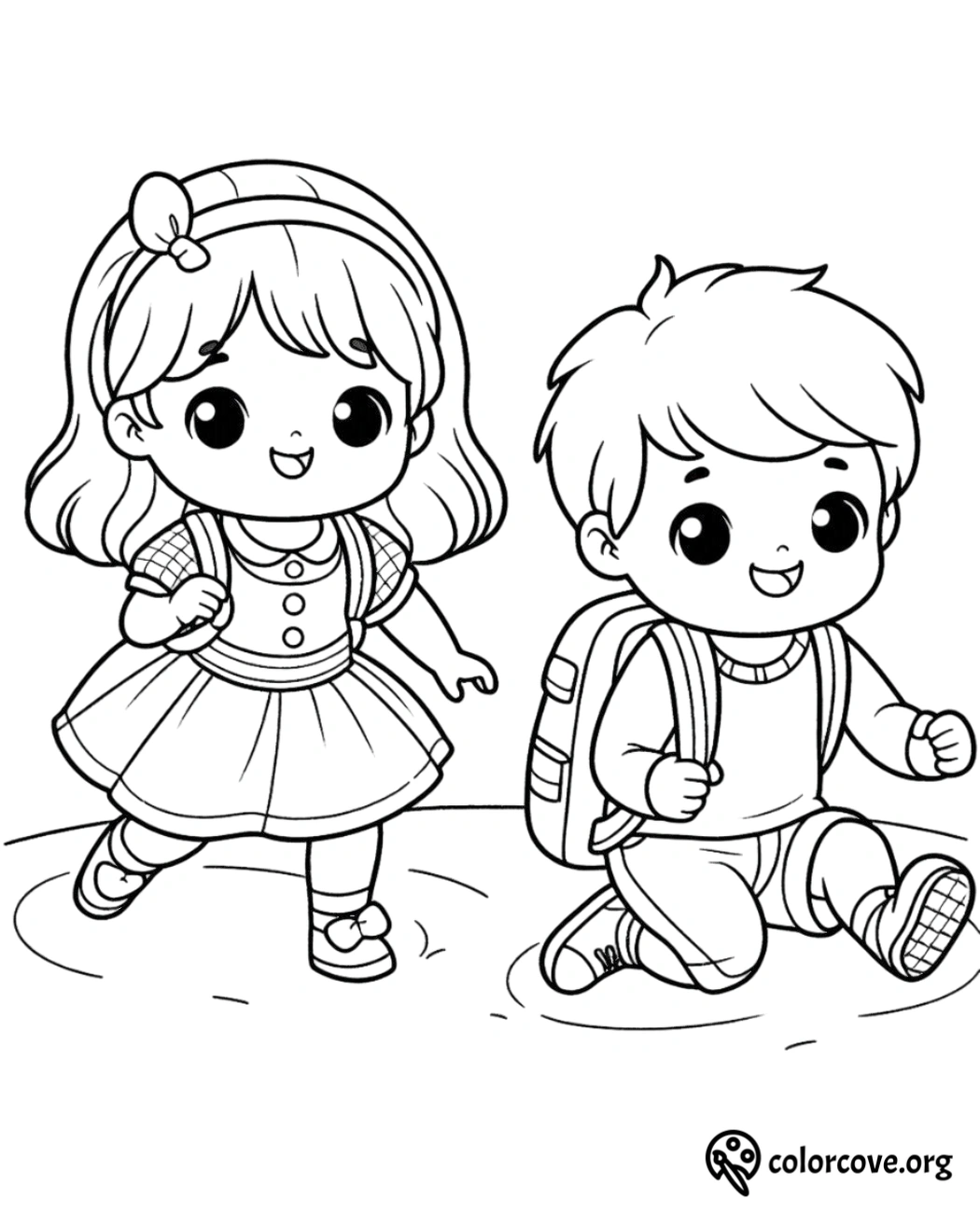
- Core Focus: Printable Bike Safety Color Pages For Children Printable designed for creative expression and fine-motor coordination.
- Target Scope: Ideal for toddlers, preschool, kindergarten, and classroom art activities.
- Best Recommendation: Use standard heavy printer paper (24–28 lb) or cardstock for vibrant results with crayons, colored pencils, or washable markers.
Even wholesome tasks like finding bike safety color pages for children printable carry minor digital risks, such as accidental ad clicks, pop-up malware on unvetted websites, or tracking cookies embedded in free PDF platforms. To keep students secure, adults must implement age-appropriate device controls, secure browsers, and clear classroom communication protocols. Review the breakdown below to spot potential digital vulnerabilities before handing a device to a child. Related guide: Two Factor Authentication Coloring Page Kids.
| Setting / Context | Common Vulnerability | Practical Safeguard |
|---|---|---|
| Home Devices | Aggressive banner ads or malicious download links on free printable repositories. | Pre-download PDFs for your child or use an ad-blocking browser extension on family tablets. |
| School Chromebooks | Students attempting to bypass district content filters via third-party proxy sites to find images. | Use curated resources from our Coloring Pages section to ensure safe, filtered access. |
| Chat & Social Apps | Peers sharing untrusted file links or unverified safety worksheets in peer group chats. | Establish a no-click rule for links sent in direct messages, encouraging students to ask an adult instead. |
Establishing Healthy Routines for Digital Downloads and Device Use
Proactive digital citizenship requires more than just blocking bad content; it involves teaching kids how to navigate the web safely on their own. When searching for educational printables, parents and teachers should model proper search habits by previewing websites together. Set up shared device zones in the living room or classroom where screens remain visible to supervising adults. Furthermore, incorporate guidelines from the Cybersecurity and Infrastructure Security Agency (CISA) regarding secure file handling, teaching children that not every download button is safe to click. Pairing these technical guardrails with printable checklists ensures that students understand both helmet adjustments and browser safety basics.
Overcoming Student Workarounds and Safe Browsing Pushback
Children are naturally curious and quick to find workarounds if technical restrictions feel overly restrictive. If a student encounters a blocked educational page or attempts to search for imagery outside approved portals, avoid immediate overreactions or punitive measures. Instead, use these moments as calm, teachable conversations. Explain why certain domains pose security risks or feature inappropriate advertisements. By pairing robust technical filters with open, non-judgmental check-ins, adults build trust, ensuring students will come forward if they encounter pop-ups or strange links online.
Frequently Asked Questions From Educators and Parents
Are free PDF printables safe to download on school-issued tablets?
Most district-managed devices block unverified third-party websites, but teachers should always pre-download worksheets or use trusted repositories. This prevents students from wandering into ad-heavy domains while searching independently.
How can I connect physical bike safety to online digital citizenship?
You can draw direct parallels between wearing a helmet online and offline. Just as physical gear protects against head injuries, privacy settings, secure passwords, and cautious downloading protect against digital threats.
Where can I find additional classroom-safe offline activity materials?
Explore our curated Worksheets and Internet and Digital Safety categories for structured lesson plans that blend offline creativity with cyber safety.
Explore More Digital Citizenship Resources
Keeping children safe both on the pavement and across the web requires ongoing education, open dialogue, and dependable tools. Visit us at SafeWiredSchools.org to discover more guides, printable activities, and expert advice tailored for modern K-12 families and educators.