Why Integrating Bike Safety Coloring Pages Printable Matters for School and Home
Teaching K-12 students about physical safety requires meeting them at their developmental level. When educators and parents search for bike safety coloring pages printable resources, they often look for creative ways to anchor lessons on helmet fits, hand signals, and sidewalk rules. However, finding these resources online frequently leads children into unvetted digital territory. As students navigate search engines and open countless browser tabs to find fun activities, they risk stumbling upon inappropriate pop-ups, trackers, or malicious downloads. Grounded in internet safety guidance from organizations like ConnectSafely and the FTC, adults must curate digital materials beforehand to ensure that searching for creative assets remains a secure and productive learning experience.
💡 Activity Key Takeaways:
- Core Focus: Printable Bike Safety Coloring Pages Printable designed for creative expression and fine-motor coordination.
- Target Scope: Ideal for toddlers, preschool, kindergarten, and classroom art activities.
- Best Recommendation: Use standard heavy printer paper (24–28 lb) or cardstock for vibrant results with crayons, colored pencils, or washable markers.
Assessing the Digital Landscape for Creative Student Resources
Free printable worksheets and coloring assets can sometimes harbor hidden safety risks, ranging from deceptive third-party ad networks to unnecessary personal data collection forms. Teachers and parents should establish clear protocols before letting children independently download school or home materials. The table below outlines common digital vulnerabilities associated with searching for creative content and provides actionable ways to mitigate those risks across different environments.
| Setting / Context | Common Vulnerability | Practical Safeguard |
|---|---|---|
| Home Devices & Personal Tablets | Deceptive click-to-download ads prompting malware or unwanted browser extensions. | Pre-download files to a shared folder or utilize strict family-safe search filters. |
| School Chromebooks & District Laptops | Unfiltered search engine results leading to external sites outside district web filters. | Rely on approved educational resource hubs like Coloring Pages rather than open web searches. |
| Interactive Chat & Sharing Platforms | Peer-to-peer file sharing links that bypass institutional safety firewalls. | Direct students to vetted Worksheets curated specifically by teachers or school staff. |
Establishing Healthy Search Habits and Offline Transition Routines
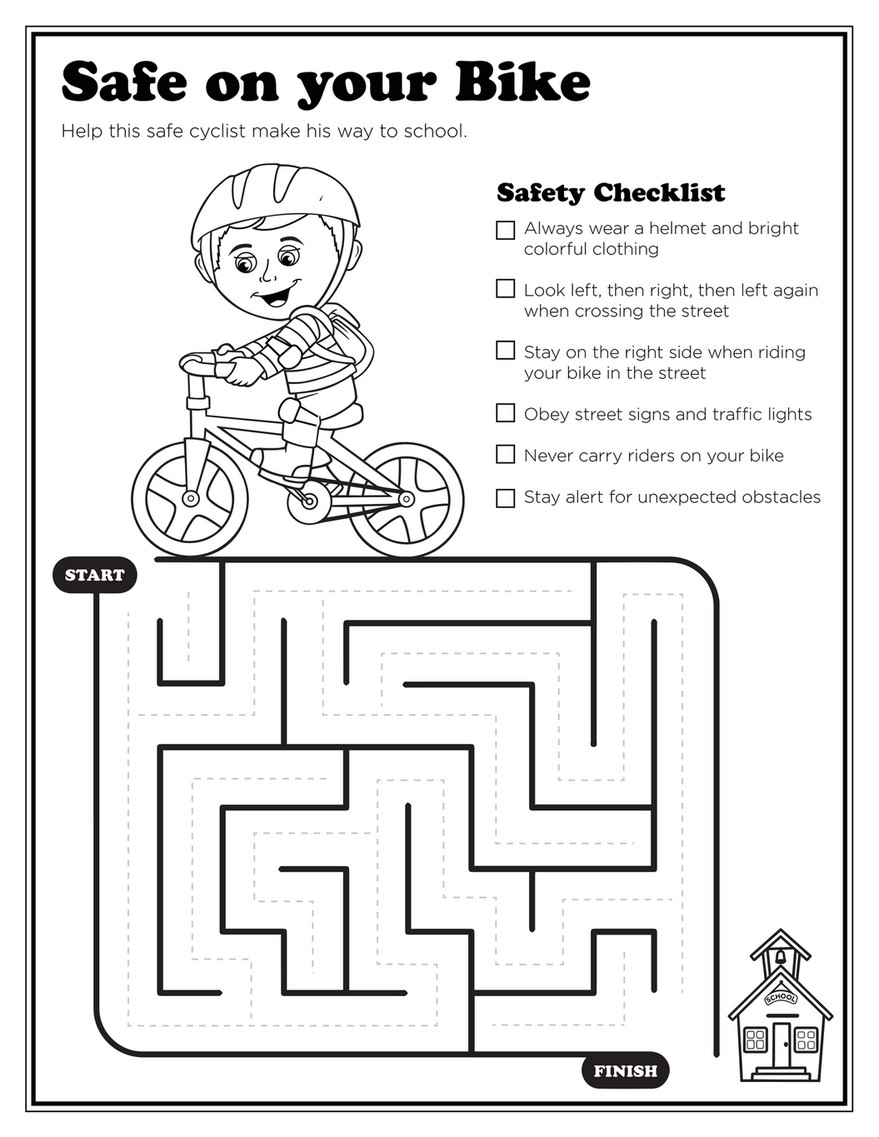
To keep the digital experience safe while looking for bike safety coloring pages printable activities, adults should guide children through proactive search practices. Instead of leaving students unattended to browse the web, teachers can project a vetted site on the classroom board, while parents can bookmark trusted educational domains on family laptops. Furthermore, pairing digital discovery with offline conversations bridges the gap between screen time and real-world application. Once students finish coloring their bicycle diagrams, prompt a quick discussion about wearing helmets correctly or practicing safe braking in the driveway. Reinforcing digital citizenship through Internet and Digital Safety habits ensures children understand how to evaluate online content critically before clicking.
Addressing Student Workarounds and Managing Digital Curiosity
Children are naturally resourceful and quick to find workarounds when web filters feel overly restrictive. If a student encounters a blocked site while searching for creative materials, their instinct might be to use proxy servers or unapproved image searches. Rather than relying solely on punitive measures, educators and parents should maintain an open-door policy. When students feel comfortable reporting unexpected pop-ups or broken links without fear of losing device privileges, they become active partners in maintaining digital security. Pair technical network controls with calm, non-judgmental check-ins so children learn how to navigate digital obstacles safely.
Frequently Asked Questions About Safe Digital Resource Management
How can I ensure download links for coloring pages are safe for young students?
Always pre-screen websites yourself before letting children access them. Stick to reputable educational portals, libraries, or teacher-recommended networks that do not require account creation, email sign-ups, or suspicious file downloads.
What should I do if a student accidentally clicks a malicious pop-up while browsing?
Remain calm and instruct the child to close the browser tab immediately without entering any personal information. Disconnect the device from the internet if necessary, run a security scan, and use the incident as a teachable moment about digital red flags.
Are printable educational activities suitable for blended learning environments?
Yes, combining digital instructions with tangible coloring sheets helps balance screen time with kinesthetic learning. It allows children to engage their fine motor skills offline while reinforcing critical safety lessons learned during digital citizenship units.
Discover More Tools for Safe and Smart Students
Empowering children to navigate the digital world safely requires ongoing resources, lesson plans, and community collaboration. Continue exploring practical guides, expert advice, and student-focused digital citizenship strategies by visiting us at SafeWiredSchools.org.
Printable Coloring Page Previews