Introduction
Digital spaces form a natural extension of modern childhood, where learning, play, and social connection happen seamlessly across screens. Yet children frequently encounter online risks in ordinary environments, such as shared family tablets left unattended or open chat boxes within popular multiplayer video games. Educators and caregivers often struggle to introduce digital safety concepts without inducing fear or anxiety in young learners. Building healthy screen habits requires tools that transform abstract rules into tangible, approachable ideas. Coloring reinforces safety messages while gently opening the door to vital conversations between adults and children. SafeWiredSchools provides educators and families with accessible resources designed to build these protective habits early. Exploring the free printable colouring in being safe online resource offers a creative avenue to establish these foundational digital citizenship skills. Related guide: Please Provide Free 8.5″X11″ Digital Safety Coloring Pages For K-2 Grade.
💡 Educational Key Takeaways:
- Core Skill: Structured Colouring In Being Safe Online focused on developing pencil grip, stroke control, and early literacy/math confidence.
- Target Scope: Suited for homeschoolers, preschool, kindergarten, and elementary learners.
- Best Recommendation: Practice 10–15 minutes daily with ergonomic writing tools to reinforce muscle memory without hand fatigue.
What This Printable Covers
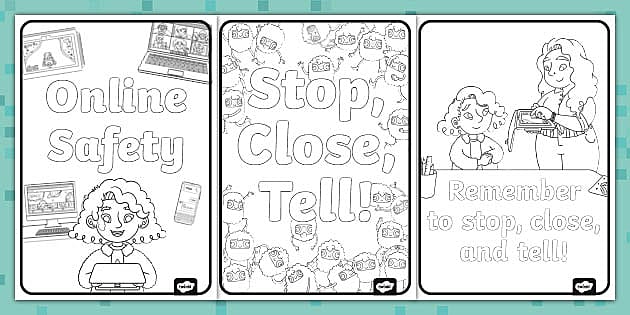
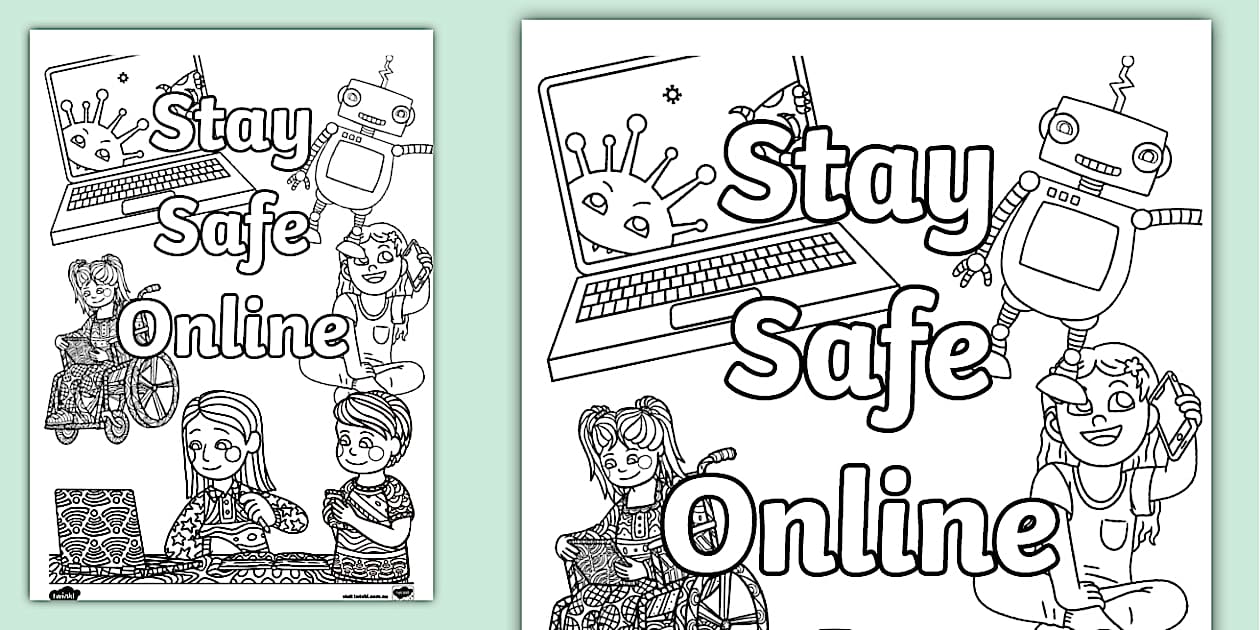
Visual learning tools allow elementary students to process complex digital concepts through artistic expression and fine motor engagement. This resource focuses on everyday online scenarios, illustrating positive choices regarding personal privacy, respectful communication, and device boundaries. Children color scenes that depict keeping private information secure, recognizing trusted adults, and pausing before clicking unfamiliar links. The design intentionally avoids frightening imagery, choosing instead to empower young users with clear, positive actions. It sounds simple, and that’s the point. When children color a secure shield or a friendly character asking a parent for help, the imagery cements a mental association between safety and support. Additional inspiration for offline digital citizenship lessons is available through various creative Coloring Pages tailored for young learners.
Key Learning Outcomes
Mastering digital safety involves developing a mindset of awareness rather than memorizing rigid restrictions. Children learn to identify what constitutes private information, such as full names, home addresses, and school names, distinguishing it from safe sharing. Another critical outcome centers on reporting discomfort, reinforcing the absolute truth that children are never in trouble for telling a trusted adult about a confusing online encounter. Furthermore, the activity encourages critical thinking about online interactions, prompting students to question whether an action or message feels right before proceeding. According to Common Sense Media, children who engage in regular, open dialogues about digital life demonstrate greater resilience when navigating unexpected online situations. These foundational steps transform passive screen time into an opportunity for active, thoughtful citizenship.
How to Use This Printable
Implementation works best when integrated into a relaxed afternoon routine, a morning advisory period, or a homeschooling station. Adults can introduce the sheet by asking open-ended questions about favorite online games or preferred digital shows to build immediate engagement. As children color, facilitators can guide the conversation naturally, discussing what the characters on the page are doing right and how those actions apply to real life. The goal remains fostering a judgment-free zone where kids feel entirely comfortable sharing their digital experiences. For broader classroom application, pairing this artistic exercise with structured Worksheets creates a comprehensive lesson plan on digital footprints. No printed material guarantees absolute security, but consistent dialogue builds the cognitive framework children need to navigate the digital world safely.
Practical Tips for Parents and Teachers
Facilitating these discussions requires patience, active listening, and a calm demeanor to ensure children feel secure rather than interrogated. Here’s what makes this resource different: it shifts the dynamic from policing screen time to collaborating on safety strategies. Adults should avoid overreacting if a child mentions seeing something strange online, as a calm response ensures the child continues to report future issues. Displaying completed artwork in a classroom corner or on a home refrigerator serves as a gentle daily reminder of positive digital habits. According to the Pew Research Center, family communication stands as one of the most significant factors in helping children navigate online challenges successfully. Consistency in these low-pressure discussions turns internet safety into an ongoing, collaborative journey.
Age-Appropriate Recommendations
Tailoring digital citizenship instruction to developmental stages ensures that concepts resonate without overwhelming young minds. For younger elementary students aged five to eight, the focus stays heavily on basic boundaries, device sharing, and immediately involving an adult when something feels wrong. Older elementary students aged nine to twelve can explore deeper discussions regarding digital footprints, respectful peer communication, and strong password creation. Grounding this progression in established frameworks, the Common Sense Education Digital Citizenship Curriculum provides valuable benchmarks for evaluating student readiness across different grade levels. Educators can seamlessly align these developmental milestones with broader curriculum goals focused on Internet and Digital Safety principles. Meeting children at their specific developmental level guarantees that safety education remains relevant, empowering, and deeply effective.
Regular family communication significantly improves how children handle digital risks — Pew Research Center
Frequently Asked Questions
Navigating digital citizenship education often brings up practical questions for both home and school environments. Clear, concise answers help adults implement these resources effectively and address common concerns regarding online safety. Understanding how to access, utilize, and contextualize these printable materials empowers caregivers to support young learners confidently. Reviewing standard digital literacy guidelines provides additional context for fostering healthy, balanced technology habits among elementary students. Exploring further resources within broader Online and Digital Safety topics ensures continuous growth in this essential area.
Explore More Free Kids Online Safety Printables
Expanding a digital citizenship toolkit involves utilizing diverse materials that reinforce core protective habits across multiple formats. SafeWiredSchools offers a wide array of complementary resources designed to support educators and families in keeping young internet users informed and empowered. Combining creative artistic activities with structured discussions creates a robust foundation for lifelong digital wellness.
Developmental Milestone & Activity Table
| Development Stage | Recommended Daily Duration | Primary Learning Objective |
|---|---|---|
| Preschool & Pre-K | 10 – 15 Minutes | Pencil grip development & basic pre-stroke lines |
| Kindergarten | 15 – 20 Minutes | Letter/number formation & spatial line awareness |
| Early Elementary (Grade 1–2) | 20 – 30 Minutes | Fluency, sentence construction & neatness |
Images References