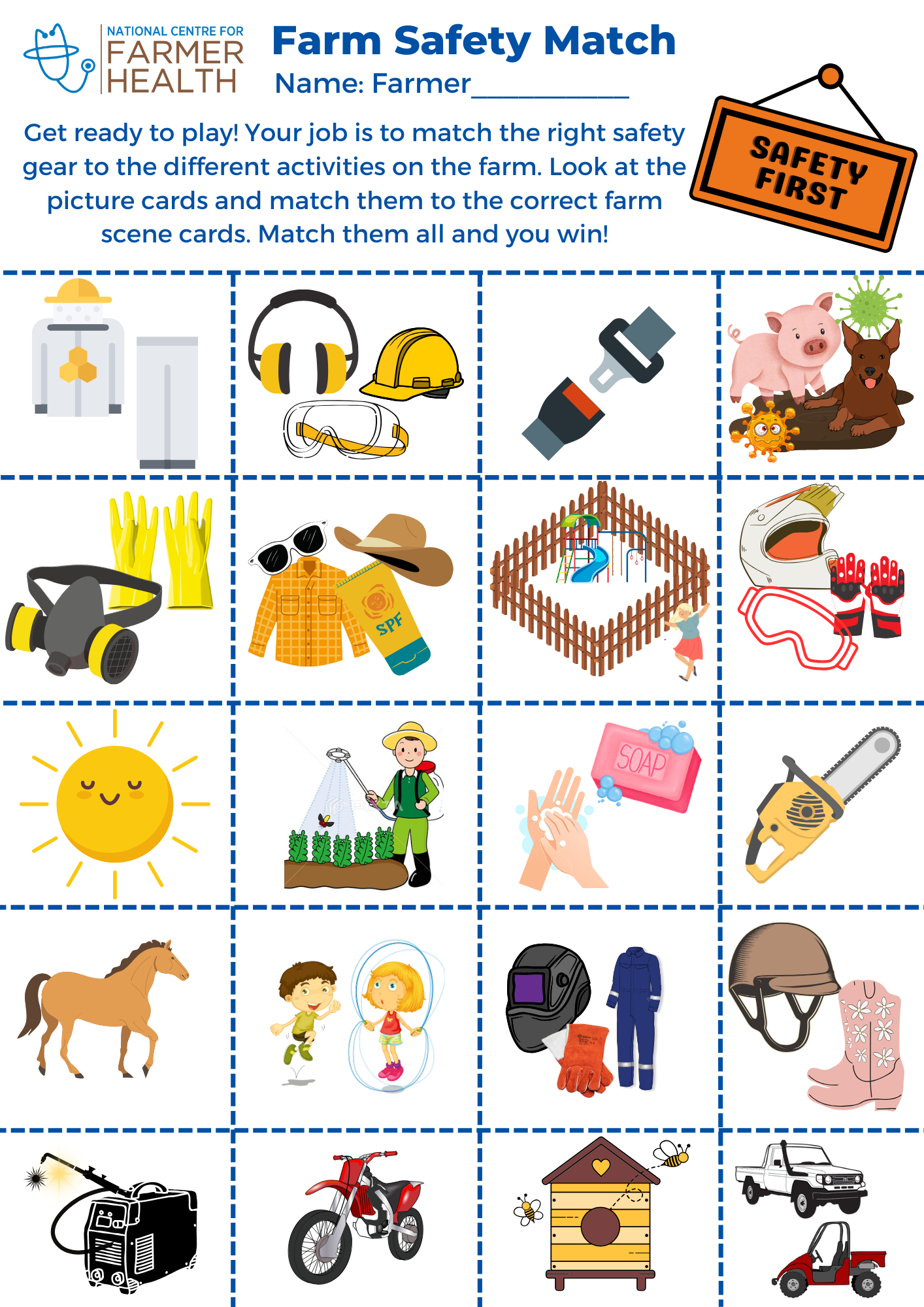
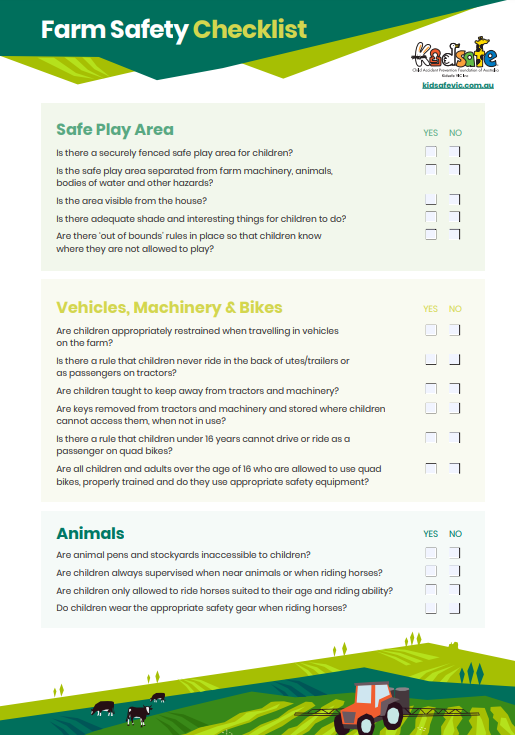
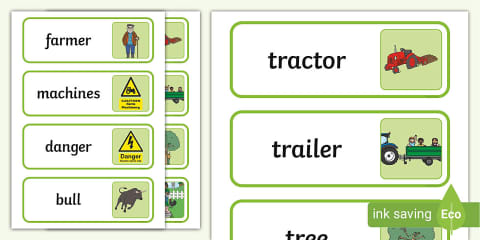
Why Agricultural and Rural Digital Resources Demand Careful Oversight
Integrating agricultural literacy into modern classrooms often involves pulling digital content from various web repositories. Whether educators search for a farm safety worksheet to supplement an agriculture class or parents look for printable activities to keep children engaged during the summer, navigating online educational portals requires careful attention to student safety. According to youth privacy guidance from the FTC and ConnectSafely, online learning platforms can inadvertently expose children to aggressive ad trackers, data collection forms, and unverified third-party links. Establishing a secure digital environment ensures that accessing educational materials remains safe and productive for K-12 students.
💡 Educational Key Takeaways:
- Core Skill: Structured Farm Safety Worksheet focused on developing pencil grip, stroke control, and early literacy/math confidence.
- Target Scope: Suited for homeschoolers, preschool, kindergarten, and elementary learners.
- Best Recommendation: Practice 10–15 minutes daily with ergonomic writing tools to reinforce muscle memory without hand fatigue.
Spotting Vulnerabilities and Applying Digital Guardrails
When students and children use digital devices to download educational resources, they frequently encounter pop-up advertisements, fake download buttons, and insecure sites. Adults must implement structured technical guardrails across both household computers and school-issued Chromebooks to prevent accidental malware downloads or phishing traps. The breakdown below highlights common vulnerabilities associated with downloading educational files and outlines actionable safeguards. Related guide: Free Screen Time Balance Checklist For Kids.
| Setting / Context | Common Vulnerability | Practical Safeguard |
|---|---|---|
| Home Devices & Tablets | Aggressive pop-up ads mimicking download links on free worksheet sites. | Install reputable ad-blockers, configure browser safe-search, and utilize our curated Worksheets directory for pre-vetted links. |
| School Chromebooks | Students bypassing district content filters via unsecured public Wi-Fi networks. | Enforce strict DNS filtering and mandate the use of school-managed VPN profiles at all times. |
| Interactive Chat & Forums | Malicious actors sharing compromised links disguised as study materials. | Educate students never to click links sent through chat apps and review our Online and Digital Safety resources for safe communication guidelines. |
Establishing Clear Rules and Healthy Downloading Habits
Protecting children online goes beyond technical filters; it requires building consistent behavioral habits. Educators and parents should collaborate to establish clear protocols for finding and saving digital assignments. Designate central charging areas at home to keep screens visible during evening hours, eliminating unsupervised browsing. In the classroom, teachers should guide students directly to trusted educational portals rather than encouraging open web searches that might lead to unsafe domains. Furthermore, pair digital downloads with creative offline activities by checking out our collection of Coloring Pages, which offer screen-free alternatives that still reinforce core learning themes.
Overcoming Student Pushback and Managing Workarounds
Children and teens are remarkably resourceful when encountering locked settings or restricted download permissions. When students attempt to bypass school filters or use unauthorized file-sharing sites to find a farm safety worksheet, knee-jerk punitive measures often drive the behavior underground. Instead of relying solely on heavy-handed blocks, adults should explain the reasoning behind cybersecurity rules. CISA guidelines emphasize that transparent digital citizenship discussions build long-term critical thinking skills. When students understand that malicious websites steal personal data or compromise device security, they are far more likely to consult an adult before downloading files from unfamiliar sources.
Frequently Asked Questions Regarding Digital Educational Resources
Are free educational printable websites safe for children to browse independently?
Not always. Many free printable archives host aggressive third-party ad networks that track user data or display misleading download buttons containing adware. Adults should download and print the required materials in advance rather than letting children navigate these sites unsupervised.
How can teachers verify that a downloadable PDF or worksheet is secure?
Educators should rely on established educational repositories, district-approved curriculum databases, or trusted safety hubs like SafeWiredSchools.org. Additionally, ensure school devices have active endpoint protection that scans downloaded files for malicious payloads automatically.
What should a parent do if their child accidentally clicks a suspicious link on a worksheet site?
Remain calm and immediately disconnect the device from the internet to prevent potential malware communication. Run an updated local antivirus scan, clear the browser cache, and use the incident as a teachable moment about recognizing deceptive online advertisements.
Explore More Digital Citizenship Resources
Safeguarding student interactions across the digital landscape requires continuous learning, open communication, and reliable tools. Discover comprehensive guides, classroom strategies, and safety frameworks by visiting SafeWiredSchools.org today.
Worksheet Previews & Reference Materials