Why Teaching Mobile Gaming Literacy Through Targeted Printables Matters
Fast-paced battle royale titles like Free Fire capture the attention of millions of students worldwide, blending team communication, in-app purchases, and open chat channels. When kids rush home to play on smartphones or tablets, they often encounter public voice lobbies and unsolicited friend requests from strangers. Incorporating free fire safety worksheets into daily lesson plans and family meetings helps bridge the gap between classroom digital citizenship concepts and real-world gaming habits. By reviewing foundational guidance from organizations like ConnectSafely and the FTC on youth privacy, educators and parents can utilize these structured printables to teach critical thinking, protect personal data, and cultivate respectful online peer relationships.
💡 Educational Key Takeaways:
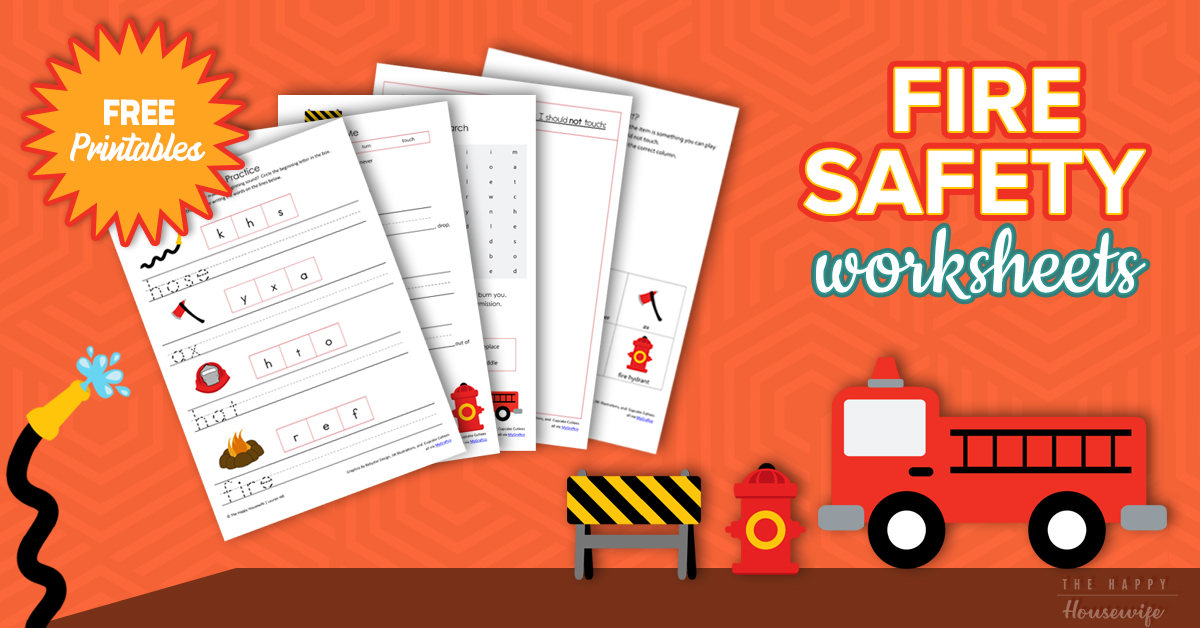
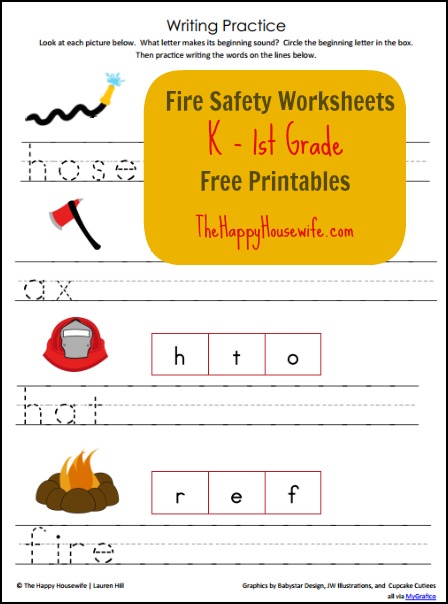
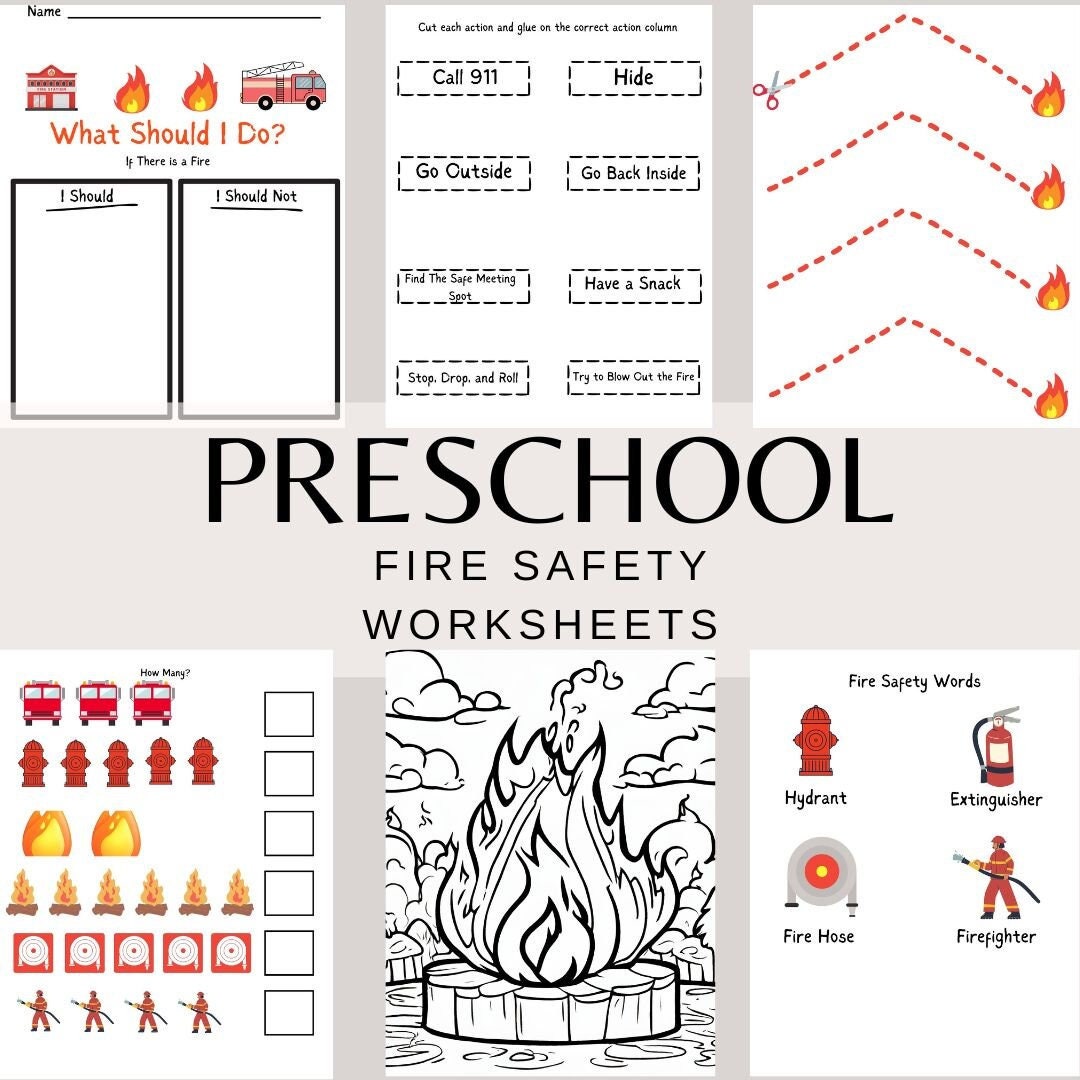
- Core Skill: Structured Free Fire Safety Worksheets focused on developing pencil grip, stroke control, and early literacy/math confidence.
- Target Scope: Suited for homeschoolers, preschool, kindergarten, and elementary learners.
- Best Recommendation: Practice 10–15 minutes daily with ergonomic writing tools to reinforce muscle memory without hand fatigue.
Decoding In-Game Risks: Vulnerabilities and Preventive Guardrails
Protecting students in multiplayer gaming environments requires a combination of age-appropriate device controls, ongoing dialogue, and proactive observation of social cues. To help educators and families quickly identify where security gaps commonly occur, the breakdown below highlights key risk vectors alongside practical, hands-on safeguards you can implement today.
| Setting / Context | Common Vulnerability | Practical Safeguard |
|---|---|---|
| Personal Smartphones and Tablets | Unrestricted app store downloads and saved credit cards enabling accidental microtransactions. | Require biometric password verification for all purchases and disable open app installations via parental control apps. |
| School Chromebooks and Shared Devices | Accessing web-based or emulated versions of mobile titles during instructional downtime. | Enforce network-level web filters and verify that school-managed extension blocks prevent unauthorized gaming portals. |
| In-Game Chat and Voice Lobbies | Direct messaging and open microphone channels exposing children to toxic language or predatory grooming. | Toggle public chat settings to friends-only mode, mute open microphones, and review digital etiquette through regular Worksheets exercises. |
Establishing Healthy Boundaries and Routine Check-Ins at Home
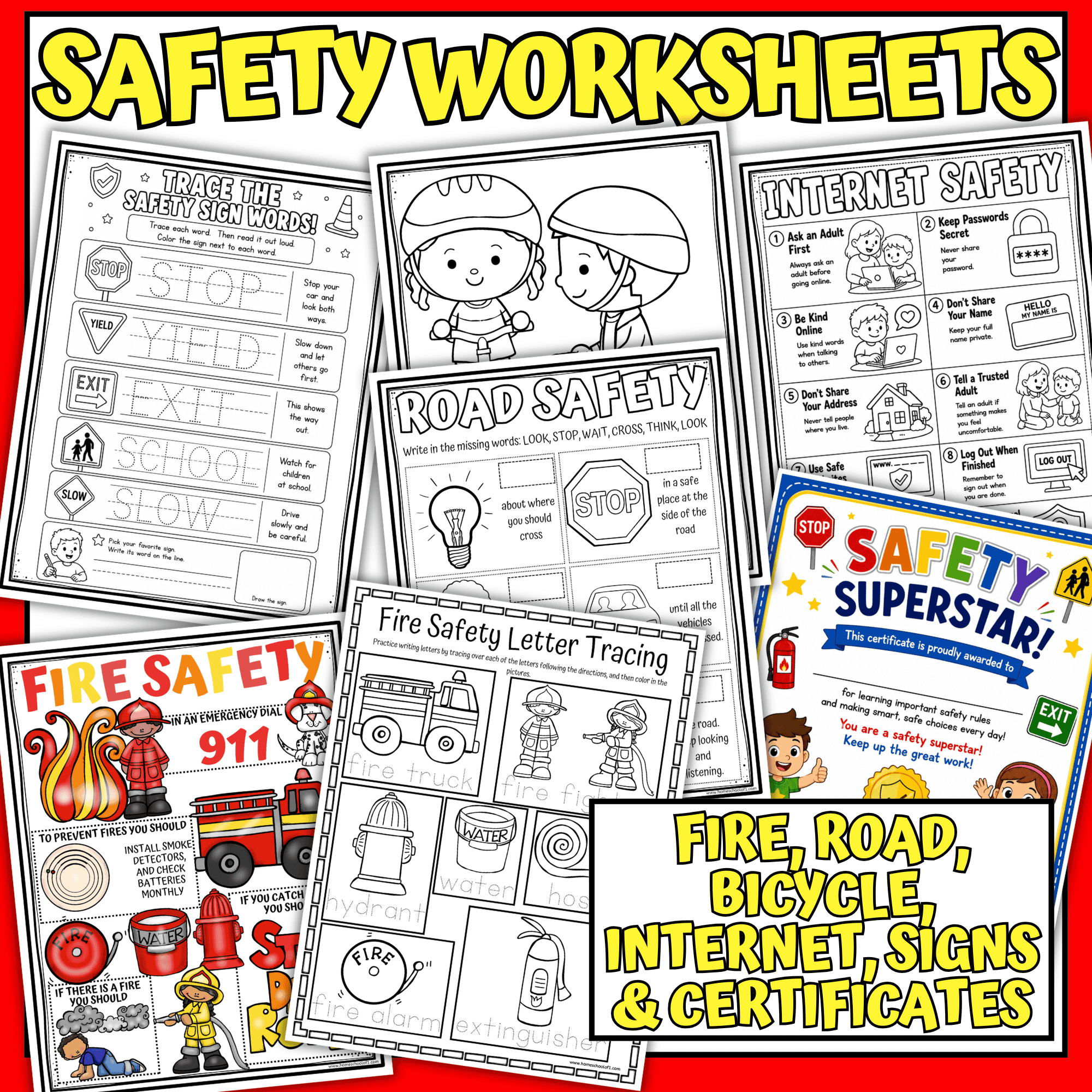
Effective digital safety relies less on constant surveillance and more on establishing predictable, collaborative routines. Start by designating a central, public charging station in the home where all personal smartphones and gaming tablets rest overnight, eliminating unsupervised late-night gaming sessions. Next, walk children through the process of setting up strong, unique passwords and enabling two-factor authentication on every gaming profile. When discussing safety expectations, pair your conversation with printable internet and digital safety modules that allow kids to practice identifying red flags, such as someone asking for their real-life location or school name. Most importantly, establish a judgment-free reporting rule: assure children that if someone makes them feel uncomfortable or tricked in a game, they can come to an adult immediately without fear of having their device confiscated.
Overcoming Resistance and Managing Common Student Workarounds
When adults implement sudden restrictions or blanket bans on favorite multiplayer games, children frequently seek out workarounds, such as downloading unauthorized third-party apps or playing on secondary devices hidden from view. Rather than relying on reactive punishments, pair technical safeguards with open-ended discussions about why certain boundaries exist. If a student pushes back against disabling public voice chat, explain that these measures are designed to protect their personal privacy from bad actors posing as friendly peers. Educators can also leverage dedicated Internet and Digital Safety modules to help students understand the mechanics of digital footprints and data collection, transforming pushback into a teachable moment about online self-defense.
Frequently Asked Questions About Gaming Safety Printables
What age group benefits most from structured gaming safety printables?
Children in upper elementary and middle school—typically ages nine through thirteen—gain the most value from these resources as they begin navigating independent multiplayer chats and competitive online communities.
How can teachers integrate gaming safety concepts without disrupting academic schedules?
Educators can seamlessly weave these topics into computer science modules, advisory periods, or language arts literacy lessons by utilizing interactive Online and Digital Safety scenarios that encourage group problem-solving.
Are these printable activities effective for curbing toxic in-game behavior?
While printables alone cannot stop online toxicity, they provide a structured framework for students to reflect on their digital footprint, empathy, and sportsmanship before logging back on.
Explore More Digital Citizenship Resources
Equipping the next generation with smart gaming habits takes a unified community effort between classrooms and living rooms. Discover more expert guides, student activities, and downloadable resources by visiting SafeWiredSchools.org to keep your students safe, secure, and digitally responsible.
Worksheet Previews & Reference Materials