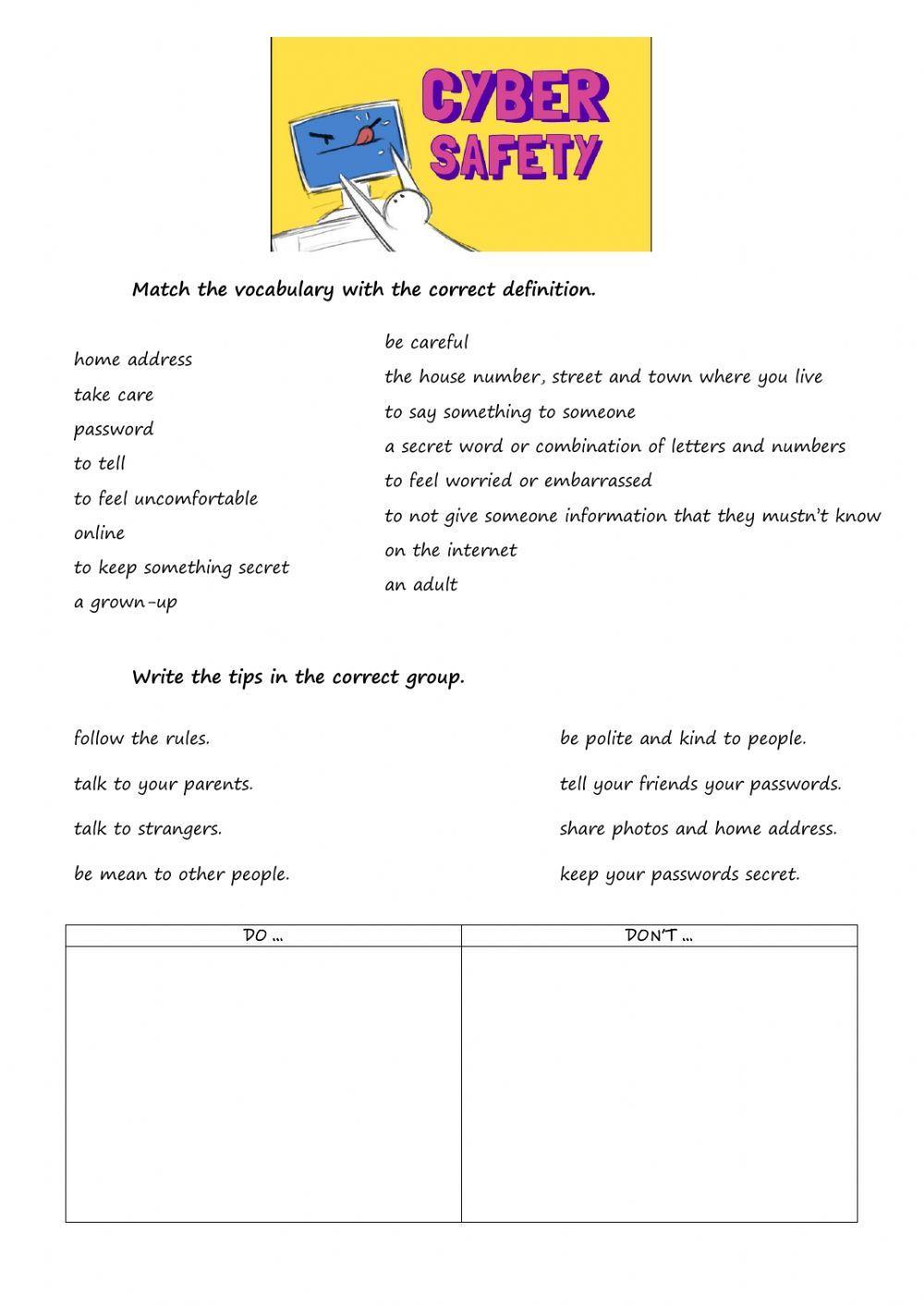
Why Visual Learning Guides Transform Student Digital Habits
Translating complex cybersecurity principles into accessible, bite-sized lessons is essential for modern educators and parents. When students encounter dense service agreements or abstract online risks, text-heavy warnings often fail to stick. Utilizing an infographic about internet safety bridges this gap by combining eye-catching design with clear, memorable rules. Organizations like ConnectSafely and the Cybersecurity and Infrastructure Security Agency emphasize that youth retain security concepts much better when paired with visual cues. Whether pinned to a classroom bulletin board or shared on a family refrigerator, a well-designed graphic serves as a constant, non-punitive reminder of healthy digital boundaries. Related guide: Credible Sources For Kids.
💡 Educational Key Takeaways:
- Core Skill: Structured Infographic About Internet Safety focused on developing pencil grip, stroke control, and early literacy/math confidence.
- Target Scope: Suited for homeschoolers, preschool, kindergarten, and elementary learners.
- Best Recommendation: Practice 10–15 minutes daily with ergonomic writing tools to reinforce muscle memory without hand fatigue.
Spotting Vulnerabilities: A Practical Guide to Digital Risk Signals
Adults often struggle to keep pace with how students navigate modern applications, multiplayer gaming chats, and shared school hardware. Recognizing subtle vulnerability red flags allows teachers and parents to intervene early before minor exposure turns into a major safety breach. The breakdown below details common trouble spots across different environments and offers immediate preventive guardrails.
| Setting / Context | Common Vulnerability | Practical Safeguard |
|---|---|---|
| Home Mobile Devices | Default privacy settings exposing location data and full names to strangers on public apps. | Lock down app permissions, disable location sharing, and review profile visibility together. |
| School Chromebooks & Tablets | Circumventing district web filters or sharing login credentials with peers during class transitions. | Enforce strict account accountability, connect with IT filtering alerts, and use Internet and Digital Safety modules to teach why filters protect everyone. |
| Social & In-Game Chat | Falling victim to phishing links, grooming tactics, or digital pressure from unknown contacts. | Establish a strict rule against clicking unverified links and keep gaming consoles in common family areas. |
Establishing Daily Guardrails and Calm Routines at School and Home
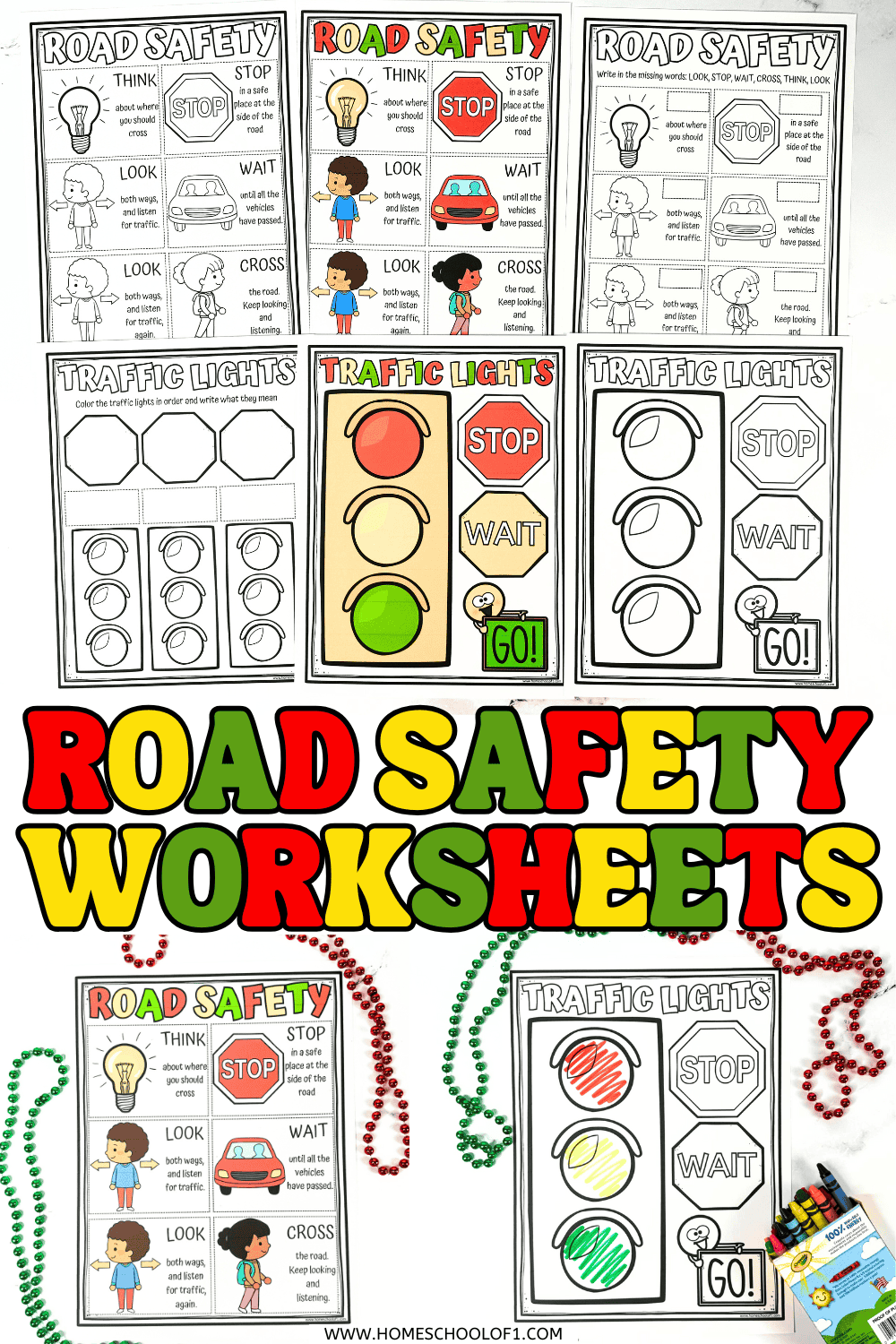
Effective digital citizenship is built on consistency rather than reactive panic. Schools can integrate visual reminders directly into lesson plans by pairing graphics with engaging Worksheets that prompt students to brainstorm safe password creation or evaluate suspicious pop-ups. At home, families should establish physical boundaries, such as parking all smartphones and tablets in a centralized charging station overnight to curb late-night screen fatigue. Furthermore, adults must model calm reporting workflows. When children know they can disclose a scary pop-up, accidental cyberbullying encounter, or mistaken click without facing immediate device confiscation, they are far more likely to seek help right away.
Overly draconian surveillance or blanket internet bans rarely work. When students feel micromanaged, they quickly learn to find workarounds, such as using peer-to-peer file-sharing apps or browser extensions that mask their traffic. Instead of relying solely on heavy-handed technical blocks, pair your filters with open, transparent conversations inspired by FOSI youth safety frameworks. Acknowledge that online spaces are designed to be addictive and socially demanding. By treating digital hiccups as teachable moments rather than severe moral failures, you encourage young people to troubleshoot problems transparently alongside you.
Frequently Asked Questions About Visual Safety Guides
What age group benefits most from visual safety guides?
Visual aids work exceptionally well for elementary and middle school students who process concrete imagery faster than abstract policies. However, high schoolers also benefit from infographics that tackle sophisticated topics like data privacy, deepfakes, and digital footprints.
How can teachers incorporate these graphics into tight daily lesson plans?
Educators can use a single graphic as a five-minute bell-ringer activity, asking students to identify one rule they currently follow and one they find challenging. This sparks lively classroom discussions without requiring a dedicated curriculum overhaul.
Are printable safety charts effective for younger children?
Yes, especially when paired with hands-on activities found in Coloring Pages that make learning about online boundaries engaging, positive, and completely stress-free.
Explore More Digital Citizenship Resources
Empowering the next generation of digital citizens requires ongoing collaboration between educators, caregivers, and community leaders. Discover additional expert guides, printable assets, and classroom tools by visiting SafeWiredSchools.org to keep your students protected both online and offline.
Visual Reference Gallery