Why Blending Practical Domestic Routines with Digital Literacy Matters
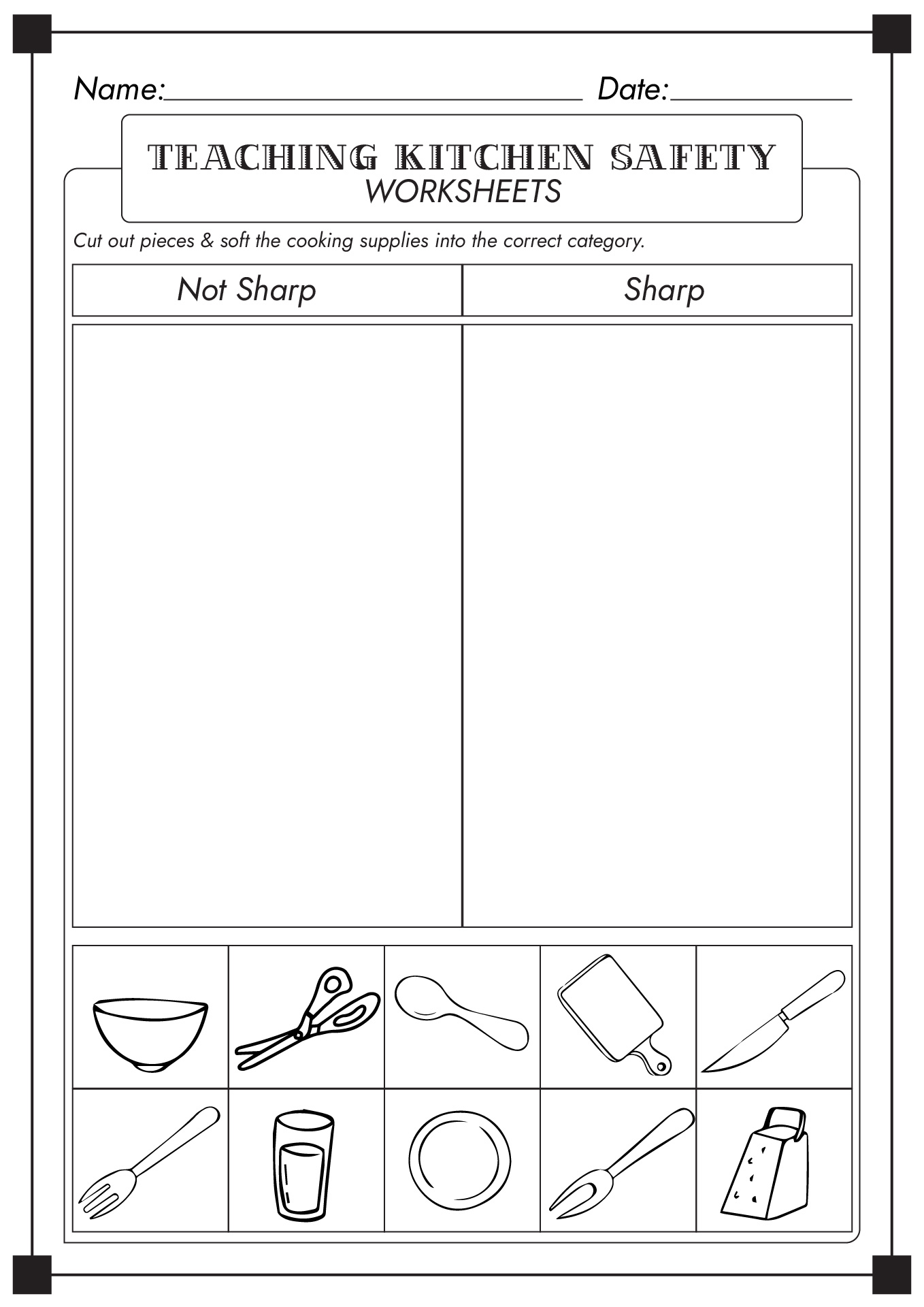
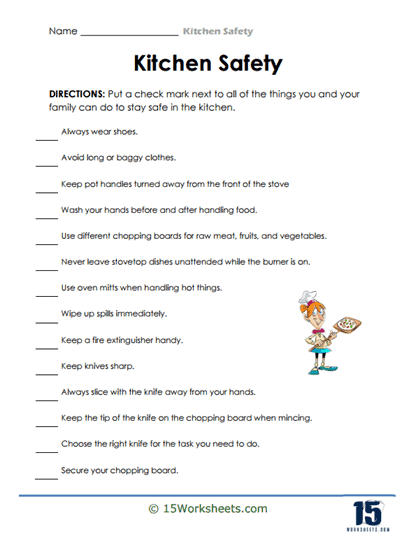
When educators and parents search for a kitchen safety worksheets pdf, the goal is typically to teach children how to handle knives, hot stoves, and sharp appliances safely. However, in our modern connected classrooms and hybrid learning environments, student safety extends far beyond the physical cooktop. As organizations like ConnectSafely and the Federal Trade Commission (FTC) emphasize, children navigate smart home appliances, look up digital recipe tutorials on tablets, and record cooking projects on school-issued devices. Bridging offline physical precautions with sound internet and digital safety principles ensures students build comprehensive habits that protect them whether they are slicing vegetables at the kitchen counter or exploring educational videos online.
💡 Educational Key Takeaways:
- Core Skill: Structured Kitchen Safety Worksheets Pdf focused on developing pencil grip, stroke control, and early literacy/math confidence.
- Target Scope: Suited for homeschoolers, preschool, kindergarten, and elementary learners.
- Best Recommendation: Practice 10–15 minutes daily with ergonomic writing tools to reinforce muscle memory without hand fatigue.
Assessing Vulnerabilities Across Home Devices and School Tech
Integrating printable domestic lesson plans into modern curricula often requires students to interact with media platforms, recipe blogs, and video streaming sites. Adults must monitor how children access these materials to prevent accidental exposure to mature content, data trackers, or unsecured public Wi-Fi networks during home projects. The following breakdown highlights common digital vulnerabilities linked to online resource gathering and practical safeguards educators and families can implement immediately.
| Setting / Context | Common Vulnerability | Practical Safeguard |
|---|---|---|
| Home Smart Devices | Smart ovens and voice assistants accessed without parental supervision or content restrictions. | Configure router-level parental controls and restrict voice-activated purchases or remote preheating features. |
| School Chromebooks & Tablets | Students drifting from recipe research to unmonitored video streaming or unsafe domains. | Utilize classroom management tools and review district-filtered resources available via Worksheets repositories. |
| Social & Chat Habits | Sharing geo-tagged photos or video clips of home cooking spaces on public social networks. | Educate students on privacy settings and reinforce guidance modeled by organizations like the Cybersecurity and Infrastructure Security Agency (CISA). |
Establishing Clear Rules and Calm Family Workflows
Protecting children online and offline requires proactive, collaborative boundaries rather than reactive restrictions. When downloading educational materials, parents and teachers should establish shared device charging zones outside of private bedrooms to encourage transparent screen habits. If a child encounters an inappropriate pop-up ad while looking for a printable activity, they need a safe, shame-free reporting workflow so they can notify an adult immediately. Furthermore, pairing a physical kitchen safety worksheets pdf with structured offline dialogue helps children understand why boundaries exist—both around a hot stove and across digital networks. Adults can explore additional offline engagement tools like Coloring Pages to reinforce positive offline behaviors and screen-free creative time.
Overcoming Workarounds and Managing Student Pushback
Children are naturally curious and quickly find workarounds to overly restrictive filters or rigid household rules, such as using incognito windows or guest networks to bypass restrictions when searching for hobby tutorials. Extreme bans often backfire by driving curious behavior underground, depriving students of the guided practice they need to build critical thinking. Instead of locking down every digital avenue, pair technical safeguards with open, ongoing conversations about why certain sites or smart appliances require supervision. When kids feel trusted and understand the underlying reasons for safety rules, they are far more likely to seek help when they encounter suspicious links or feel uncomfortable online.
Frequently Asked Questions for Parents and School Staff
How can I ensure downloaded PDF worksheets are safe from malware?
Always download instructional documents directly from reputable educational platforms, verified school district portals, or trusted safety organizations. Avoid clicking on unverified third-party banner ads promising free printables, as these can harbor malicious downloads or adware.
Are smart kitchen appliances a digital privacy risk for children?
Yes, internet-connected refrigerators, smart ovens, and voice-activated assistants can collect usage data or allow unauthorized voice commands. Families should review privacy policies, disable unnecessary microphone permissions, and maintain strong Wi-Fi passwords to safeguard home networks.
Where can educators find curated safety activities for younger students?
Educators can discover age-appropriate safety lessons and digital citizenship guides by browsing specialized educational hubs such as Online and Digital Safety collections, which offer structured lesson plans tailored for diverse K-12 learning environments.
Explore More Digital Citizenship Resources
Keeping students secure in a connected world demands continuous learning, reliable tools, and open communication between home and school. Visit SafeWiredSchools.org to access comprehensive guides, interactive teaching materials, and expert strategies designed to support safer digital habits for every K-12 student.
Worksheet Previews & Reference Materials