Why Blending Physical Habits and Digital Awareness Matters for K-12 Students
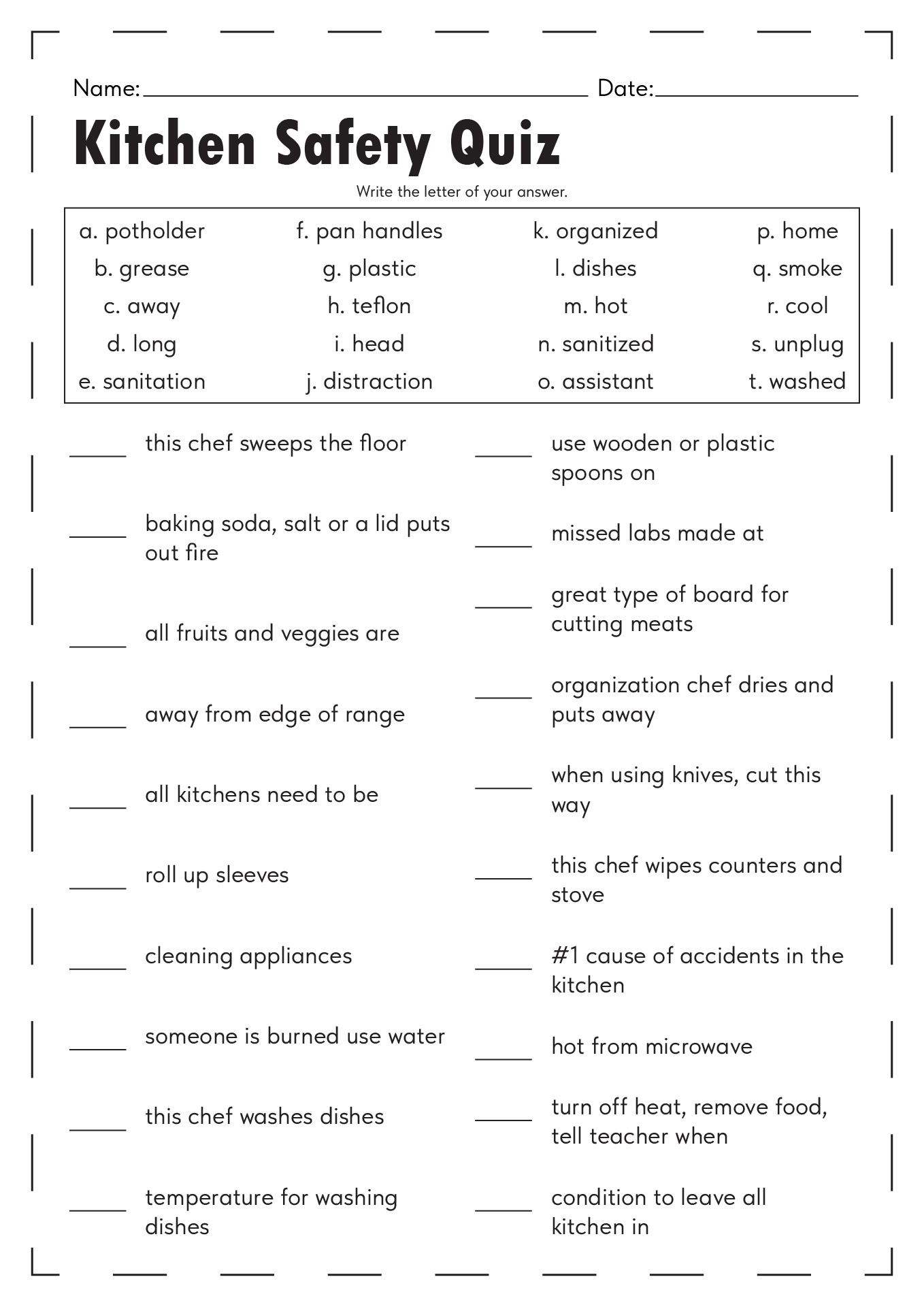
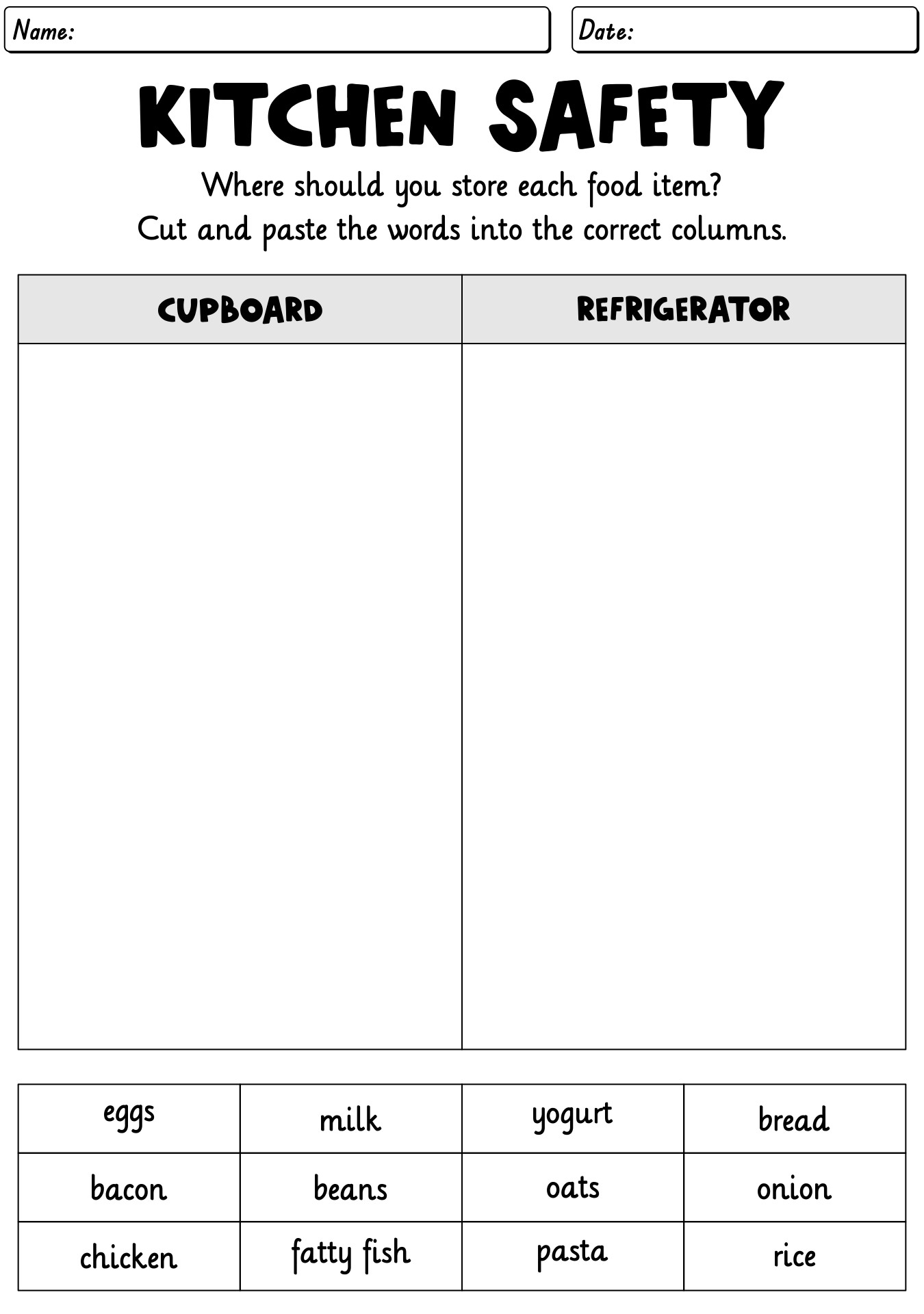
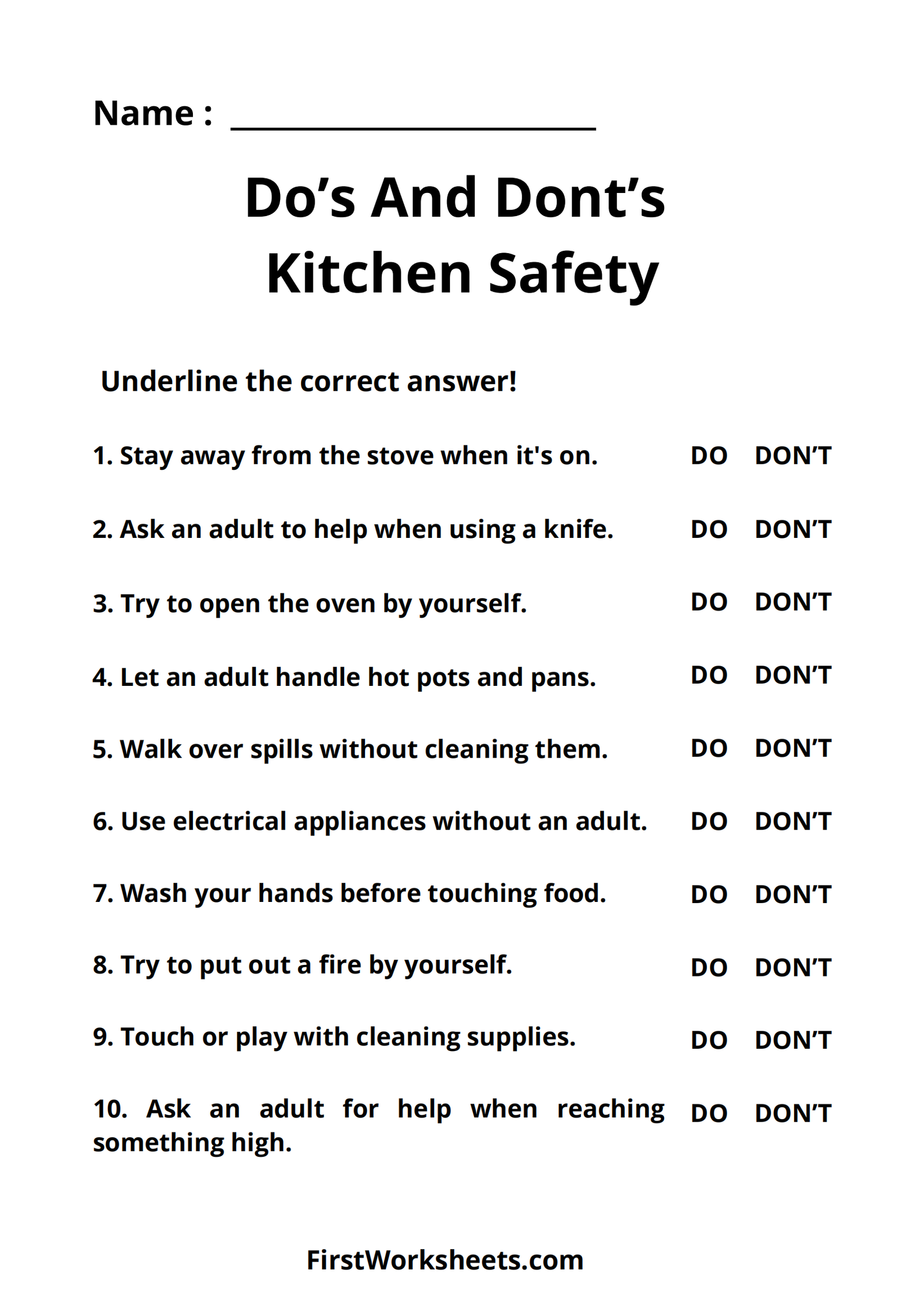
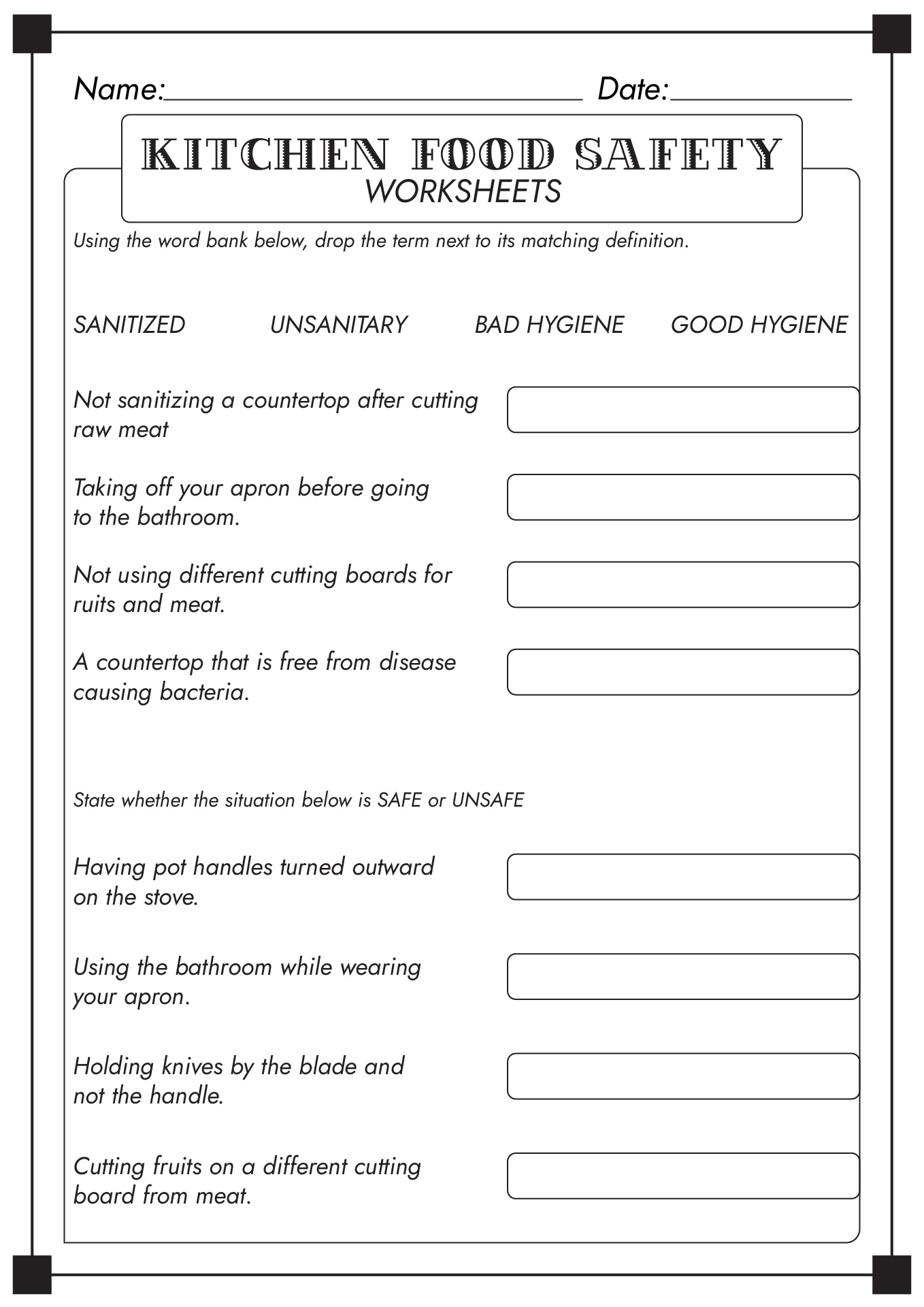
In modern K-12 environments, student wellness extends far beyond traditional boundaries. Educators and families frequently combine offline life skills with digital citizenship, especially when integrating interactive activities like a kitchen safety rules worksheet into daily routines. Whether students are viewing cooking tutorials on school-issued tablets, streaming baking channels in media arts classes, or looking up recipes at home, bridging physical safety with online awareness is essential. Organizations like ConnectSafely and the Cybersecurity and Infrastructure Security Agency emphasize that holistic youth protection requires guiding children safely through both physical spaces and the connected platforms they navigate every single day.
💡 Educational Key Takeaways:
- Core Skill: Structured Kitchen Safety Rules Worksheet focused on developing pencil grip, stroke control, and early literacy/math confidence.
- Target Scope: Suited for homeschoolers, preschool, kindergarten, and elementary learners.
- Best Recommendation: Practice 10–15 minutes daily with ergonomic writing tools to reinforce muscle memory without hand fatigue.
Spotting Vulnerabilities Across Home and Classroom Devices
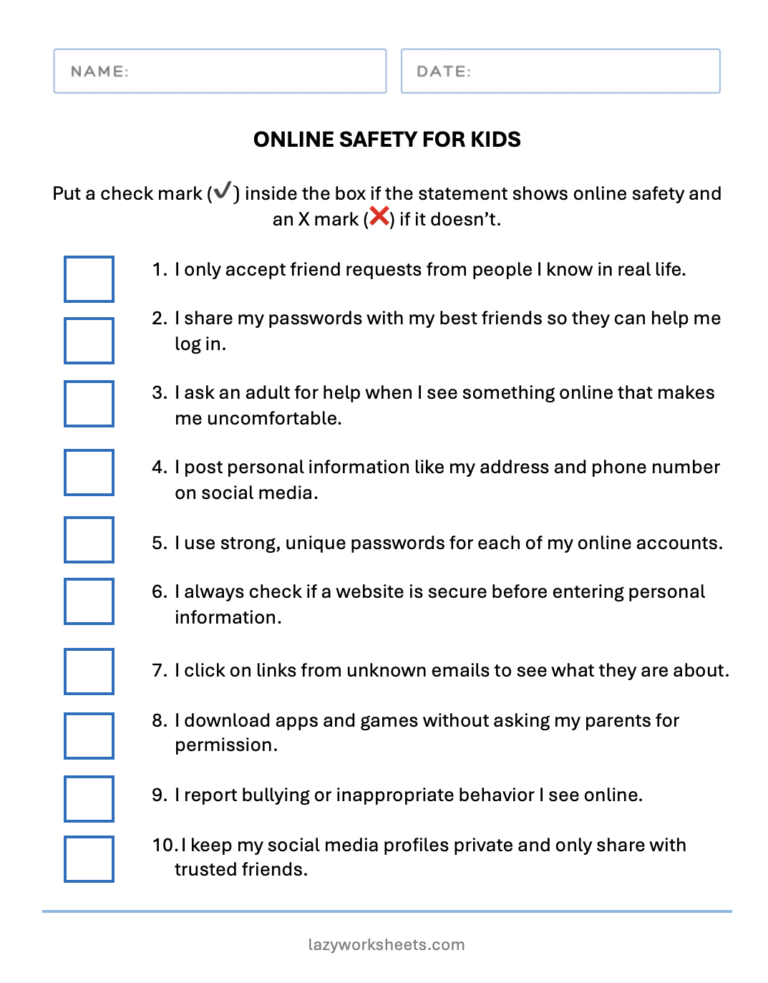
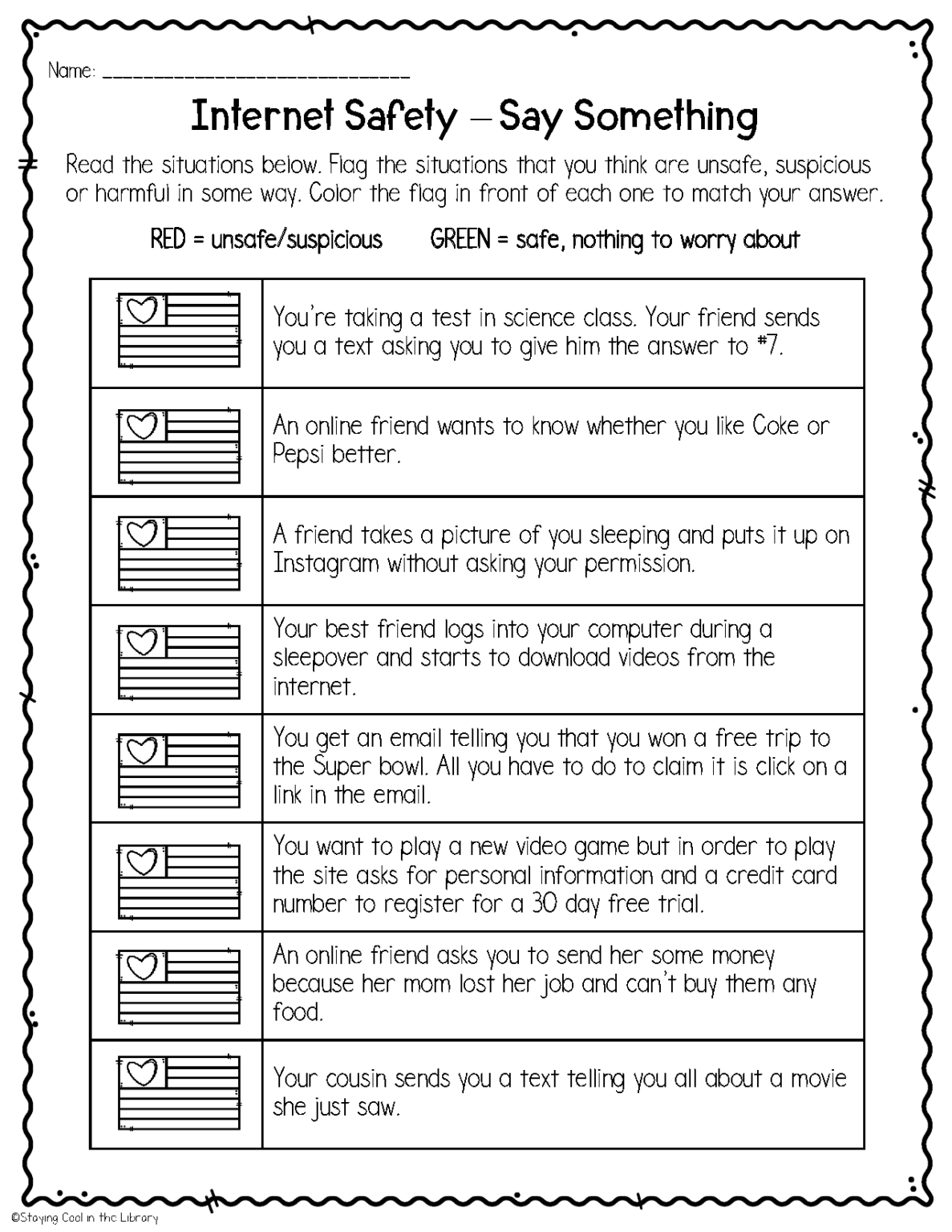
Adults overseeing student device usage often encounter blind spots where unmonitored streaming, targeted food advertising, or risky download links intersect with everyday activities. The following breakdown highlights common vulnerabilities and practical guardrails to keep students protected across various environments. Related guide: Online Safety Worksheet For Grade 6 Pdf.
| Setting / Context | Common Vulnerability | Practical Safeguard |
|---|---|---|
| Home Smart Devices & Tablets | Unfiltered access to cooking videos featuring dangerous hacks, malicious third-party apps, or privacy-invading data collection trackers. | Establish age-appropriate parental controls, lock down app store permissions, and utilize structured Worksheets for offline-first learning. |
| School Chromebooks & Labs | Bypassing network content filters or accessing unverified external recipe forums during instructional downtime. | Enforce district-wide content filtering, communicate classroom device policies clearly, and leverage resources from Internet and Digital Safety guidelines. |
| Social Media & Chat Apps | Encountering unsafe peer challenges, misleading viral food tutorials, or unsolicited direct messages on recipe-sharing platforms. | Disable direct messaging on entertainment apps, teach children how to report suspicious accounts, and maintain open communication channels. |
Actionable Guidelines and Collaborative Routines for Families and Schools
Establishing clear, consistent boundaries ensures that digital tools support learning rather than introduce risk. When introducing a kitchen safety rules worksheet into your lesson plan or family routine, pair it with structured offline discussions. Create centralized, family-friendly device charging zones in common household areas to discourage late-night browsing of unvetted video streams. Implement two-factor authentication on all shared family accounts to prevent unauthorized app downloads. Furthermore, foster a supportive environment where children feel comfortable reporting a broken link, a strange pop-up ad, or a confusing online video without fear of losing device privileges. Integrating creative resources like Coloring Pages can also reinforce foundational safety concepts for younger learners before they transition to independent device research.
Children and teens are naturally resourceful, often finding clever ways around device restrictions if they want to view a specific viral cooking video or food trend. Overly restrictive, authoritarian bans frequently backfire, driving students to use incognito modes or peer-borrowed devices out of sight. Instead of relying solely on heavy-handed technical blocks, pair your digital filters with calm, educational conversations. Explain the rationale behind why certain platforms or unverified recipe blogs are restricted. By treating digital hiccups and boundary-testing as teachable moments, educators and parents build long-term critical thinking skills, empowering students to evaluate online content independently and safely.
Frequently Asked Questions About Integrating Safety Rules
How can a kitchen safety rules worksheet be adapted for digital citizenship lessons?
You can blend domestic safety with digital literacy by having students evaluate the credibility of online cooking tutorials alongside physical kitchen guidelines. Discuss how to spot sponsored content, dangerous viral hacks, and reliable sources versus unverified user-generated videos.
What age-appropriate device controls work best for media-heavy assignments?
Utilize school-managed content filters that block explicit external links while permitting access to approved educational domains and structured learning hubs. At home, set time limits for entertainment streaming and keep screens in shared living spaces.
How do we handle students who try to bypass school or home internet filters?
Address workarounds through calm, educational dialogue rather than immediate punishment. Explain cybersecurity risks in an age-appropriate manner, reinforcing that filters are designed to protect their privacy and well-being while online.
Explore More Digital Citizenship Resources
Empowering the next generation of digital citizens requires ongoing collaboration between educators, parents, and community leaders. Discover additional guides, classroom tools, and practical safety strategies by visiting SafeWiredSchools.org to keep your students secure in every digital space.
Worksheet Previews & Reference Materials