Why Interactive Cyber Safety Worksheets Matter for Modern Students
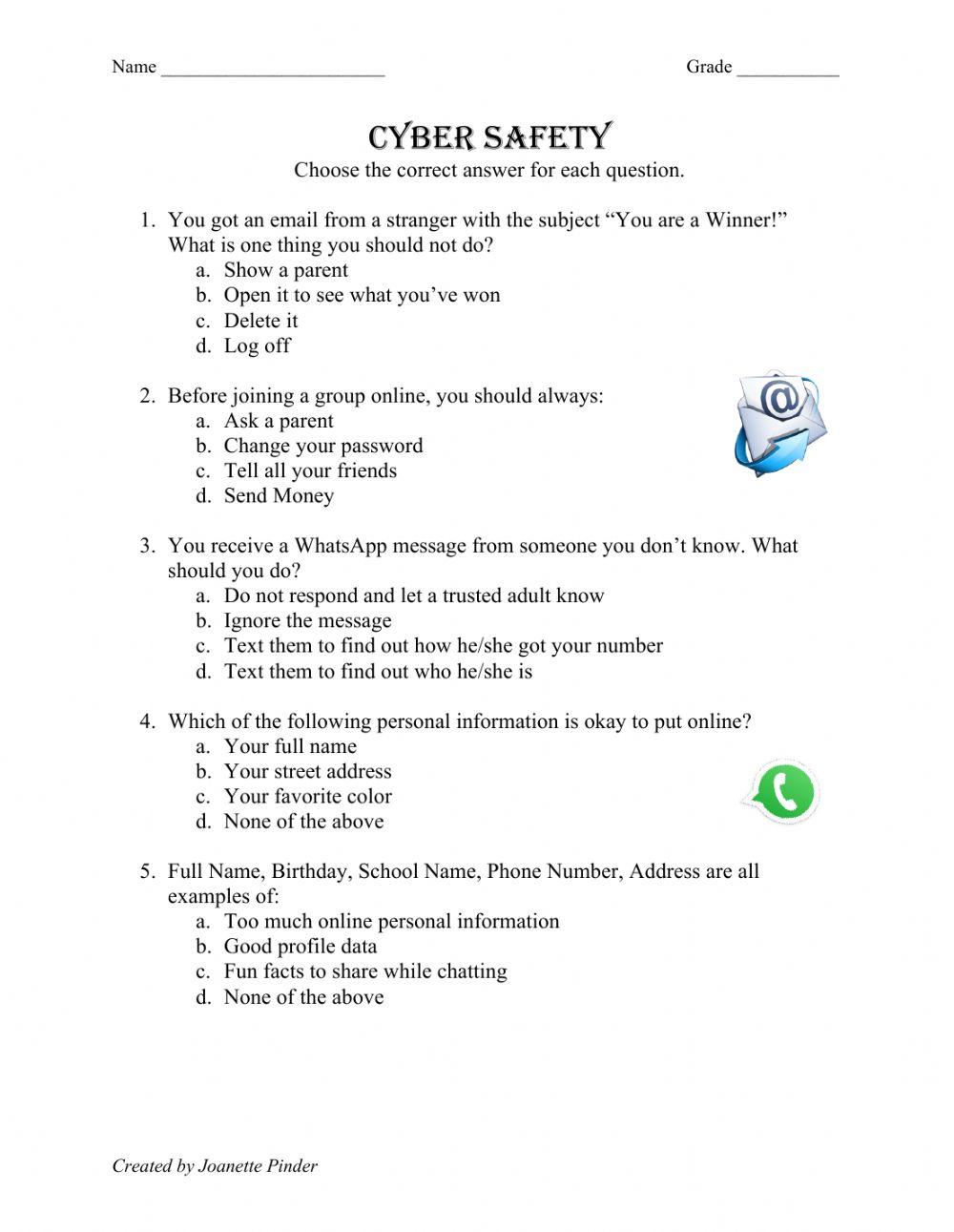
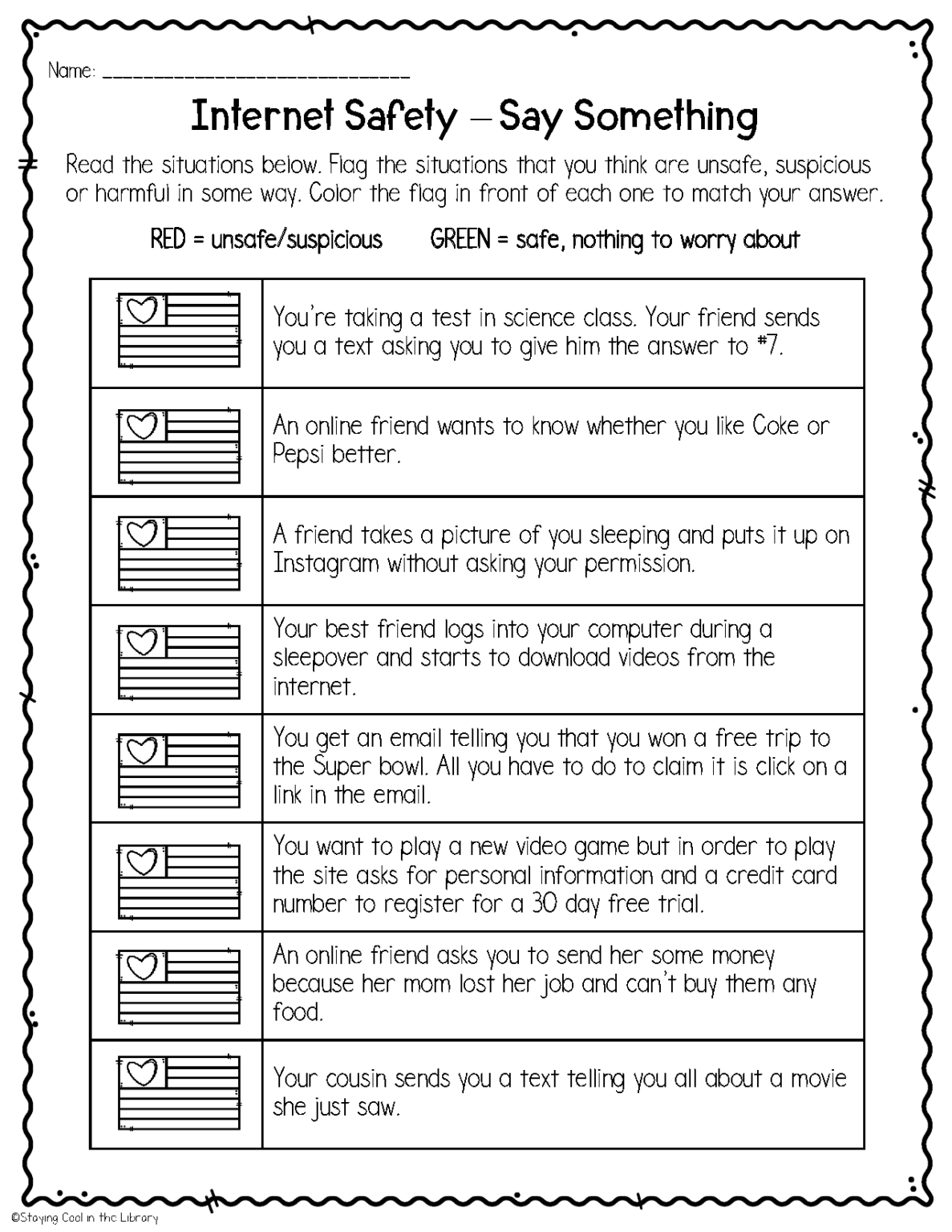
As children navigate school-issued tablets and personal smartphones at increasingly younger ages, building resilient digital habits requires more than a single lecture at the beginning of the school year. Educators and parents often find that passive warnings about online dangers fall flat. Instead, utilizing structured cyber safety worksheets transforms abstract security concepts into tangible learning moments. Aligned with guidance from agencies like the Cybersecurity and Infrastructure Security Agency and youth advocates like ConnectSafely, these printables and digital exercises help K-12 students actively process what it means to guard their privacy, recognize phishing attempts, and practice digital empathy across every connected platform they touch.
💡 Educational Key Takeaways:
- Core Skill: Structured Cyber Safety Worksheets focused on developing pencil grip, stroke control, and early literacy/math confidence.
- Target Scope: Suited for homeschoolers, preschool, kindergarten, and elementary learners.
- Best Recommendation: Practice 10–15 minutes daily with ergonomic writing tools to reinforce muscle memory without hand fatigue.
Mapping Digital Risks to Practical Safeguards
To help adults identify where student vulnerabilities intersect with device configurations, the breakdown below pairs common digital risks across home and school environments with actionable preventive guardrails that reinforce lessons taught through our Worksheets archive.
| Setting / Context | Common Vulnerability | Practical Safeguard |
|---|---|---|
| Home Mobile Devices | Over-sharing location data and personal details in gaming lobbies or chat apps. | Review privacy settings together, turning off persistent location sharing and teaching kids to use avatars instead of real photos. |
| School Chromebooks & Tablets | Bypassing web filters or sharing login credentials with classmates. | Reinforce classroom policies with clear offline reminders; mandate that passwords remain strictly private and never shared. |
| Social & Chat Habits | Falling for simulated phishing lures, friend requests from strangers, or mean-spirited messages. | Use scenario-based discussion cards to role-play how to pause, screenshot evidence, and report harmful content to a trusted adult. |
Establishing Daily Routines and Open Communication Channels
Turning printed lessons into everyday habits requires consistent routines both at home and inside the classroom. Schools can communicate digital citizenship expectations clearly through standard classroom policy communication, while parents can establish central charging stations in common family areas to eliminate late-night unmonitored screen time. Furthermore, pairing these routines with activities from our Internet and Digital Safety hub gives children a consistent vocabulary. When kids make a mistake online, such as clicking an unsafe link or engaging in a heated argument, they need a reporting workflow devoid of panic or immediate punishment so they feel safe coming forward.
When adults implement strict device controls or introduce instructional activities, tech-savvy students often look for workarounds, such as using private browsing windows, third-party messaging clones, or VPN extensions on school-issued hardware. Overly draconian bans typically backfire by driving student behavior underground where adults cannot spot warning signs. Instead of relying solely on hard technical blocks, educators and parents must pair system-level filters with calm, collaborative conversations. Exploring these dynamics through guided exercises helps students understand the reasoning behind digital boundaries, transforming compliance from a forced restriction into an internalized commitment to personal safety.
Frequently Asked Questions About Safety Lessons
At what age should children start using foundational security printables?
Basic concepts can be introduced as early as kindergarten using interactive prompts focused on private information versus public sharing. As students grow older into middle and high school, the material should naturally shift toward cybersecurity hygiene, footprint management, and critical analysis of online sources.
How can teachers integrate these printables without cutting into core academic time?
Safety exercises fit seamlessly into homeroom advisory periods, morning meetings, or English language arts reading comprehension assignments. You can also explore specialized lessons via our Online and Digital Safety section to match specific curriculum standards.
What should a parent do if their child encounters cyberbullying online?
Remain calm, validate your child’s feelings, and resist the urge to immediately confiscate their device, which can discourage them from reporting future incidents. Take time-stamped screenshots of the harassment, block the offending account, and report the behavior to the platform administrator or school administration.
Explore More Digital Citizenship Resources
Empowering the next generation of digital citizens requires ongoing collaboration between dedicated educators, caring family members, and school communities. Continue exploring practical tools, printable activities, and expert guidance by visiting SafeWiredSchools.org to keep your students safe, smart, and confident online.
Worksheet Previews & Reference Materials