Why Blending Physical Awareness with Free Printable Community Signs Worksheets Matters for K-12 Safety
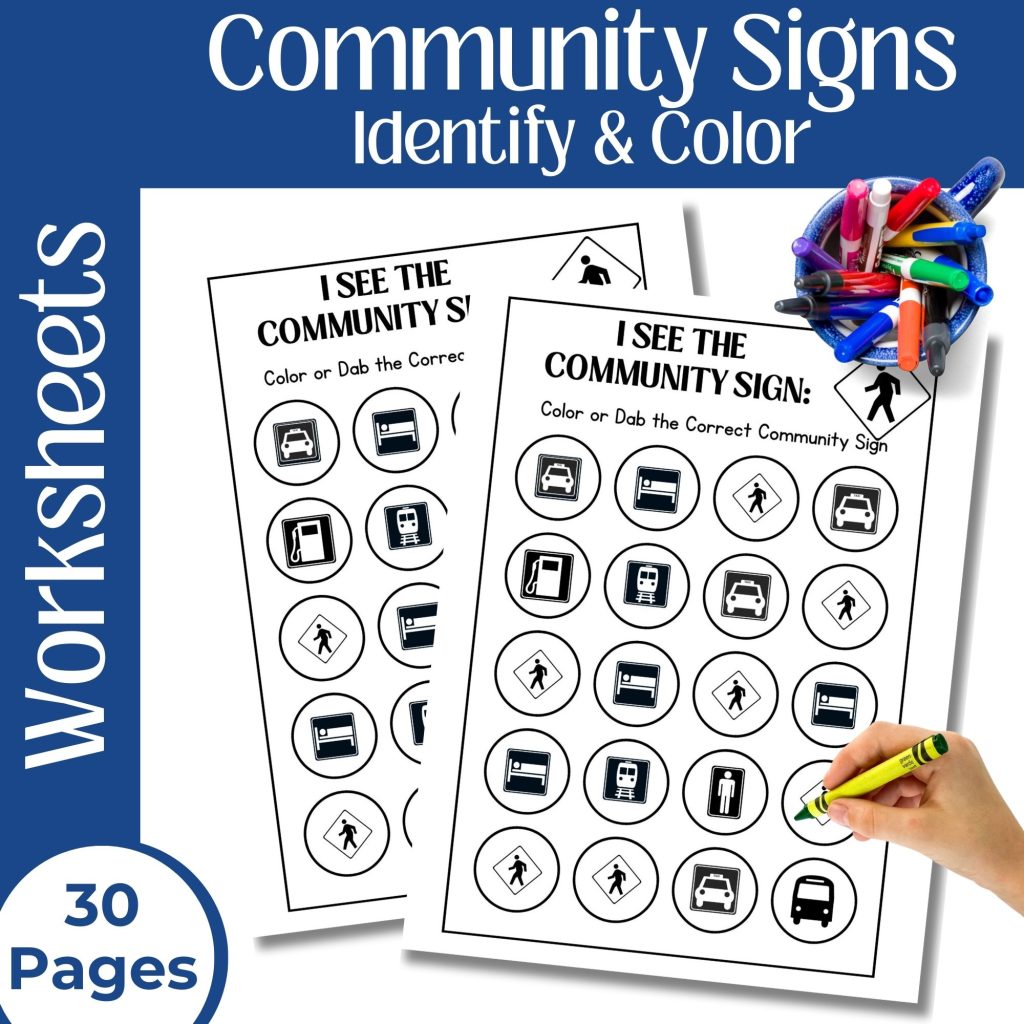
As students navigate a dual world of physical environments and interconnected digital platforms, teaching fundamental safety signals is more critical than ever. When educators and parents utilize free printable community signs worksheets, they are not just teaching traffic rules or neighborhood geography; they are laying a cognitive foundation for recognizing digital warning symbols, pop-up alerts, and privacy indicators online. Organizations like ConnectSafely and the Family Online Safety Institute (FOSI) emphasize that visual literacy helps children spot hazards early—whether crossing a physical street or evaluating a suspicious link on a school tablet. Bridging offline safety concepts with online critical thinking creates a robust framework for everyday K-12 digital citizenship.
💡 Educational Key Takeaways:
- Core Skill: Structured Free Printable Community Signs Worksheets focused on developing pencil grip, stroke control, and early literacy/math confidence.
- Target Scope: Suited for homeschoolers, preschool, kindergarten, and elementary learners.
- Best Recommendation: Practice 10–15 minutes daily with ergonomic writing tools to reinforce muscle memory without hand fatigue.
Digital Risk Signals and Preventive Guardrails
Children encounter numerous visual cues every day, both on the street and across school-issued and home devices. Adults must proactively monitor how students interpret these signals and ensure technical guardrails match their developmental stages. The table below outlines common digital and physical contexts, associated vulnerabilities, and practical safeguards recommended by cybersecurity educators.
| Setting / Context | Common Vulnerability | Practical Safeguard |
|---|---|---|
| Home Wi-Fi & Personal Tablets | Accidental clicks on malicious banner ads or misleading download buttons disguised as traffic signs. | Configure router-level content filtering and review safe-search settings regularly with younger children. |
| School Chromebooks & Classrooms | Bypassing web filtering extensions or misinterpreting warning screens as mere technical glitches. | Align classroom policies with district guidelines, ensuring students know to report blocked-page alerts immediately. |
| Chat Apps & Interactive Sites | Ignoring red flags like requests for personal information or unverified links sent in peer messaging channels. | Establish a non-punitive reporting routine so kids feel safe telling an adult about alarming messages. |
Establishing Consistent Safety Habits at School and Home
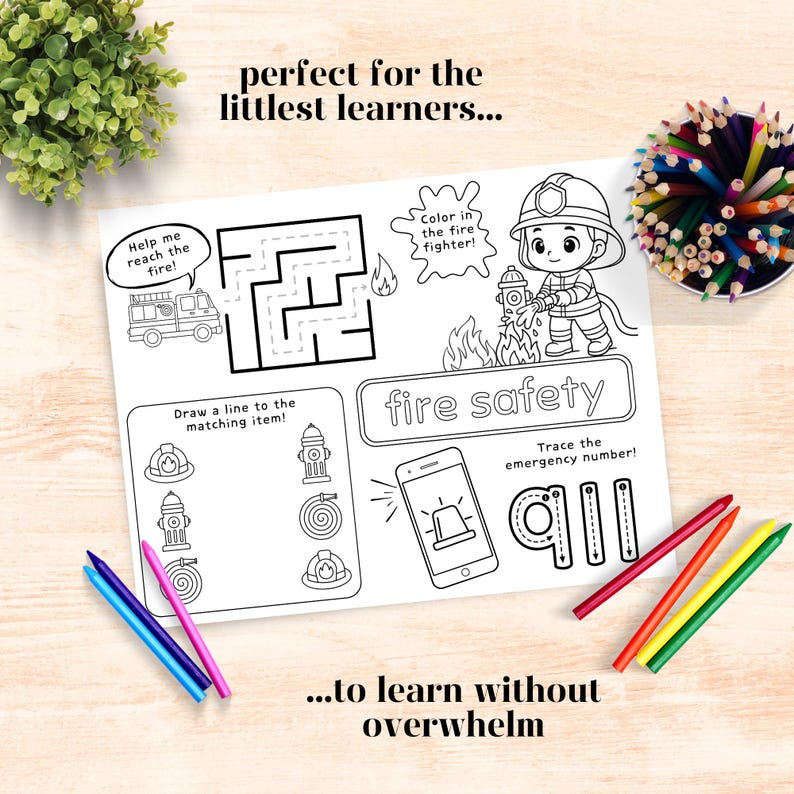
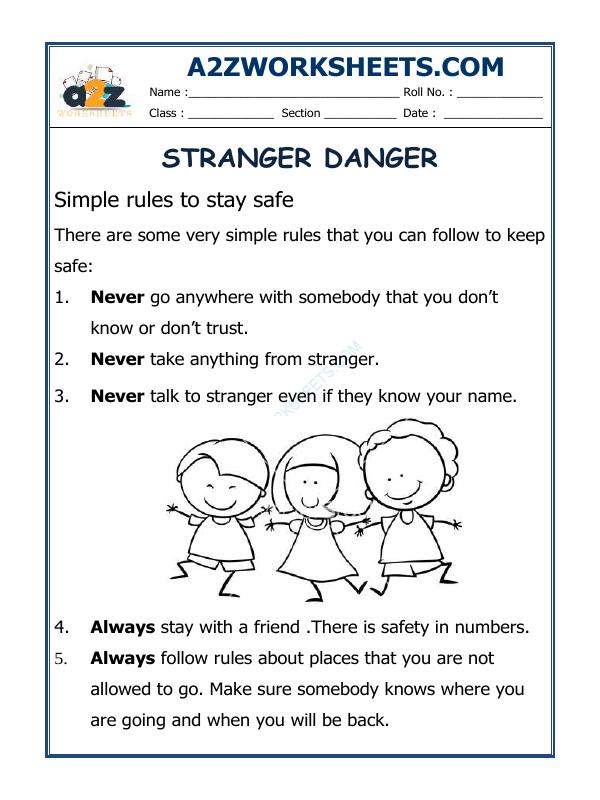
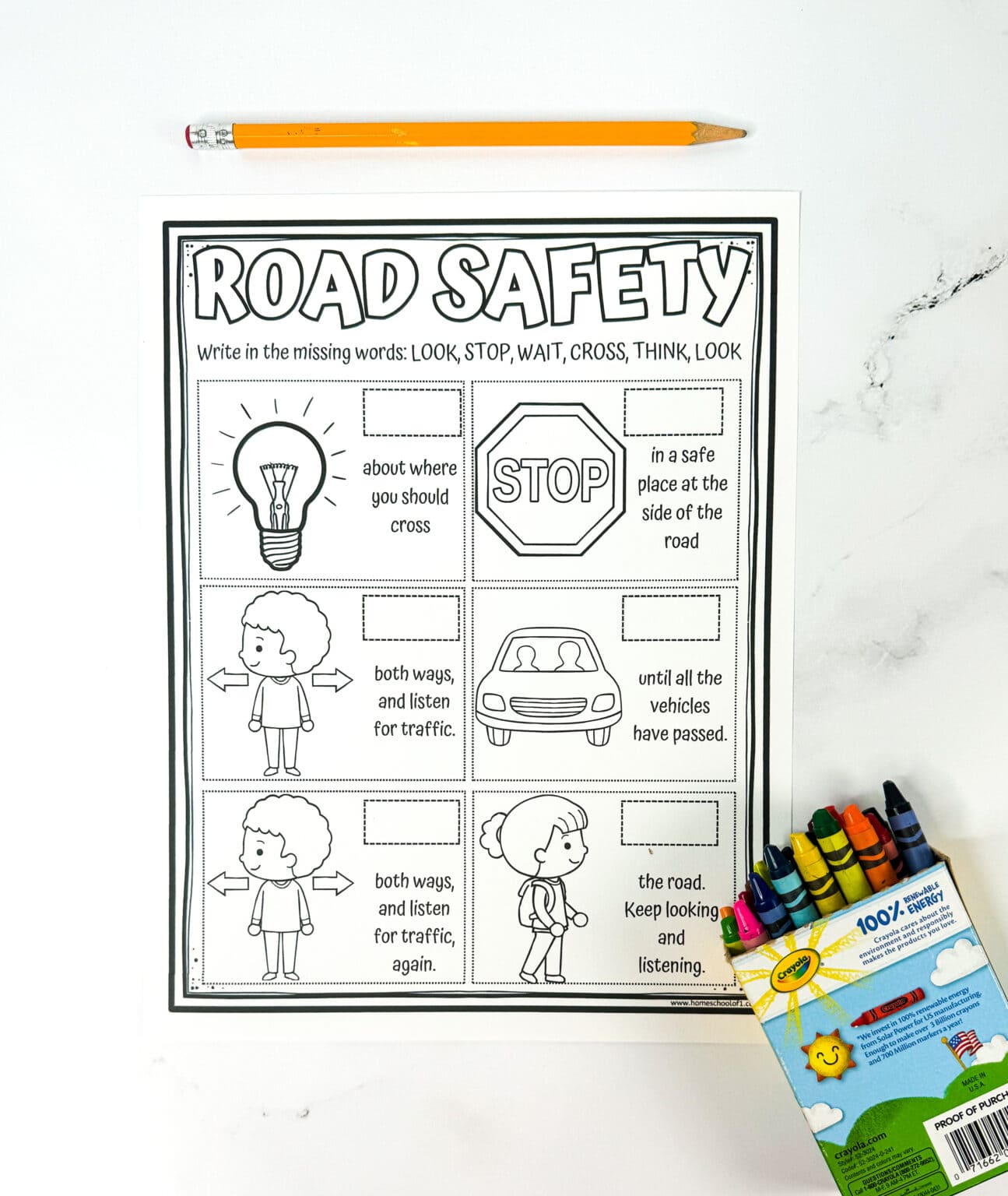
Protecting youth online and offline requires predictable routines rather than reactive discipline. Teachers and families can integrate free printable community signs worksheets into daily learning to reinforce concepts of stopping, looking both ways, and asking for help when a situation feels uncertain. Educators can explore comprehensive tools in our Worksheets collection to pair safety lessons with hands-on activities. To maintain open communication, adults should set up centralized charging stations in common household areas, turning device storage into a natural touchpoint for daily check-ins. Furthermore, schools should clearly communicate device policies so students understand that technical filters and age-appropriate device controls are designed to protect their exploration, not restrict their curiosity.
Children and teens are remarkably resourceful when encountering strict digital restrictions. Overly restrictive filters often backfire, driving students to seek out workarounds, VPNs, or unapproved peer-to-peer communication tools out of sight. Instead of relying solely on heavy-handed blocks, adults should pair technical safeguards with transparent conversations about why certain digital pathways mimic hazardous intersections in the physical world. When students understand the reasoning behind a rule—such as why a specific pop-up warning sign demands an immediate stop—they are far more likely to internalize those habits and alert an adult when something goes wrong.
Frequently Asked Questions From Educators and Parents
How do free printable community signs worksheets support digital safety?
These worksheets build core visual literacy and decision-making skills. Recognizing when to stop, yield, or seek guidance offline translates directly to recognizing digital red flags like phishing warnings or unsafe website prompts.
At what age should children begin learning about online warning signs?
Children can start learning basic safety symbols in early elementary school using tangible materials and coloring activities found in our Coloring Pages hub. As they grow older, these concepts scale up to address digital privacy and cyber hygiene.
How can teachers reinforce these lessons alongside standard tech curricula?
Teachers can incorporate visual sign recognition into digital citizenship units, encouraging students to compare real-world municipal signs with browser security certificates, padlock icons, and safety alerts.
Explore More Digital Citizenship Resources
Building a safe, resilient digital culture for children is an ongoing collaborative effort between home and school. To discover additional guides, lesson plans, and protective strategies tailored for K-12 communities, visit SafeWiredSchools.org today.
Worksheet Previews & Reference Materials