Bridging the Gap Between School Break and Screen Time Boundaries
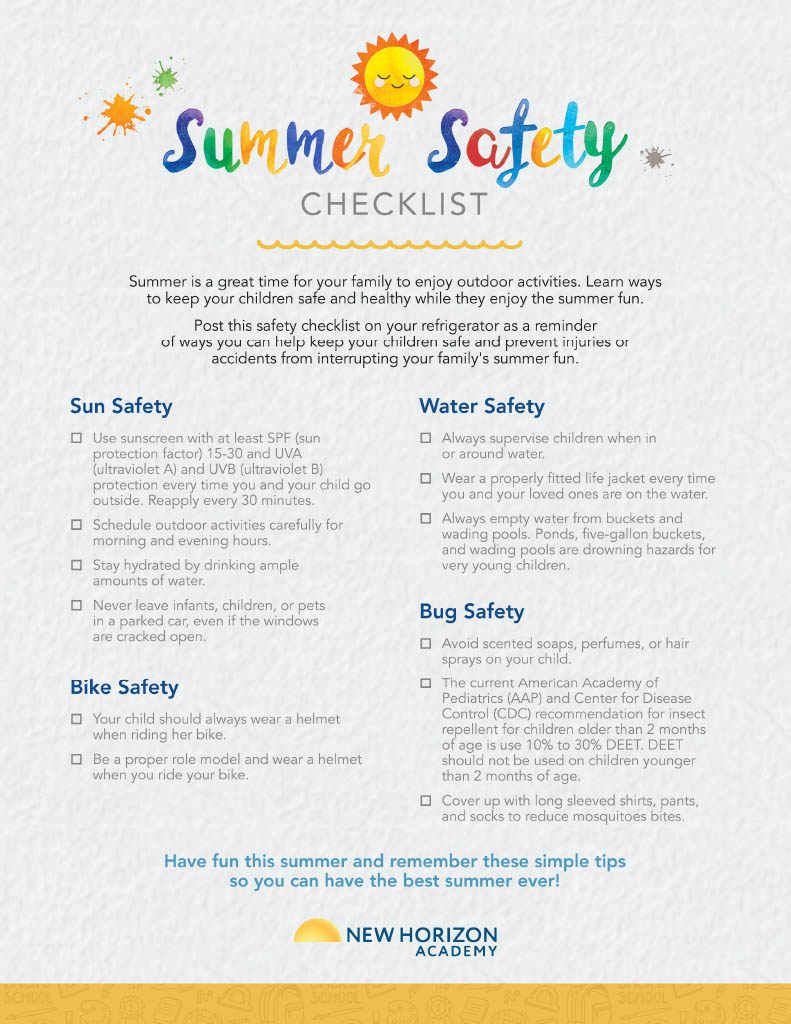
When the final school bell rings, unstructured hours multiply, leading to a sudden surge in unsupervised device usage. Maintaining healthy habits over school breaks requires proactive planning. Integrating a structured summer safety worksheet into your routine gives families and educators a practical framework to address online risks. By blending guidelines from leading organizations like ConnectSafely and the Cybersecurity and Infrastructure Security Agency, adults can help children navigate digital spaces safely while preventing screen fatigue and unexpected exposure to inappropriate content.
💡 Educational Key Takeaways:
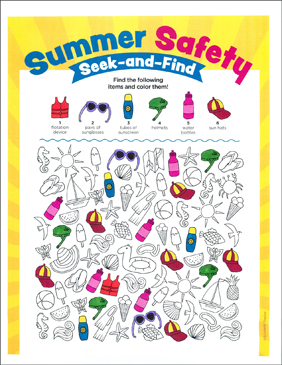
- Core Skill: Structured Summer Safety Worksheet focused on developing pencil grip, stroke control, and early literacy/math confidence.
- Target Scope: Suited for homeschoolers, preschool, kindergarten, and elementary learners.
- Best Recommendation: Practice 10–15 minutes daily with ergonomic writing tools to reinforce muscle memory without hand fatigue.
Mapping Out Digital Vulnerabilities and Preventive Guardrails
To protect children effectively, adults must understand where technical settings and behavioral risks intersect during long vacations. The breakdown below highlights key areas of concern across home networks, school-issued hardware, and messaging platforms, offering direct countermeasures you can implement today.
| Setting / Context | Common Vulnerability | Practical Safeguard |
|---|---|---|
| Home Wi-Fi & Personal Devices | Unfiltered access to streaming platforms and late-night browsing without active router controls. | Enable router-level content filters and set automated bedtime disconnect schedules. |
| School Chromebooks & Tablets | Lax monitoring when school-issued filters are turned off or bypassed outside the district network. | Review device usage policies with your child and install home-compatible extensions if permitted. |
| Social Apps & Direct Messaging | Exposure to unvetted peers, grooming behaviors, and cyberbullying during isolated hours. | Review privacy settings together, disable location sharing, and establish clear reporting rules. |
Establishing Collaborative Rules and Offline Routines
Effective digital citizenship is built on clear, shared expectations rather than authoritarian restrictions. Start your break by downloading a dedicated worksheets resource to facilitate a family tech agreement meeting. Sit down together to outline when and where devices are allowed. Establish a central charging station in a common family area, such as the kitchen, to eliminate unsupervised nighttime scrolling. Encourage open communication by assuring children that reporting uncomfortable online encounters will never result in immediate device confiscation, drawing on best practices from organizations like the Family Online Safety Institute.
Overcoming Resistance and Managing Common Student Workarounds
Overly restrictive bans often backfire, driving tech-savvy students to find clever workarounds like proxy servers or hidden apps. Instead of fighting a constant battle of digital attrition, focus on education and transparency. When a child attempts to bypass a filter, treat it as a teachable moment rather than an immediate disciplinary crisis. Explore our internet and digital safety guides for tips on discussing privacy, encryption, and why certain boundaries exist to protect their personal data and emotional well-being.
Frequently Asked Questions About Breaktime Digital Safety
How can teachers prepare families for summer screen time challenges?
Educators can send home a summary packet during the final week of school that includes discussion prompts and a printable summer safety worksheet. Providing clear, non-punitive guidance helps parents maintain consistency between classroom expectations and home rules.
What age-appropriate device controls should parents activate first?
Begin by restricting in-app purchases, disabling location services on public-facing apps, and enforcing safe search filters on browsers and video platforms. You can gradually relax these parameters as your child demonstrates maturity and digital responsibility.
How do we handle conversations about harmful online content?
Keep your tone calm, curious, and supportive when discussing cyberbullying or accidental exposure. Validating their feelings and praising them for coming forward ensures they will trust you if future digital emergencies arise.
Explore More Digital Citizenship Resources
Keeping kids safe online is an ongoing journey that requires continuous education, collaborative tools, and proactive community support. Dive deeper into our growing library of digital citizenship resources, lesson plans, and creative materials by visiting SafeWiredSchools.org to ensure your students stay protected all year round.
Worksheet Previews & Reference Materials