Blending Creativity with Digital Awareness: Why Fire Safety Coloring Pages Matter
Integrating fire safety education into daily routines is a foundational step for K-12 students, whether they are learning at home or in the classroom. When educators and parents search for interactive tools, digital worksheets and fire safety coloring pages often serve as the go-to medium for teaching young learners about stop, drop, and roll, smoke detectors, and emergency evacuation plans. However, when children use search engines or free printables websites to find these activities, they frequently encounter pop-up ads, unverified downloads, and commercial data trackers. Drawing on guidance from organizations like ConnectSafely and the Federal Trade Commission regarding youth privacy, adults must balance offline learning goals with proactive online protection. By establishing clear digital habits early, we ensure that a simple art project does not expose young students to inappropriate web content, malicious redirects, or aggressive advertising.
💡 Activity Key Takeaways:
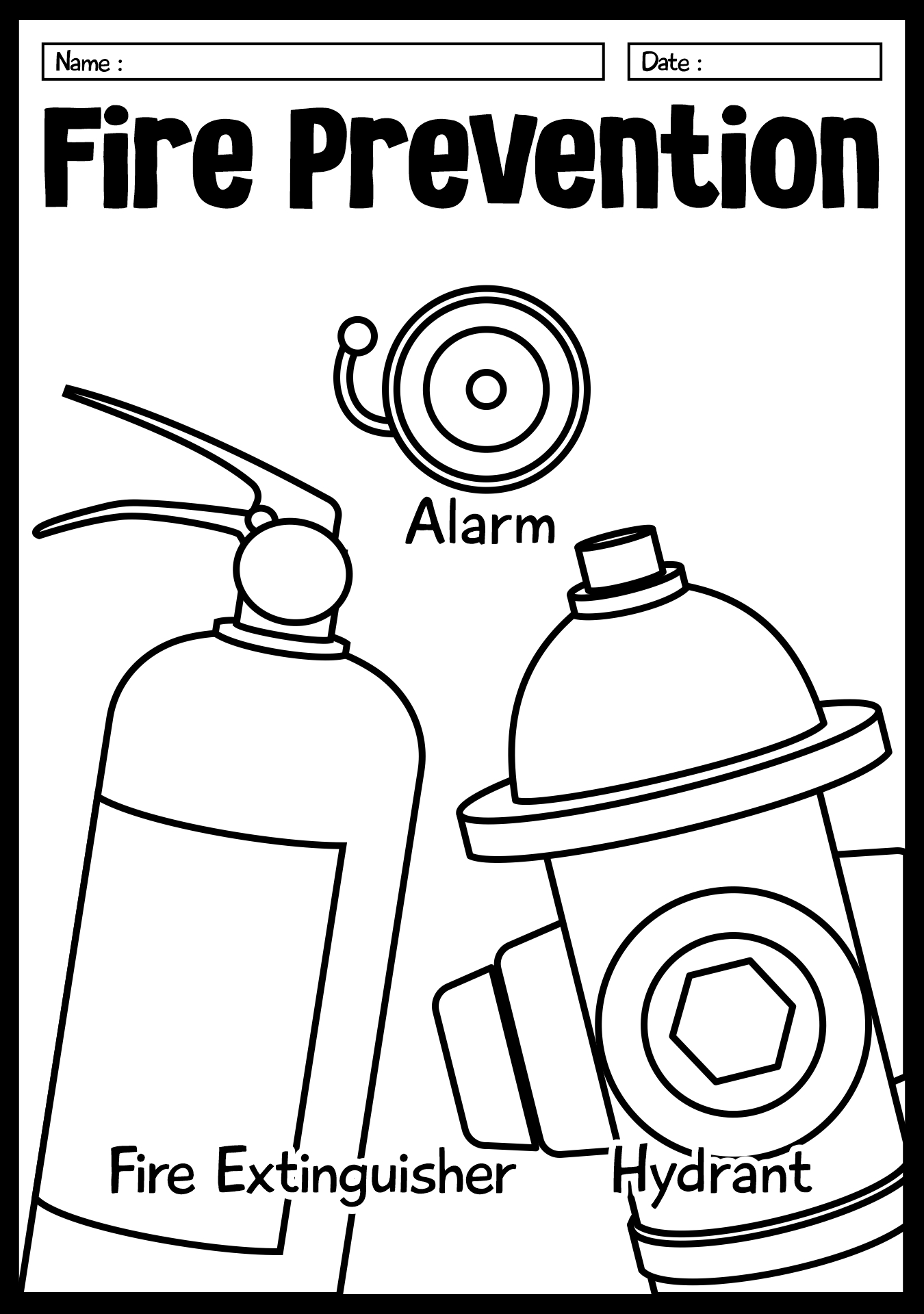
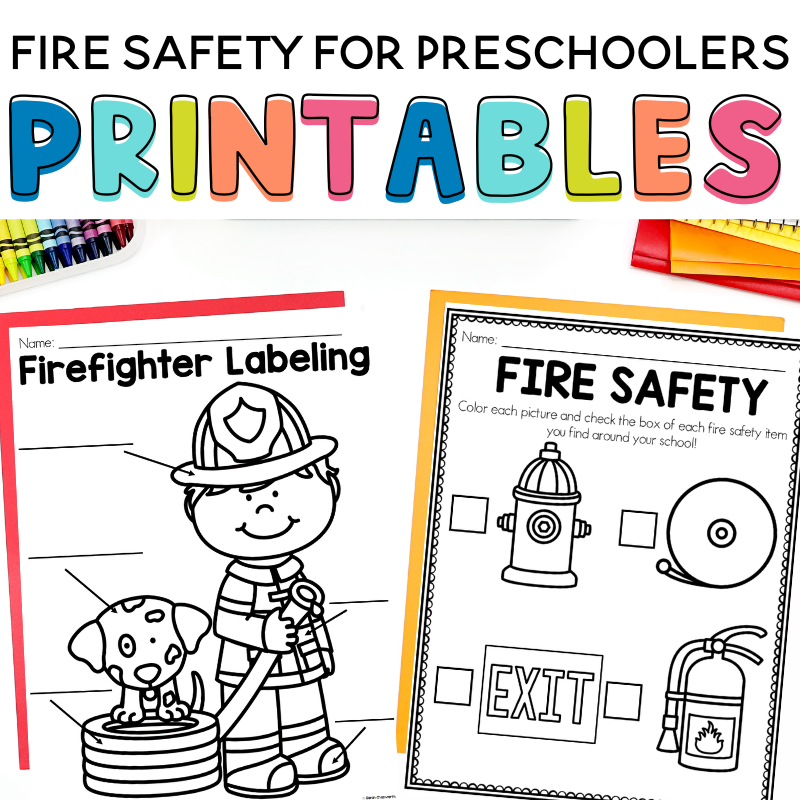
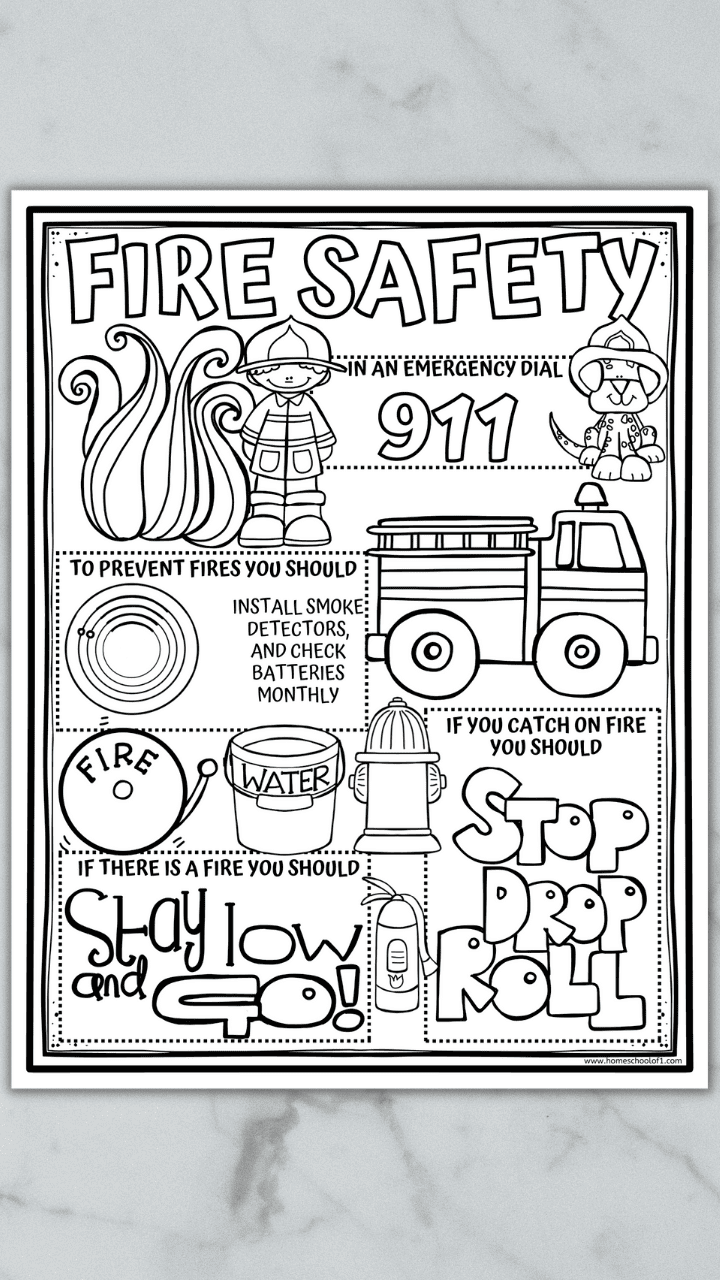
- Core Focus: Printable Fire Safety Coloring Pages designed for creative expression and fine-motor coordination.
- Target Scope: Ideal for toddlers, preschool, kindergarten, and classroom art activities.
- Best Recommendation: Use standard heavy printer paper (24–28 lb) or cardstock for vibrant results with crayons, colored pencils, or washable markers.
Assessing the Digital Landscape: Risk Signals and Practical Guardrails
Downloading free educational content online exposes devices to various security and privacy vulnerabilities, particularly when children navigate independent search sessions. To help parents and educators evaluate different environments, the breakdown below highlights common risks associated with online resource gathering alongside immediate preventive safeguards you can deploy on home computers and school-issued devices. Related guide: Please Provide Free 8.5″X11″ Digital Safety Coloring Pages For K-2 Grade.
| Setting / Context | Common Vulnerability | Practical Safeguard |
|---|---|---|
| Home Tablets & Laptops | Aggressive pop-up ads, malicious PDF downloads, and deceptive “Download” buttons on free printables sites. | Pre-download resources yourself, use browser extensions like uBlock Origin, and restrict search engines using child-safe filters. |
| School Chromebooks & iPads | Students bypassing district content filters by using unauthorized web proxies to find external media. | Rely on district-managed DNS settings, audit extension permissions regularly, and consult our Internet and Digital Safety hub for monitoring tips. |
| Classroom Interactive Boards | Accidental navigation to unvetted external sites during live projector demonstrations. | Bookmark pre-approved educational portals, use a curated digital binder, and explore our collection of Coloring Pages for safe options. |
Implementing Smart Online Habits for Creative Activities
Protecting children while they access educational printables requires a combination of age-appropriate device controls and open, calm communication. Rather than letting children search the web unsupervised, adults should curate a digital folder of trusted websites. Establish a centralized family charging station in a common area of the house to discourage secret late-night web browsing. Furthermore, educators can embed safety checks directly into lesson plans by teaching students how to recognize secure URLs starting with HTTPS and explaining why clicking on flashing banner ads is unsafe. When supplementing these lessons with offline writing or drawing assignments, educators can utilize resources from our Worksheets archive to keep students focused on structured, safe tasks.
Children are naturally curious and quickly find workarounds if device controls feel overly restrictive or punitive. If a student attempts to bypass filters to find specific graphic styles or animated media, avoid shaming them. Instead, treat the workaround as a teachable moment. Explain the reasoning behind network firewalls and device safety protocols in an age-appropriate manner, referencing CISA recommendations on basic cyber hygiene. When adults remain calm and communicative, children feel comfortable reporting accidental exposure to strange pop-ups or broken links without fear of losing device privileges.
Frequently Asked Questions About Safe Digital Resource Gathering
Are free printable websites safe for elementary students to browse independently?
Most free printables sites rely on third-party advertising, which can display inappropriate pop-ups, misleading download links, or tracking cookies. It is always safest for an adult to download and print the files beforehand rather than letting young children search unassisted.
How can teachers prevent students from stumbling onto unvetted ads during classroom activities?
Educators should save PDF files directly to a secure school server or learning management system prior to class. This eliminates the need for live web browsing during instructional time and keeps students entirely focused on the designated material.
What should I do if my child clicks a suspicious link while looking for coloring sheets?
Immediately disconnect the device from the internet if a strange download triggers or a ransom-style pop-up appears. Clear your browser cache and run a trusted antivirus scan, reassuring your child that mistakes happen and praising them for speaking up immediately.
Explore More Digital Citizenship Resources
Safeguarding young learners online is an ongoing partnership between dedicated teachers, school administrators, and families at home. To discover more practical guides, downloadable safety checklists, and expert digital citizenship advice, visit us anytime at SafeWiredSchools.org.
Printable Coloring Page Previews