Why Blending Creativity and Digital Literacy Matters This October
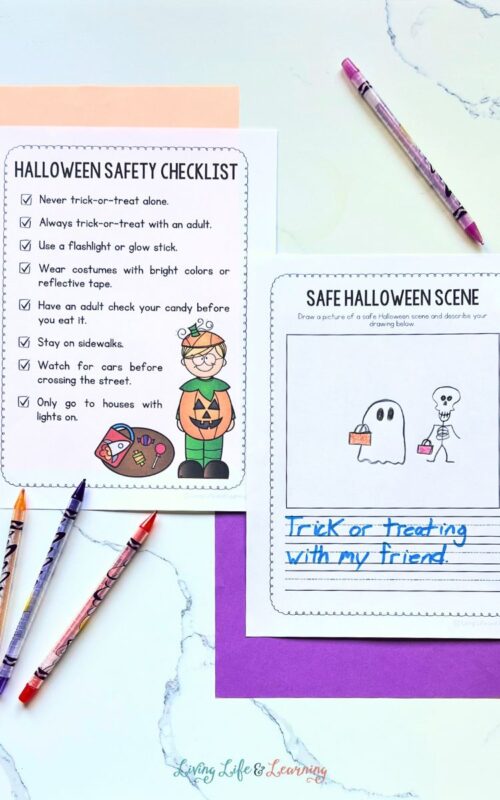
As spooky season arrives, classrooms and living rooms naturally buzz with excitement for costumes, candy, and seasonal crafts. Educators and parents often turn to themed offline activities to keep young minds focused and hands busy. Integrating a Halloween safety coloring page into your lesson plans or home routine offers a brilliant dual-purpose opportunity. Not only do these creative sheets give children a fun, screen-free break, but they also serve as an engaging entry point for crucial discussions about digital footprints, online stranger danger, and device boundaries. Organizations like ConnectSafely and the Family Online Safety Institute continually emphasize that proactive, age-appropriate conversations are our best defense against online pitfalls. By anchoring digital citizenship lessons to tactile, familiar seasonal themes, we help kids internalize vital safety concepts without inducing fear or anxiety. Related guide: Please Provide Free 8.5X11″ Digital Safety Coloring Pages For K-2 Grade.
💡 Activity Key Takeaways:
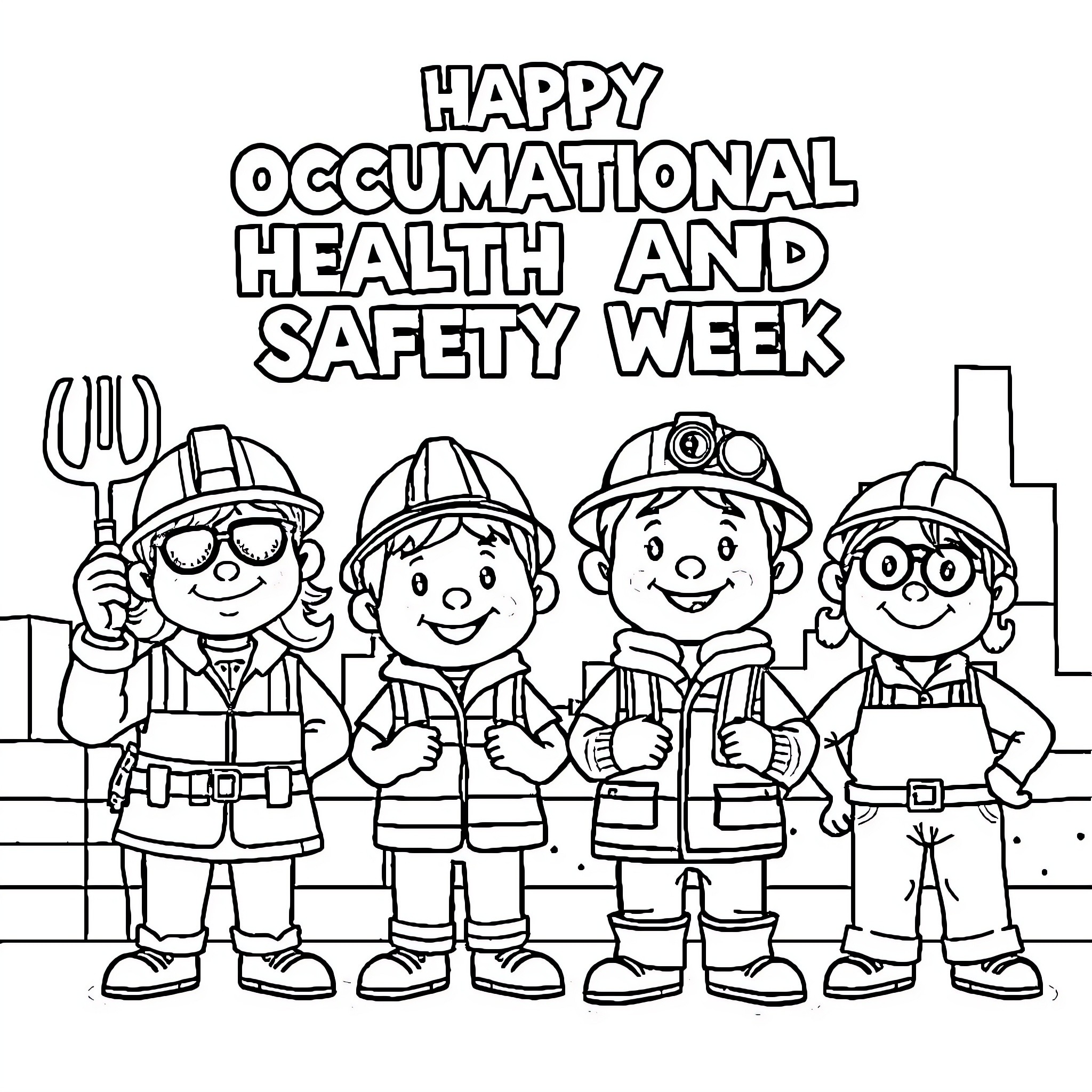
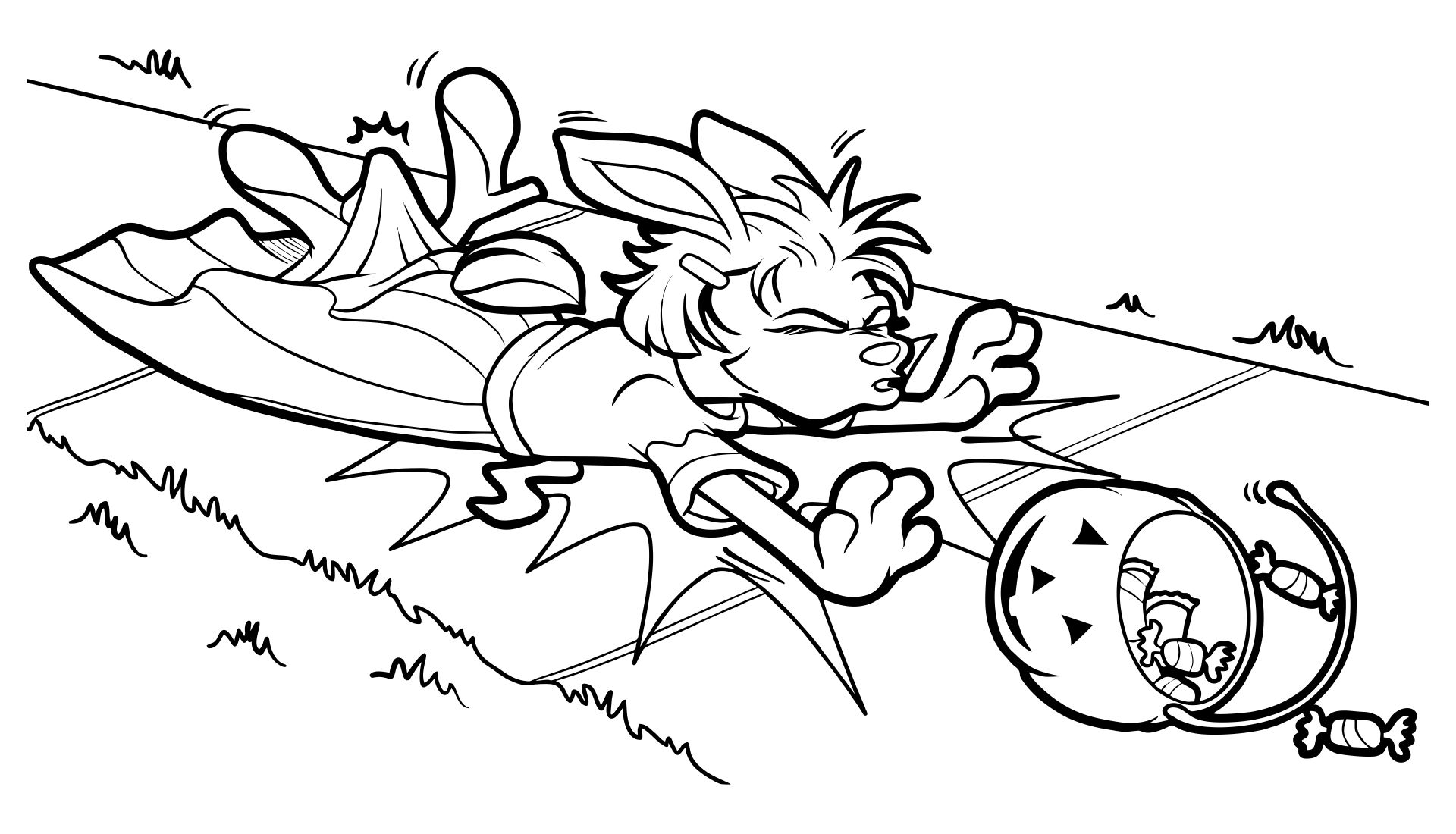
- Core Focus: Printable Halloween Safety Coloring Page designed for creative expression and fine-motor coordination.
- Target Scope: Ideal for toddlers, preschool, kindergarten, and classroom art activities.
- Best Recommendation: Use standard heavy printer paper (24–28 lb) or cardstock for vibrant results with crayons, colored pencils, or washable markers.
Spotting Vulnerabilities Across School and Home Environments
Children navigate a shifting landscape of tablets, home consoles, and school-issued Chromebooks. Adults must understand where technical blind spots typically emerge so they can implement robust safeguards before issues arise. Reviewing hardware configurations alongside behavioral warning signs helps close the gaps where unsupervised digital exploration can lead to risky encounters.
| Setting / Context | Common Vulnerability | Practical Safeguard |
|---|---|---|
| Home Tablets & Smartphones | Unfiltered app store access allowing unverified downloads of seasonal mini-games and coloring apps. | Enable strict parental controls, require password authentication for all app installations, and review privacy policies. |
| School Chromebooks & Laptops | Students bypassing web filters or sharing login credentials during collaborative remote projects. | Reinforce institutional Acceptable Use Policies and leverage network logging tools recommended by CISA guidelines. |
| In-Game Chats & Messaging | Predators or peers soliciting personal information through chat windows embedded in casual browser games. | Turn off global chat functions entirely, restrict multiplayer settings to approved contacts, and encourage reporting. |
Practical Routines Families and Schools Can Apply Today
Establishing clear, consistent boundaries ensures that children know what to do when they encounter something confusing or upsetting online. Start by integrating a Halloween safety coloring page into a broader discussion about smart device habits, connecting the themes of physical neighborhood safety—like staying with a buddy and not talking to strangers—directly to online spaces. Establish a central charging station in a common household area to eliminate late-night, unsupervised browsing under the covers. Furthermore, ensure your school community communicates device expectations clearly across newsletters and take-home folders. When kids encounter pop-up ads, sketchy links promising free digital rewards, or uncomfortable messages, they need a clear reporting workflow that relies on calm communication rather than immediate punishment or device confiscation.
Children are remarkably resourceful when it comes to finding workarounds for parental controls or classroom filters, such as using proxy sites or browser extensions to hide their activity. When adults react with anger or instant revocation of privileges, students simply learn to hide their behavior more effectively next time. Instead, reframe pushback as a teachable moment. Acknowledge their creativity while firmly explaining the security reasoning behind the rules. Pairing technical safeguards with resources from our Internet and Digital Safety hub empowers educators and parents to address root causes of risky behavior. By maintaining open lines of communication, children feel safe coming forward when a digital interaction goes wrong.
Frequently Asked Questions About Digital Safety and Seasonal Activities
How can a coloring sheet effectively teach internet safety to young students?
Printable sheets provide a low-stakes, tactile medium that keeps younger children engaged while adults explain foundational rules like keeping personal details private. Visual art reinforces memory retention, making it easier for kids to recall safety guidelines when they eventually use connected devices.
What age group benefits most from these blended offline and online safety lessons?
Children in kindergarten through fifth grade respond exceptionally well to themed creative activities combined with guided discussions. For deeper dives into structured classroom modules, explore our collection of Worksheets designed for elementary and middle school students.
How do I handle a child who accidentally clicks on a suspicious seasonal pop-up ad?
Stay calm, praise them for telling you immediately rather than closing the tab in a panic, and check the device for unauthorized downloads. Use the moment to demonstrate how safe web navigation works and review strategies found within our Coloring Pages archive.
Explore More Digital Citizenship Resources
Building resilient, digitally safe environments requires ongoing collaboration between home and school. Discover more practical guides, downloadable activities, and expert advice by visiting us at SafeWiredSchools.org.
Printable Coloring Page Previews