Why Creative Offline Dialogue Strengthens Student Security
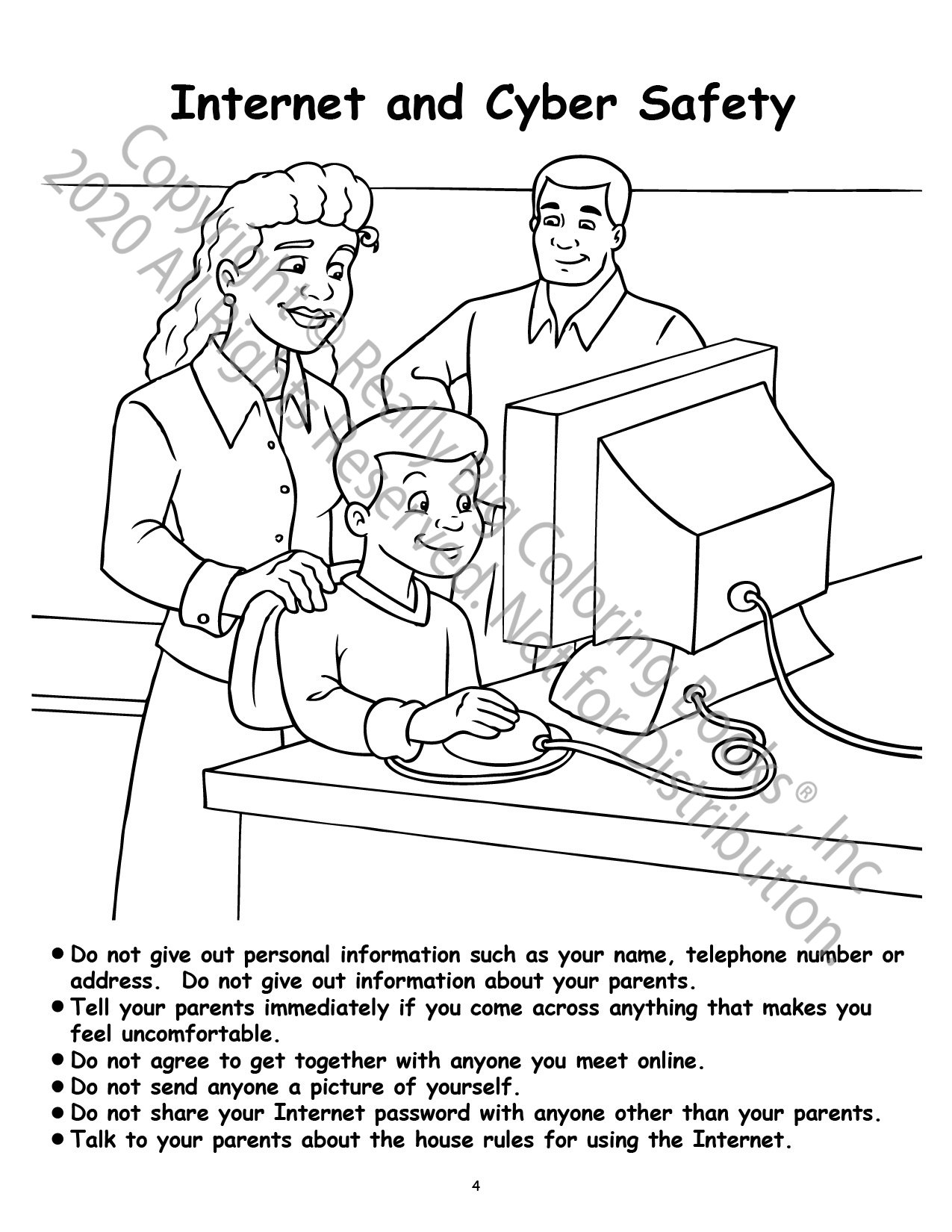
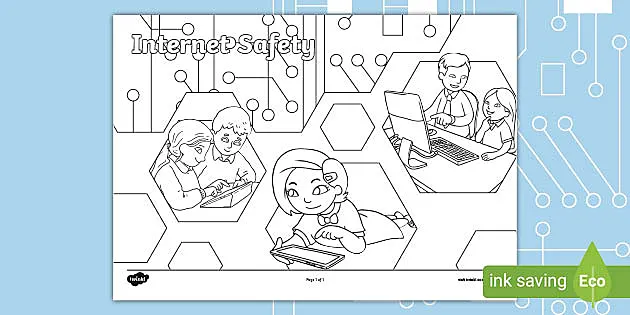
In today’s interconnected learning environments, students encounter digital devices long before they fully grasp the nuances of online privacy. Translating abstract cybersecurity concepts into tangible, creative activities helps bridge that gap. Integrating digital safety coloring into lesson plans and family routines gives young learners a tactile way to process rules about passwords, private information, and device etiquette. According to youth privacy guidance from organizations like ConnectSafely and the Federal Trade Commission, children absorb safety rules best when they are paired with positive, low-stress reinforcement rather than fear-based warnings. By coloring scenes that depict secure browsing habits or balanced screen time, students internalize safe behaviors while developing fine motor skills. Related guide: Please Provide Free 8.5″X11″ Digital Safety Coloring Pages For K-2 Grade.
💡 Activity Key Takeaways:
- Core Focus: Printable Digital Safety Coloring designed for creative expression and fine-motor coordination.
- Target Scope: Ideal for toddlers, preschool, kindergarten, and classroom art activities.
- Best Recommendation: Use standard heavy printer paper (24–28 lb) or cardstock for vibrant results with crayons, colored pencils, or washable markers.
Spotting Vulnerability Signals Across Home and School Tech
Adults often struggle to identify when a child is experimenting with risky digital behaviors or navigating confusing online situations. To help parents and educators spot trouble early, it is essential to monitor both technical device controls and behavioral cues. The breakdown below highlights common vulnerabilities across different environments and offers proactive guardrails to keep students protected.
| Setting / Context | Common Vulnerability | Practical Safeguard |
|---|---|---|
| Home Mobile Devices | Unmonitored app store downloads and accidental in-app purchases. | Lock down app store permissions and require parental approval for every new download. |
| School Chromebooks | Bypassing web filters or sharing login credentials with peers. | Enforce strict single-sign-on policies and review browser history during weekly check-ins. |
| Messaging and Chat | Over-sharing personal details in public game lobbies or chat rooms. | Use our Internet and Digital Safety resources to teach kids what constitutes private data. |
Establishing Clear Rules and Calm Routines for Device Use
Technical controls alone cannot prevent every online mishap; they must be supported by consistent, calm habits at home and in the classroom. Educators can incorporate hands-on activities by pairing lessons with our printable Worksheets to reinforce concepts like cyberbullying prevention and digital footprints. At home, establish a central charging station in a common family area where all smartphones and tablets sleep overnight, eliminating late-night screen exposure. When introducing new platforms, use open-ended prompts to discuss what to do if a stranger messages them or if an inappropriate pop-up appears. Frame these discussions around teamwork so children feel safe coming forward immediately without fear of losing their device privileges.
When adults implement heavy-handed device bans or aggressive filtering, students often respond by finding clever workarounds, such as using peer-to-peer file sharing or secondary browser extensions. Instead of fostering an adversarial dynamic, educators and parents should build trust through transparent communication. If a student tries to bypass a filter, use the moment as a teachable inquiry rather than an immediate punishment. Ask why they felt the need to bypass the restriction and guide them back toward authorized tools. Blending technical guardrails with creative learning exercises like digital safety coloring helps shift student attitudes from resentment of rules to active appreciation of personal safety.
Common Questions About Creative Online Safety Lessons
At what age should we introduce digital citizenship concepts?
Basic concepts like keeping passwords secret and asking an adult before downloading apps can be introduced as early as kindergarten. Utilizing visual and creative activities helps make these abstract rules accessible to early learners.
How do coloring pages help reinforce cybersecurity?
Coloring provides a calm, offline medium for children to engage with technical concepts without screen fatigue. As they color scenes depicting safe online behavior, it opens the door for organic conversations with parents and teachers.
Where can I find more printable materials for my classroom?
Explore our dedicated Coloring Pages section to find free, age-appropriate artwork designed specifically for digital citizenship lessons.
Empowering the Next Generation of Responsible Digital Citizens
Protecting children online requires a balanced partnership between educators, school staff, and parents. By combining technical safeguards with creative, pressure-free learning tools, we can teach kids to navigate the digital world with confidence and caution. Visit SafeWiredSchools.org to access our full library of guides, lesson plans, and safety resources.
Printable Coloring Page Previews