Why Danger Sign Coloring Page Matters for School & Home Safety
Teaching younger students how to navigate the digital world requires creative, tactile tools that bridge offline learning with online awareness. When educators and parents introduce a danger sign coloring page, they are doing much more than keeping small hands busy during an arts and crafts block. They are establishing critical visual cues that help children recognize hazards both on the playground and across internet platforms. According to youth privacy guidance from organizations like ConnectSafely and the Family Online Safety Institute (FOSI), early digital citizenship begins by teaching children to identify warning signs, such as unexpected pop-ups, strangers asking for personal information, or content that makes them feel uncomfortable. By pairing offline creative exercises with guided discussions, adults can translate abstract cyber safety concepts into tangible lessons that kids readily understand and remember. Related guide: Please Provide Free 8.5″X11″ Digital Safety Coloring Pages For K-2 Grade.
💡 Activity Key Takeaways:
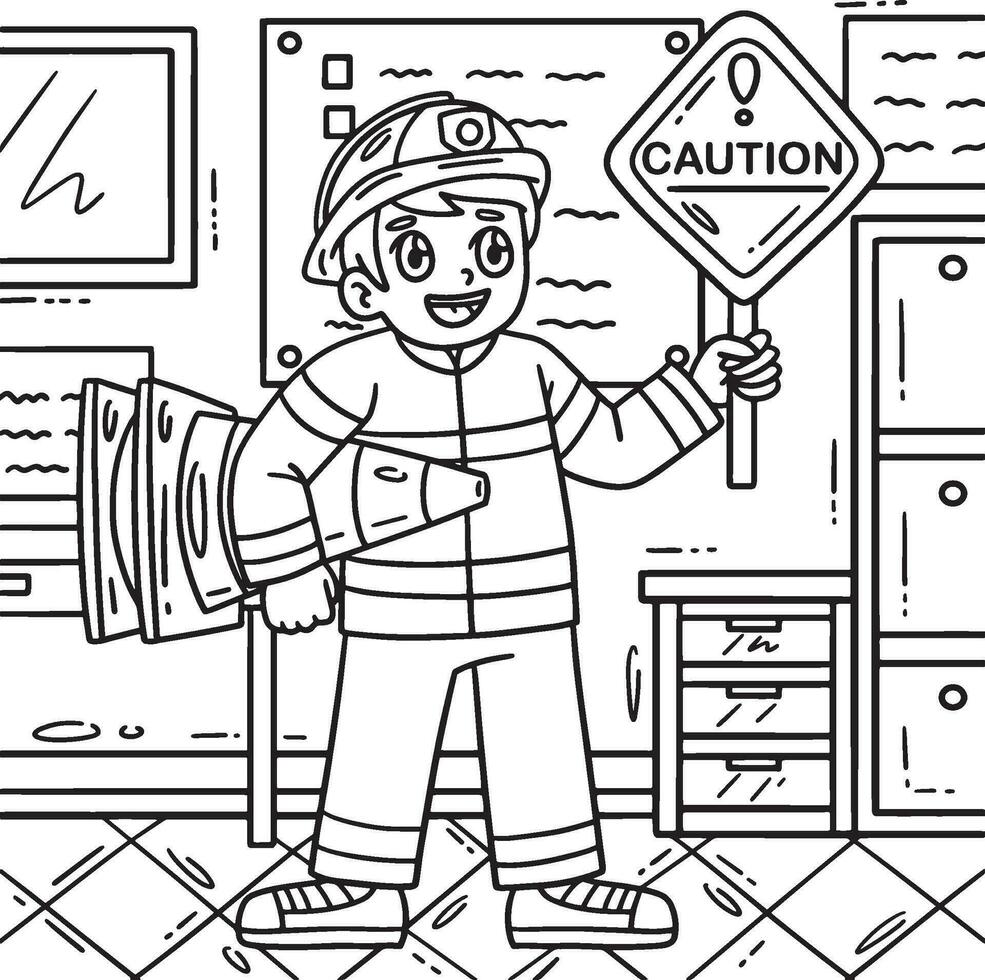
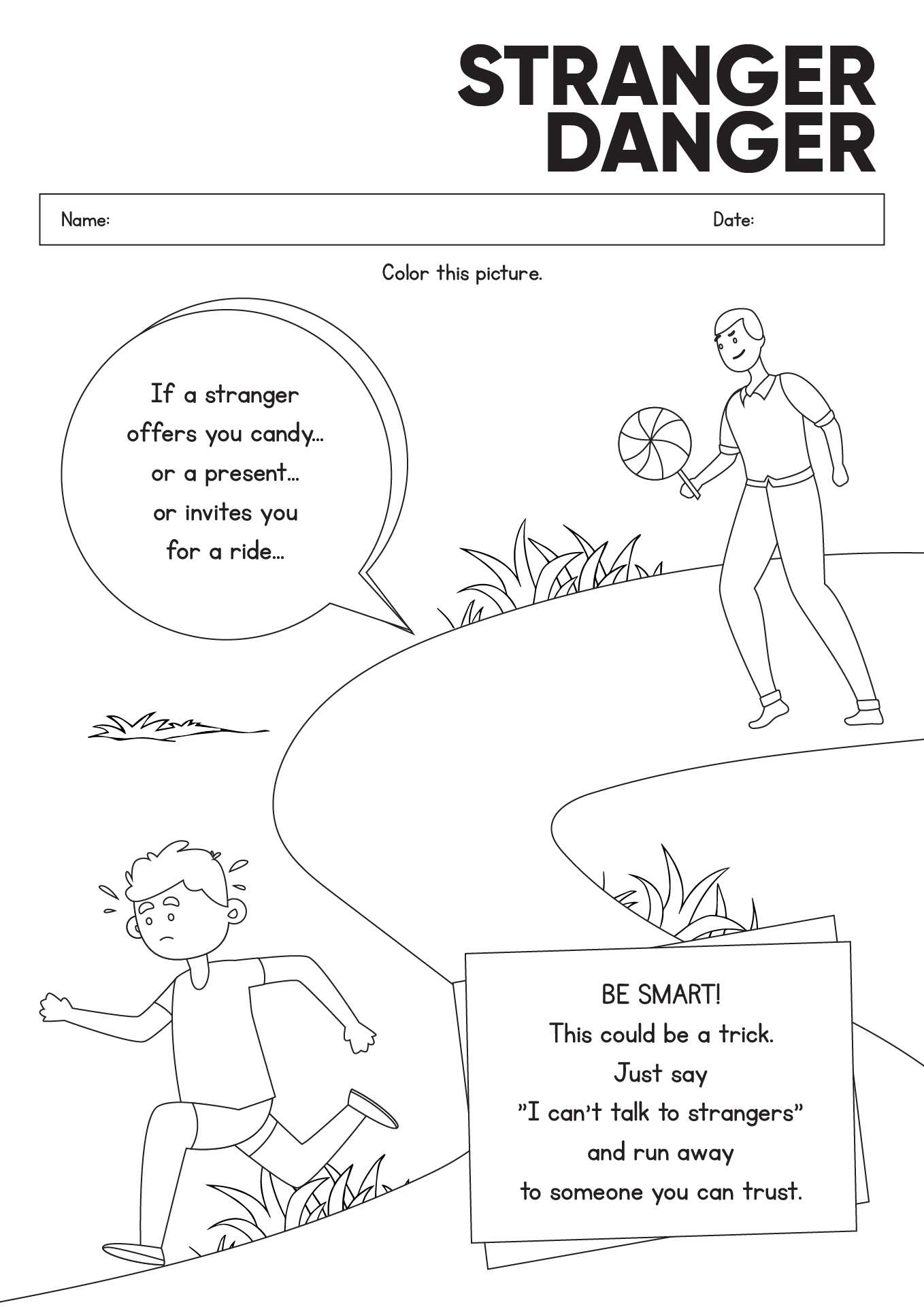
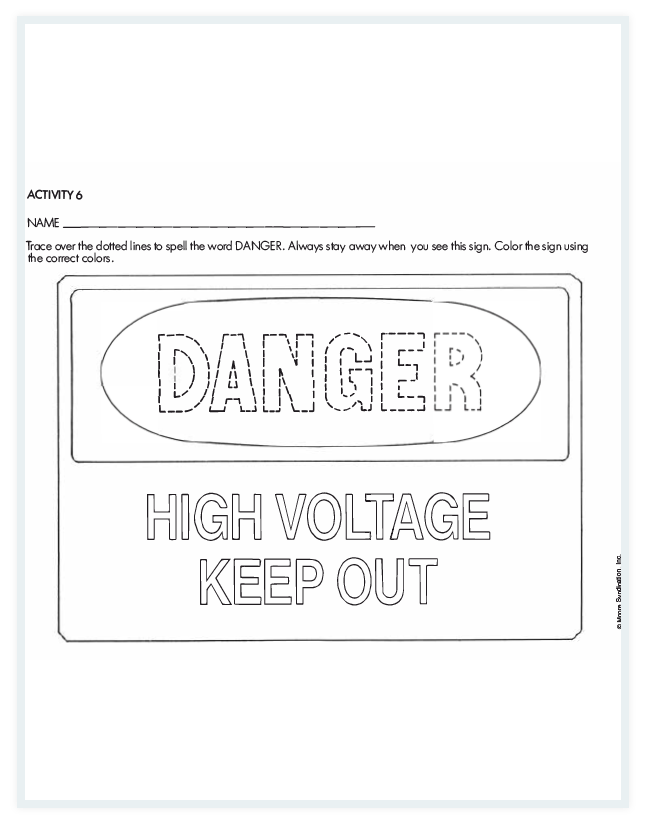
- Core Focus: Printable Danger Sign Coloring Page designed for creative expression and fine-motor coordination.
- Target Scope: Ideal for toddlers, preschool, kindergarten, and classroom art activities.
- Best Recommendation: Use standard heavy printer paper (24–28 lb) or cardstock for vibrant results with crayons, colored pencils, or washable markers.
Risk Signals & Preventive Guardrails
Protecting children across diverse digital environments requires a blend of technical settings and behavioral awareness. Whether students are browsing on home tablets or school-issued Chromebooks, adults must monitor how safety policies are enforced and what warning signs children encounter online. Review the structured breakdown below to align your device controls and supervision strategies.
| Setting / Context | Common Vulnerability | Practical Safeguard |
|---|---|---|
| Home Devices & Tablets | Unfiltered browser access and accidental downloads from deceptive ad banners. | Enable strict content filters, safe search modes, and block third-party app stores. |
| School Chromebooks & iPads | Bypassing network monitoring tools or sharing credentials with peers. | Enforce school-managed endpoint security and review browser history regularly. |
| Social Apps & Chat Rooms | Direct messages from unknown accounts requesting photos or location data. | Disable direct messaging features entirely and review our Online and Digital Safety strategies. |
Rules & Habits Families and Schools Can Apply
Consistency between the classroom and the living room is the cornerstone of effective digital citizenship. Schools can integrate safety concepts into creative lessons by distributing activity sheets found in our Coloring Pages library, allowing children to discuss warning symbols in a low-pressure environment. At home, families should establish concrete routines like central nighttime charging stations to keep screens out of bedrooms. Furthermore, adults must foster a reporting culture rooted in trust rather than punishment. When children know they can confide in a trusted adult after clicking something suspicious without facing an immediate ban on device privileges, they are far more likely to speak up early before minor issues escalate into serious safety risks.
Handling Pushback & Common Student Workarounds
As children grow older, they naturally seek independence and may test technical boundaries by attempting to bypass content filters, use incognito windows, or install unauthorized applications. Overly restrictive bans often backfire by driving tech use underground, making it harder for parents and educators to spot potential hazards. Instead of relying solely on heavy-handed restrictions, pair your technical safeguards with ongoing, calm conversations. Explain the rationale behind specific rules so children understand that safety controls protect their privacy and well-being rather than serving as arbitrary punishment. Reinforce lessons by utilizing practical exercises from our Worksheets collection to check comprehension and prompt constructive dialogue.
Educator & Parent Questions
What age is appropriate to introduce digital safety concepts using creative activities?
Children as young as kindergarten or first grade can begin learning basic safety signals. Using visual aids and creative printables helps cement foundational habits long before children receive their own unsupervised devices.
How can teachers connect coloring activities to actual internet safety rules?
Teachers can ask guiding questions while students work, comparing physical warning signs like stop signs to digital warning signs like unexpected error messages or requests for private information.
What should a parent do if their child encounters inappropriate content online?
Stay calm, praise the child for coming forward immediately, and reassure them they are not in trouble. Document the incident if necessary, block the user or site, and review your device filter settings.
Explore More Digital Citizenship Resources
Empowering children to become safe, responsible digital citizens requires continuous guidance, up-to-date resources, and collaborative communication between home and school. Explore our complete library of tools, expert guides, and practical advice by visiting SafeWiredSchools.org today.
Printable Coloring Page Previews