Why Creative Offline Tools Build Stronger Foundations Than Lecture-Heavy Lessons
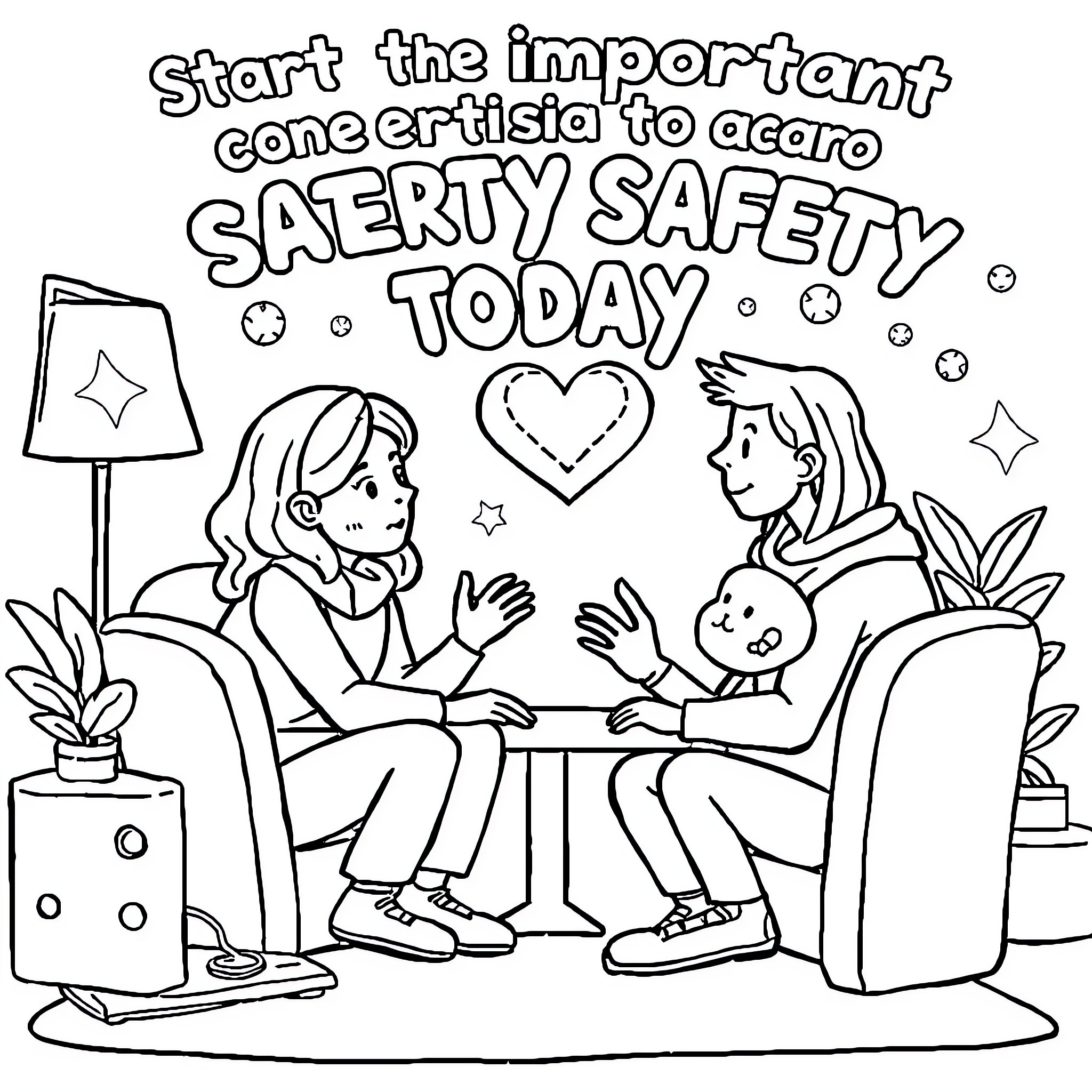
When introducing fundamental internet safety concepts to early elementary and middle-school students, heavy lectures or dense acceptable use policies often fall flat. Young learners process abstract concepts like personal information, device boundaries, and digital footprints much better through tactile, visual mediums. That is why educators and parents frequently turn to internet safety coloring sheets to bridge the gap between digital theory and everyday practice. Grounded in guidance from organizations like ConnectSafely and the Cybersecurity and Infrastructure Security Agency, these hands-on resources allow children to engage with online safety at their own developmental pace. By coloring characters navigating secure passwords, safe sharing, and kind online behavior, students internalize critical digital citizenship skills without feeling overwhelmed or anxious about technology.
💡 Activity Key Takeaways:
- Core Focus: Printable Internet Safety Coloring Sheets designed for creative expression and fine-motor coordination.
- Target Scope: Ideal for toddlers, preschool, kindergarten, and classroom art activities.
- Best Recommendation: Use standard heavy printer paper (24–28 lb) or cardstock for vibrant results with crayons, colored pencils, or washable markers.
Technical Guardrails Matched with Behavioral Risk Indicators
Even the most engaging classroom activities must be paired with appropriate technical safeguards and watchful adult oversight. Adults should remain alert to both digital vulnerabilities and behavioral cues that indicate a child might need additional guidance regarding online interactions. The matrix below outlines common settings, vulnerabilities, and proactive measures for both home and school environments. Related guide: Two Factor Authentication Coloring Page Kids.
| Setting / Context | Common Vulnerability | Practical Safeguard |
|---|---|---|
| Home Devices & Tablets | Unmonitored app store downloads and accidental exposure to age-inappropriate content. | Enable parental control dashboards, restrict in-app purchases, and use robust Internet and Digital Safety tools to filter web traffic. |
| School Chromebooks | Disabling extension-based web filters or using unauthorized browser windows during class. | Coordinate with IT to enforce locked-down device profiles and review classroom monitoring logs regularly. |
| Chat & Social Gaming | Oversharing location data, full names, or school names with unknown online players. | Disable direct public messaging features in multiplayer titles and establish clear rules about communicating only with known, trusted peers. |
Establishing Calm, Collaborative Routines at School and Home
Effective digital citizenship is built on consistency rather than sporadic intervention. Educators can incorporate internet safety coloring sheets into art or computer lab rotations, using the completed artwork to spark classroom discussions about password strength or what constitutes private information. At home, families can complement these lessons by establishing predictable routines, such as placing all personal devices in a centralized charging station outside of bedrooms overnight. Aligning school policy communication with home habits ensures that children hear a unified message: technology is a powerful tool for learning and creativity, but it requires mindful protection and mutual trust.
Overcoming Overly Strict Bans and Managing Student Workarounds
A common pitfall for both teachers and parents is relying exclusively on blanket bans or rigid monitoring software. When adults implement overly restrictive digital rules without explanation, tech-savvy students often find workarounds, such as using proxy sites or deleting browser history out of fear. Instead of driving behavior underground, pair your technical filters with open check-ins. When a child colors a page depicting a friendly digital helper who reminds users to report uncomfortable messages, use that as a jumping-off point to reinforce that making a mistake online will not result in losing all tech privileges. Encouraging transparent communication ensures children come to adults immediately when encountering cyberbullying, inappropriate pop-ups, or suspicious requests.
Frequently Asked Questions From Educators and Caregivers
What age group benefits the most from internet safety coloring sheets?
While kindergarten through third grade students experience the highest comprehension boost from visual coloring activities, older elementary students can also benefit from using them as reflective prompts or group discussion starters alongside more advanced Coloring Pages that cover complex topics like phishing and digital footprints.
How can teachers integrate these creative resources into an already packed curriculum?
Teachers can easily weave these sheets into morning work, art class integrations, or media literacy library sessions. This allows core academic time to remain uninterrupted while still fulfilling mandatory digital citizenship education requirements.
Are printable worksheets enough to protect children from online risks?
No, printables are purely an educational catalyst designed to spark conversation and build foundational awareness. They must always be supported by active supervision, open lines of communication, and up-to-date technical controls on all household and school devices.
Explore More Digital Citizenship Resources
Empowering the next generation of digital citizens requires a diverse toolkit of lessons, activities, and policy guides. To discover additional printable activities, classroom lesson plans, and expert advice for keeping students secure in a connected world, visit SafeWiredSchools.org and explore our full collection of Worksheets designed for modern educators and families.
Printable Coloring Page Previews