Why Creative Offline Tools Build Stronger Student Foundations
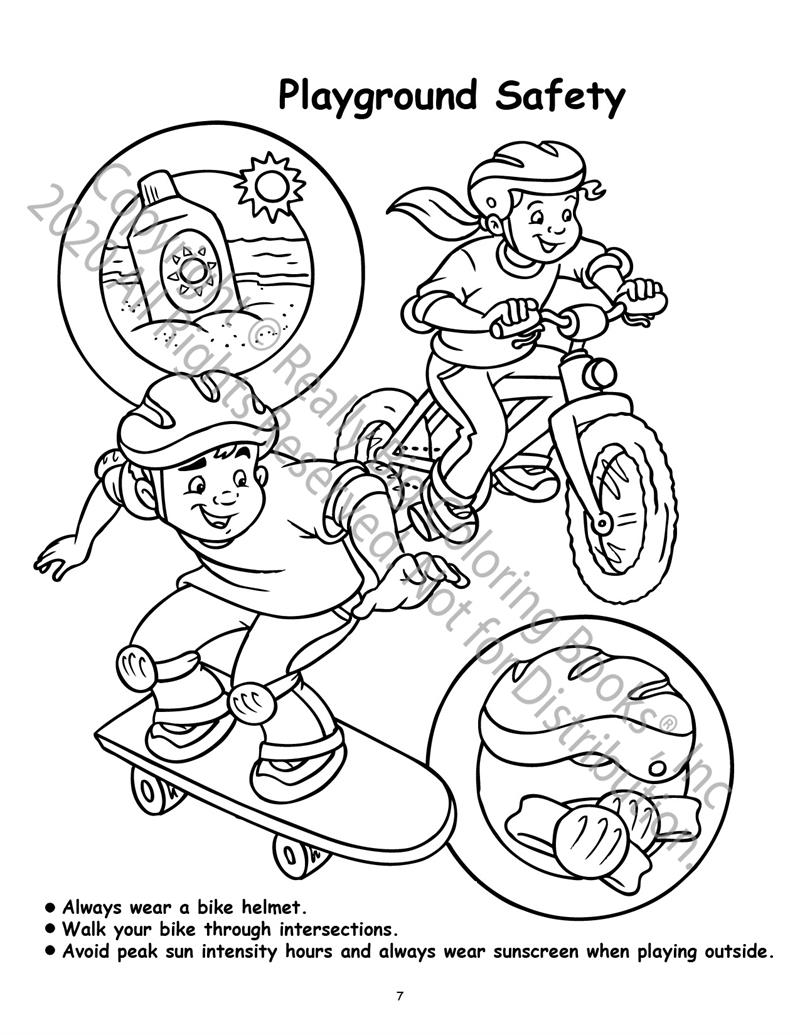
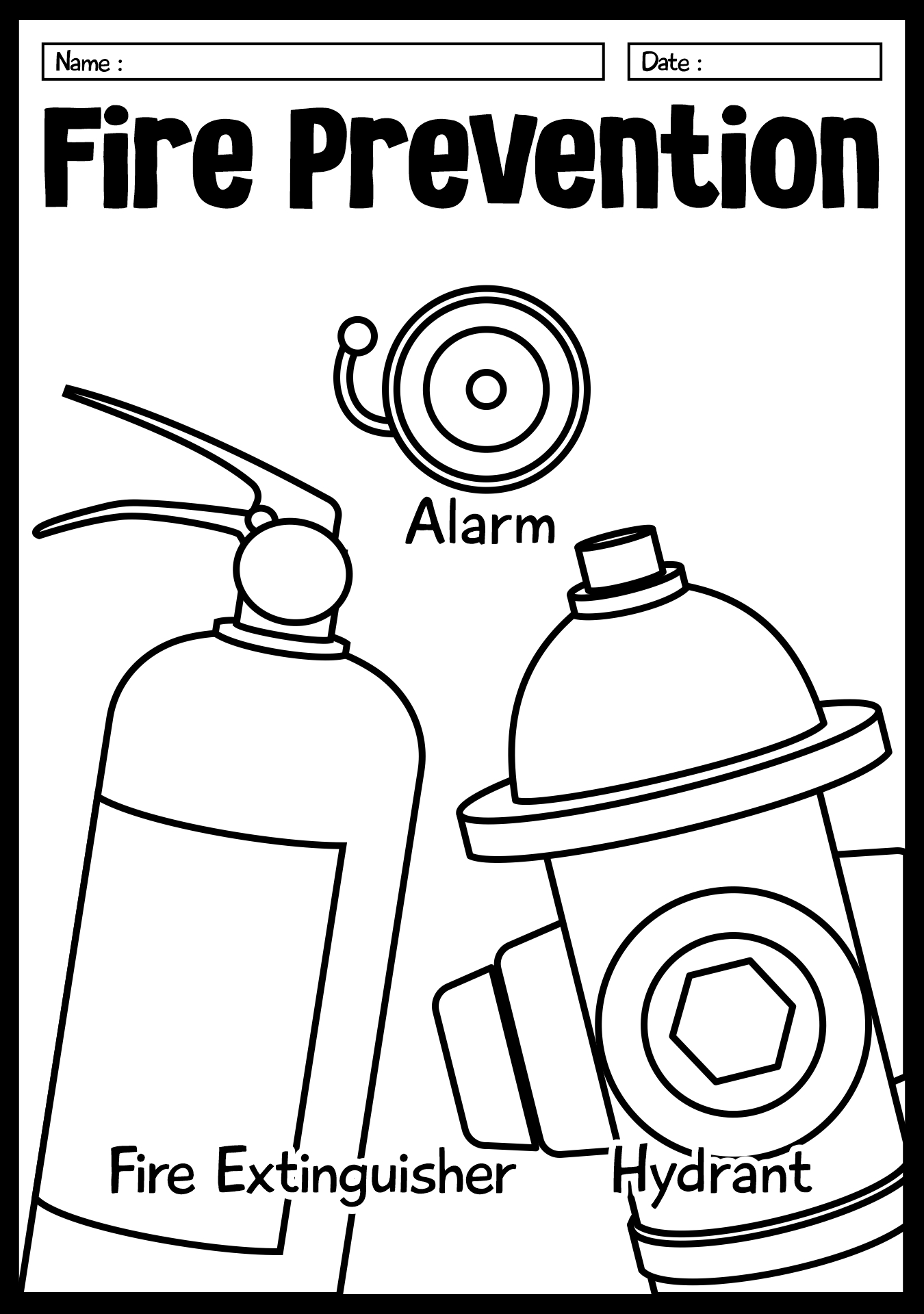
Introducing foundational digital concepts to young learners requires approaches that bypass screen fatigue and focus on cognitive development. Educators and families frequently look for tactile, screen-free avenues to introduce digital literacy before children ever open a browser. By integrating free printable safety coloring pages into early elementary schedules, adults can anchor abstract internet safety rules into tangible, memorable imagery. Organizations like ConnectSafely and the Family Online Safety Institute emphasize that early digital citizenship works best when paired with physical, guided reflection rather than immediate, high-pressure screen exposure.
💡 Activity Key Takeaways:
- Core Focus: Printable Free Printable Safety Coloring Pages designed for creative expression and fine-motor coordination.
- Target Scope: Ideal for toddlers, preschool, kindergarten, and classroom art activities.
- Best Recommendation: Use standard heavy printer paper (24–28 lb) or cardstock for vibrant results with crayons, colored pencils, or washable markers.
Mapping Device Risks to Practical Offline Guardrails
Whether managing personal tablets at home or school-issued Chromebooks in a primary classroom, adults must recognize where digital vulnerabilities emerge. The breakdown below connects common device environments with concrete warning signs and simple safeguards educators and parents can enforce. Related guide: Two Factor Authentication Coloring Page Kids.
| Setting / Context | Common Vulnerability | Practical Safeguard |
|---|---|---|
| Home Tablets & Phones | Unmonitored app downloads and accidental in-app purchases. | Require parent approval for all app stores and hide sensitive search bars using built-in parental controls. |
| School Chromebooks | Bypassing network filters through unauthorized proxy extensions. | Regularly audit browser extensions with IT staff and establish clear Acceptable Use Policies. |
| Interactive Gaming & Chat | Over-sharing personal details with strangers in public lobbies. | Disable text and voice chat features on multiplayer games, steering children toward offline resources like our Coloring Pages for quiet time. |
Establishing Collaborative Classroom and Household Rules
Consistency between school buildings and living rooms prevents children from feeling mixed signals about technology. Start by setting clear boundaries that treat digital devices like any other tool requiring safety gear. Educators can use printable lessons alongside Worksheets to prompt group discussions about kindness, privacy, and password security. At home, designate a central charging station in the kitchen or family room where all screens rest overnight. When children experience device limits as a normal, collaborative household routine rather than an arbitrary punishment, they are far more likely to approach adults calmly if they encounter confusing or upsetting content online.
Overcoming Resistance and Managing Workarounds
Children are naturally curious and often find creative ways around web filters or time limits, such as guessing passwords or switching user profiles. When adults discover these workarounds, an aggressive or punitive reaction usually drives the behavior further underground. CISA guidelines advocate for a posture of curious investigation over shame. Ask the student what motivated them to bypass the control, and use that moment to pivot back to foundational internet and digital safety principles. Emphasize that filters and rules exist to protect them from invisible hazards like data tracking and phishing prompts, not to ruin their fun.
Frequently Asked Questions About Offline Safety Tools
At what age should children start learning digital safety basics?
Foundational concepts like keeping personal information private can begin as early as kindergarten. Using visual resources allows young children to grasp core boundaries before they navigate independent device usage.
How do coloring sheets help reinforce technical rules?
Tactile activities engage fine motor skills and keep children focused on a single narrative message, such as asking a trusted adult before clicking a strange link. This physical engagement aids memory retention far better than a quick verbal warning.
Can these printables be integrated into standard school curricula?
Yes, many elementary teachers incorporate them into media literacy units, library media center orientations, or calm-down corners to pair creative art time with essential citizenship lessons.
Explore More Digital Citizenship Resources
Empowering the next generation of digital citizens requires a diverse toolkit of lessons, discussions, and creative activities. Visit our main hub at SafeWiredSchools.org to discover expert guides, downloadable materials, and strategies designed for modern educators and parents.
Printable Coloring Page Previews